Images
Page 3 of 8: 1 · 2 · 3 · 4 · 5 · 6 · 7 · 8
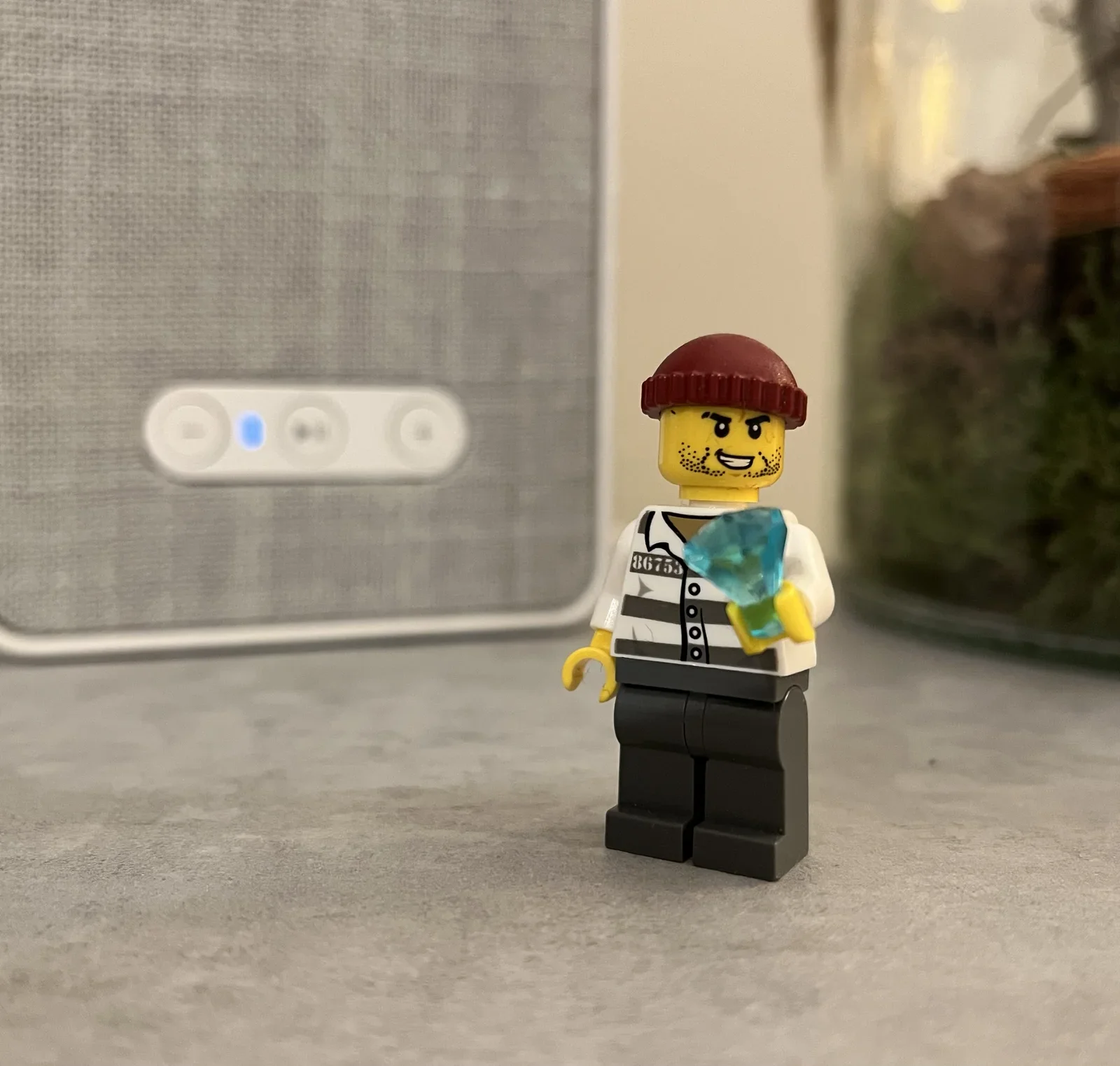
- image Do you see a crook with a diamond or a nice chap with a striped shirt eating a blue ice cream? Close-up of a Lego prisoner minifigure in a red beanie holding a blue gem, standing in front of a blurred fabric-covered smart speaker. (machine-described) text in image:
86753
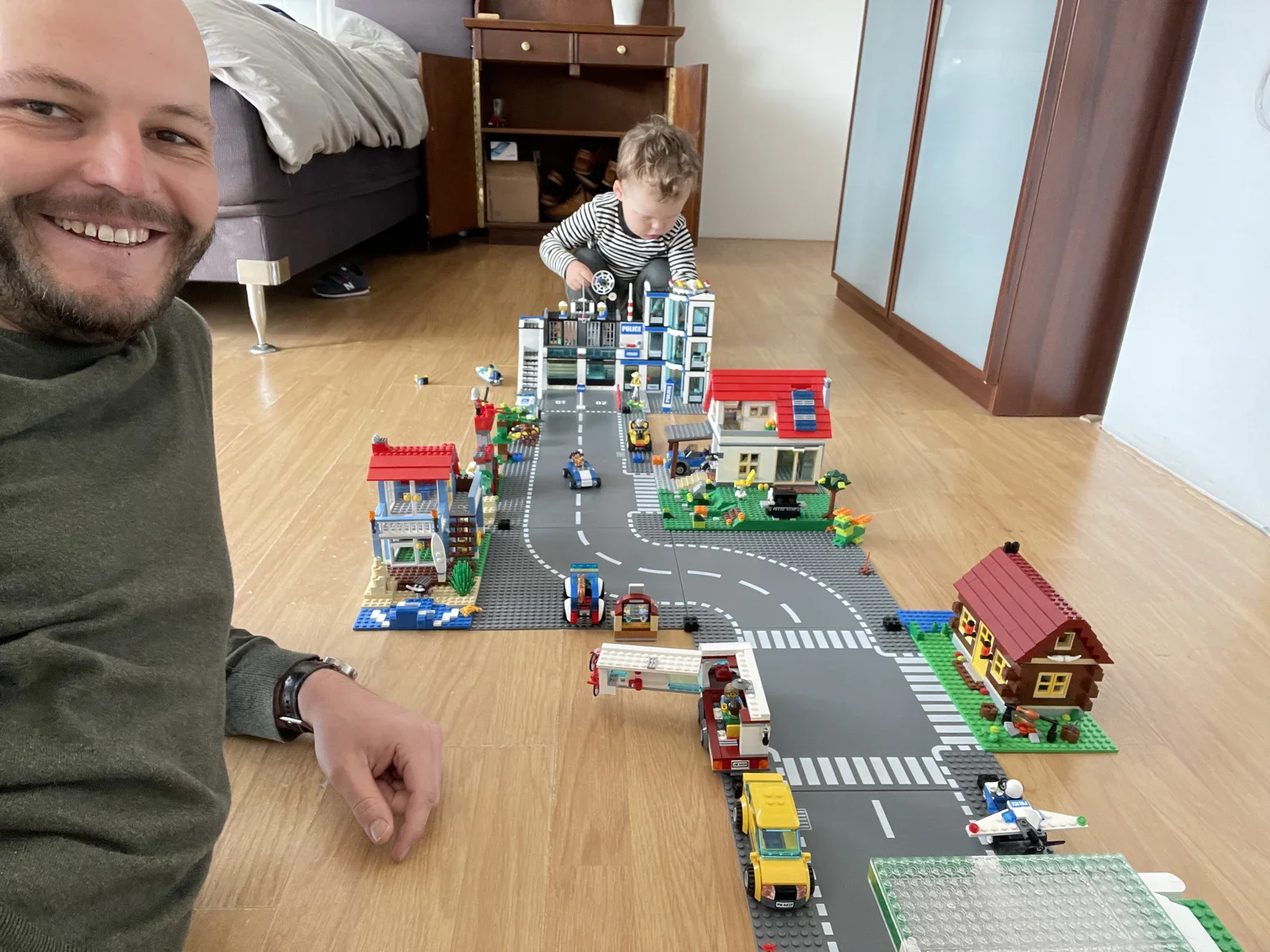
lego, minifigure, prisoner, toy, speaker, gem(Inspiration from a child) - image Discover the Lego world together and learn about our own implicit assumptions - about good, bad, wrong and right. A smiling bald man kneels beside an elaborate Lego City layout with roads, a police station and houses, while a curly-haired toddler plays with the buildings in the background of a bedroom. (machine-described) text in image:
POLICE
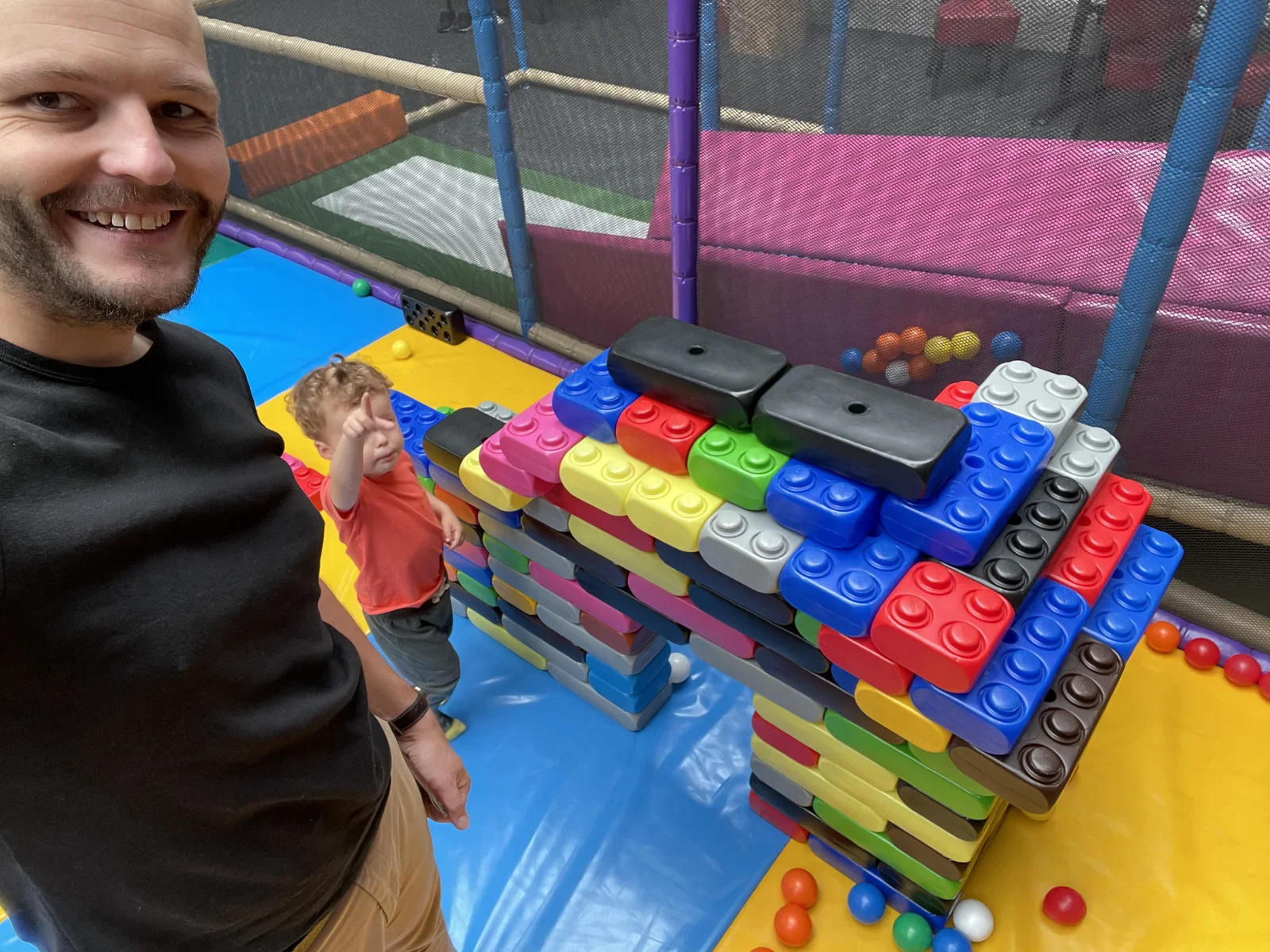
lego, man, toddler, city, bedroom, toy(Inspiration from a child) - image While parents often emphasise on building things, destroying structures can be big fun! Past creations and achievements should not hold you back - destroy them and play on! A bearded man takes a selfie beside a toddler pointing upward inside a padded indoor play area, next to a large wall built from oversized plastic toy bricks. (machine-described)
man, toddler, indoor playground, toy bricks, selfie, soft play(Inspiration from a child) - image This plane flies everywhere - yet it never leaves the ground (at Schiphol Airport Amsterdam) A man wearing a face mask around his chin carries a smiling curly-haired child on his shoulders in front of the nose of a KLM Air France aircraft labelled City of Schiphol. (machine-described) text in image:
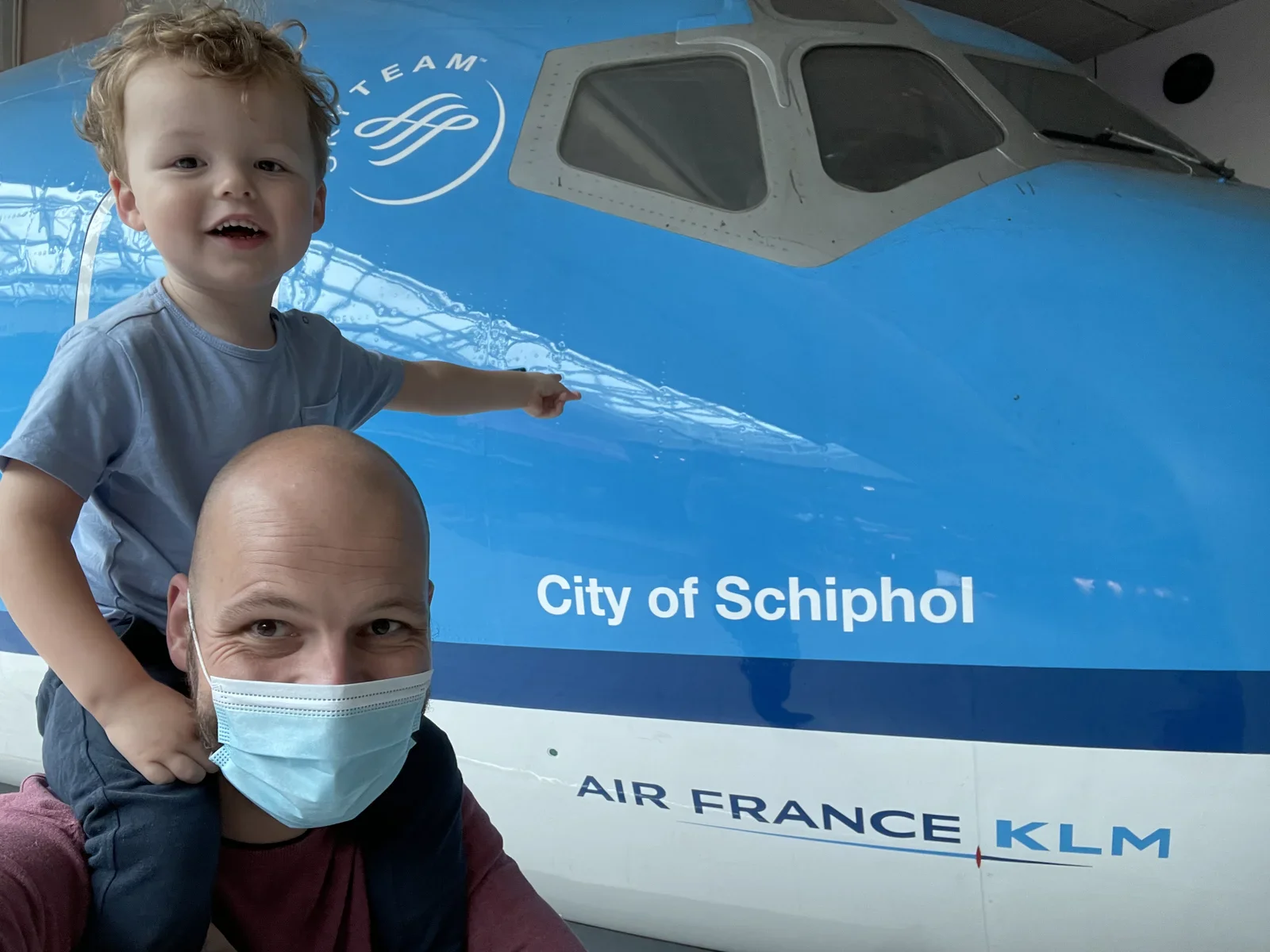
City of Schiphol AIR FRANCE KLM SKYTEAM
man, child, klm, aircraft, mask, shoulders(Inspiration from a child) - image A low-angle shot of a black cargo bicycle with an orange box on a muddy forest path. (machine-described) text in image:
SCHWALBE
bicycle, cargo box, mud, tire, forest(Inspiration from a child) - image A child in a striped shirt is kneeling on a sandy beach next to a large mound of sand with a hole dug into its side. (machine-described)
child, sand, shovel, beach(Inspiration from a child) - image A black cargo bicycle with an orange wooden box is parked on a muddy forest path with a person visible inside the cargo area. (machine-described) text in image:
SCHWALBE
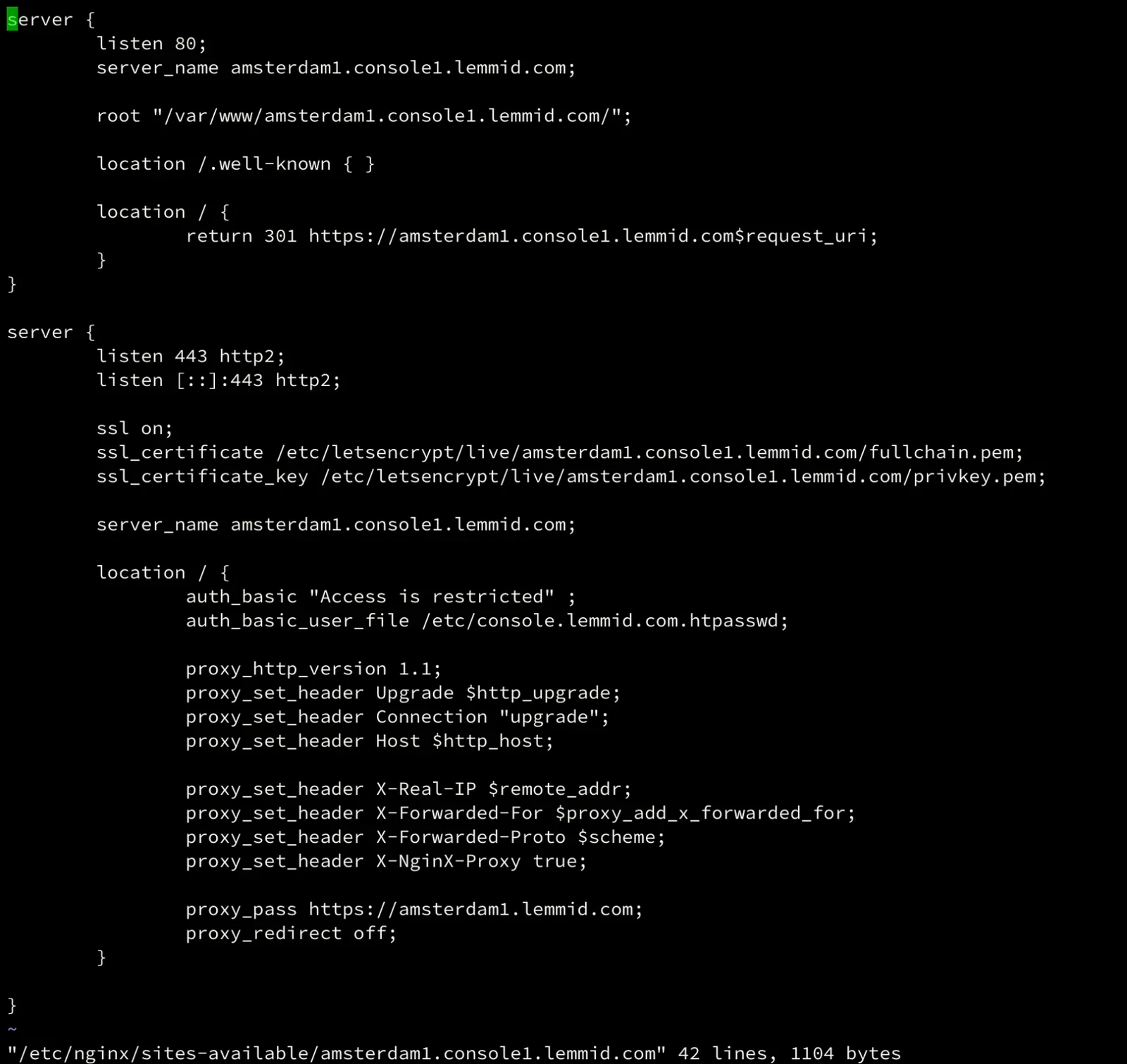
bicycle, cargo box, mud, forest, person(Inspiration from a child) - image nginx configuration to authenticate and forward traffic to a VMware administrative console A terminal window shows an nginx server configuration file defining HTTP to HTTPS redirection and a password protected reverse proxy for a lemmid.com subdomain. (machine-described) text in image:
server { listen 80; server_name amsterdam1.console1.lemmid.com; root "/var/www/amsterdam1.console1.lemmid.com/"; location /.well-known { } location / { return 301 https://amsterdam1.console1.lemmid.com$request_uri; } } server { listen 443 http2; listen [::]:443 http2; ssl on; ssl_certificate /etc/le
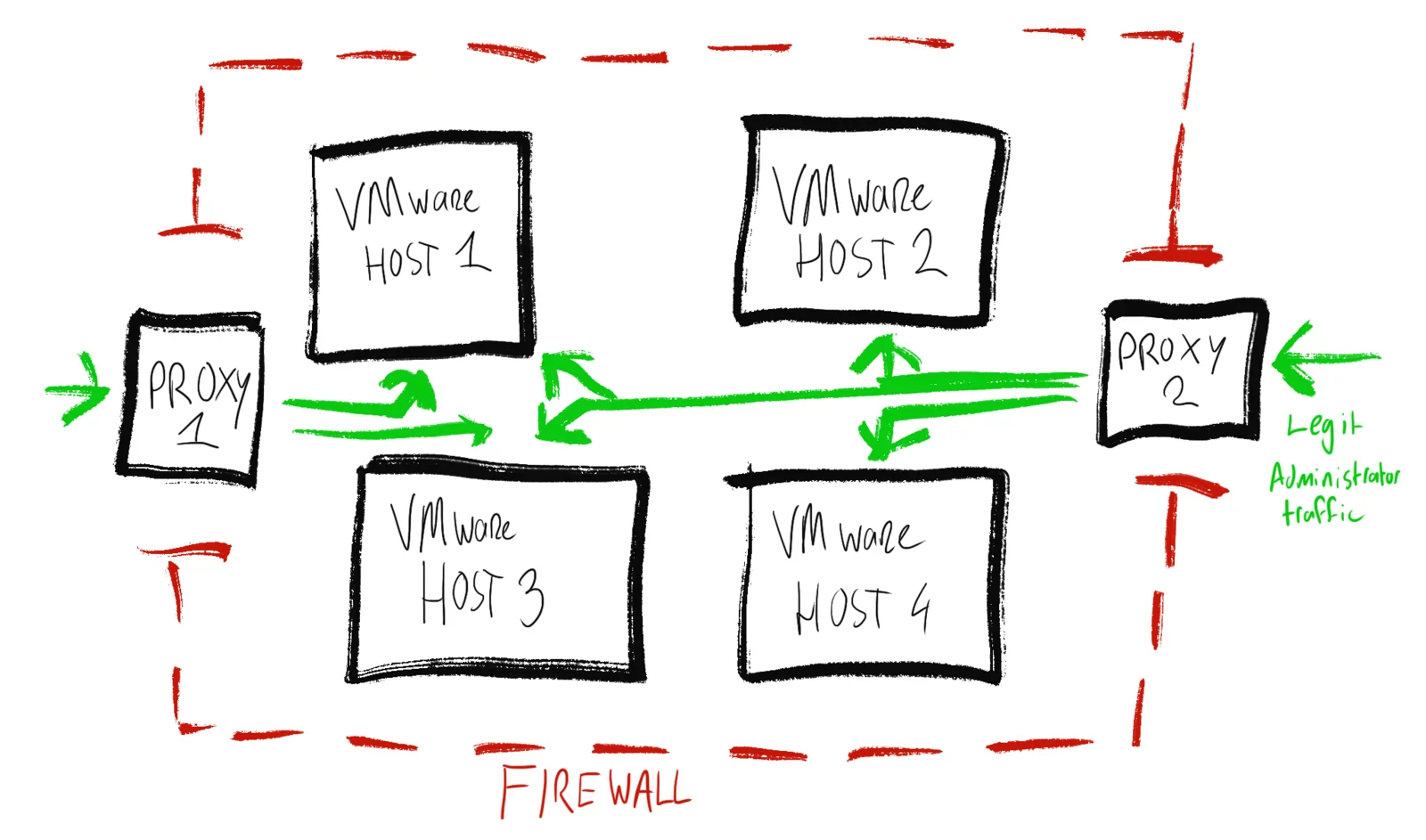
terminal, nginx, config, ssl, server, lemmid(Protecting VMware ESXi) - image Two proxy servers providing secure access to multiple VMware hosts Hand-drawn diagram showing two proxies routing traffic to four VMware ESXi hosts inside a firewall boundary, with a green line marking legitimate administrator traffic. (machine-described) text in image:
PROXY 1 VMware HOST 1 VMware HOST 2 PROXY 2 VMware HOST 3 VMware HOST 4 Legit Administrator traffic FIREWALL
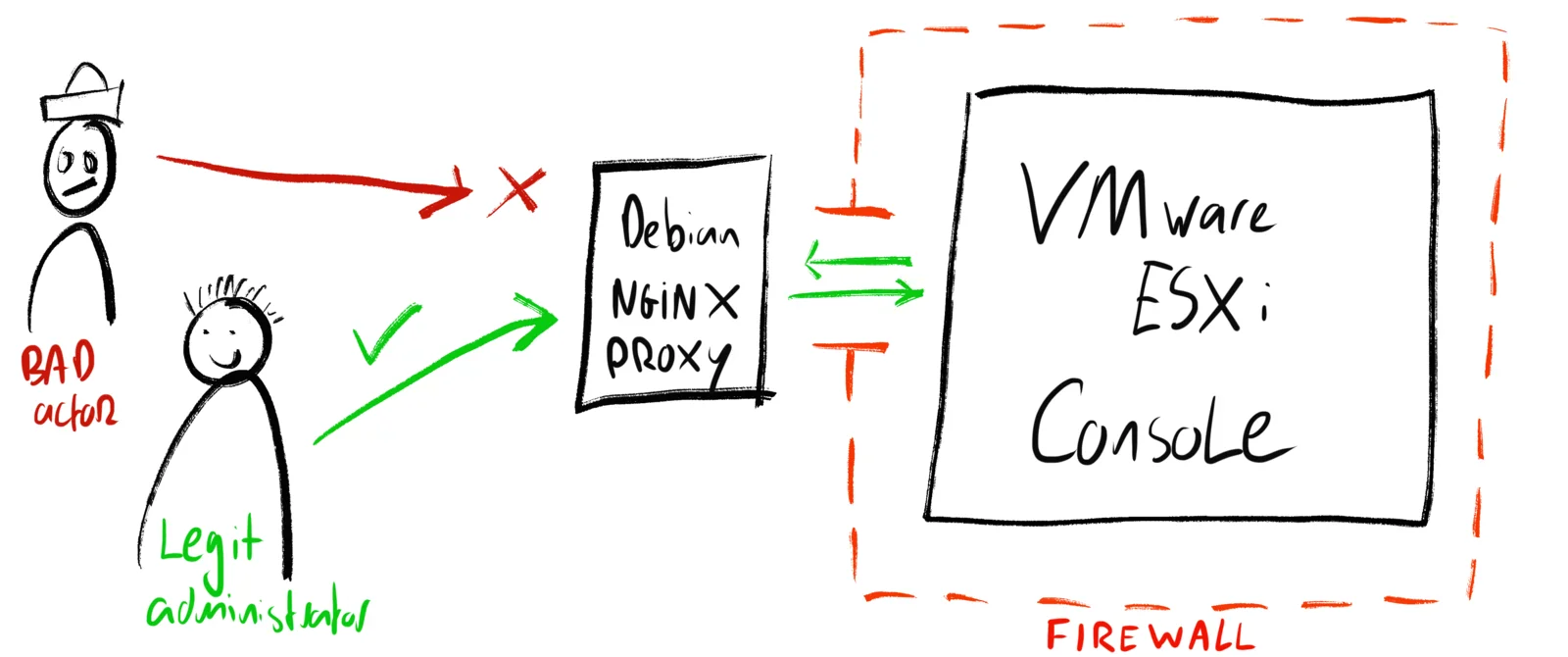
diagram, vmware, proxy, firewall, network, sketch(Protecting VMware ESXi) - image Pre-authenticate traffic to the administrative console through a small and simple Debian GNU/Linux server with nginx proxy Hand-drawn diagram showing a bad actor blocked and a legitimate administrator allowed through a Debian Nginx proxy to reach a VMware ESXi console behind a firewall. (machine-described) text in image:
BAD actor Legit administrator Debian NGiNX PROXY VMware ESXi Console FIREWALL
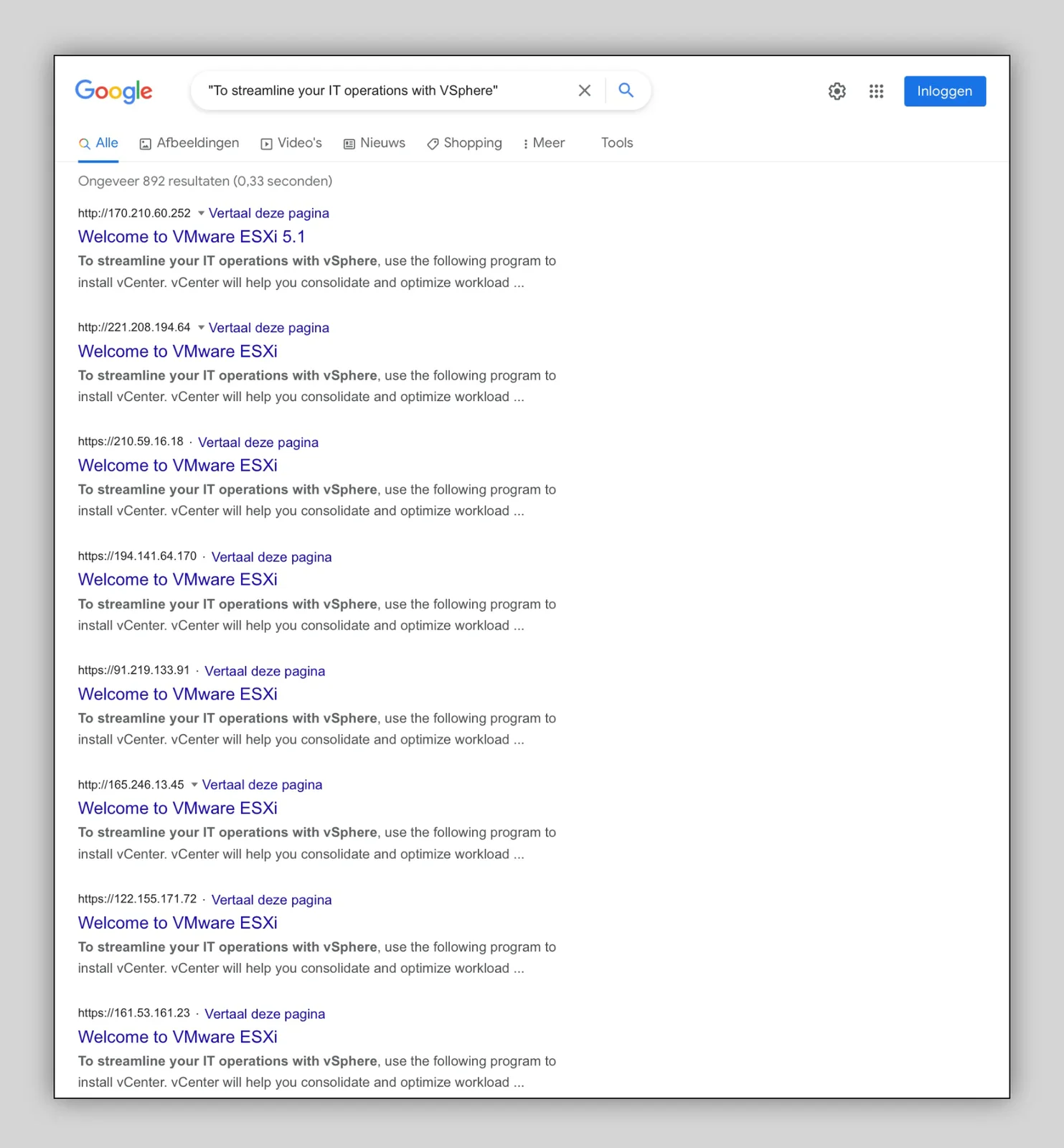
diagram, security, proxy, vmware, firewall, sketch(Protecting VMware ESXi) - image Finding exposed VMware ESXi web interfaces requires nothing but some Google skills Screenshot of a Dutch-language Google search results page for exposed VMware ESXi welcome pages, listing raw IP addresses as page titles. (machine-described) text in image:
"To streamline your IT operations with vSphere" Ongeveer 892 resultaten (0,33 seconden) http://170.210.60.252 Vertaal deze pagina Welcome to VMware ESXi 5.1 http://221.208.194.64 Vertaal deze pagina Welcome to VMware ESXi https://210.59.16.18 Vertaal deze pagina Welcome to VMware ESXi https://194.14
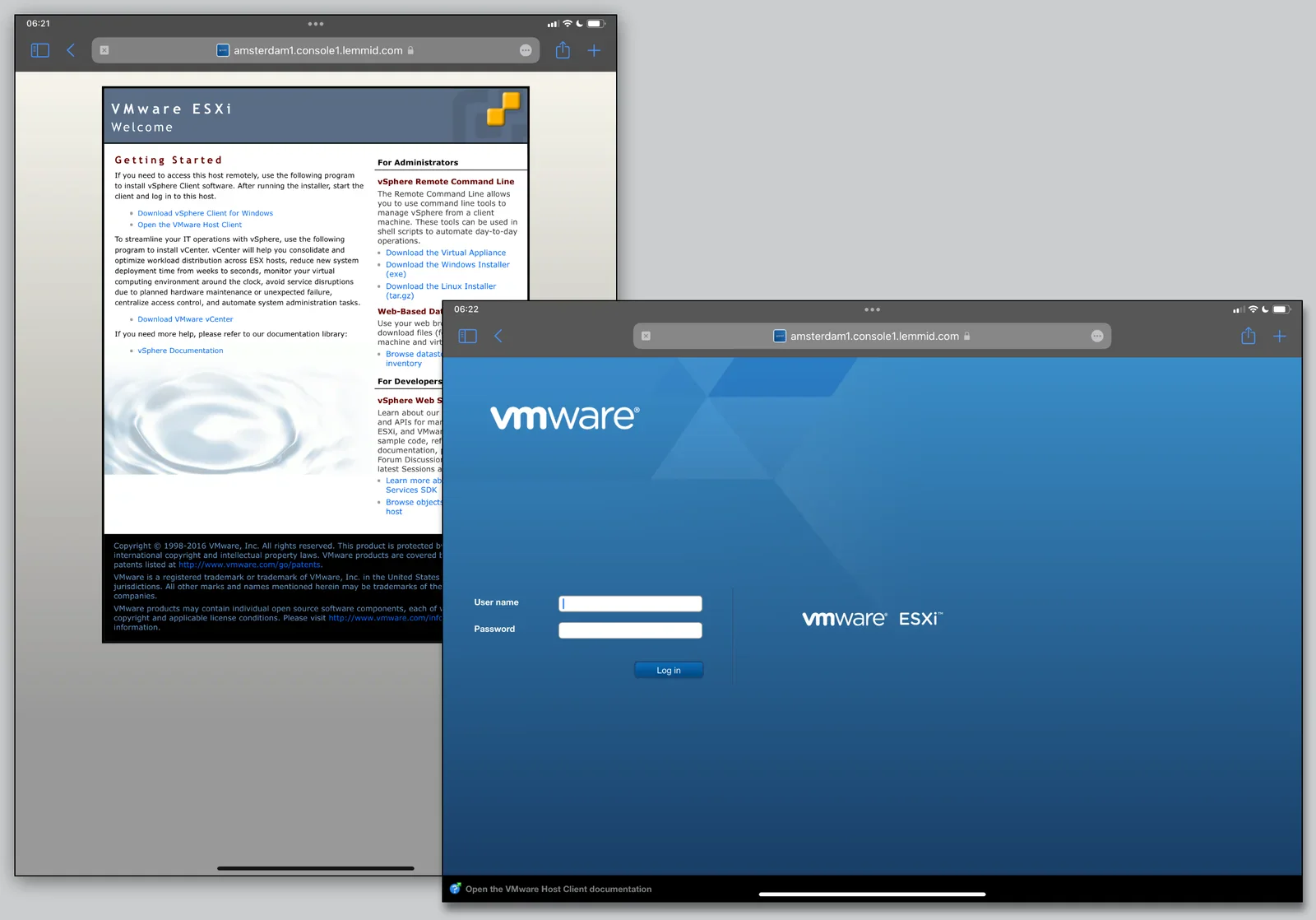
screenshot, google, search, vmware, esxi, security(Protecting VMware ESXi) - image VMware ESXi web interface - inviting you and others to manage this physical machine Two overlapping iPad browser screenshots of the VMware ESXi welcome page and a VMware ESXi login screen, both loaded via a lemmid.com console address. (machine-described) text in image:
amsterdam1.console1.lemmid.com VMware ESXi Welcome Getting Started For Administrators vSphere Remote Command Line Download vSphere Client for Windows Open the VMware Host Client Download the Virtual Appliance Download the Windows Installer (exe) Download the Linux Installer (tar.gz) Download VMware
screenshot, ipad, vmware, esxi, login, browser(Protecting VMware ESXi) - image VMware ESXi is a bare metal hypervisor that divides one physical server into multiple virtual servers Illustration of a physical server with the VMware logo, supporting three stacked virtual machine boxes each labelled APP over OS. (machine-described) text in image:
APP OS APP OS APP OS VMware © VMware, Inc.
illustration, vmware, virtualization, server, diagram(Protecting VMware ESXi) - image A hand-drawn diagram illustrating a network architecture with a bad actor, a legitimate administrator, a Debian Nginx Proxy, and a VMware ESXi Console protected by a firewall. (machine-described) text in image:
VMware ESXi Welcome Getting Started For Administrators For Developers 06:21 06:22 amsterdam1.console1.lemmid.com Bad actor Legit administrator Debian Nginx PROXY VMware ESXi Console FIREWALL User name Password Log in
diagram, network, firewall, proxy, console, users(Protecting VMware ESXi) - image A computer screen displays a VMware ESXi login interface with a chalkboard-style graphic showing 'VMware ESXi Console' and 'FIREWALL'. (machine-described) text in image:
VMware ESXi Console FIREWALL VMware ESXi User name Password
login screen, software interface, computer display, virtualization platform(Protecting VMware ESXi) - image A digital diagram drawn in white chalk-style lines overlays two screenshots of the VMware ESXi interface, illustrating a network architecture with a firewall, proxy, and user roles. (machine-described) text in image:
VMware ESXi Welcome Getting Started For Administrators For Developers 06:21 amsterdam1.console1.lemmid.com 06:22 Debian NginX PROXY VMware ESXi Console FIREWALL BAD actor Legit administrator User name Password Log in
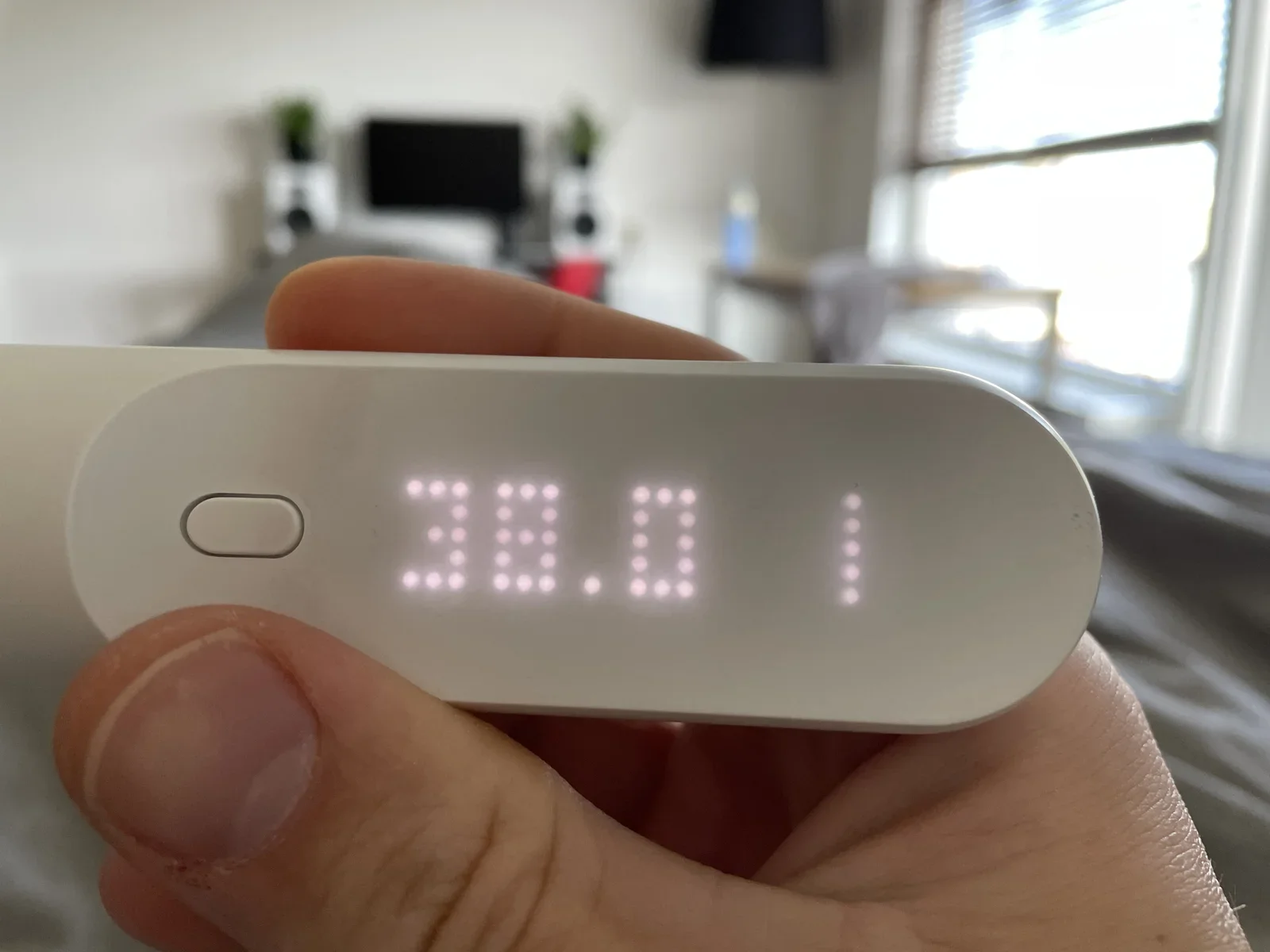
diagram, screenshot, text, drawing, interface, architecture(Protecting VMware ESXi) - image Fever time - 38 degrees Celsius is way above my normal A hand holds a digital infrared thermometer displaying a reading of 38.0 degrees, in a bedroom with a desk and window in the background. (machine-described) text in image:
38.0
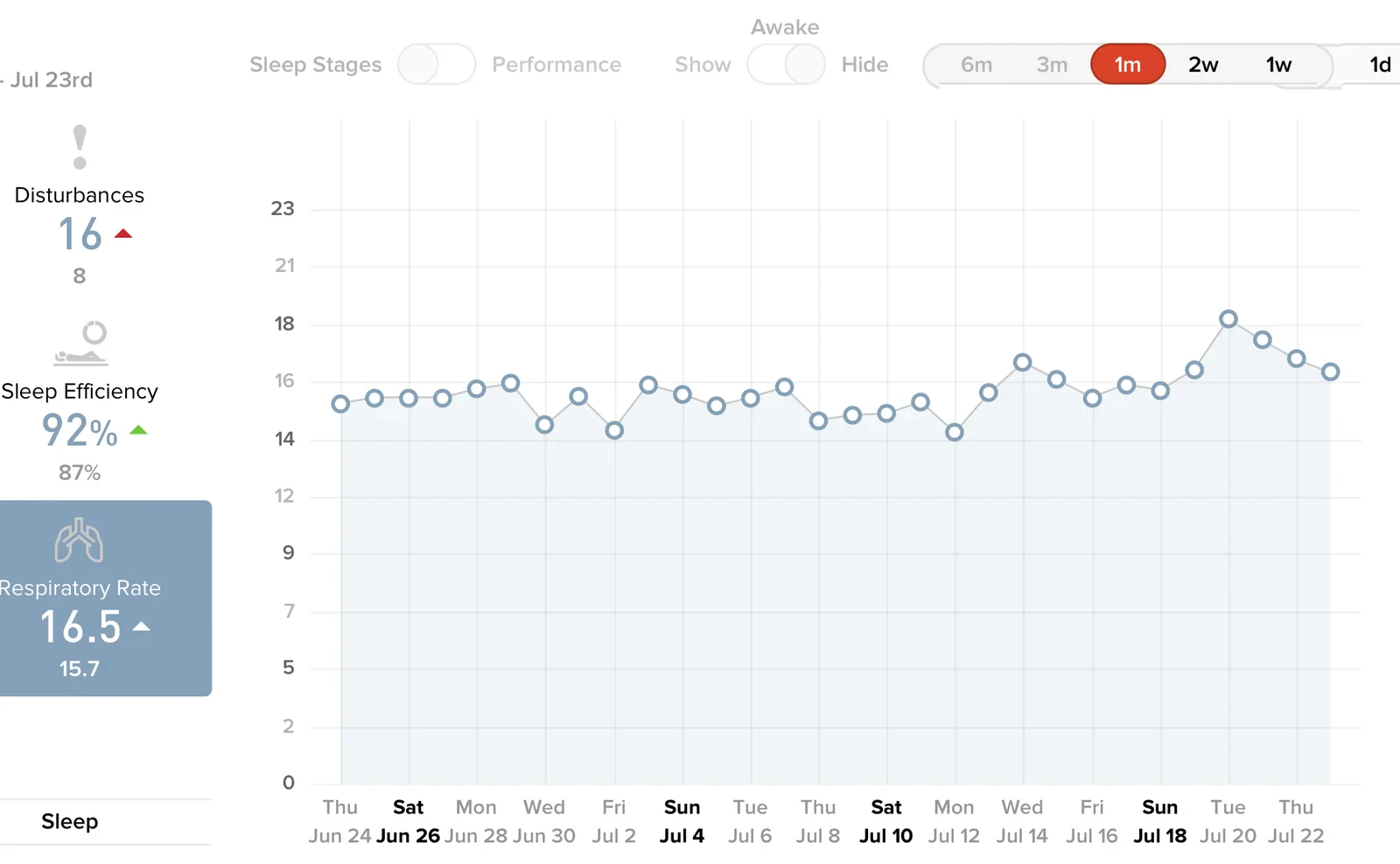
thermometer, temperature, health, bedroom, hand(The birth of a child) - image Respiratory rate data showing me falling ill, about one week after the birth of my daughter at July 20th. Screenshot of a sleep tracking app dashboard showing a month of sleep disturbances, sleep efficiency and respiratory rate charts. (machine-described) text in image:
Jul 23rd Sleep Stages Performance Awake Show Hide 6m 3m 1m 2w 1w 1d Disturbances 16 8 Sleep Efficiency 92% 87% Respiratory Rate 16.5 15.7 Sleep
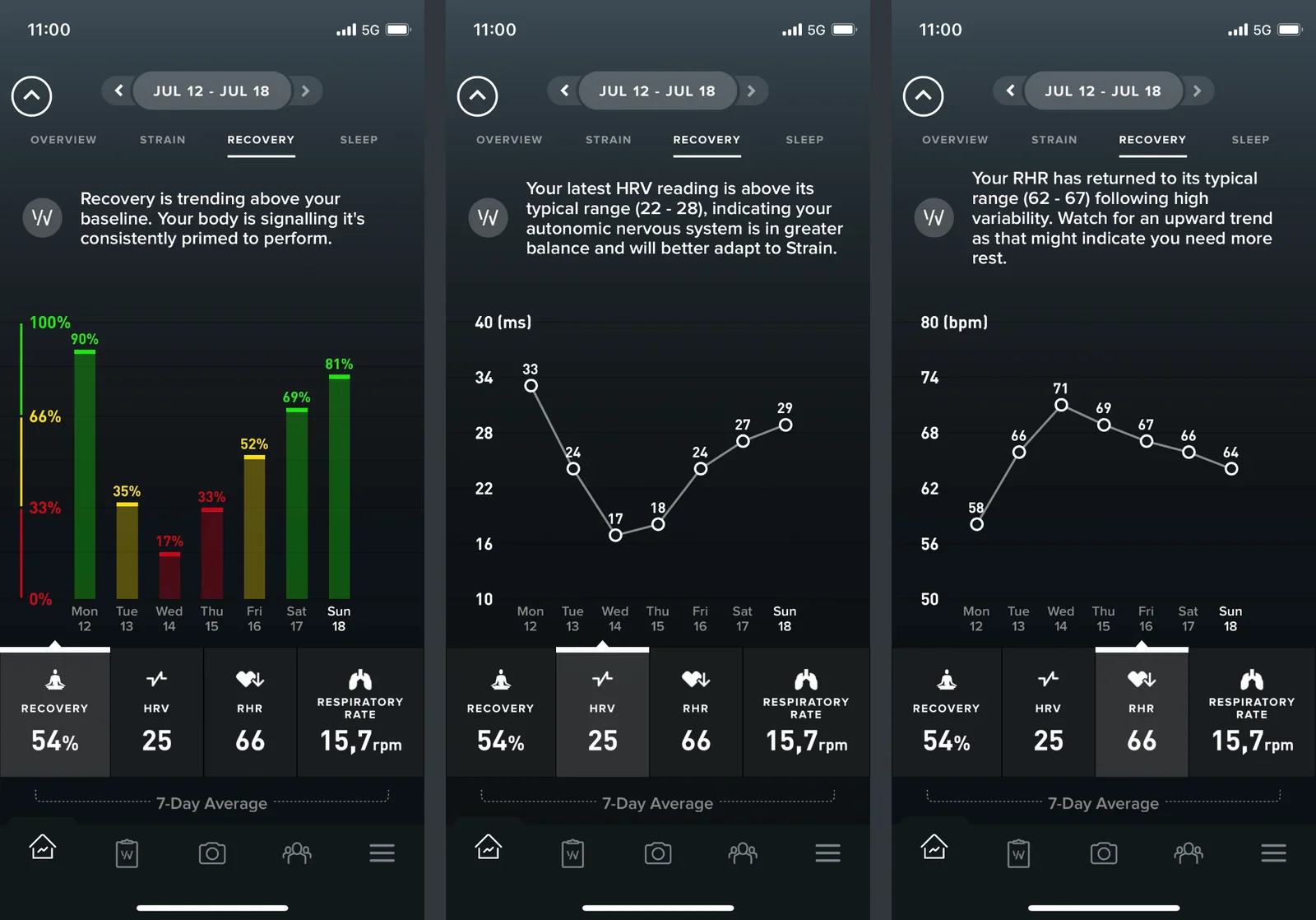
screenshot, sleep tracking, app, health data, chart(The birth of a child) - image My daughter was born on Tuesday, July 13 - the data clearly shows the impact on my body and its gradual adjustment to this new fatherhood Three side by side screenshots of a WHOOP fitness app showing a week of recovery percentage, heart rate variability and resting heart rate trends. (machine-described) text in image:
11:00 5G JUL 12 - JUL 18 OVERVIEW STRAIN RECOVERY SLEEP Recovery is trending above your baseline. Your body is signalling its consistently primed to perform. Your latest HRV reading is above its typical range (22 - 28), indicating your autonomic nervous system is in greater balance and will bette
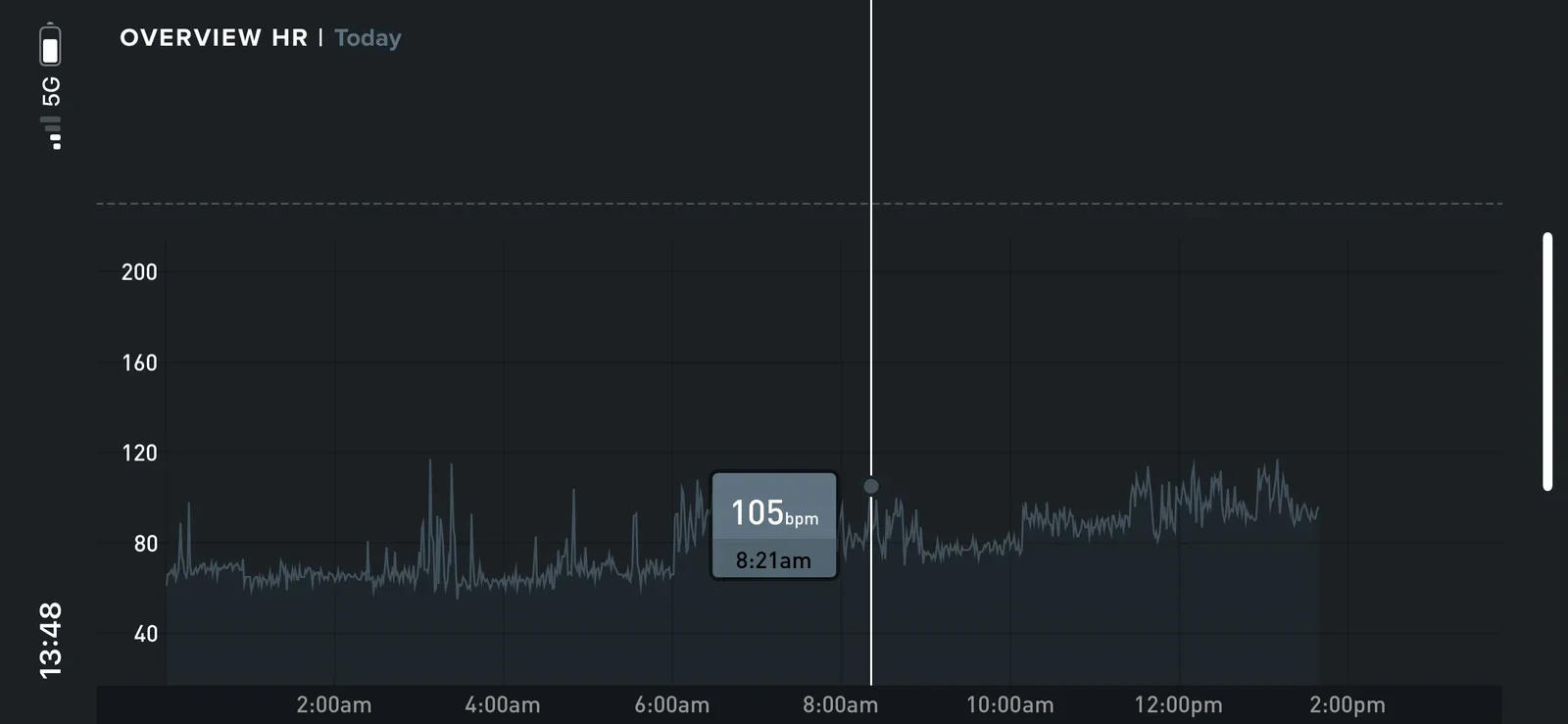
screenshot, whoop, fitness app, recovery, heart rate(The birth of a child) - image Heart rate data during the day - my average rate increases during the day as I am increasingly exhausted - a spike in heart rate is clearly visible around the time I first saw my daughter - amazing Screenshot of a heart rate overview chart for the current day, with a tooltip showing 105 bpm at 8:21am. (machine-described) text in image:
OVERVIEW HR Today 200 160 120 80 40 105 bpm 8:21am 2:00am 4:00am 6:00am 8:00am 10:00am 12:00pm 2:00pm 13:48 5G
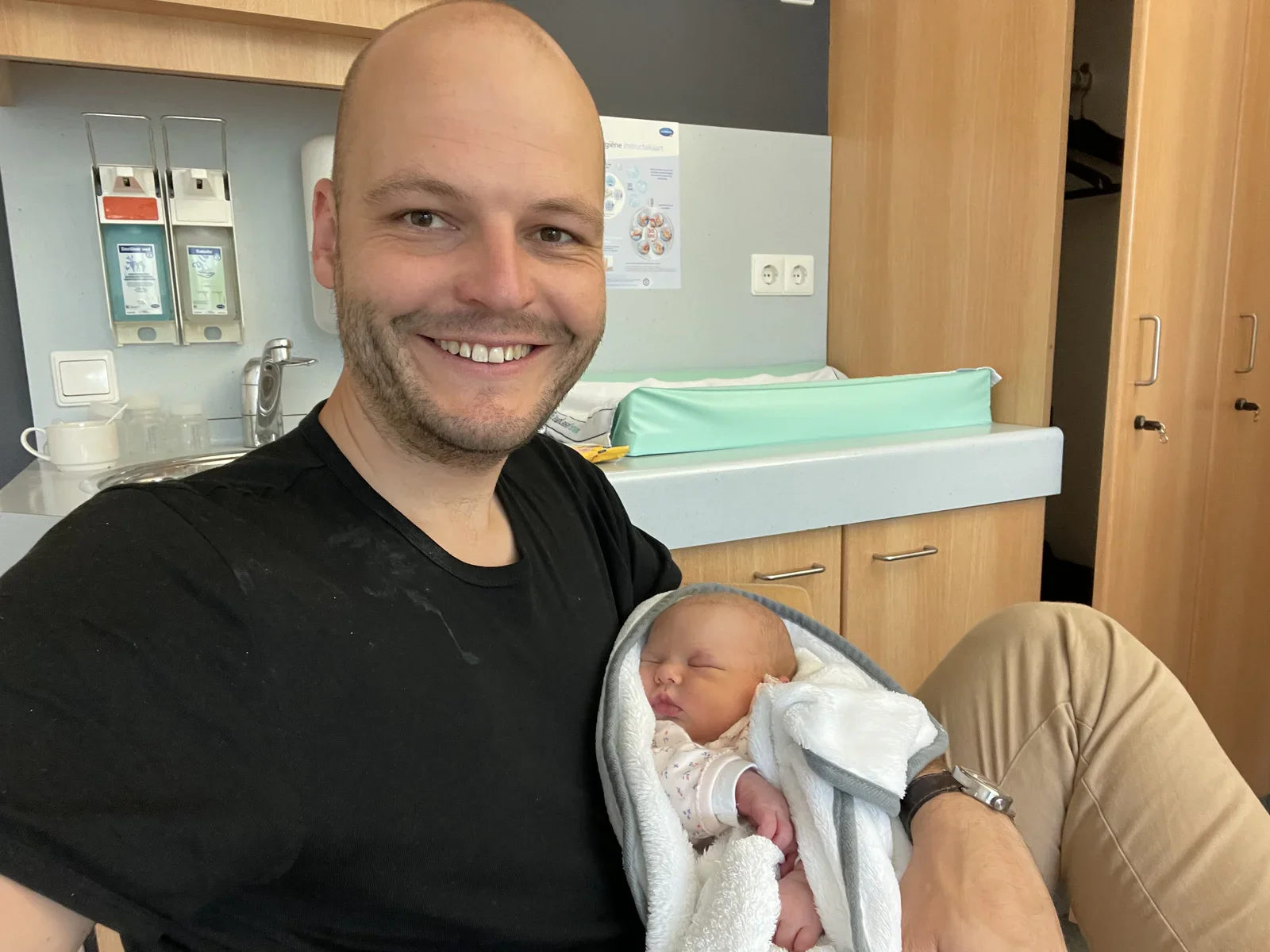
screenshot, heart rate, fitness app, chart(The birth of a child) - image Hours later, when the adrenaline tunes down, you'll start to feel the impact (and have plenty of smudges on your shirt to prove it, ha!) A bald man in a black t-shirt smiles while holding a swaddled newborn baby in a hospital room with a changing table and hygiene dispensers. (machine-described) text in image:
Hygiene instructiekaart
newborn, father, hospital, baby, selfie(The birth of a child) - image Luckily my experience from our first child came in handy! Like knowing how to ride a bike, you'll never forget how to change diapers! A man in a dark polka dot polo shirt changes a newborn baby on a hospital changing table beneath an infant warming lamp. (machine-described)
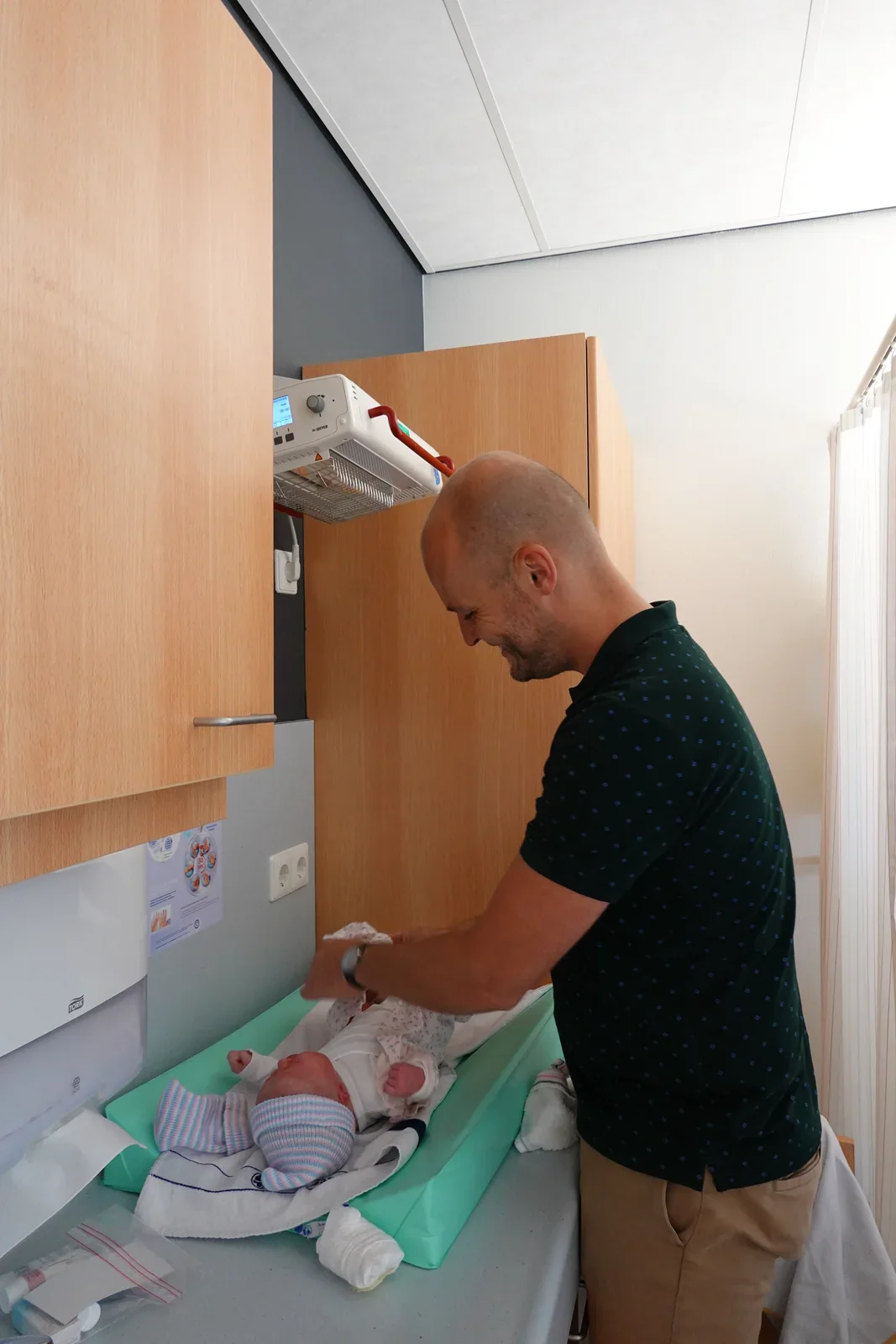
newborn, father, hospital, changing table, baby(The birth of a child) - image Less then one hour later you're a dad - WOW, hello you! A shirtless bald man holds a newborn baby in a striped hat skin to skin against his chest in a hospital bed. (machine-described)
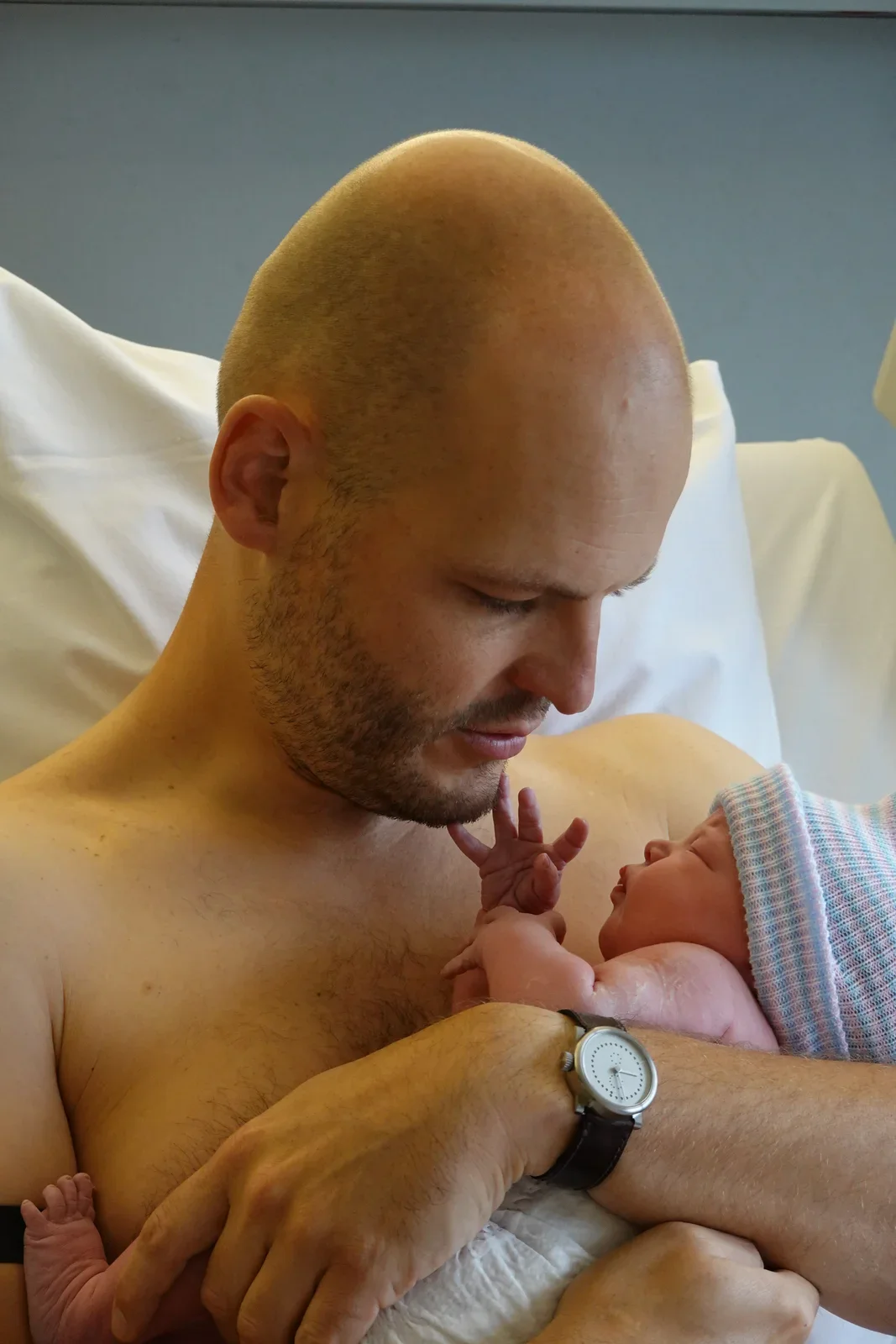
newborn, father, hospital, skin to skin, baby(The birth of a child) - image Yours truly dressed up and ready - it's an incredible privilege to be able to witness the surgery as a man - big, big thanks to the hospital staff!! A man wearing a full protective gown, cap, mask and shoe covers stands in a hospital hallway beside a supply cabinet and a potted palm. (machine-described) text in image:
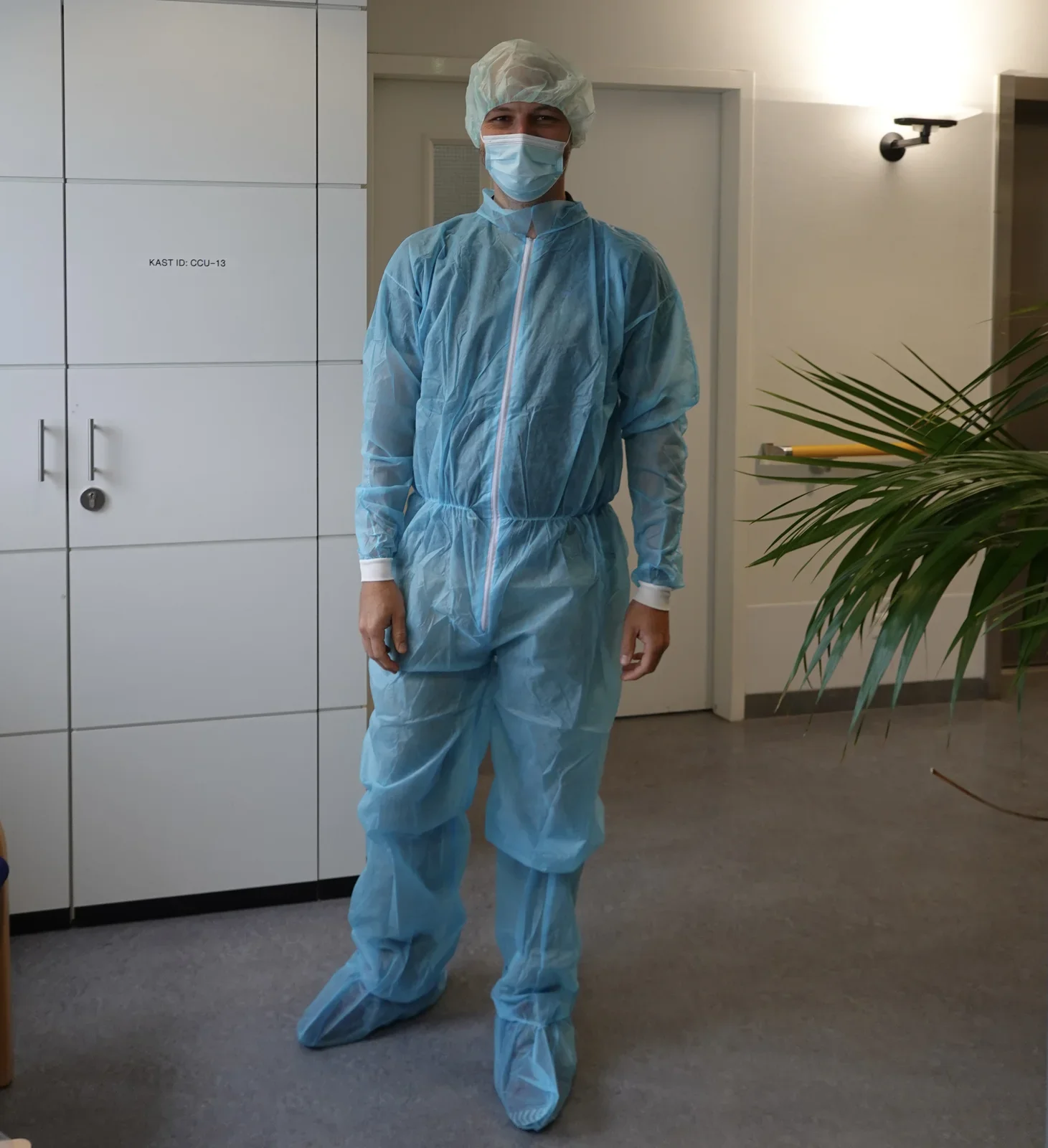
KAST ID: CCU-13
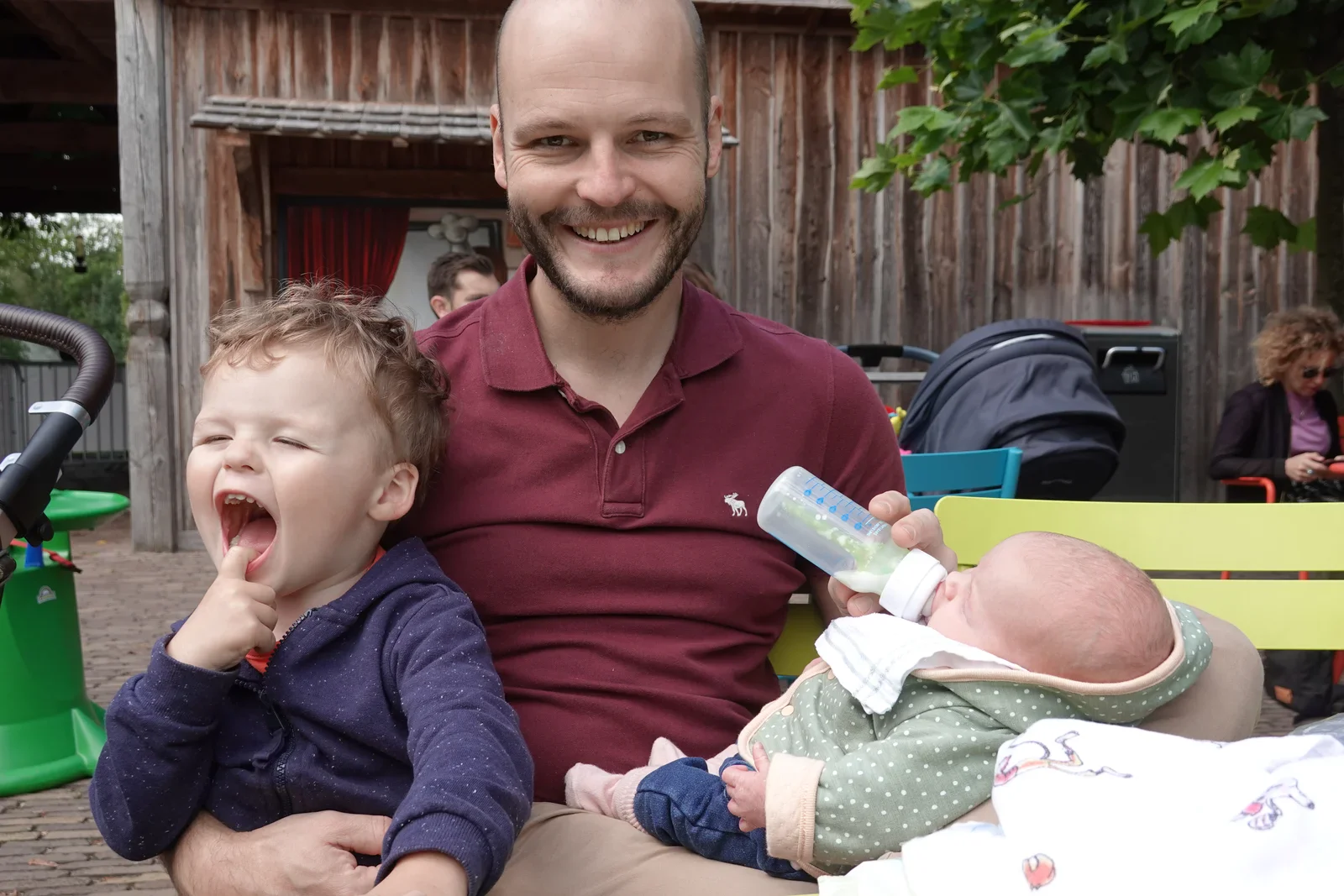
hospital, ppe, protective gown, mask, hallway(The birth of a child) - image One happy daddy - two amazing kids - multiplayer! A man in a maroon polo shirt sits outdoors holding a laughing toddler on one side and feeding a newborn a bottle on the other, with a pram visible behind them. (machine-described)
father, toddler, newborn, bottle feeding, outdoor(The birth of a child) - image Returning home recovered and feeling well, time for celebration: "Hoera een meisje" A man sits on a wooden bench looking down at a newborn baby in a car seat, in front of a window decorated with a pastel "Hoera een meisje" bunting. (machine-described) text in image:
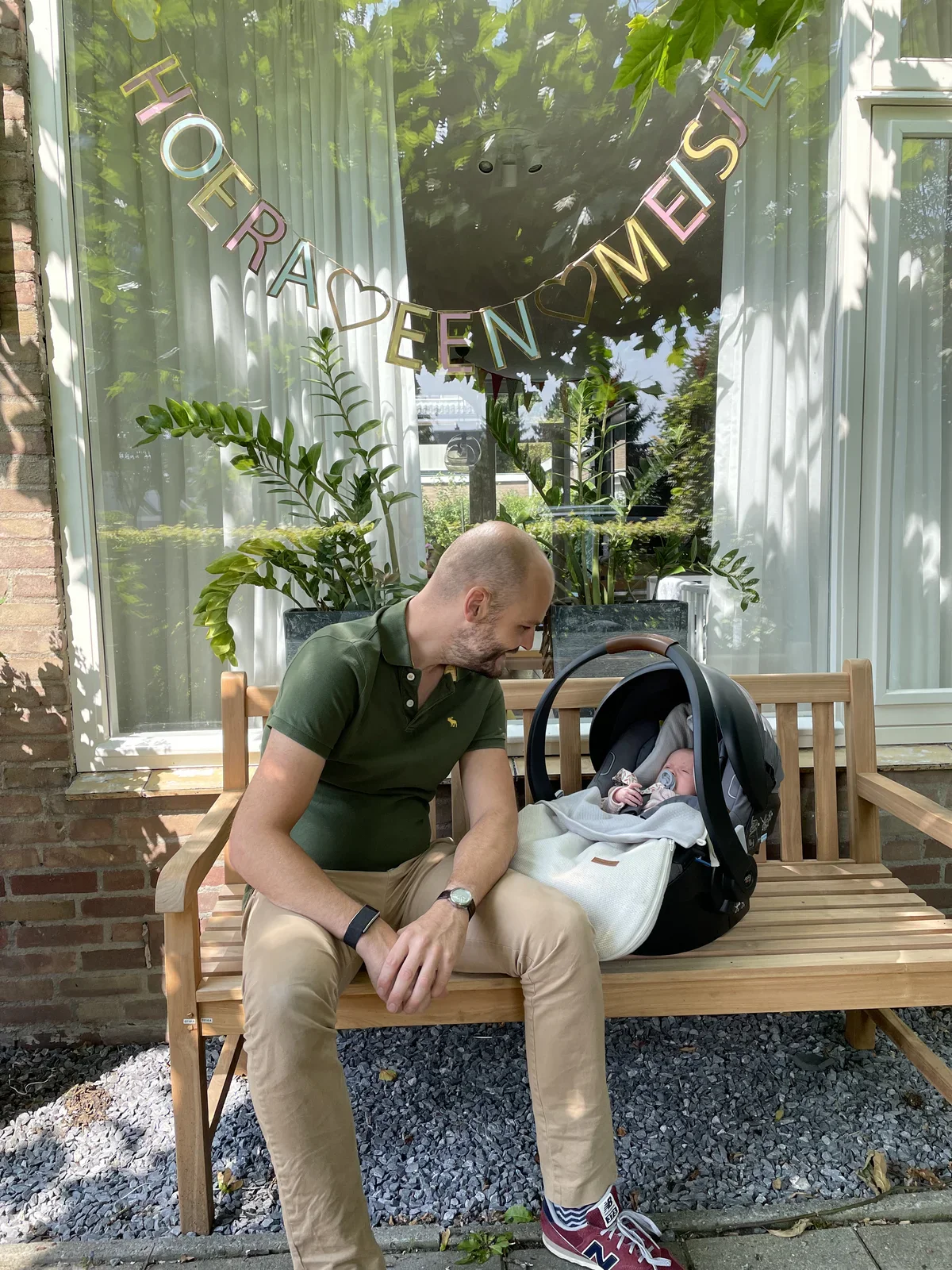
HOERA EEN MEISJE
father, newborn, car seat, bench, bunting, girl(The birth of a child) - image One of the advantages of a planned cesarean section is that you know when the action will begin - giving you plenty of time to drive to the hospital A wristwatch dominates the foreground as a hand reaches toward a car with its boot open and a pillow inside, parked on a residential street beneath a street name sign. (machine-described) text in image:
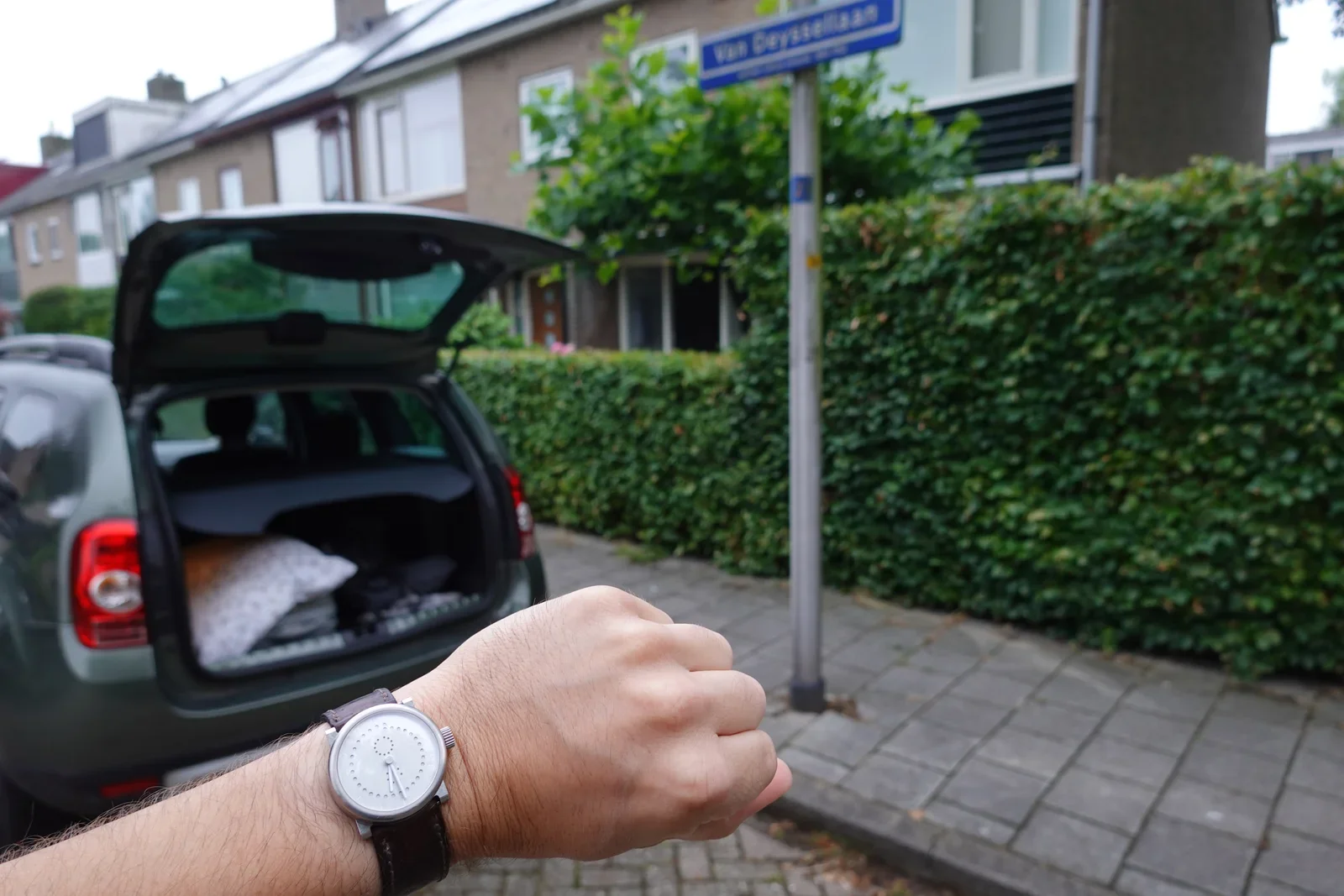
Van Deysselaan
car, watch, boot, street sign, residential street(The birth of a child) - image A smiling bald man wearing a black t-shirt holds a sleeping newborn baby wrapped in a white blanket while sitting in a room with a changing table and medical supplies. (machine-described)
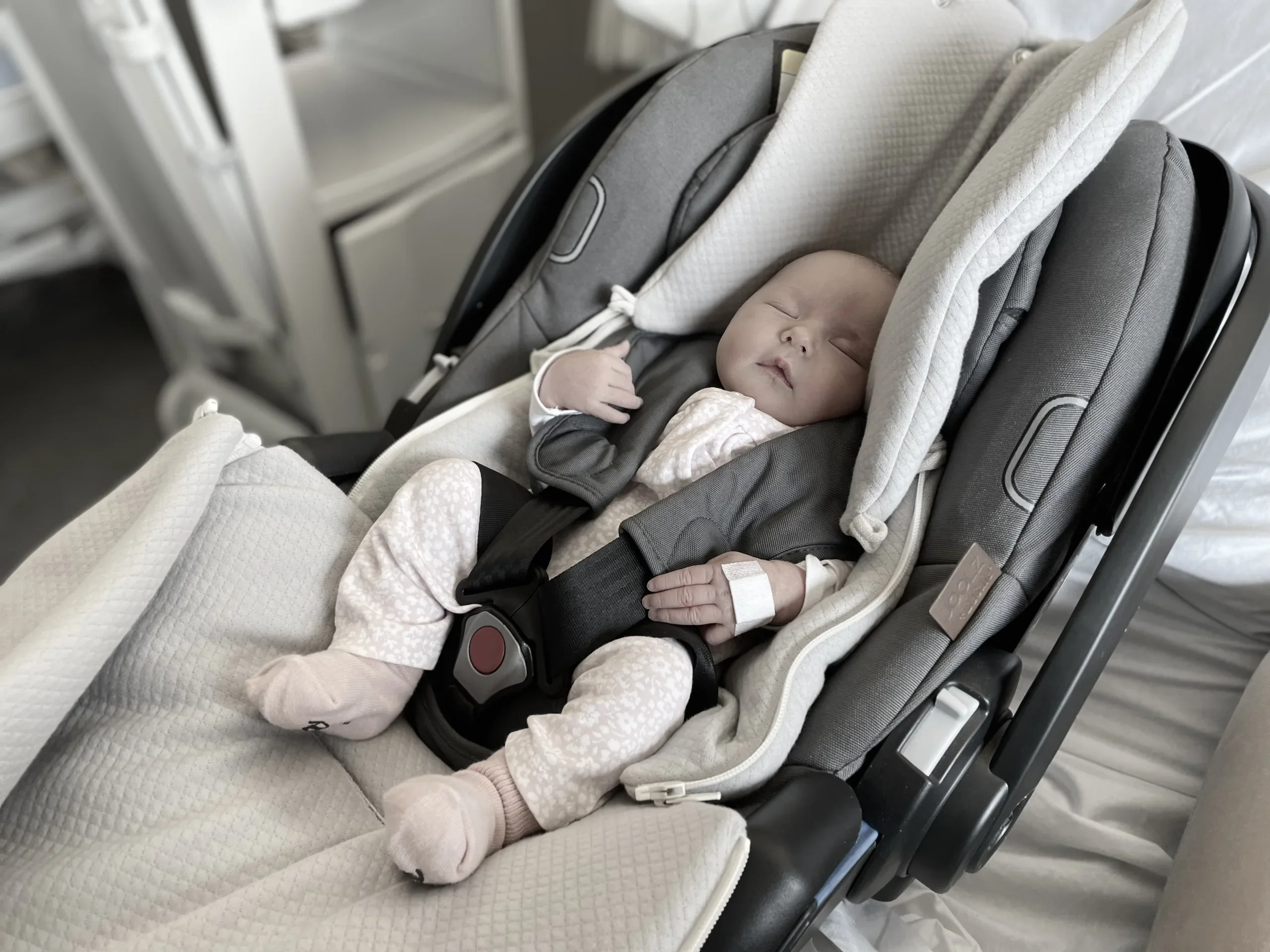
man, baby, changing table, blanket, medical supplies(The birth of a child) - image A sleeping infant wearing a hospital wristband and patterned clothing is secured in a grey and white infant car seat. (machine-described)
baby, car seat, wristband, clothing(The birth of a child) - image A bald man wearing a black t-shirt and beige trousers smiles while holding a sleeping newborn baby wrapped in a white blanket. (machine-described)
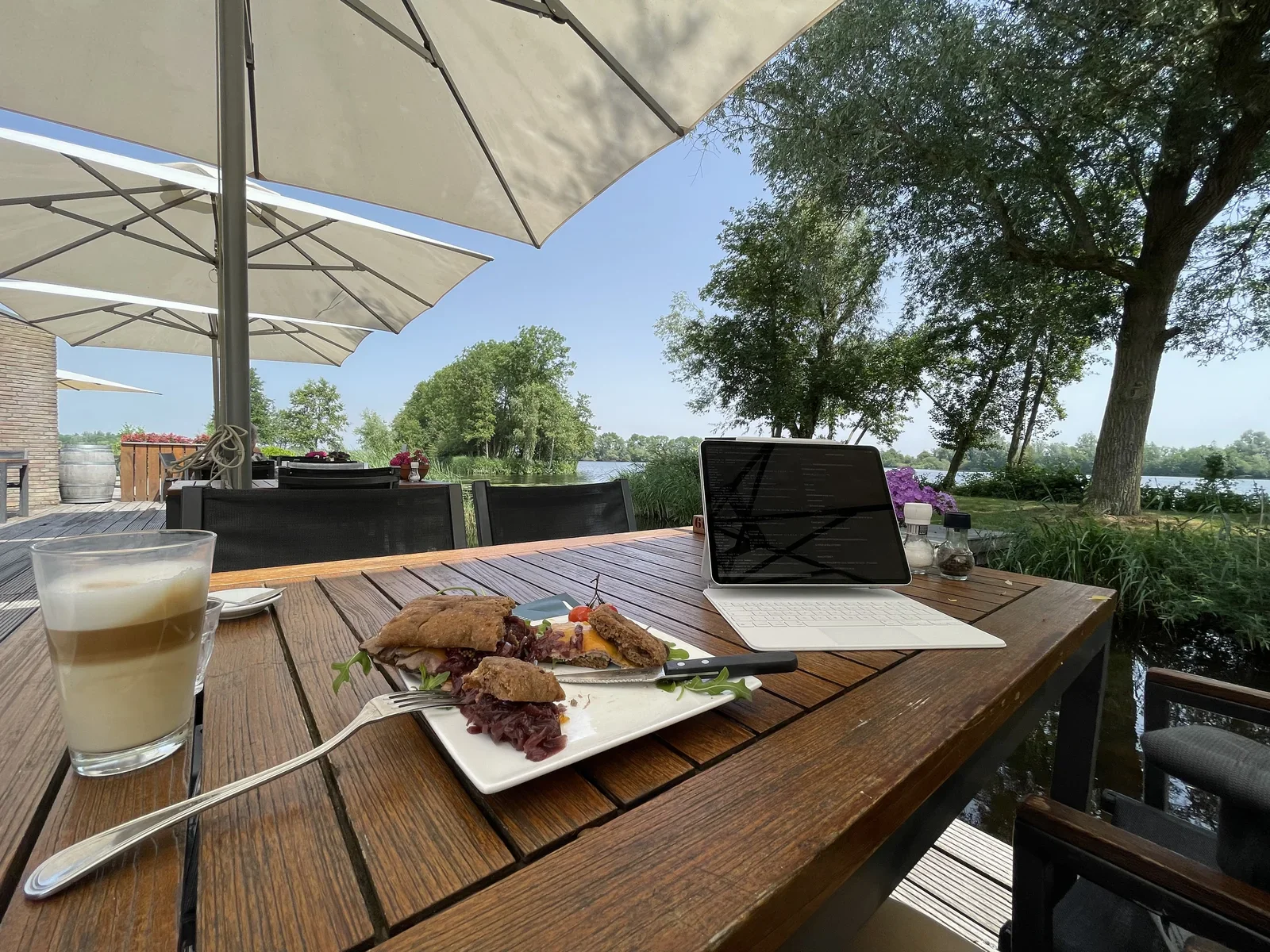
man, baby, blanket, t-shirt, trousers(The birth of a child) - image Connecting to the migrated servers through the cloud - and having a nice lunch, too! An iPad with keyboard case displaying dark code on screen sits on a wooden table beside a plate of sandwiches and a latte, on a lakeside terrace under sun umbrellas. (machine-described)
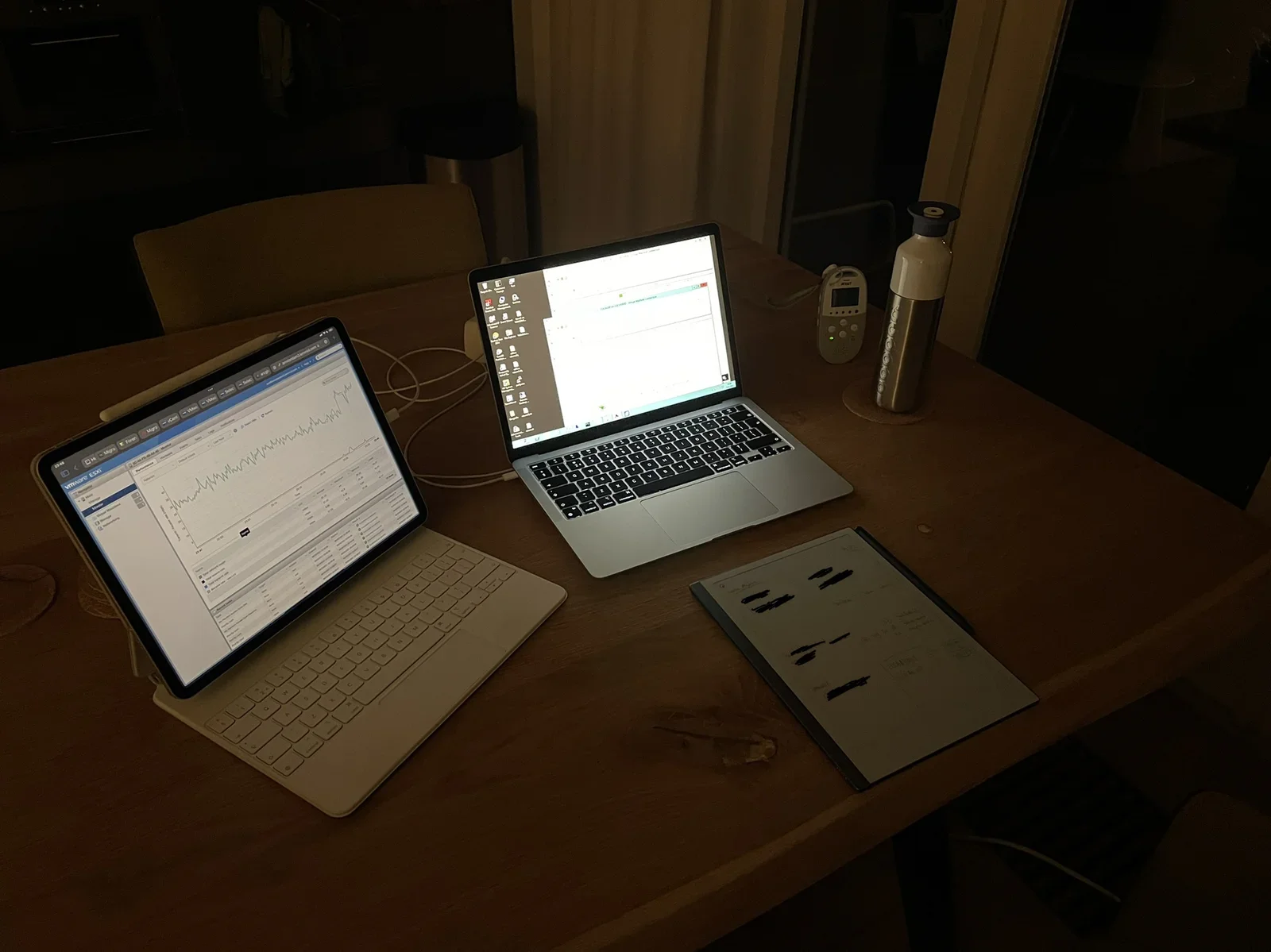
terrace, ipad, coffee, sandwich, lake, umbrella(Migrating to the Cloud) - image Overseeing VPS migration during nigthly hours - well past normal business hours to reduce downtime Two laptops and a reMarkable tablet are set up on a dark dinner table at night, one laptop showing a VMware ESXi performance graph, the other a Windows desktop, with a baby monitor and a thermos beside them. (machine-described) text in image:
VMware ESXi AT&T
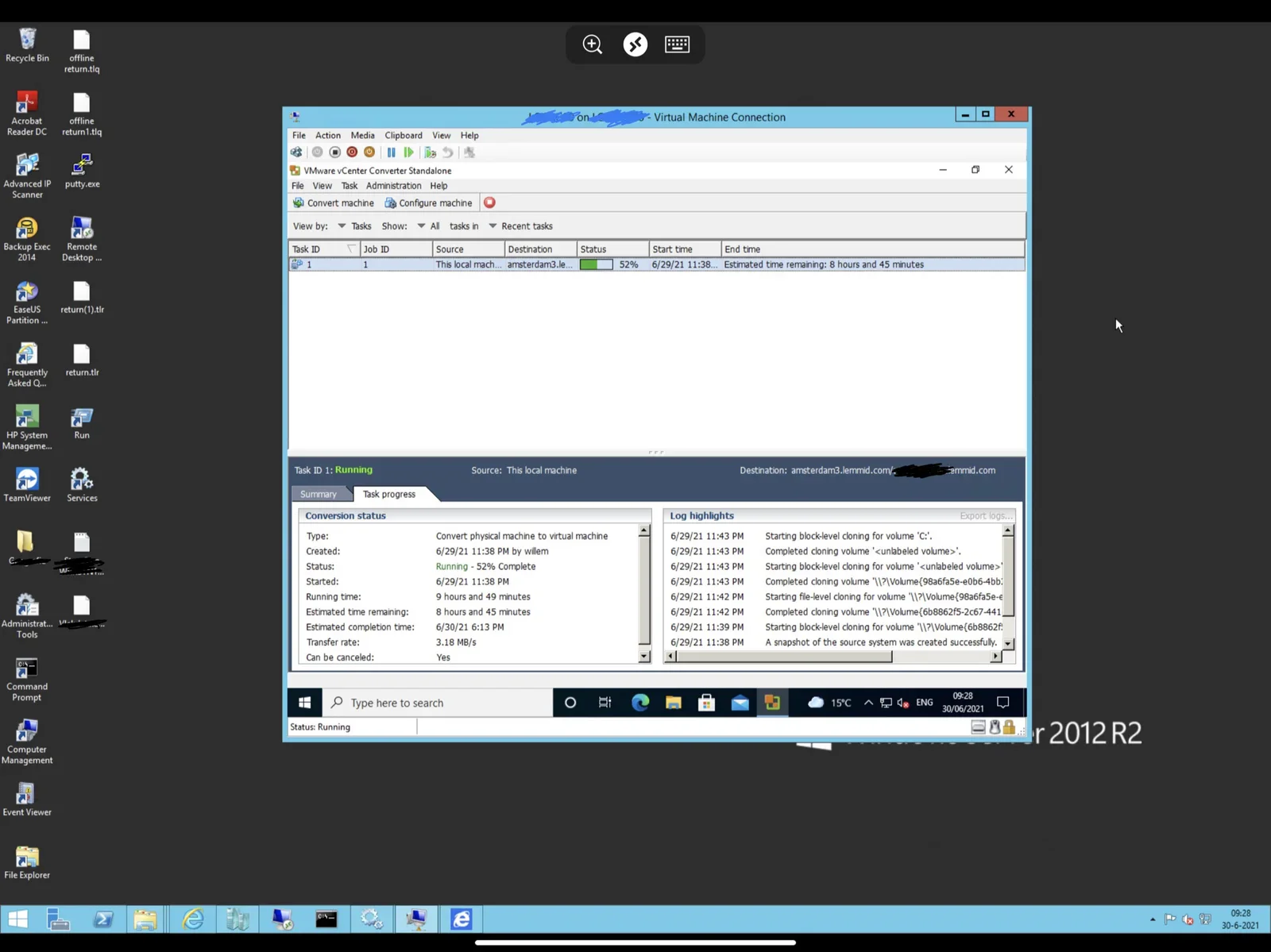
laptops, vmware, esxi, baby monitor, night, desk setup(Migrating to the Cloud) - image Migrating a Microsoft Hyper-V VPS to VMware ESXi using VMware vCentre Converter A Windows desktop screenshot shows a remote Virtual Machine Connection window running VMware vCenter Converter Standalone, with a physical-to-virtual conversion task 52 percent complete, alongside a row of desktop icons for admin tools. (machine-described) text in image:
Virtual Machine Connection VMware vCenter Converter Standalone Convert machine Configure machine Task ID Job ID Source Destination Status Start time End time 1 1 This local mach... amsterdam3.le... 52% 6/29/21 11:38... Estimated time remaining: 8 hours and 45 minutes Task ID 1: Running
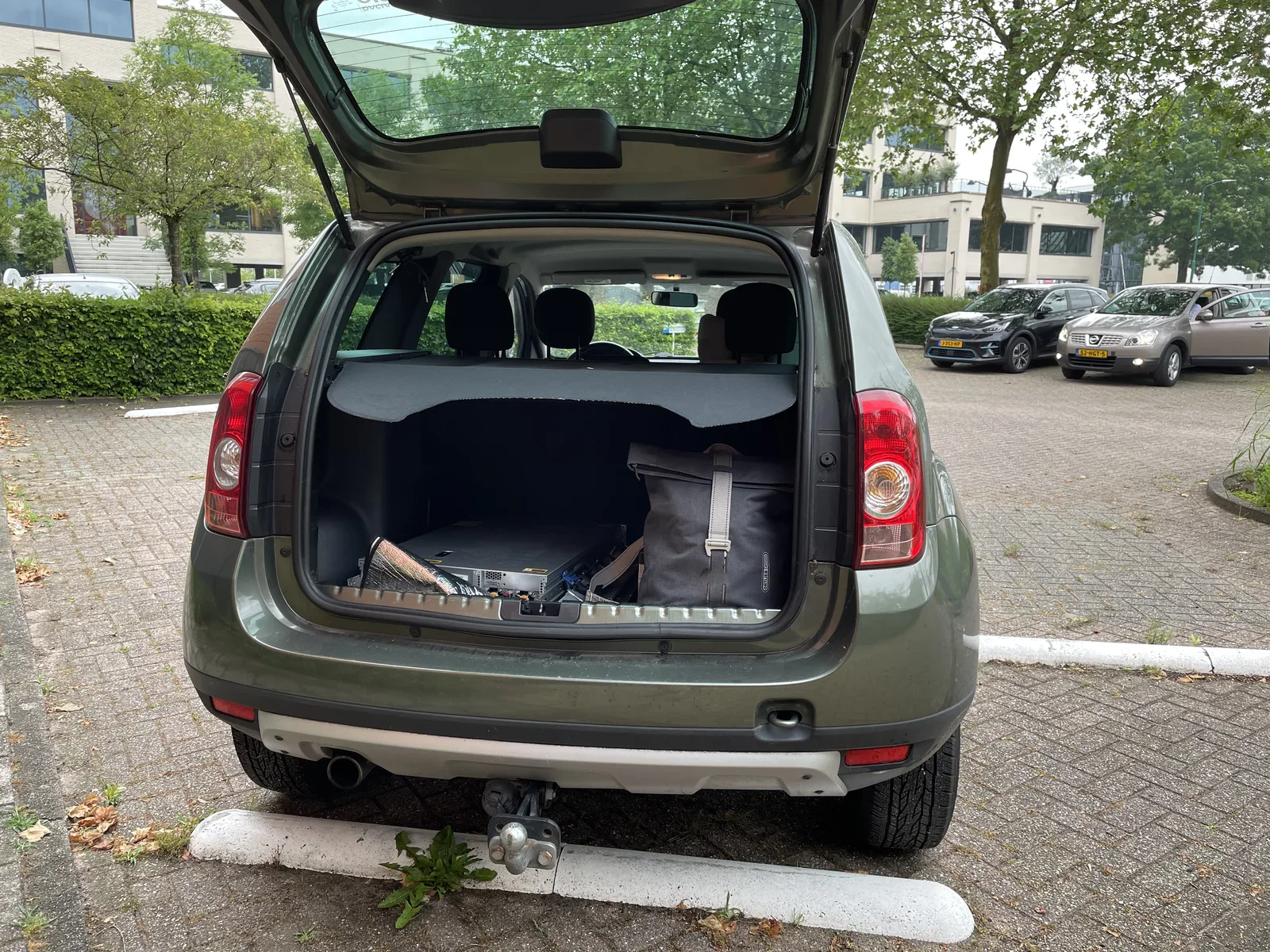
windows, vmware, vcenter converter, desktop, migration, screenshot(Migrating to the Cloud) - image Never underestimate the bandwidth of a Dacia Duster: moving millions of database records to the data centre The open tailgate of a green Dacia Duster reveals server hardware and a grey backpack loaded in the boot, parked in an office car park with other cars including a tan Nissan Qashqai visible behind it. (machine-described) text in image:
52-XG-B3
car, dacia duster, boot, server hardware, car park, relocation(Migrating to the Cloud) - image Determining "what is what?" involves opening doors, following cables, checking lights and listing machine names An open server rack cabinet in a data centre holds several rack mounted HP servers, a tape drive and a SonicWALL appliance, with a perforated door standing open beside it. (machine-described) text in image:
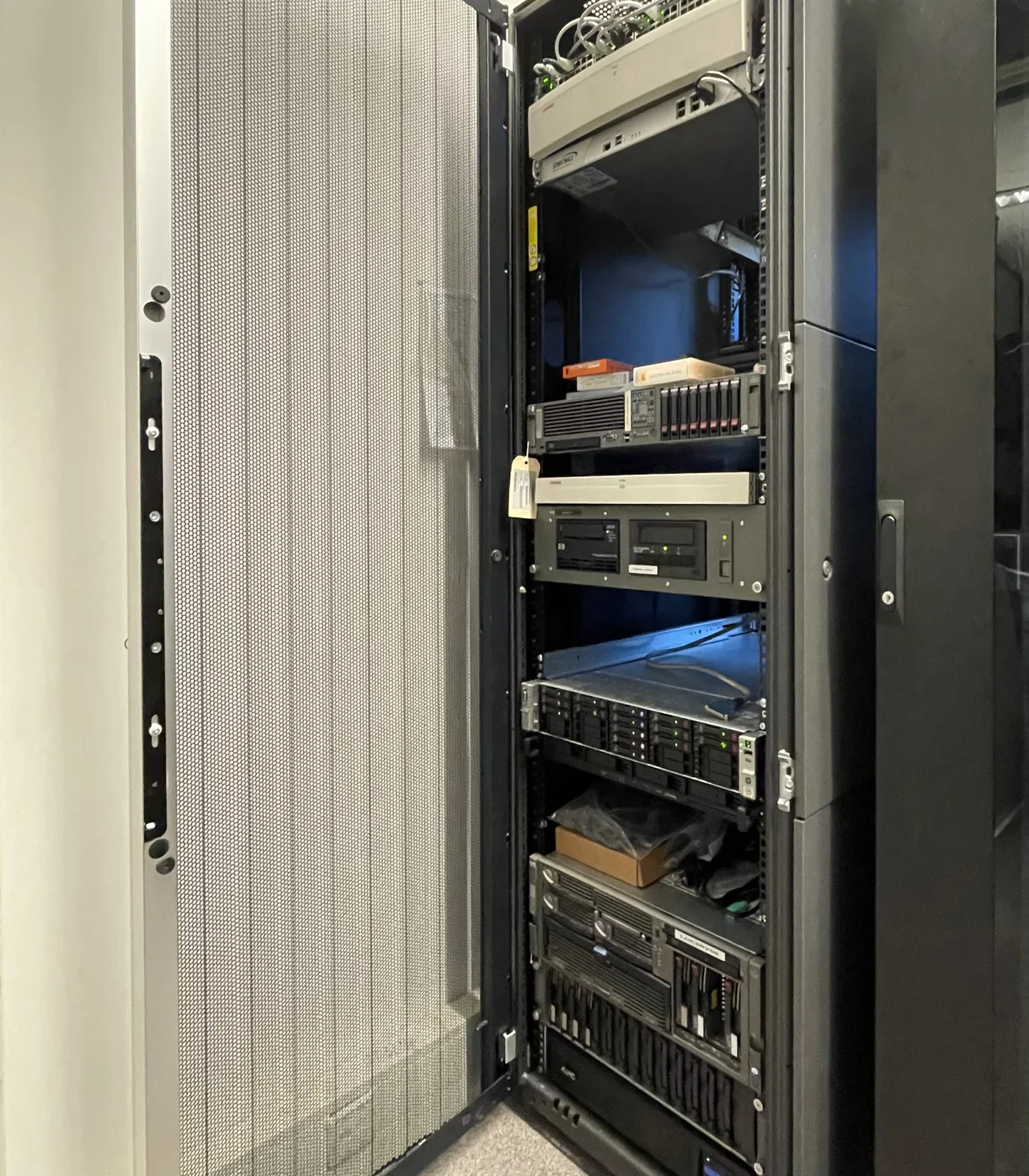
HP SonicWALL
server rack, data centre, hp, sonicwall, hardware(Migrating to the Cloud) - image Typical on-premise server room situation: lots of intertwined wires A tangle of network and power cables fills the back of an open server rack, connecting HP branded rack mounted equipment. (machine-described) text in image:
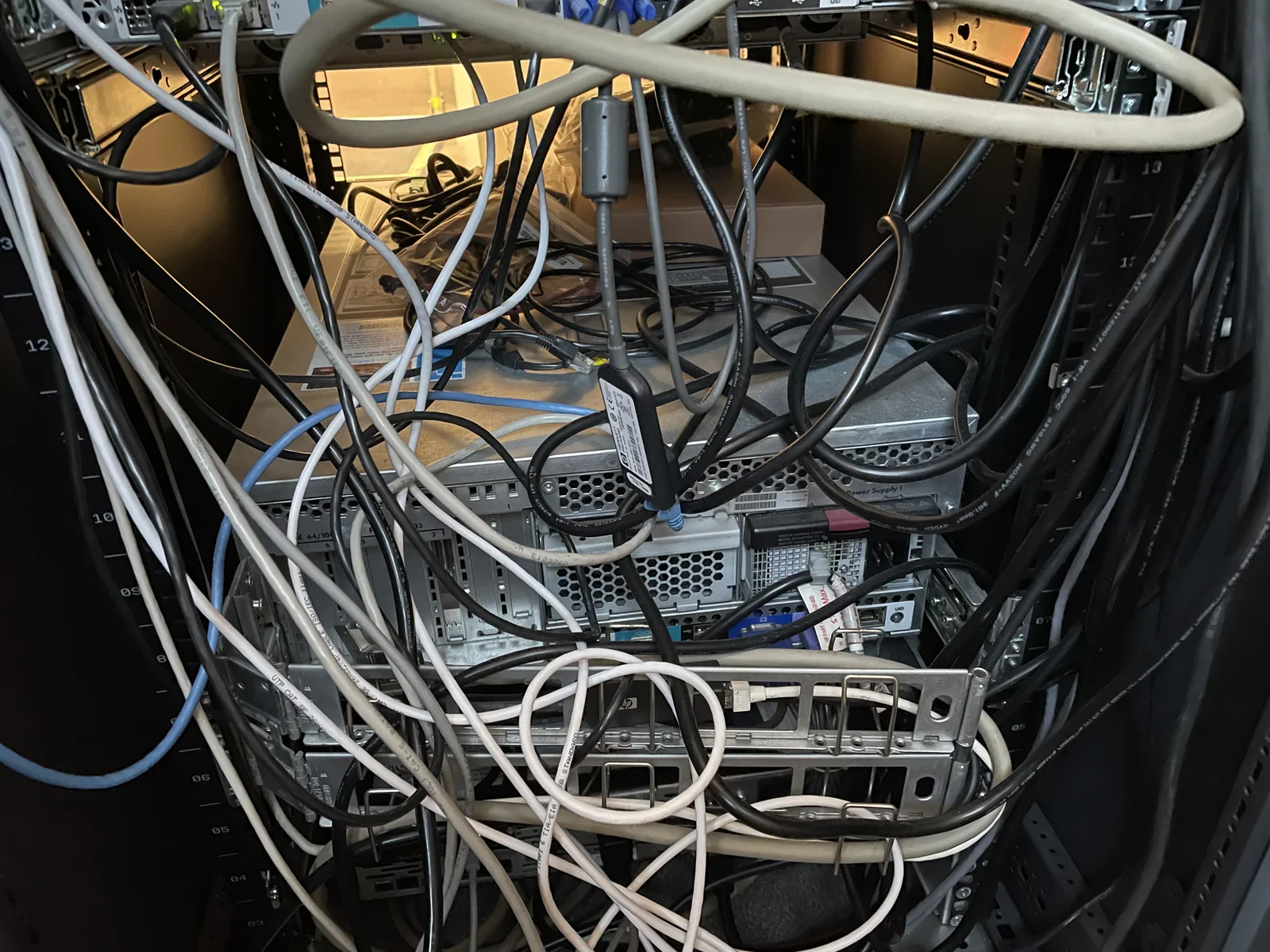
HP
server rack, cables, networking, hardware, data centre(Migrating to the Cloud) - image A wooden table on an outdoor deck holds a laptop, a plate of food, and a glass of coffee under a large umbrella. (machine-described)
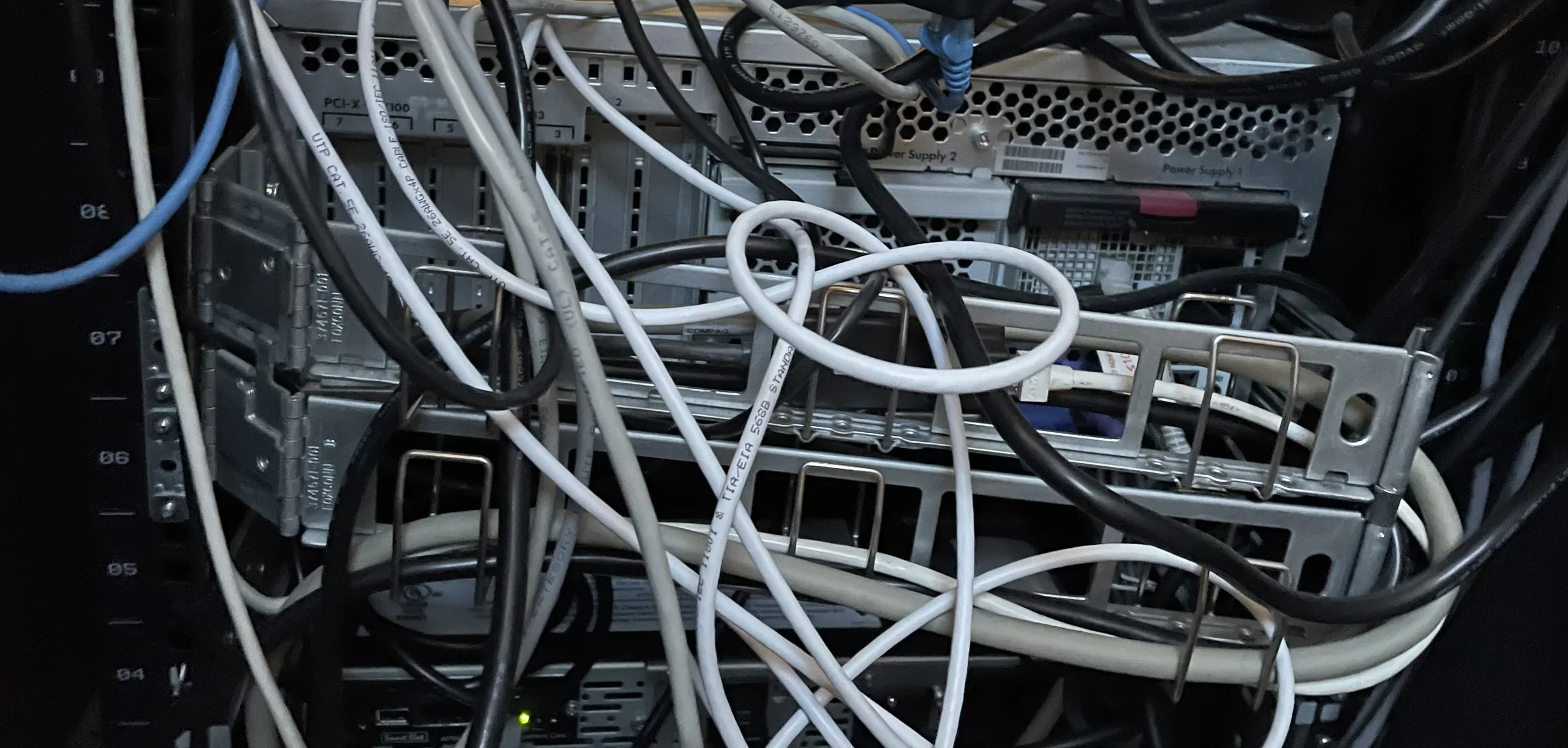
laptop, food, coffee, table, umbrella(Migrating to the Cloud) - image A close-up view of the rear I/O panel of a server chassis densely packed with white and black network cables, power cords, and metal mounting brackets. (machine-described) text in image:
PCI-X 100, Power Supply 2, Power Supply 1, UTP CAT 5E
server, cables, hardware, connectors, rack(Migrating to the Cloud) - image A wooden table on an outdoor deck holds a laptop, a plate of food, and a glass of coffee under a large umbrella. (machine-described)
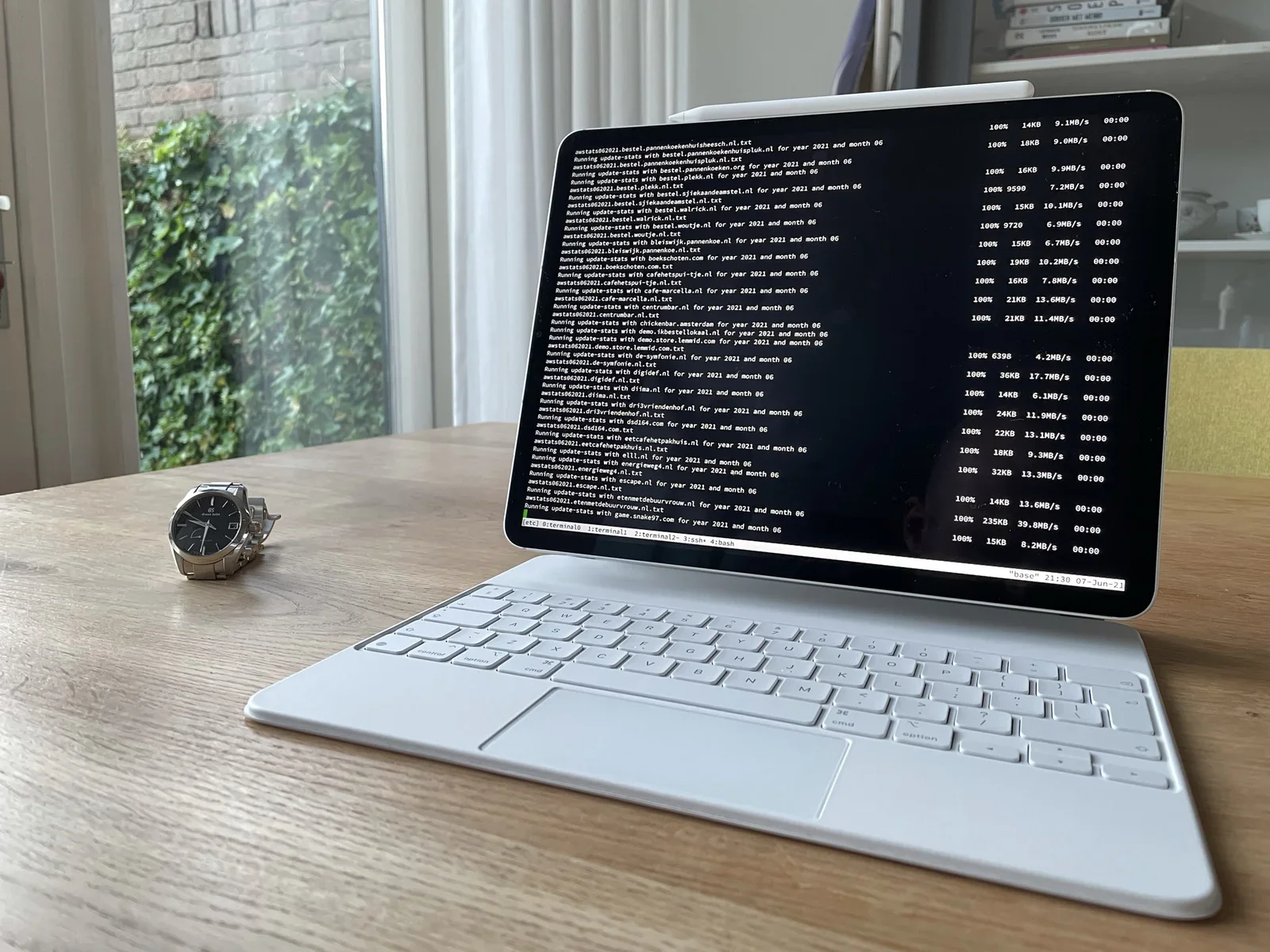
laptop, food, coffee, table, umbrella(Migrating to the Cloud) - image It works when you work, too. An iPad on a keyboard stand displays a terminal running awstats update-stats commands over SSH against a long list of client website domains, with a wristwatch on the table beside it. (machine-described) text in image:
Running update-stats with bestel.pannenkoekenhuisheesch.nl for year 2021 and month 06 awstats062021.bestel.pannenkoekenhuisheesch.nl.txt Running update-stats with bestel.pannenkoekenhuispluk.nl for year 2021 and month 06 awstats062021.bestel.pannenkoekenhuispluk.nl.txt Running update-stats with best
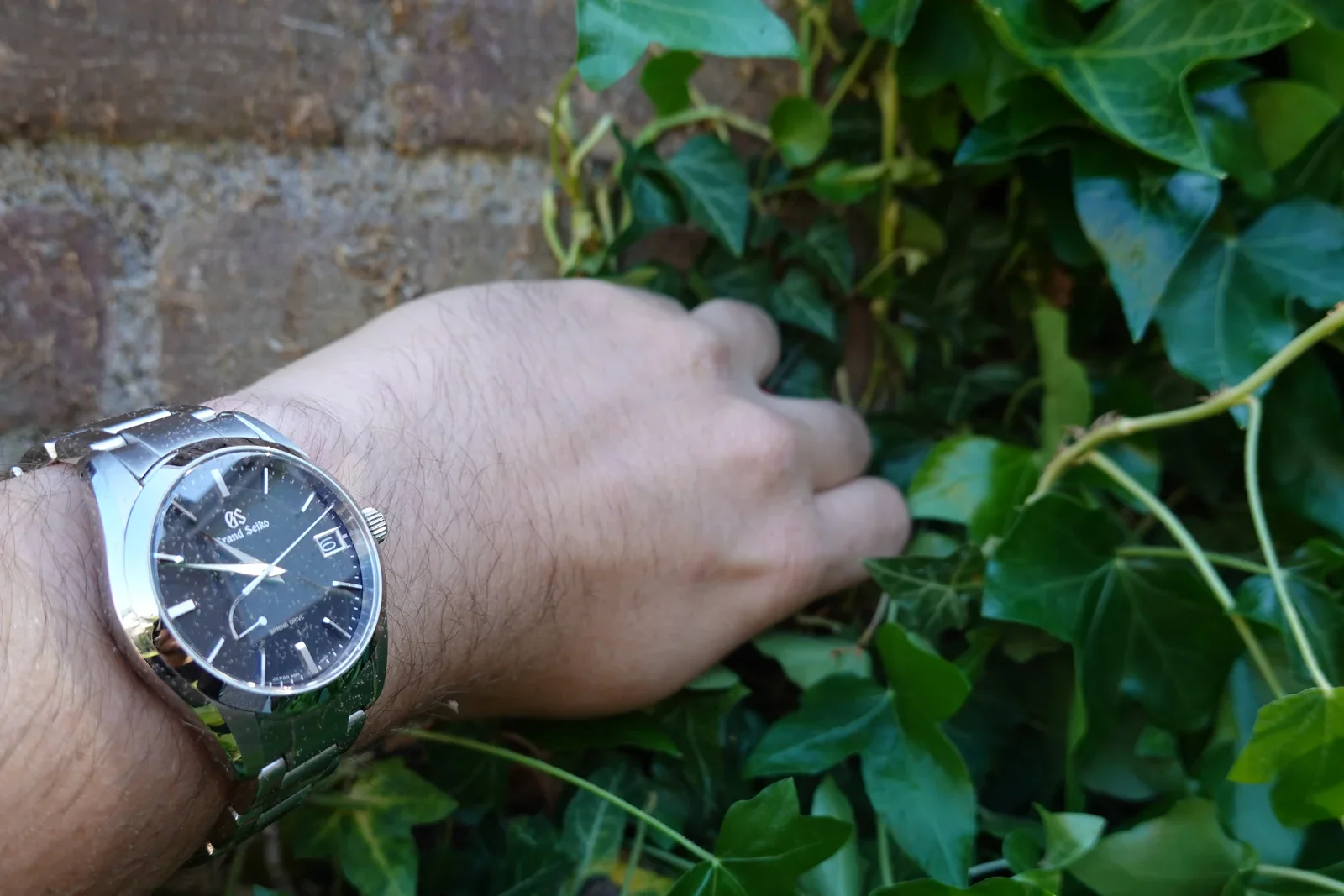
terminal, ssh, awstats, ipad, domains, watch(Wearing Grand Seiko) - image It works well whenever you're doing some gardening A close up of a wrist wearing a Grand Seiko watch with a black dial, reaching into ivy growing on a brick wall. (machine-described) text in image:
GS Grand Seiko Spring Drive
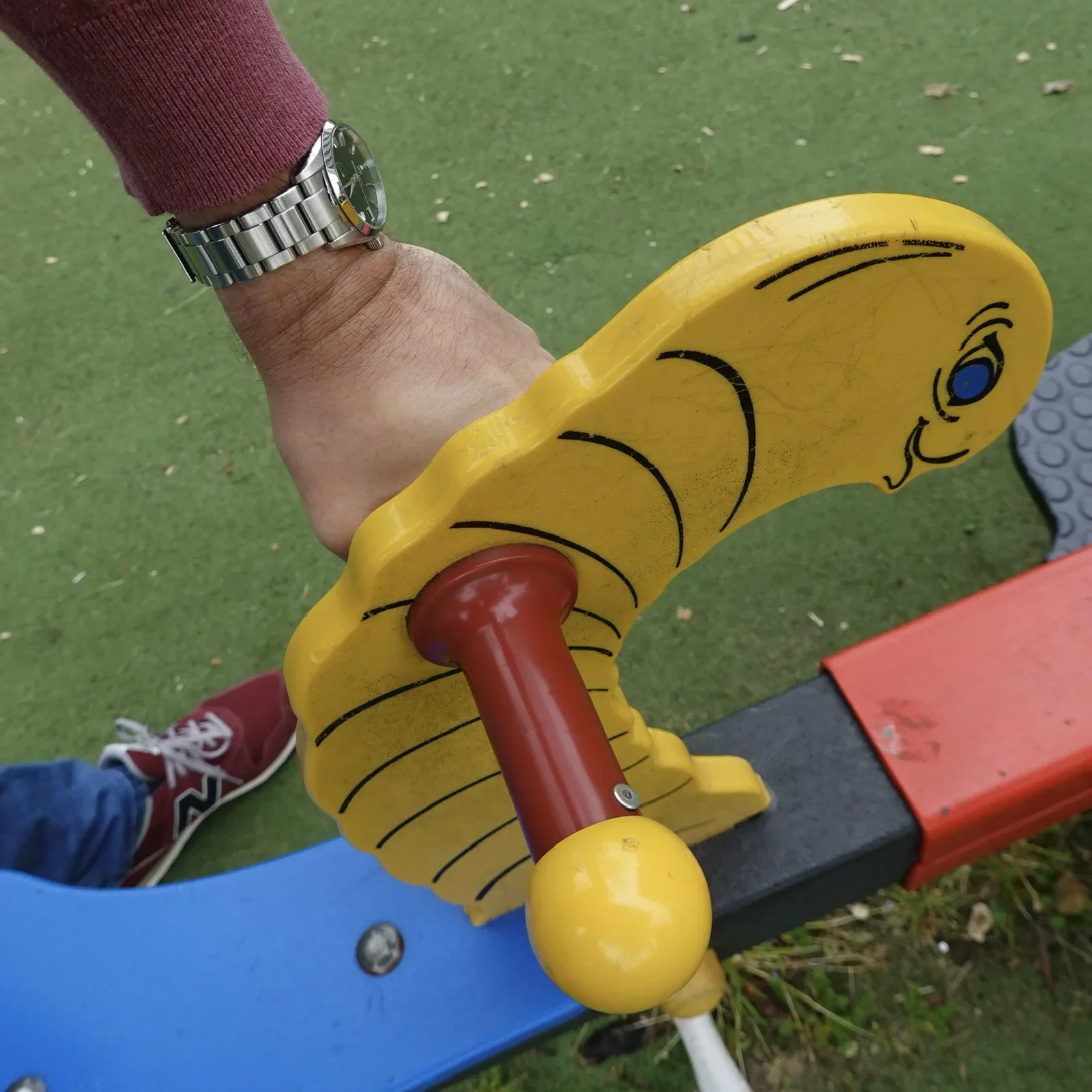
watch, grand seiko, wrist, ivy, wall(Wearing Grand Seiko) - image Neither do yellow creatures in the kid’s corner scare the watch A hand wearing a wristwatch grips the yellow caterpillar shaped handle of a playground see saw, with a red sneaker visible below. (machine-described)
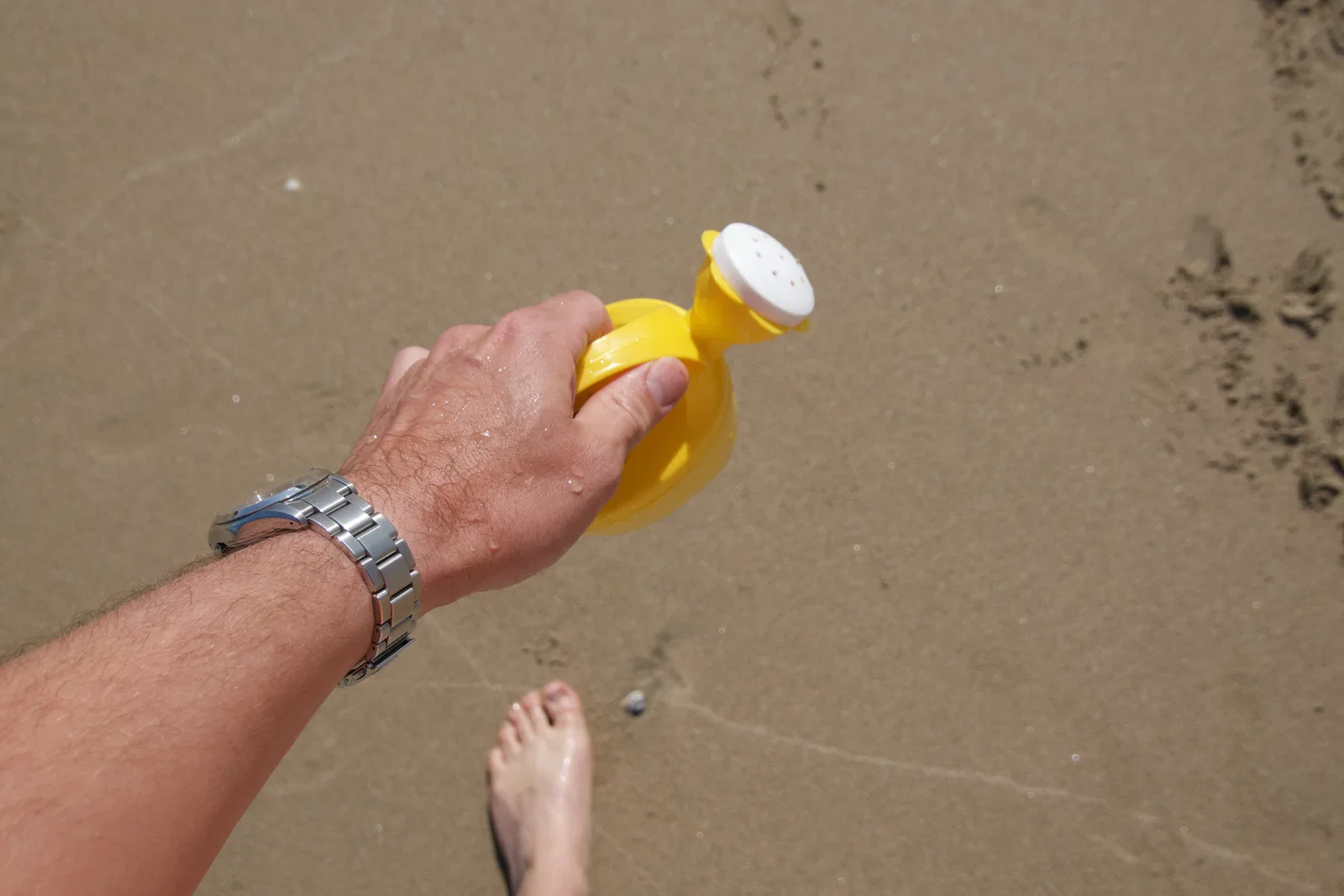
playground, seesaw, watch, hand, outdoor(Wearing Grand Seiko) - image Sandy beaches and plastic watering cans pose no problem for the stainless steel case A hand wearing a metal bracelet wristwatch holds a yellow toy watering can on a sandy beach with a bare foot nearby. (machine-described)
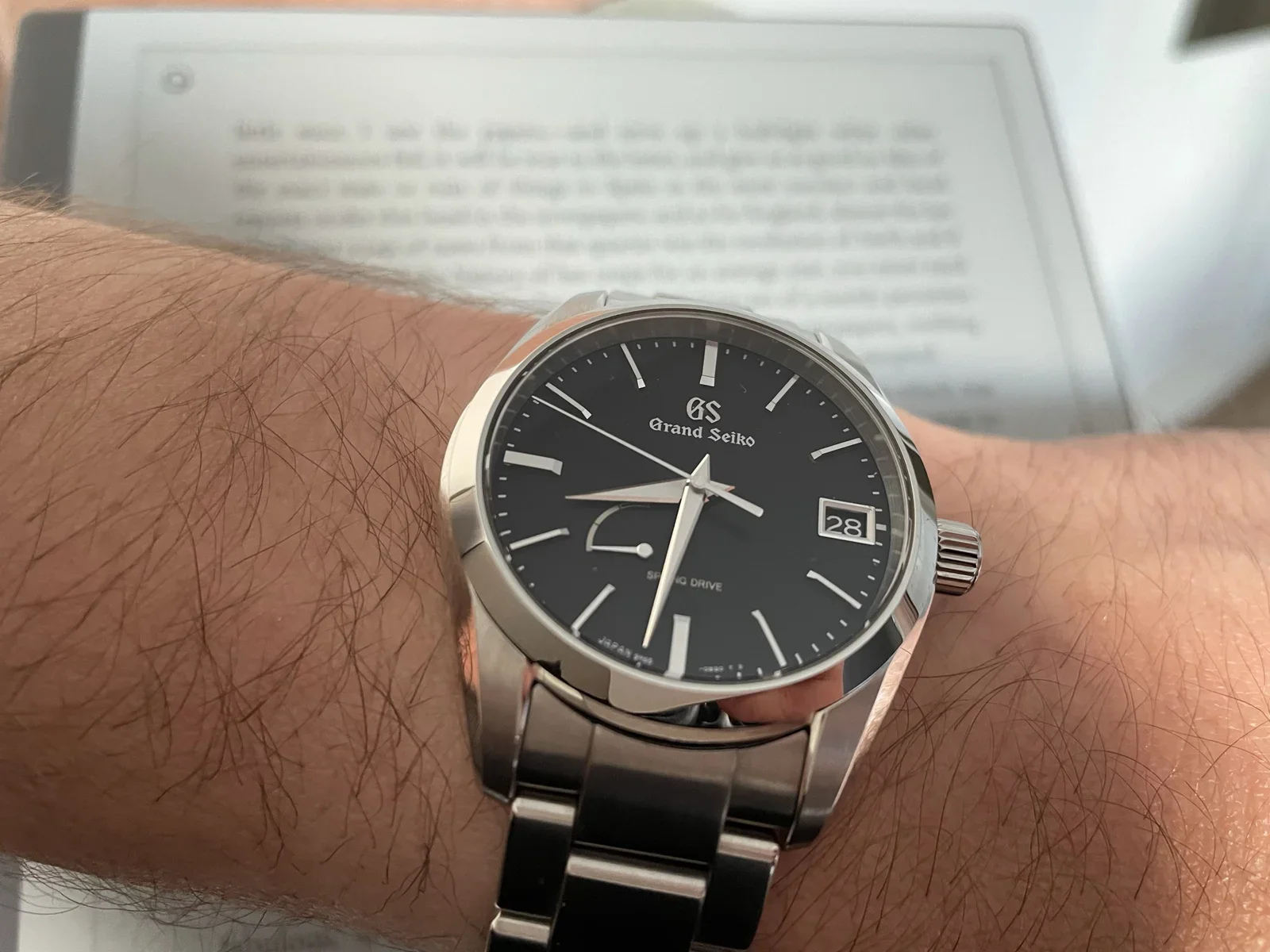
beach, watch, watering can, sand, foot(Wearing Grand Seiko) - image Yet it blends in like a true chameleon - tuning down the fireworks and Samurais - ideal when you try to read a book A close up of a wrist wearing a Grand Seiko Spring Drive watch with a black dial, held in front of an e-ink tablet showing a page of text. (machine-described) text in image:
GS Grand Seiko SPRING DRIVE JAPAN
watch, grand seiko, wrist, spring drive, ereader(Wearing Grand Seiko) - image Sharp, bevelled hands indicate time with the sharpness of a Samurai’s Sword A close up of a wrist wearing a Grand Seiko Spring Drive watch with a black dial and date window showing 30. (machine-described) text in image:
GS Grand Seiko SPRING DRIVE
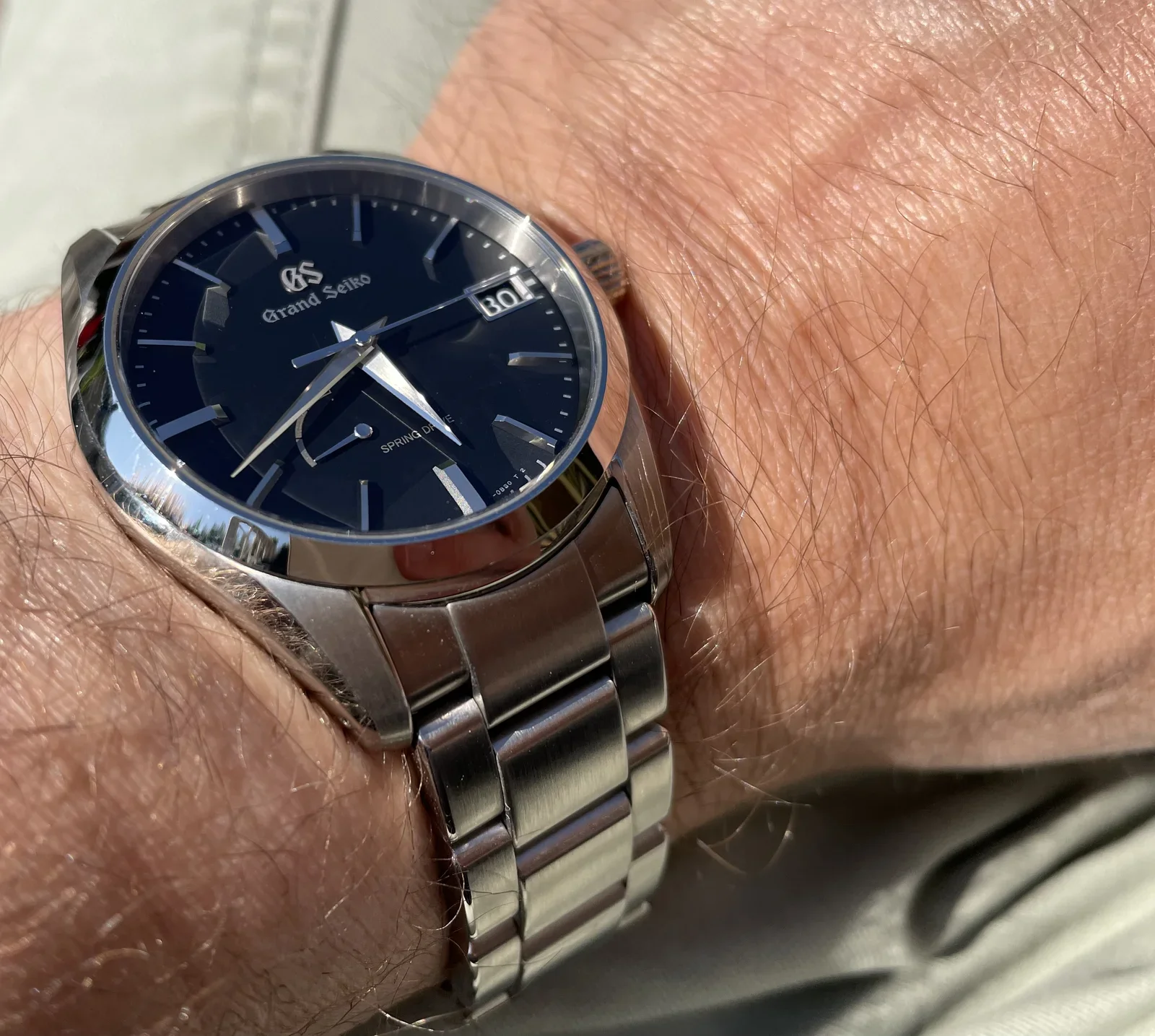
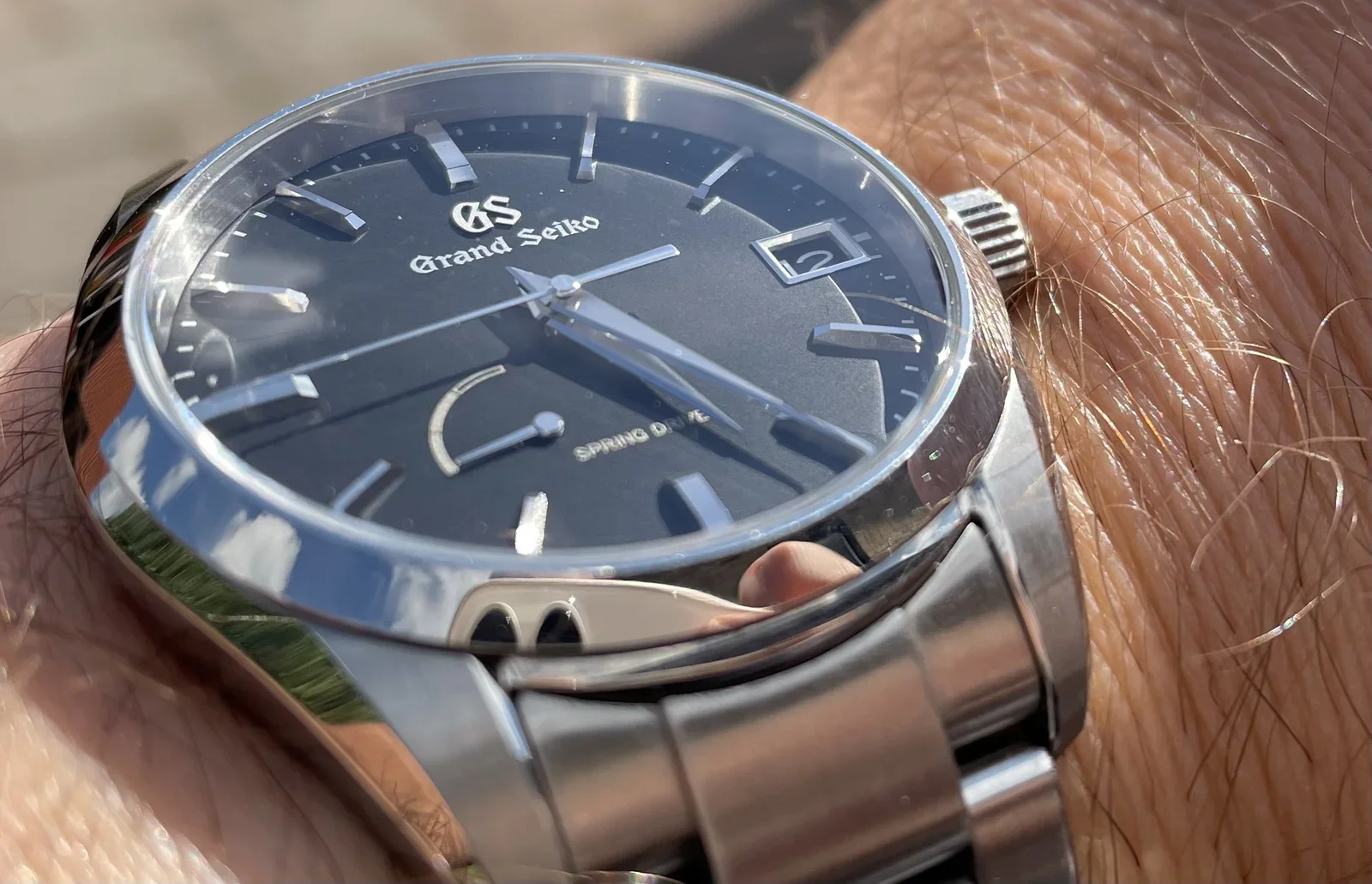
watch, grand seiko, wrist, spring drive, dial(Wearing Grand Seiko) - image The Zaratsu polishing reflects light like fireworks, surrounding the matte black dial which maintains a classy state of calm An angled close up of a Grand Seiko Spring Drive watch on a wrist, showing the dial, hands and crown in sunlight. (machine-described) text in image:
GS Grand Seiko SPRING DRIVE
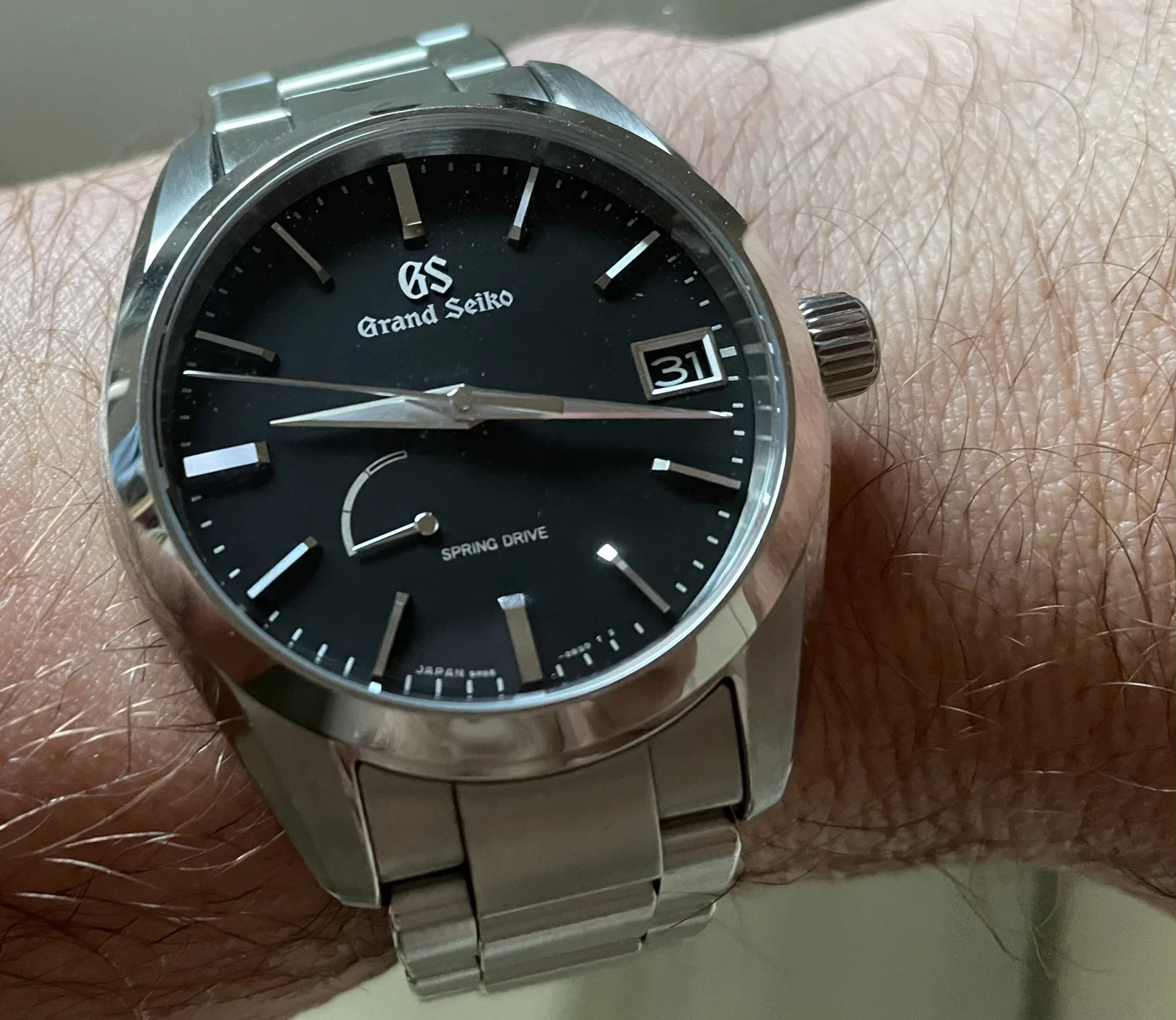
watch, grand seiko, wrist, spring drive, dial(Wearing Grand Seiko) - image The depth of the dial and its markers are hard to capture in a photo A close up of a Grand Seiko Spring Drive watch on a wrist with a black dial and date window showing 31. (machine-described) text in image:
GS Grand Seiko SPRING DRIVE JAPAN
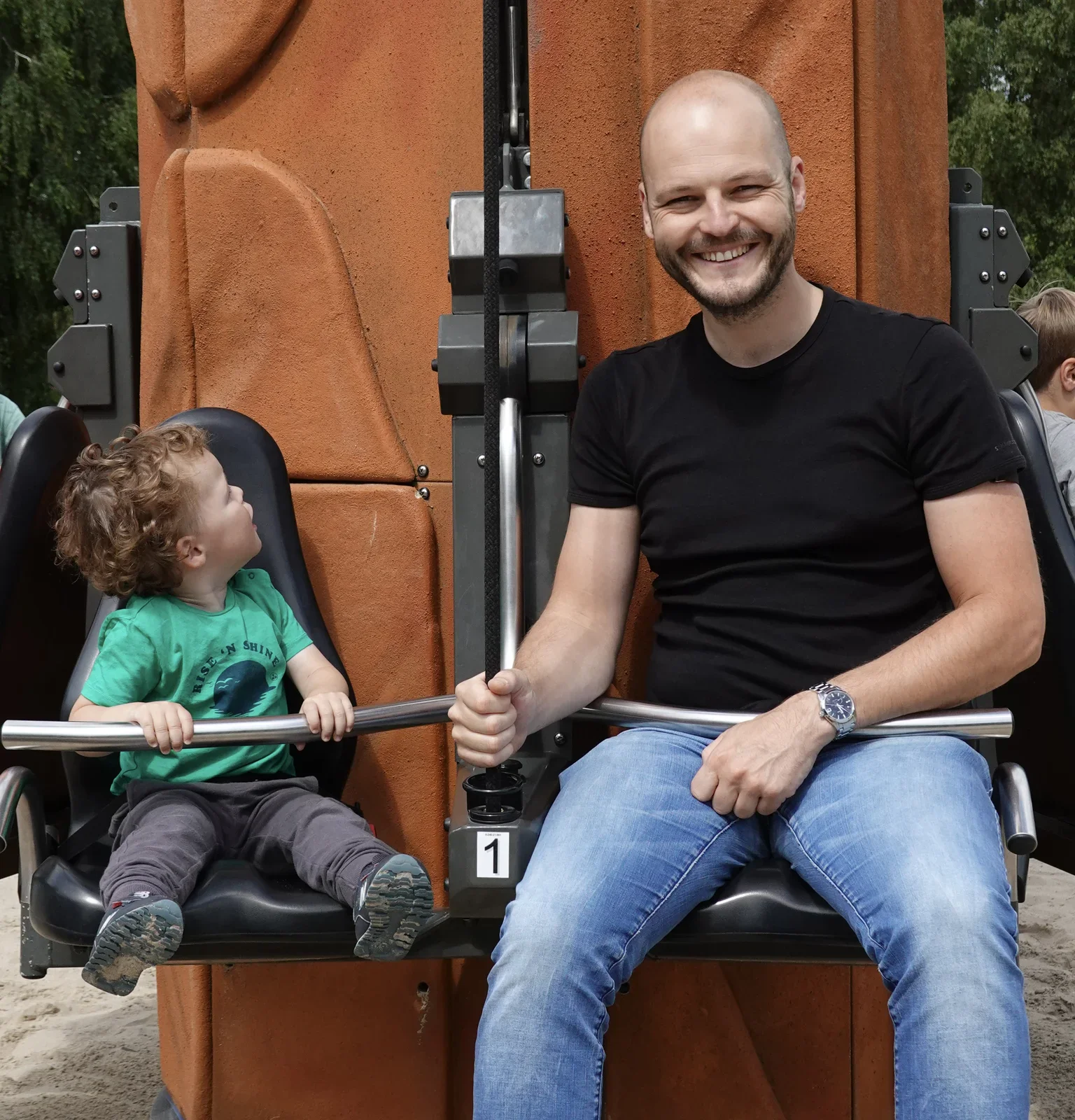
watch, grand seiko, wrist, spring drive, dial(Wearing Grand Seiko) - image And it happily accompanies you - wherever your duties as daddy / person / man / hero will take you... A bald man in a black t-shirt sits beside a curly haired toddler on a mechanical excavator themed playground ride, both gripping metal handlebars. (machine-described) text in image:
1
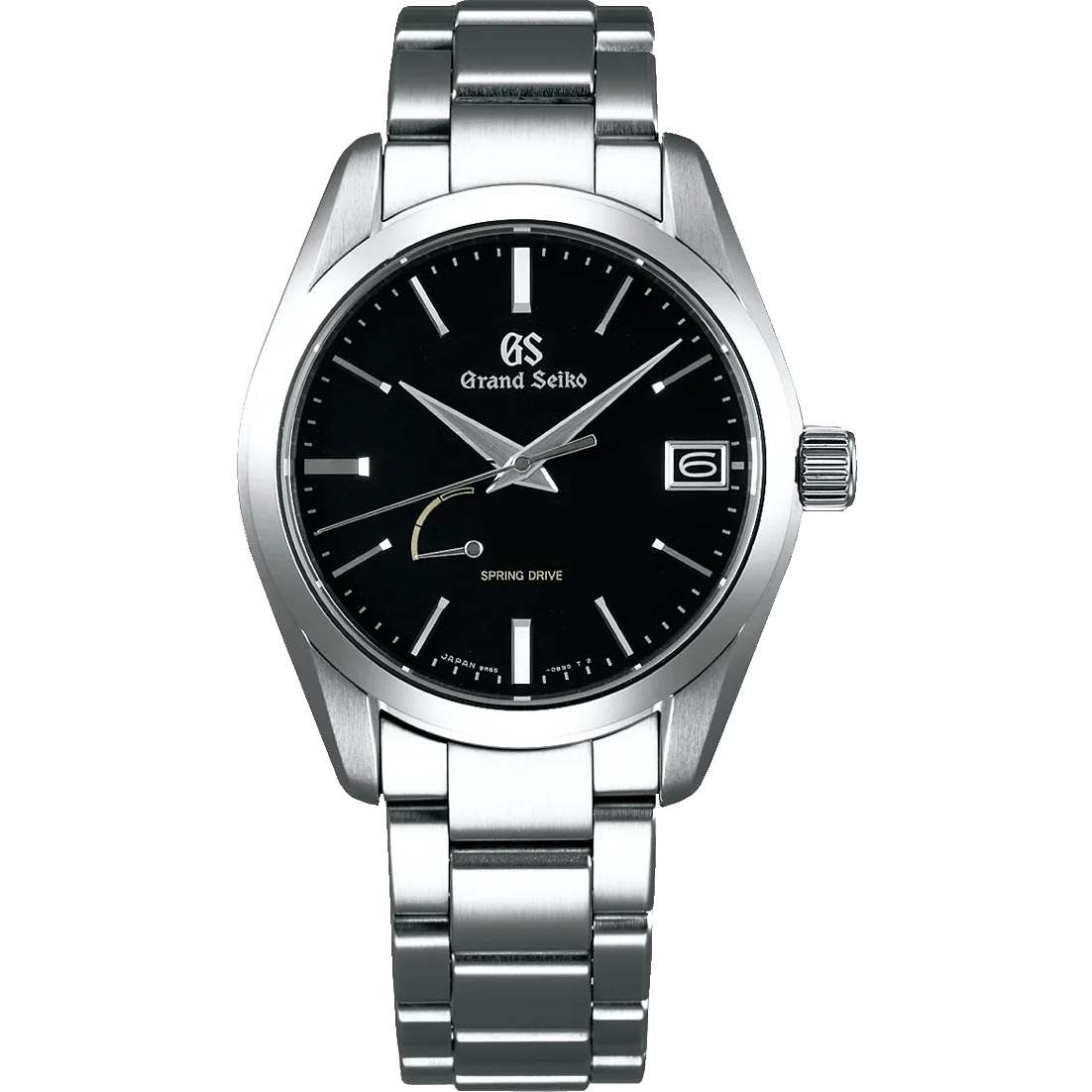
playground, father, child, excavator ride, outdoor(Wearing Grand Seiko) - image Grand Seiko SBGA285 Spring Drive Product photograph of a Grand Seiko Spring Drive watch with a black dial, steel bracelet and date window, shown on a plain white background. (machine-described) text in image:
GS Grand Seiko SPRING DRIVE JAPAN SA65
watch, grand seiko, product photo, spring drive, steel bracelet(Wearing Grand Seiko) - image A close-up of a Grand Seiko wristwatch with a black dial, silver hands, and a metal bracelet worn on a person's hairy wrist. (machine-described) text in image:
GS Grand Seiko 31 SPRING DRIVE JAPAN 25 Jewels
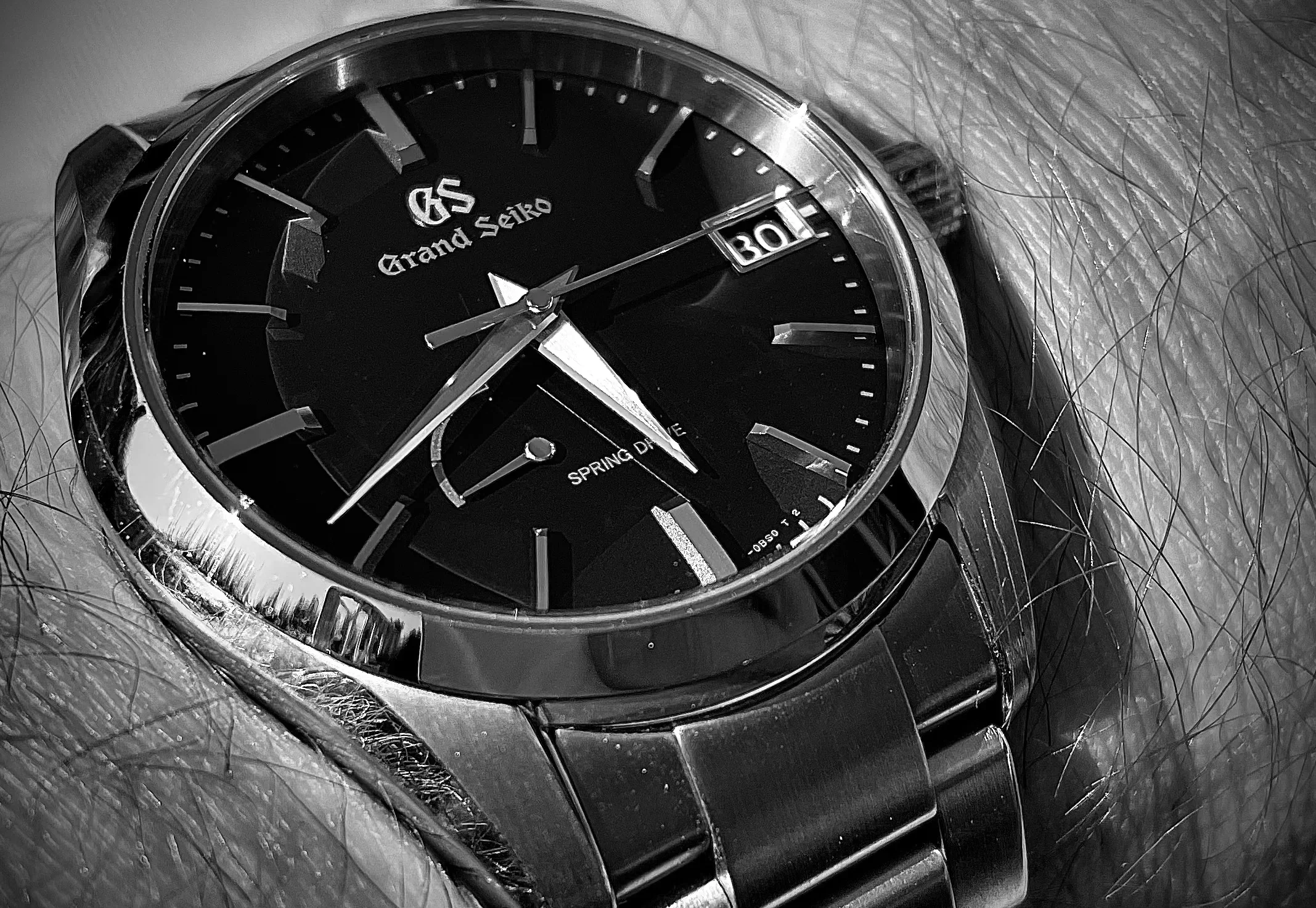
watch, bracelet, wrist, dial, jewelry(Wearing Grand Seiko) - image A close-up black and white photograph of a Grand Seiko wristwatch with a metal bracelet worn on a hairy wrist. (machine-described) text in image:
GS Grand Seiko SPRING DRIVE 9S85
watch, bracelet, wrist, dial, hands(Wearing Grand Seiko) - image A close-up view of a silver Grand Seiko wristwatch with a black dial and metal bracelet worn on a hairy wrist. (machine-described) text in image:
GS Grand Seiko 31 SPRING DRIVE JAPAN 25i
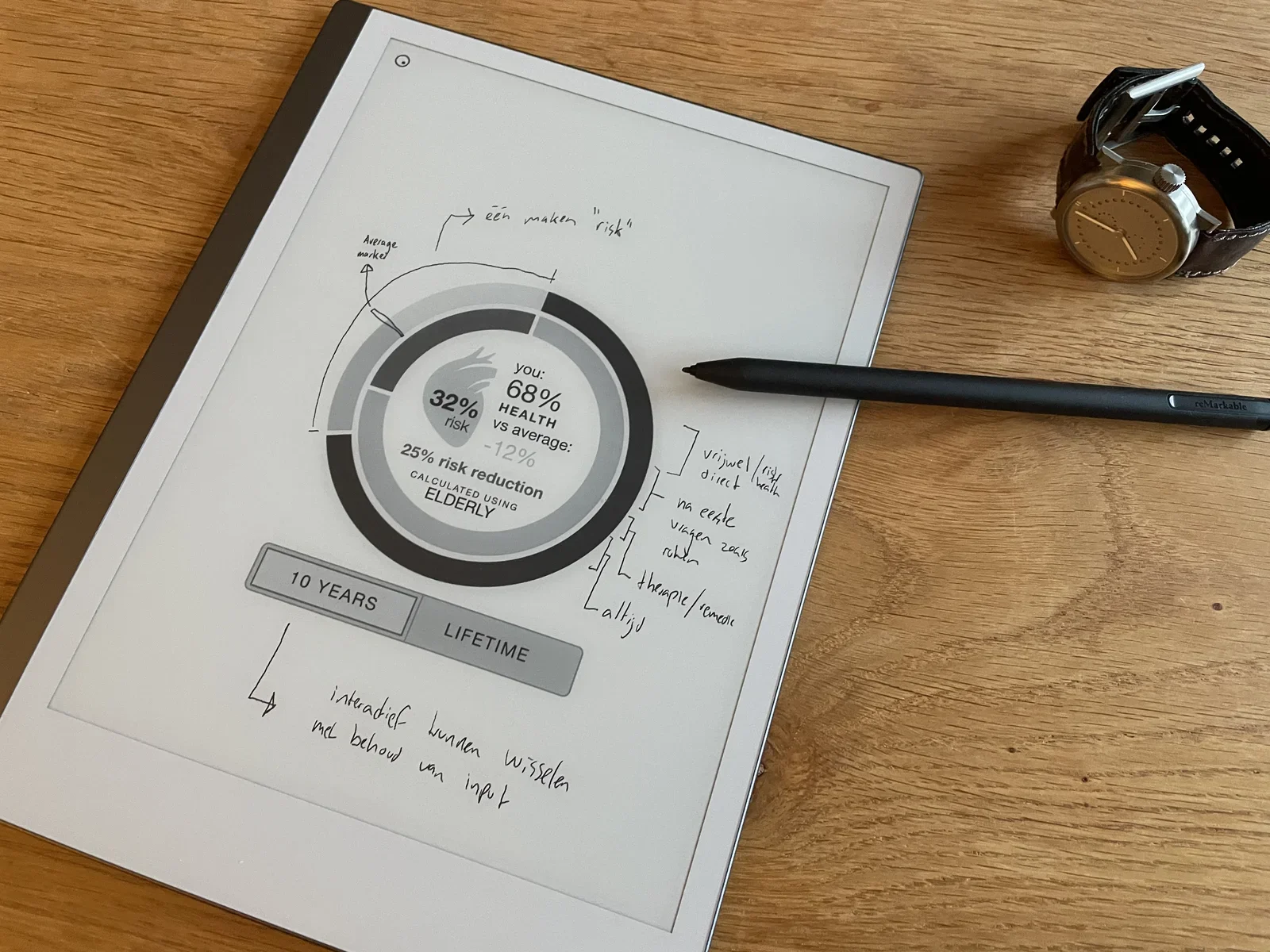
watch, bracelet, wrist, dial, jewelry(Wearing Grand Seiko) - image Annotating digital documents directly - no need to print and scan A reMarkable paper tablet on a wooden table displays a health risk dashboard with a circular chart and handwritten Dutch annotations, next to a stylus and a wristwatch. (machine-described) text in image:
you: 68% HEALTH vs average: -12% 32% risk 25% risk reduction CALCULATED USING ELDERLY 10 YEARS LIFETIME Average market een maken risk vrijwel/risico direct na eerste vragen 2015 rekbaar therapie/remissie altijd interactief kunnen wisselen met behoud van input reMarkable
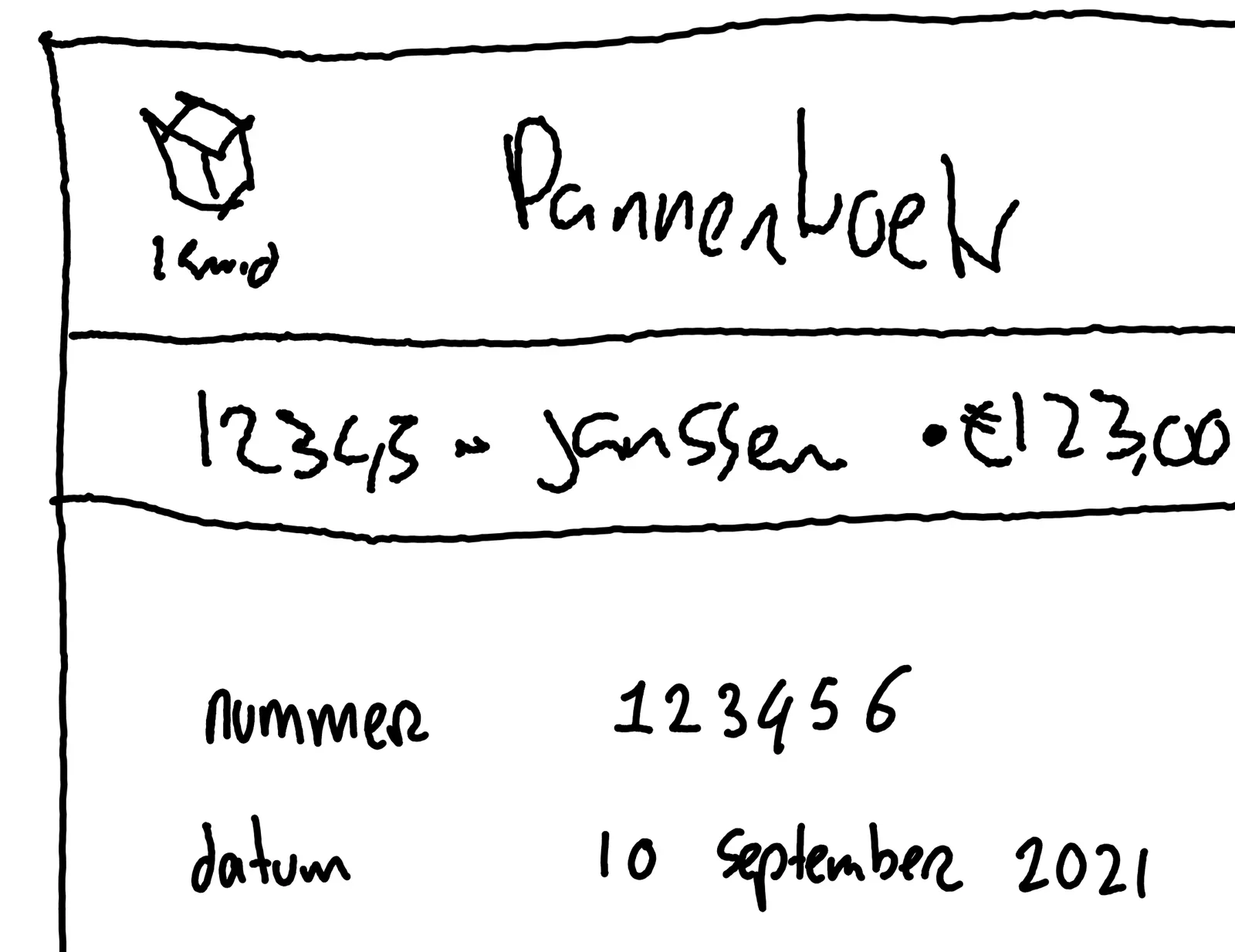
remarkable, tablet, health dashboard, handwriting, sketch, watch(Using the reMarkable paper tablet) - image Digital copy (PDF) from the idea that I sketched A hand drawn wireframe sketch on a reMarkable tablet mocks up a receipt or order screen labeled Pannenkoek with a customer name, amount, order number and date. (machine-described) text in image:
Pannenkoek 1 kind 12343 - Janssen 123,00 nummer 123456 datum 10 september 2021
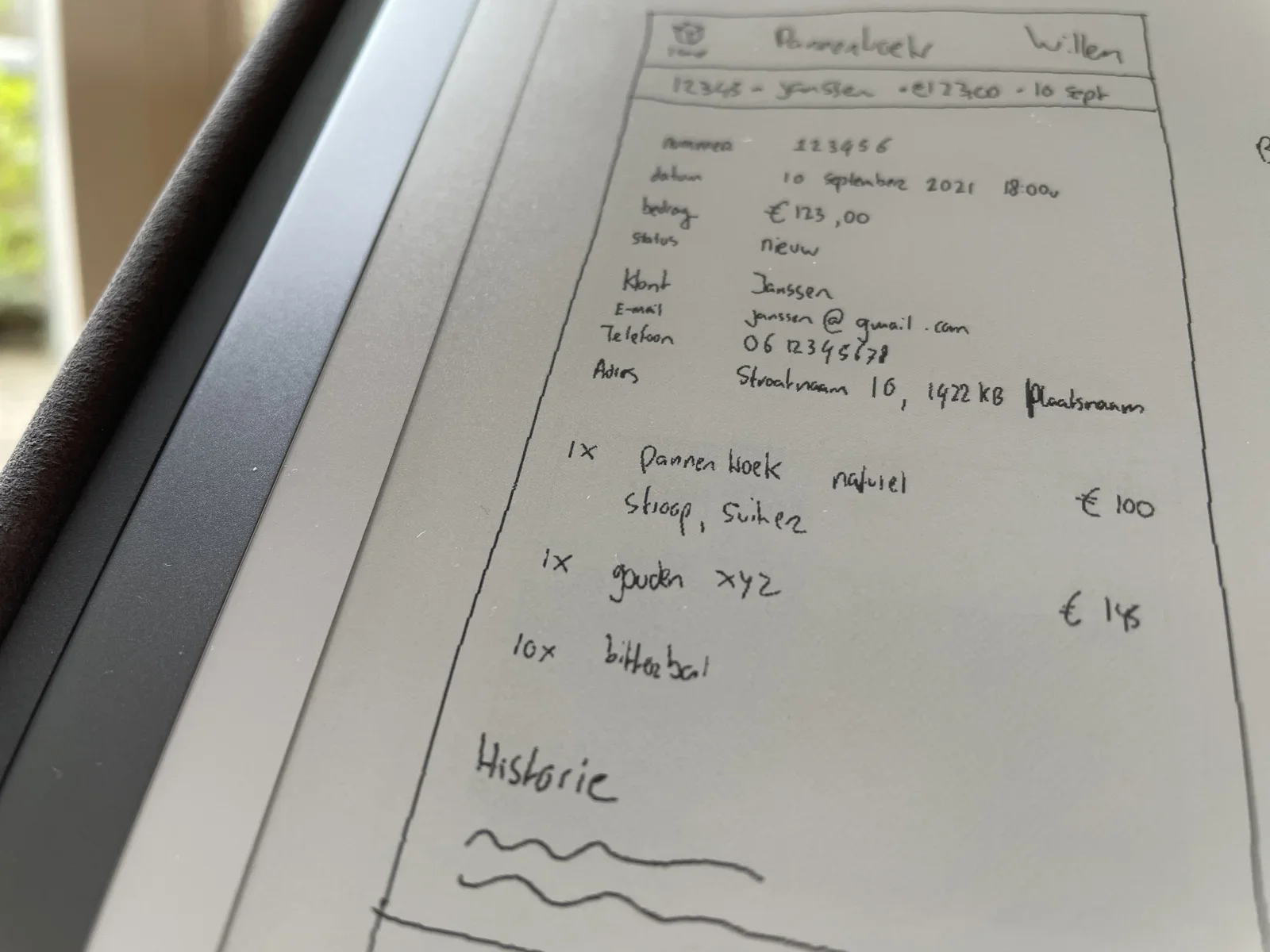
sketch, wireframe, receipt, handwriting, mockup, remarkable(Using the reMarkable paper tablet) - image Working on an idea - sketching on reMarkable A close up of a reMarkable tablet showing a hand drawn wireframe mockup of a pancake restaurant order screen with placeholder customer name, email, phone and address fields. (machine-described) text in image:
Pannenkoek Willem 12345 - Janssen - 123,00 - 10 sept nummer 123456 datum 10 september 2021 18:00u bedrag 123,00 status nieuw Klant Janssen E-mail janssen@gmail.com Telefoon 06 12345678 Adres Straatnaam 10, 1422 KB Plaatsnaam 1x Pannenkoek natuurel stroop, suiker 100 1x gouden xyz 145 10x bitterba
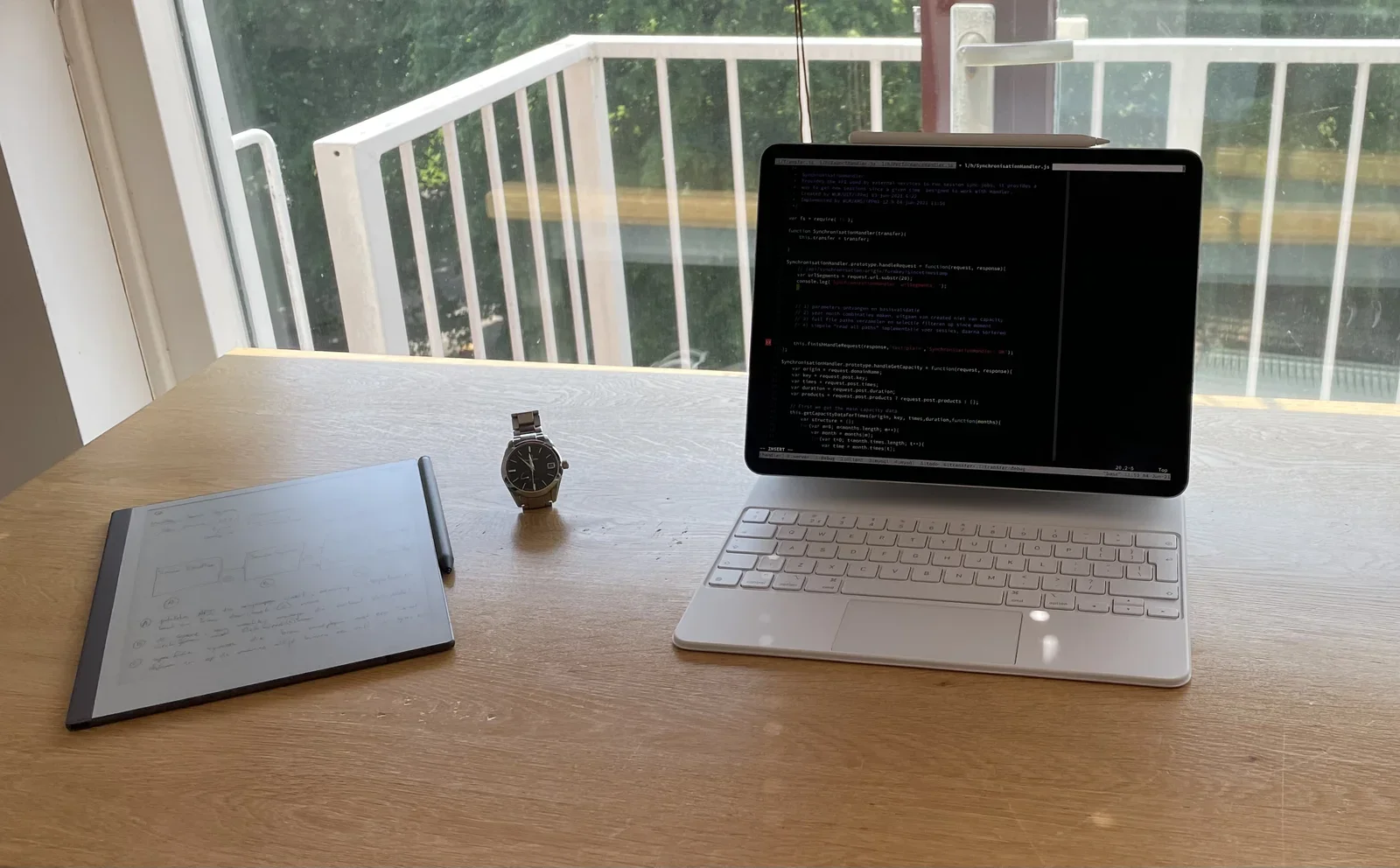
sketch, wireframe, mockup, order screen, handwriting, remarkable(Using the reMarkable paper tablet) - image Working with reMarkable - using it in tandem with iPad An iPad running a dark themed code editor displaying JavaScript stands on a desk next to a reMarkable tablet with a diagram sketch and a wristwatch. (machine-described) text in image:
1/9/SynchronisationHandler.js function SynchronisationHandler(transfer){ this.transfer = transfer; SynchronisationHandler.prototype.handleRequest = function(request, response){ var urlSegments = request.url.substr(20); console.log SynchronisationHandler.prototype.handleGetCapacity = function(request
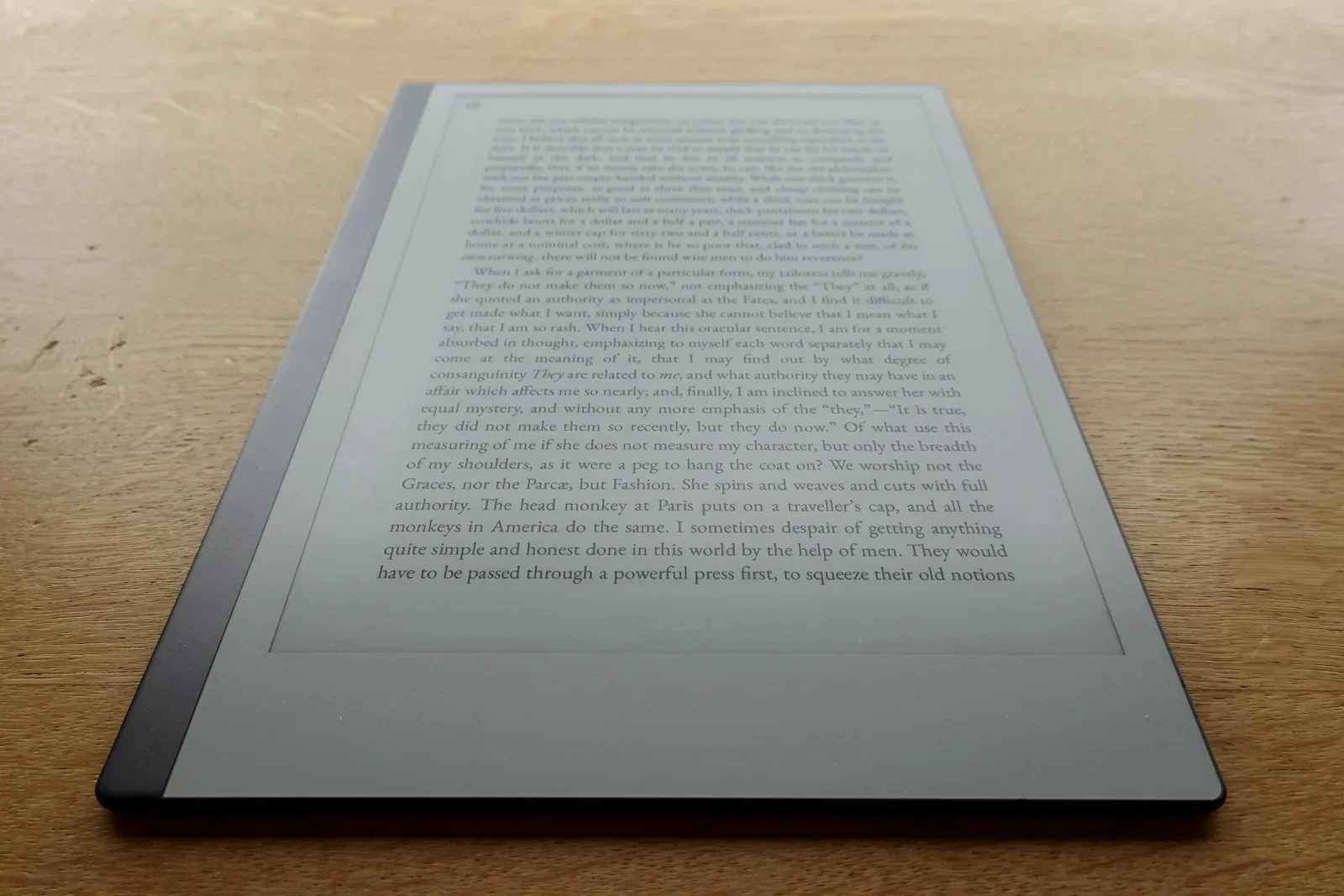
ipad, code editor, javascript, desk, remarkable, watch(Using the reMarkable paper tablet) - image No clutter, just content. An e-ink tablet lying on a wooden table displays a page of English prose about tailoring and authority, photographed at an angle. (machine-described) text in image:
When I ask for a garment of a particular form, my tailoress tells me gravely, They do not make them so now, not emphasizing the They at all, as if she quoted an authority as impersonal as the Fates, and I find it difficult to get made what I want, simply because she cannot believe that I mean what I
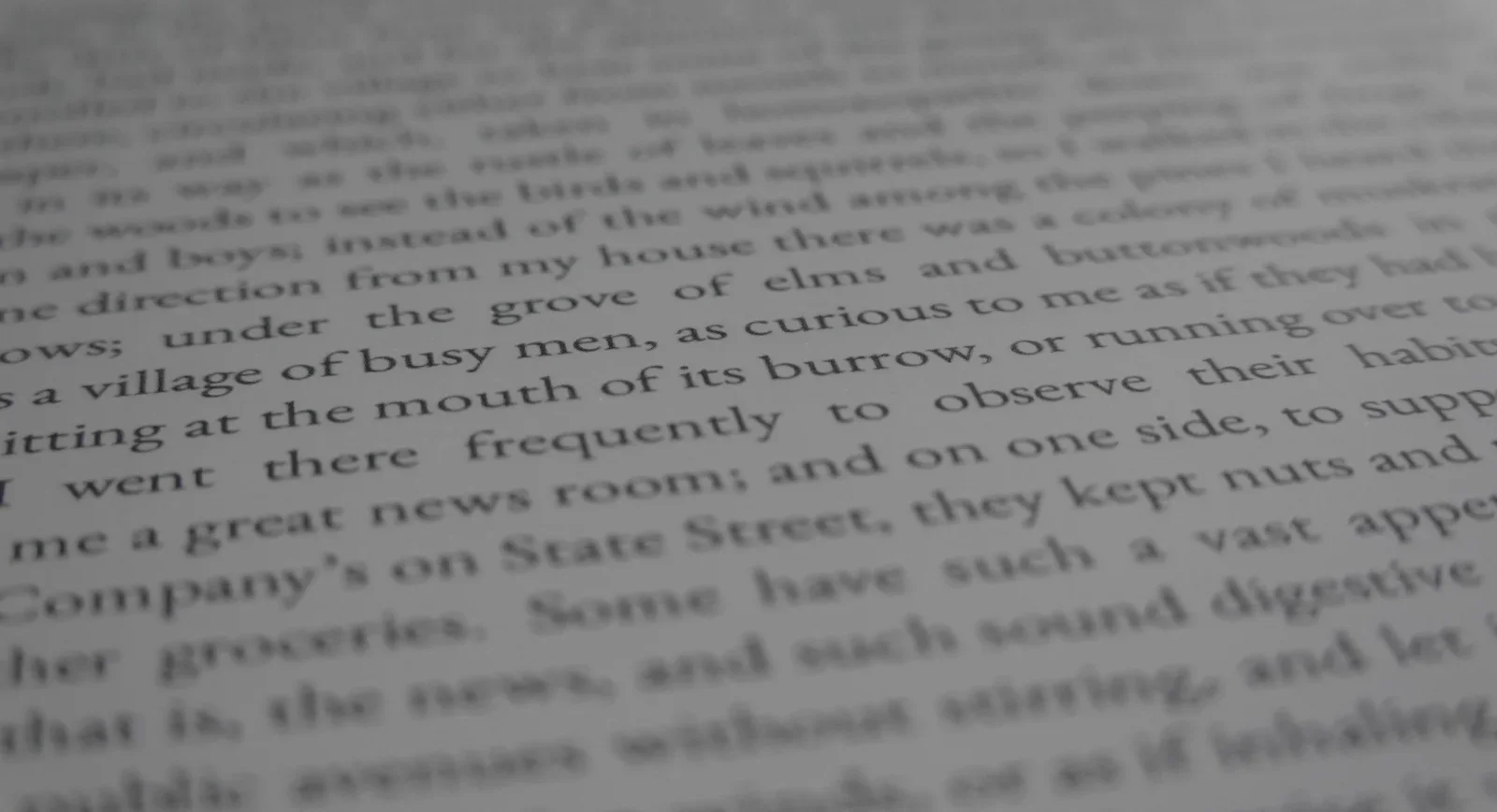
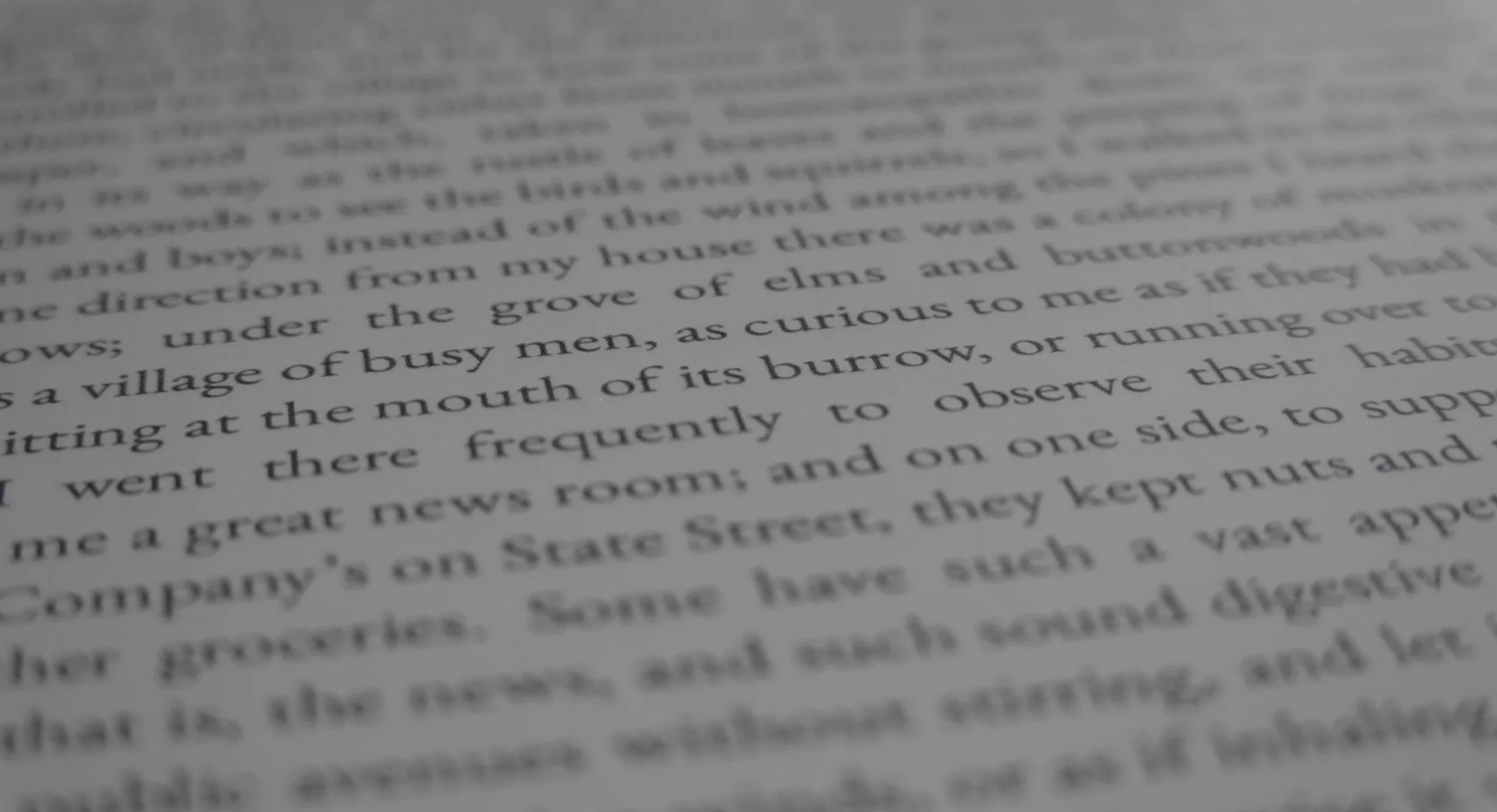
ereader, ebook, text, tablet, walden(Using the reMarkable paper tablet) - image Like reading a real printed book A macro close up of an e-ink page showing English prose about a village of busy men, squirrels and a news room on State Street. (machine-described) text in image:
in its way as the roots of beans and the direction from my house there was a colony of woodchucks and boys; instead of the wind among the pines to see the birds and squirrels a village of busy men, as curious to me as if they had been sitting at the mouth of its burrow, or running over to me a great
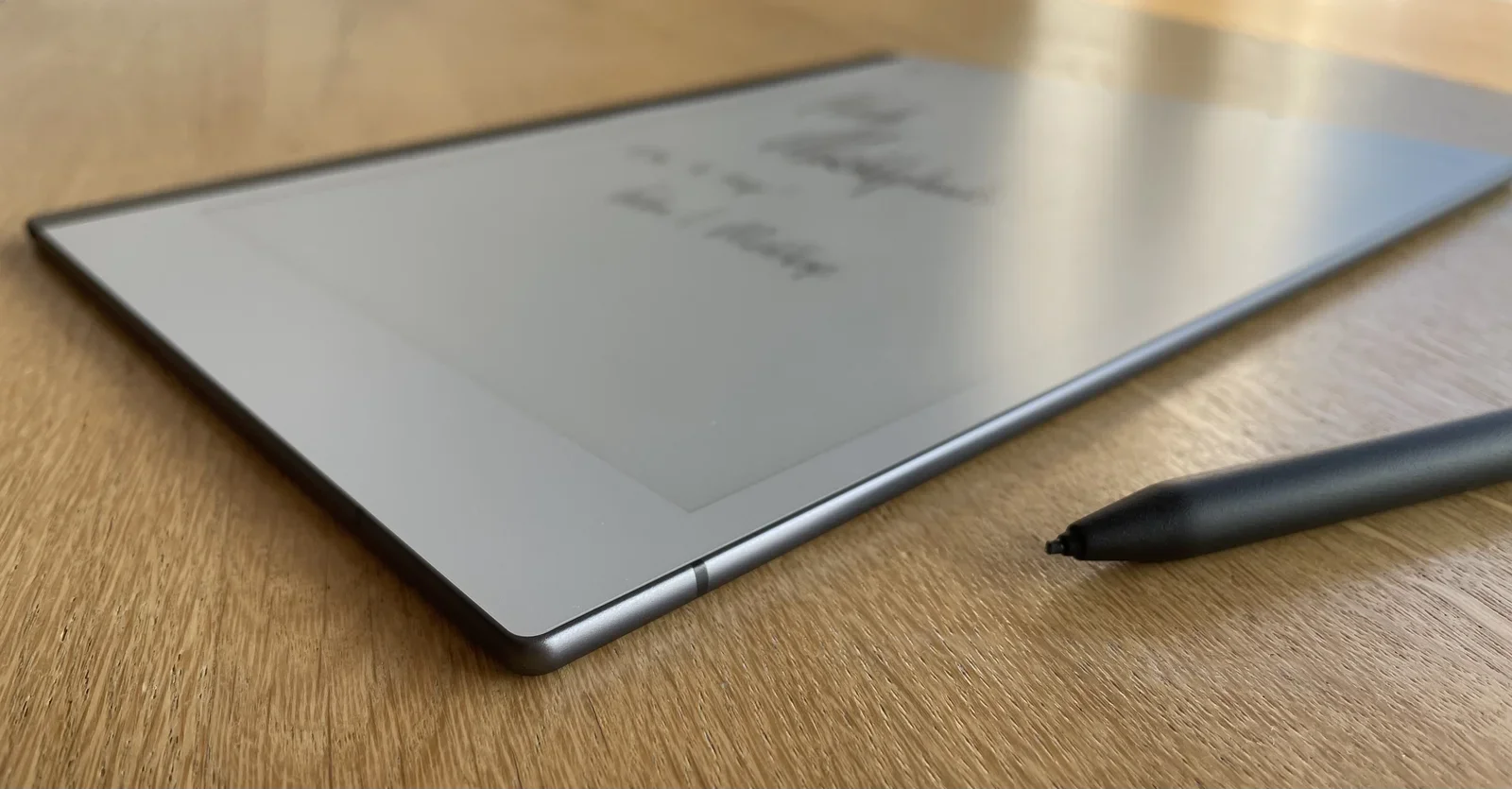
ereader, ebook, text, macro, walden(Using the reMarkable paper tablet) - image Thin and lightweight A reMarkable tablet lies on a wooden table showing an out of focus page of cursive handwritten notes, with a stylus resting beside it. (machine-described)
remarkable, tablet, handwriting, notes, stylus(Using the reMarkable paper tablet) - image The reMarkable's display: very much like a piece of paper in colour and texture A hand holds a reMarkable tablet displaying its welcome screen with handwritten style marketing text and the reMarkable logo. (machine-described) text in image:
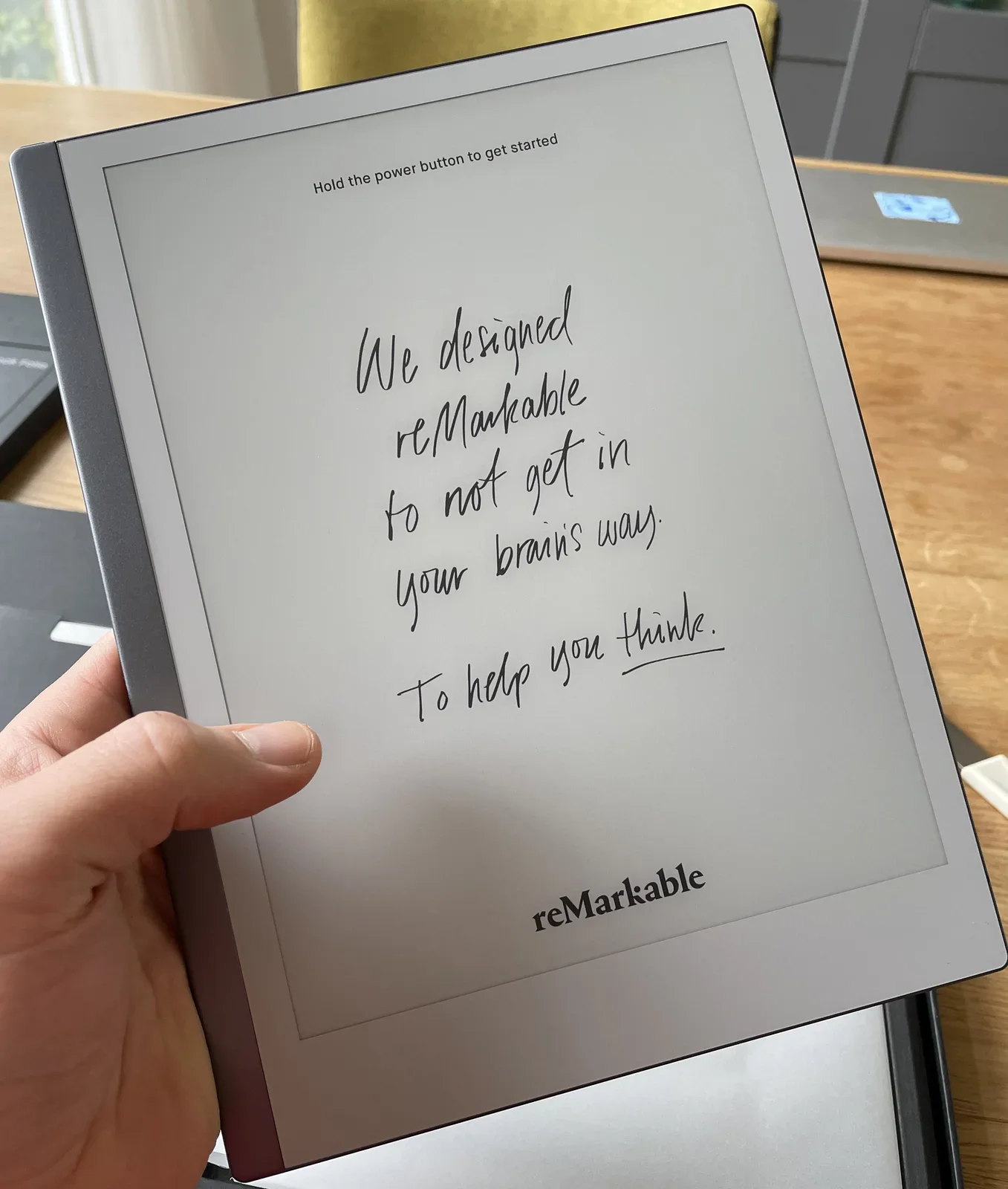
Hold the power button to get started We designed reMarkable to not get in your brains way. To help you think. reMarkable
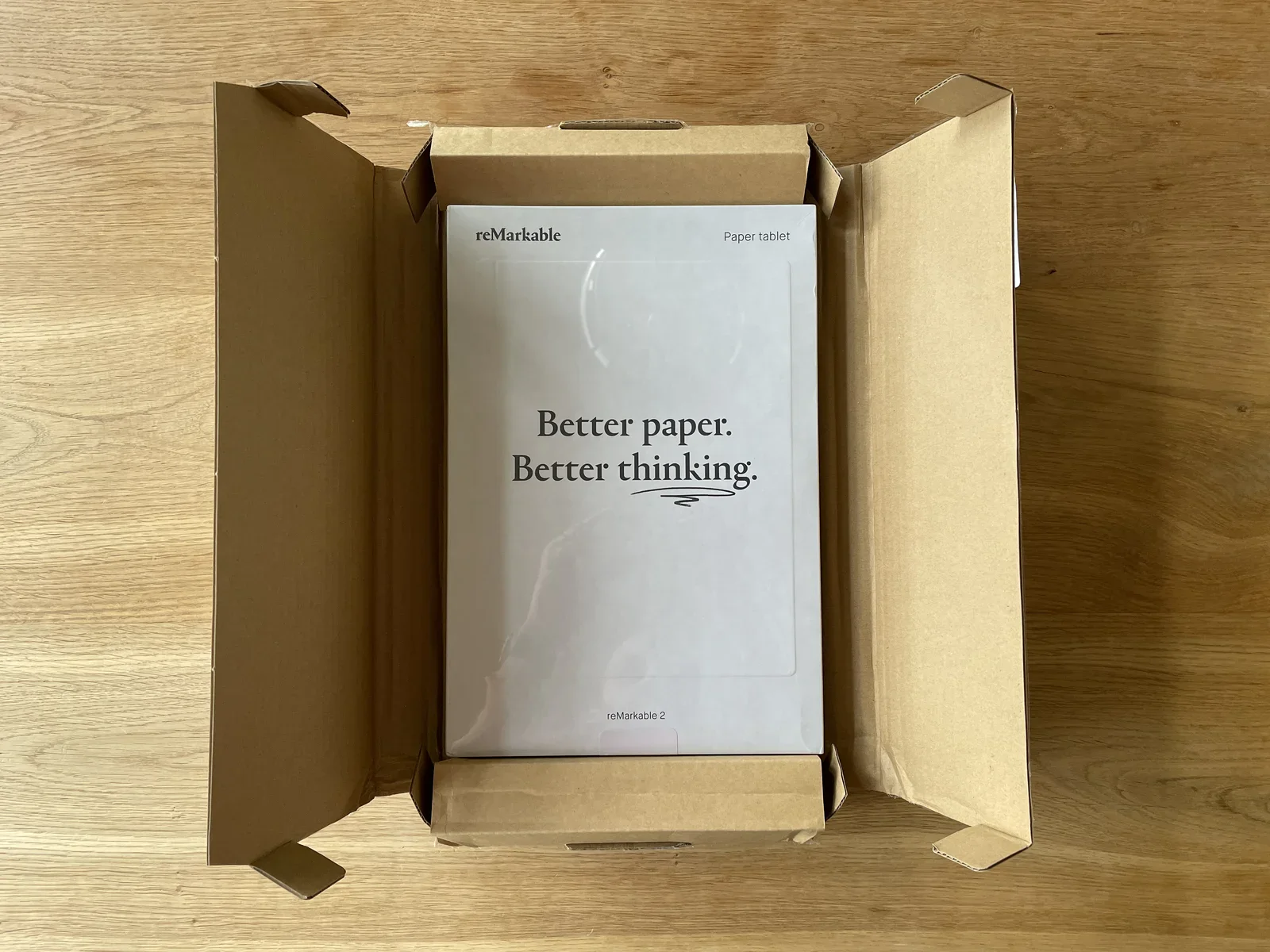
remarkable, tablet, welcome screen, unboxing, branding(Using the reMarkable paper tablet) - image reMarkable's party trick: better paper, better thinking An unopened reMarkable 2 paper tablet box sits inside its outer cardboard shipping box on a wooden floor. (machine-described) text in image:
reMarkable Paper tablet Better paper. Better thinking. reMarkable 2
remarkable, unboxing, packaging, tablet, box(Using the reMarkable paper tablet) - image A reMarkable tablet displaying a health risk infographic with handwritten notes, resting on a wooden table next to a black stylus and a wristwatch. (machine-described) text in image:
Average market één maken "risk" you: 68% HEALTH vs average: -12% 32% risk 25% risk reduction CALCULATED USING ELDERLY 10 YEARS LIFETIME vrijwel/nij direct walk na eerste vragen zoals roken therapie/remov altijd interactief kunnen wisselen met behoud van input reMarkable
tablet, stylus, watch, wooden table, infographic, handwriting(Using the reMarkable paper tablet) - image A close-up view of printed text on a page with a shallow depth of field. (machine-described) text in image:
ows; under the grove of elms and buttonwoods in a village of busy men, as curious to me as if they had sitting at the mouth of its burrow, or running over to I went there frequently to observe their habits me a great news room; and on one side, to support Company's on State Street, they kept nuts an
text, page, print, book(Using the reMarkable paper tablet) - image A reMarkable tablet displaying a health risk infographic with handwritten notes and a black stylus, resting on a wooden surface next to a wristwatch. (machine-described) text in image:
Average market één maken "risk" you: 68% HEALTH vs average: -12% 32% risk 25% risk reduction CALCULATED USING ELDERLY 10 YEARS LIFETIME vrijwel/nij direct walk na eerste vragen zoals roken therapie/remov altijd interactief kunnen wisselen met behoud van input reMarkable
tablet, stylus, watch, wooden table, infographic, handwriting(Using the reMarkable paper tablet) - image The hallways in the Kinderziekenhuis are full of interesting things to allow the kids a little break from being a patient - I'll happily play along! A man in a surgical face mask takes a selfie with a toddler sitting on a hospital bench, with an IV stand holding a glucose infusion bag beside them. (machine-described) text in image:
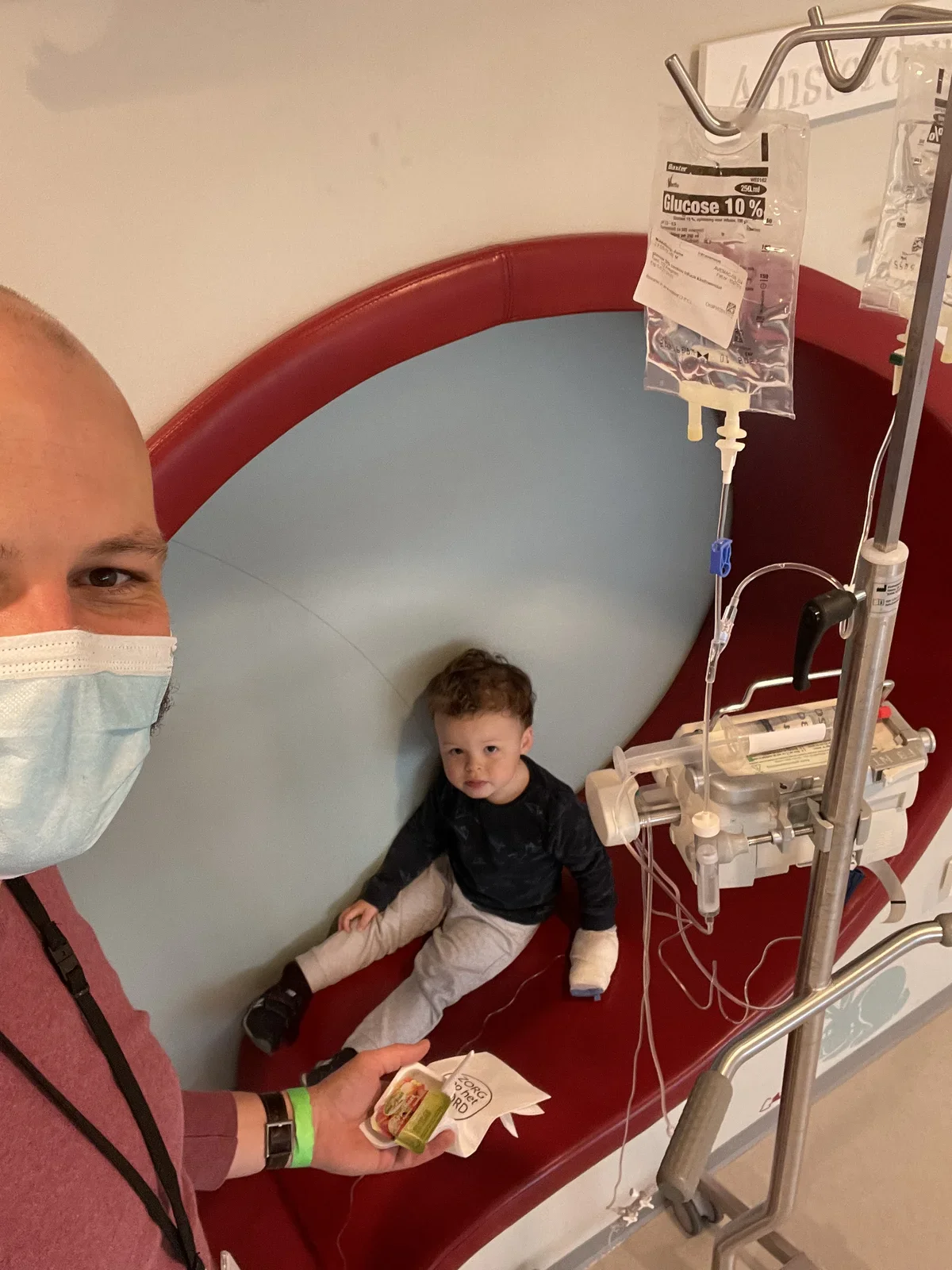
Baxter Glucose 10% 250 ml
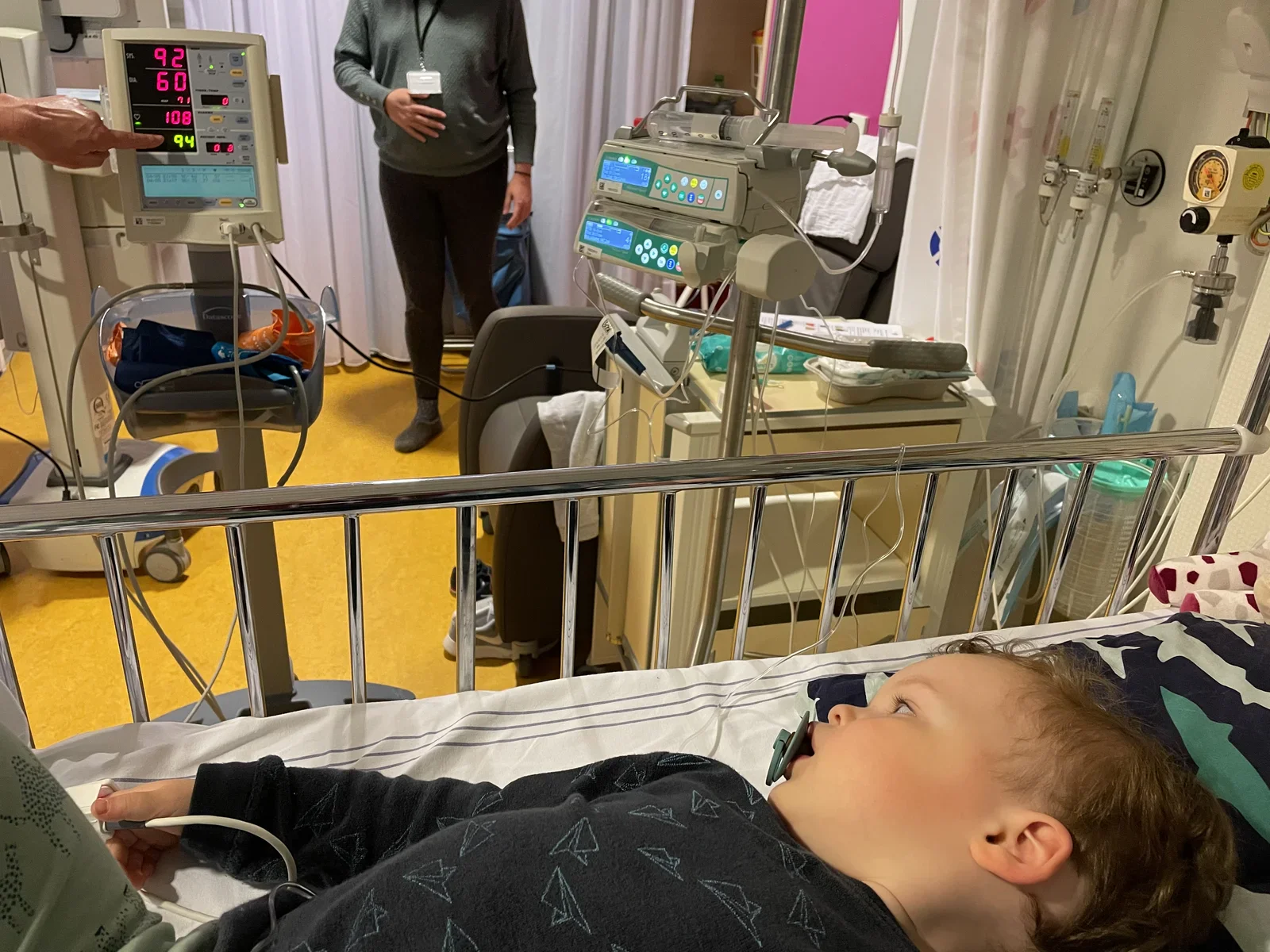
hospital, child, father, surgical mask, iv bag, medical(Hospitalised with MCADD) - image Nurses explain what they measure - making the kids (and parents) feel comfortable in the hospital A toddler lies in a hospital bed with a pulse oximeter on a finger while a vital signs monitor displays readings and a nurse stands in the background near infusion pumps. (machine-described) text in image:
92 60 71 108 94
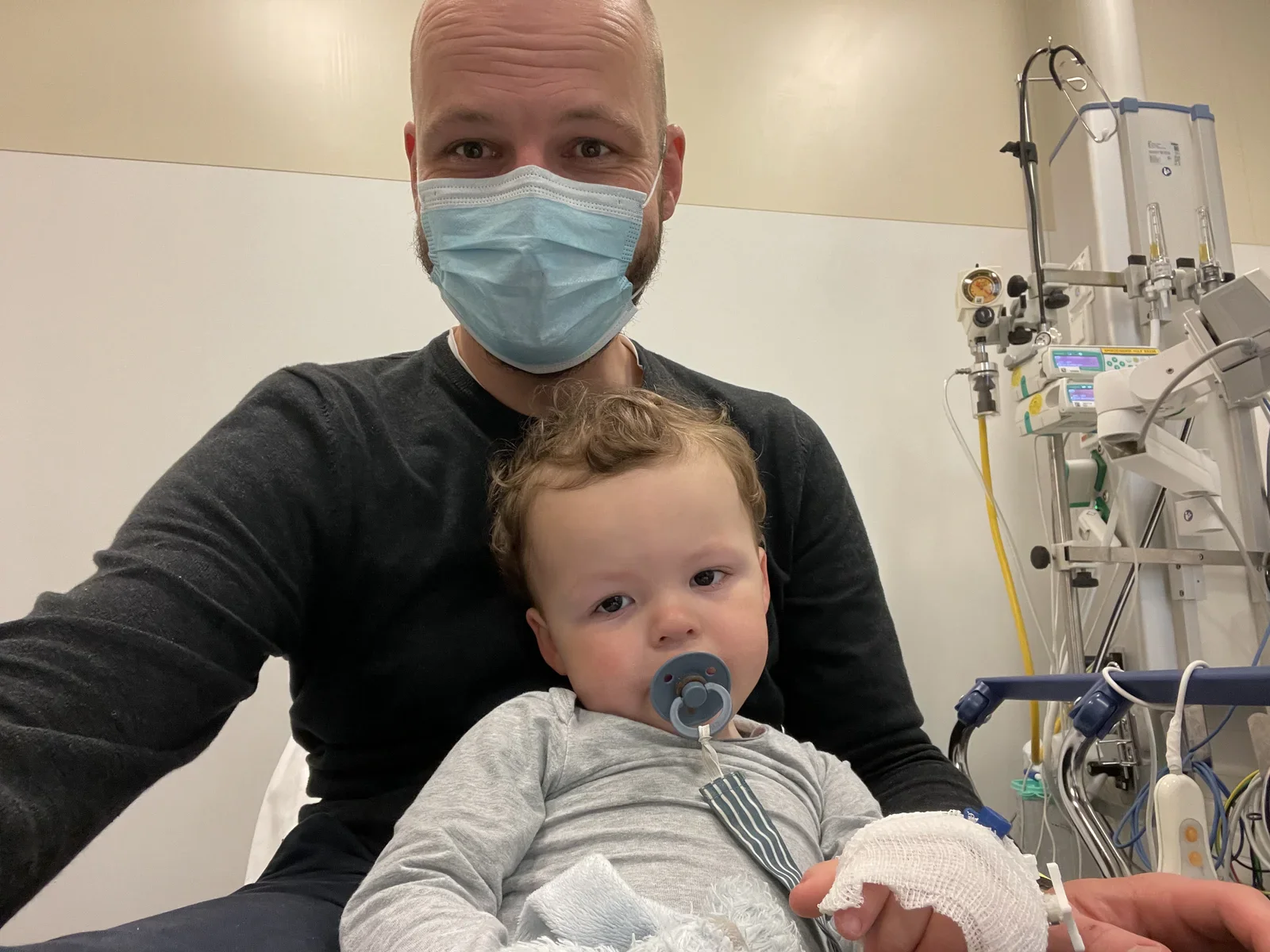
hospital, child, vital signs monitor, nurse, infusion pump, medical(Hospitalised with MCADD) - image Hello from the emergency room - connected to the infusion system A man in a surgical face mask holds a baby with a bandaged hand and a pacifier in a hospital room, with an infusion pump and medical stand behind them. (machine-described)
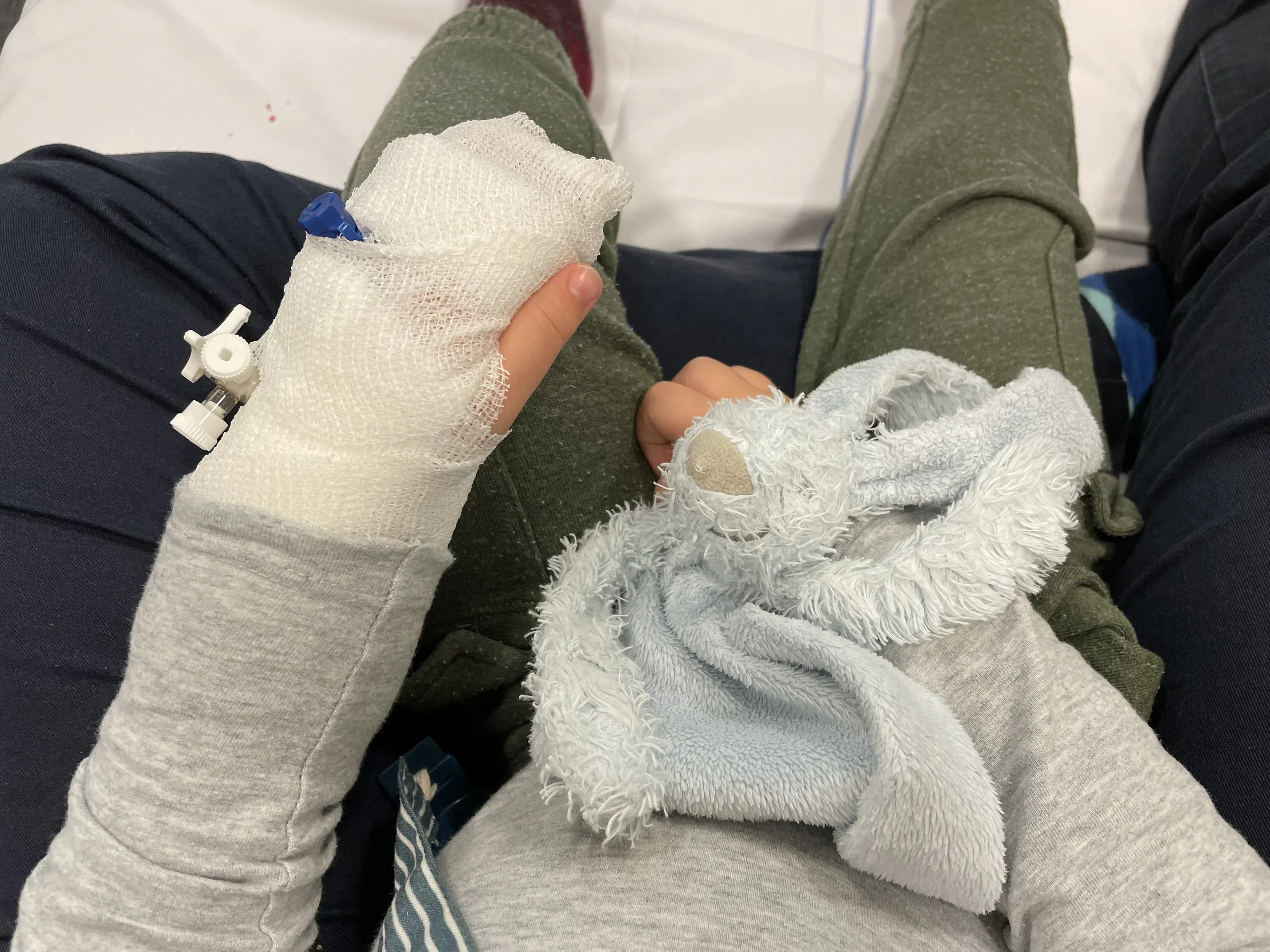
hospital, baby, father, surgical mask, bandage, medical(Hospitalised with MCADD) - image Bring your bunny rabbit when you're going for an infuse! Close view of a child sitting on a hospital bed, one hand wrapped in gauze bandage with an IV cannula port, the other hand resting on a plush bunny comforter. (machine-described)
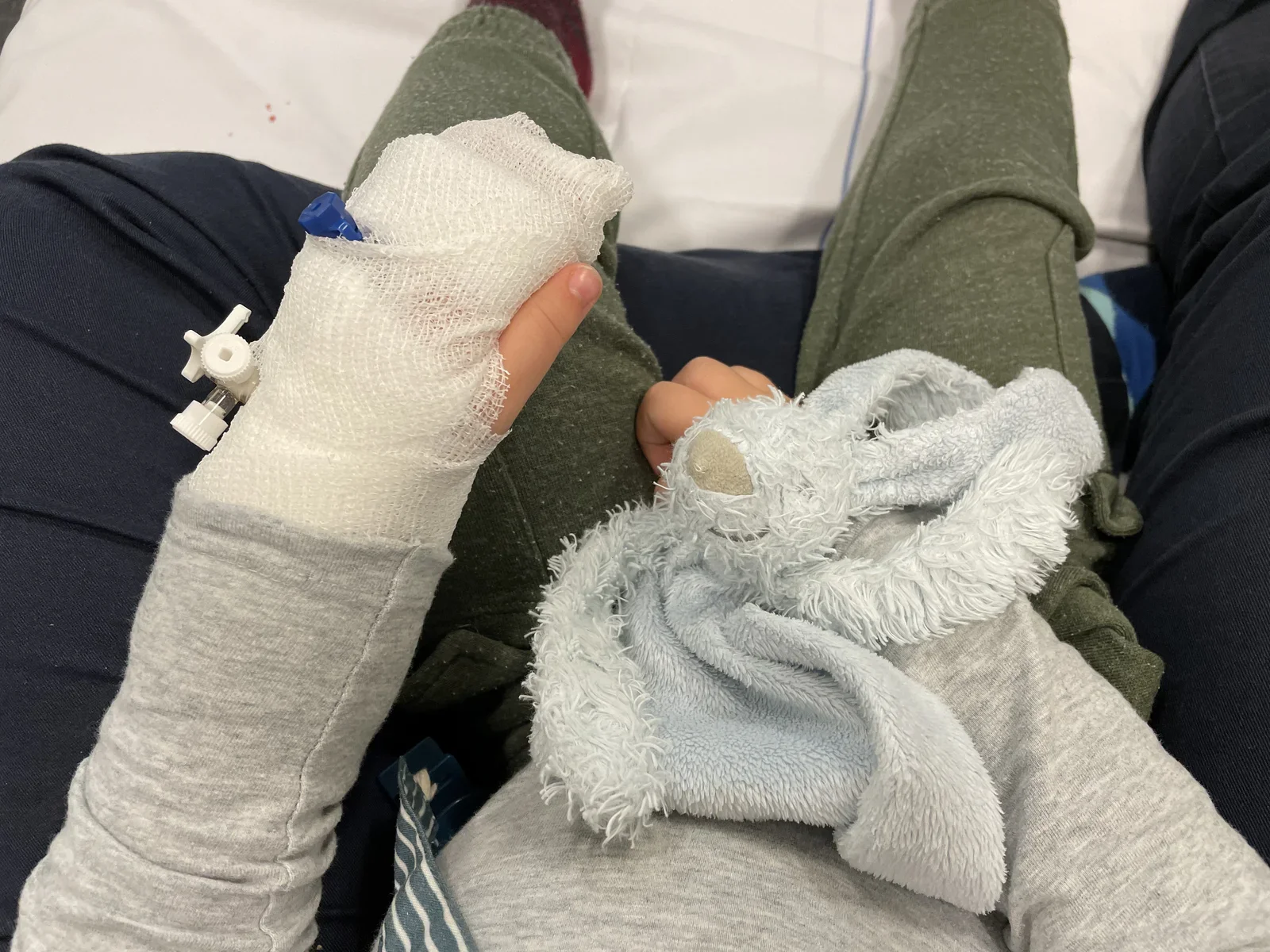
hospital, child, bandage, iv, plush toy, hand(Hospitalised with MCADD) - image Magic potion from the local academic hospital (UMC Amsterdam) A hand holds a clear ziplock bag marked with a biohazard symbol containing used medical vials and printed medication labels, with parked cars in a car park behind. (machine-described) text in image:
GENEESMIDDEL Hoeveelheid Toegediend Naam patient Datum Uur Afd MV
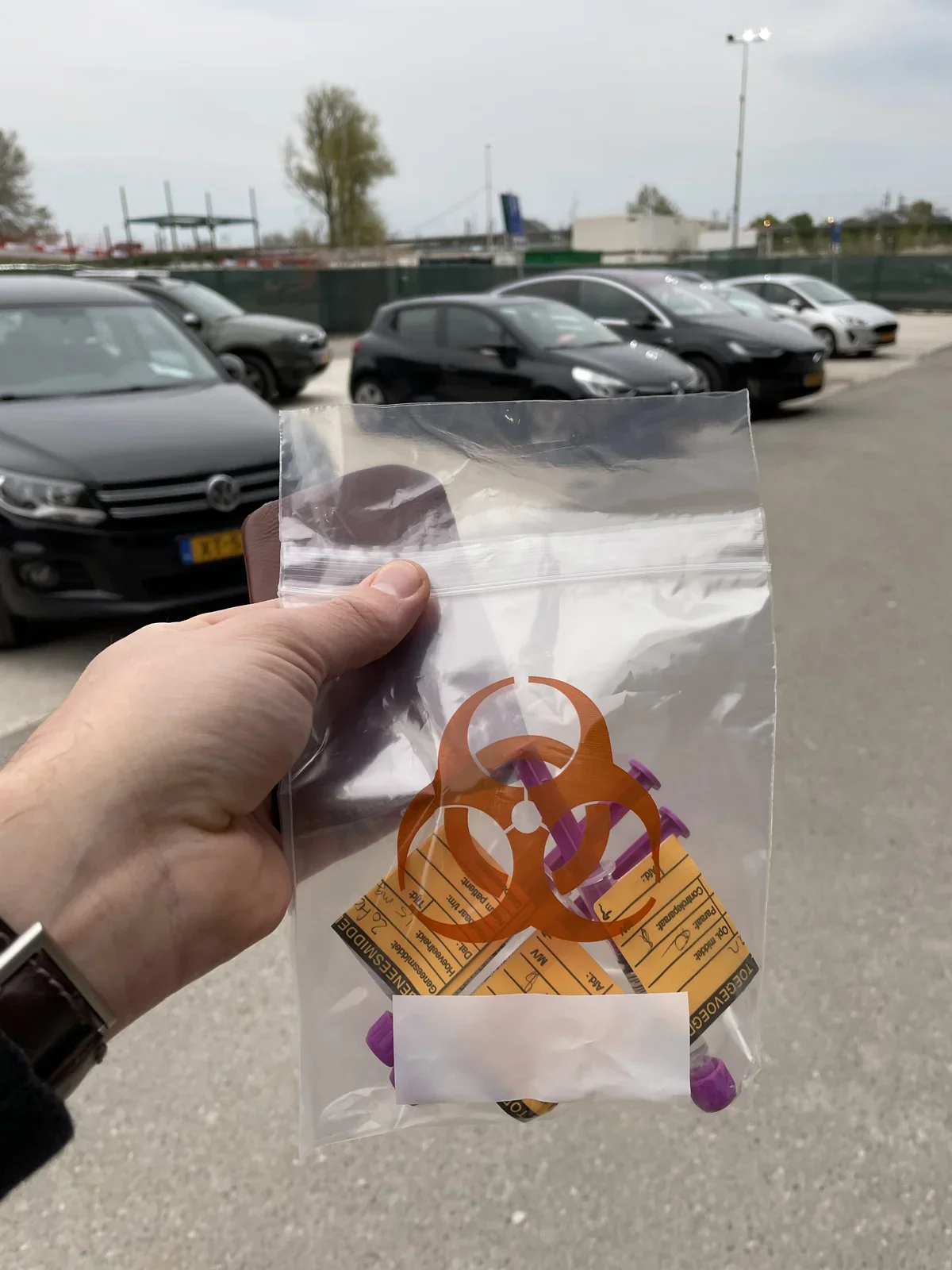
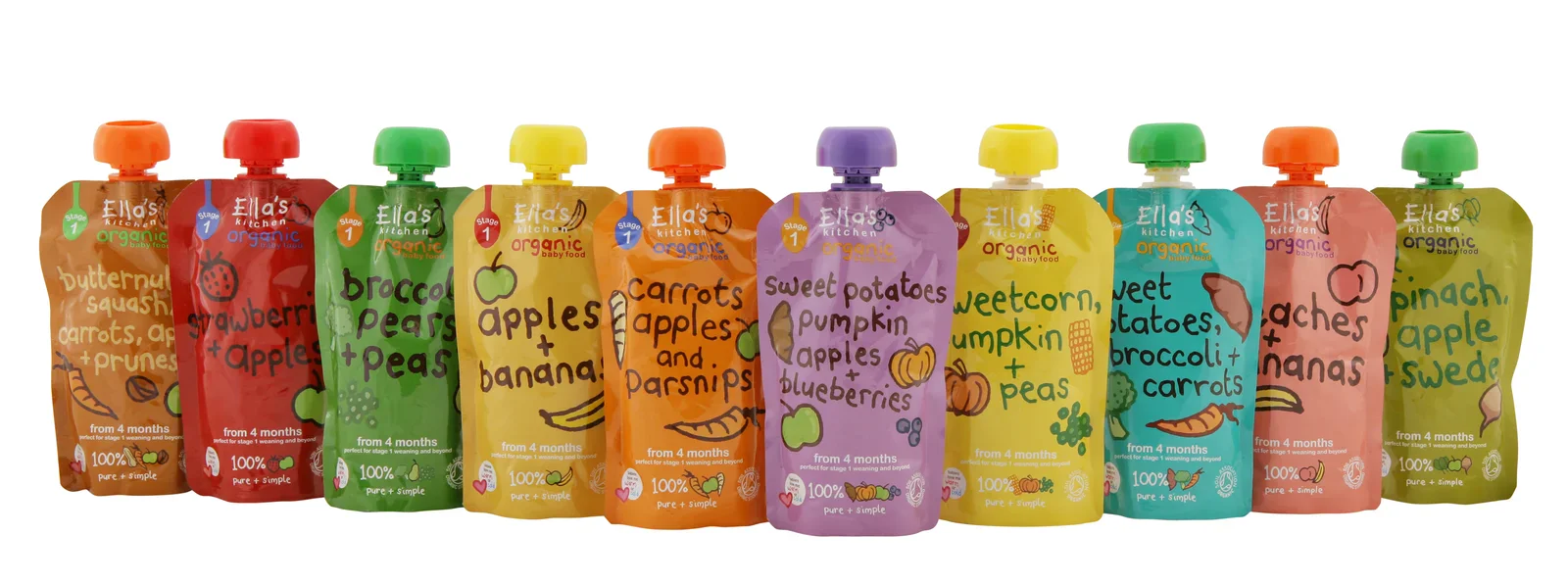
biohazard, medical waste, ziplock bag, car park, labels(Hospitalised with MCADD) - image Ella's Kitchen fruit pouches are a perfect way to offer something sugary - we always have a few in stock for MCADD emergencies A row of eleven Ella's Kitchen organic baby food pouches in different colours, each labeled with its fruit and vegetable blend. (machine-described) text in image:
Ella's kitchen Organic baby food Stage 1 butternut squash, carrots, apple + prunes strawberries + apples broccoli, pears + peas apples + bananas carrots, apples and parsnips sweet potatoes, pumpkin, apples + blueberries sweetcorn, pumpkin + peas sweet potatoes, broccoli + carrots peaches + bananas s
baby food, pouches, packaging, ellas kitchen, product(Hospitalised with MCADD) - image A man wearing a blue surgical mask holds a baby with a pacifier and a bandaged hand in a hospital room. (machine-described)
man, baby, mask, pacifier, bandage, medical equipment(Hospitalised with MCADD) - image A close-up view of a child's bandaged left hand with an IV catheter and a blue stuffed bunny toy resting on their lap. (machine-described)
hand, bandage, toy, clothes, catheter(Hospitalised with MCADD) - image A man wearing a blue surgical mask holds a baby with a pacifier and a bandaged hand in a hospital room. (machine-described)
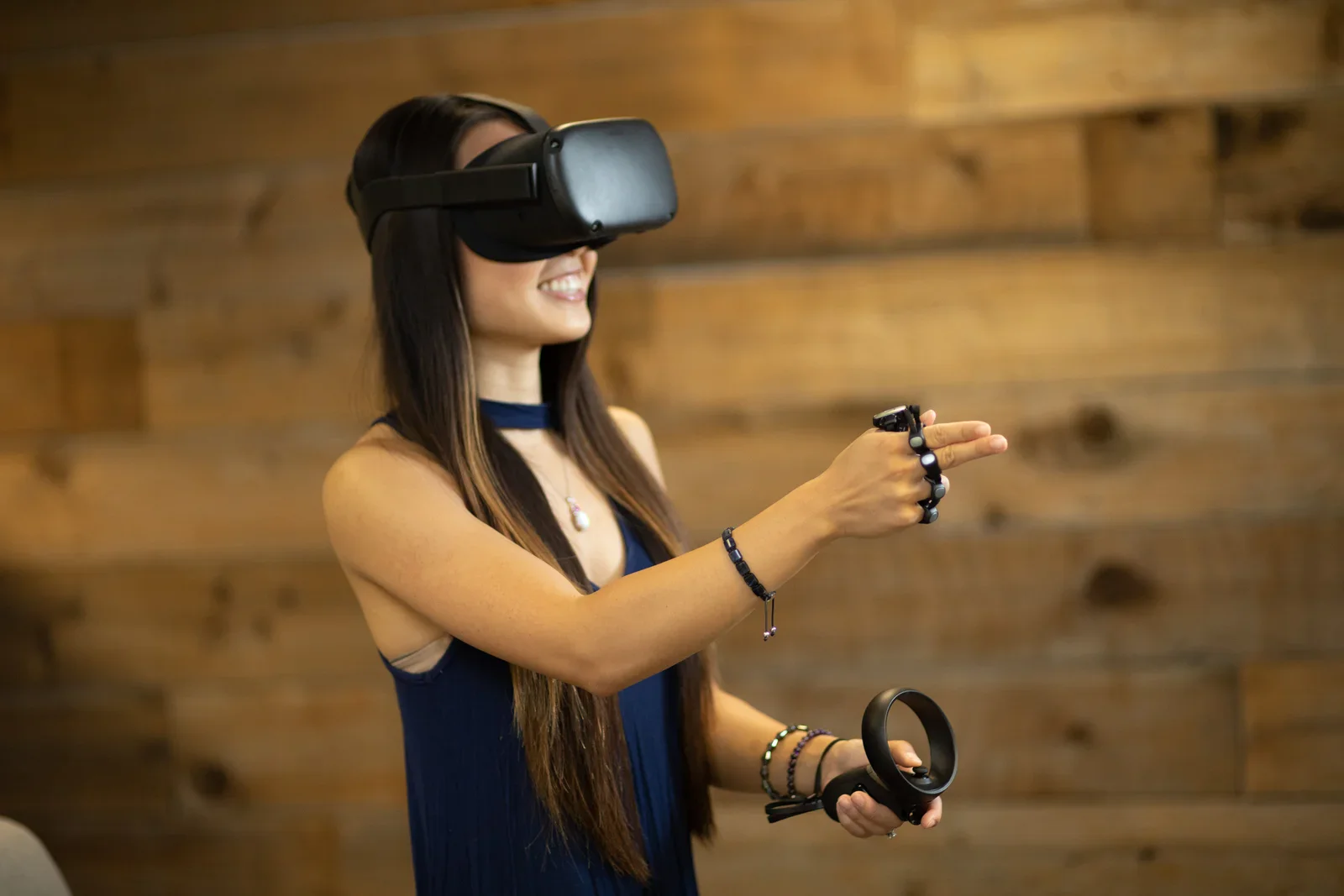
man, baby, mask, pacifier, bandage, medical equipment(Hospitalised with MCADD) - image Using Tap Strap beyond the keyboard A woman wearing a VR headset and holding two handheld controllers smiles while gesturing, with a wooden panel wall behind her. (machine-described)
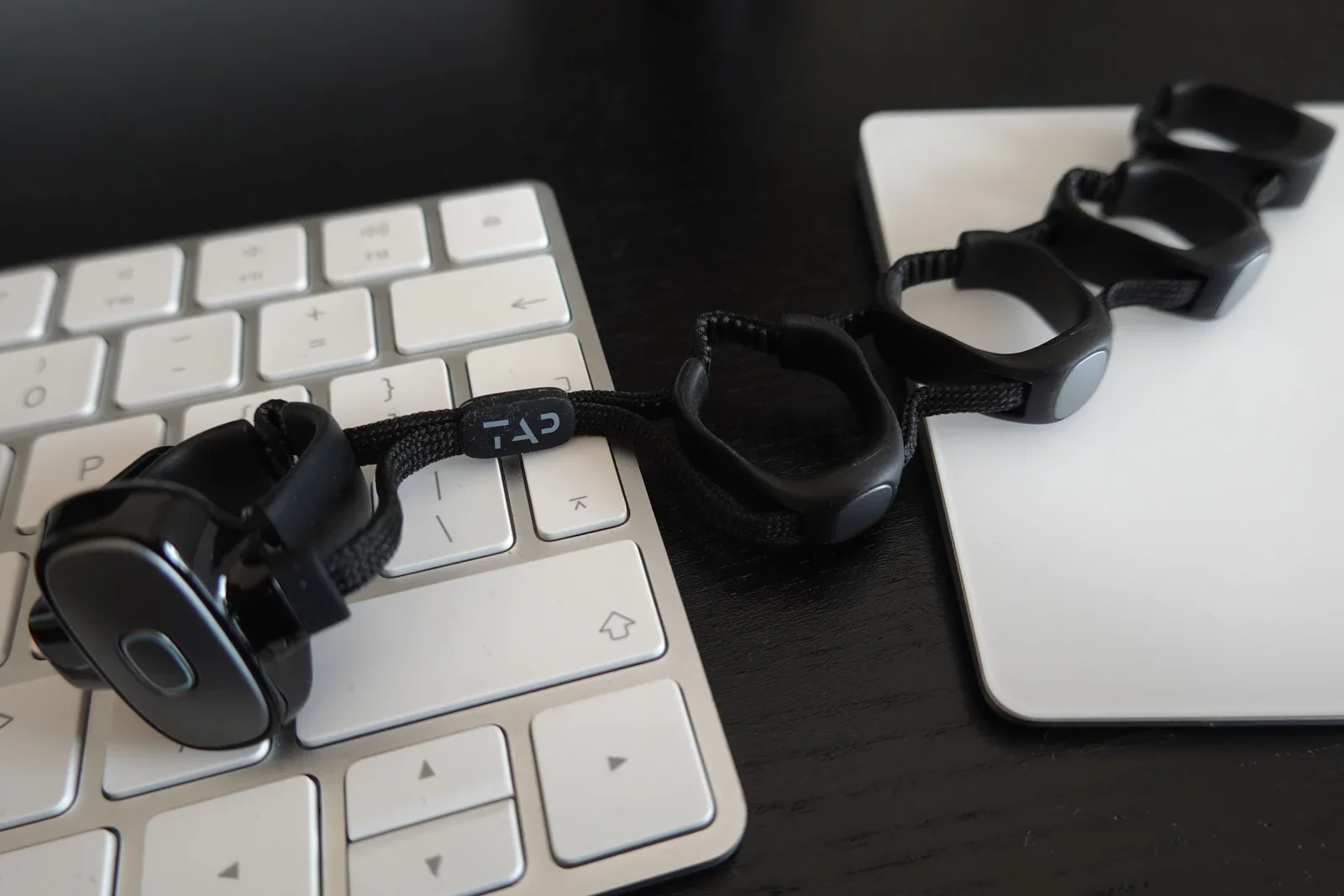
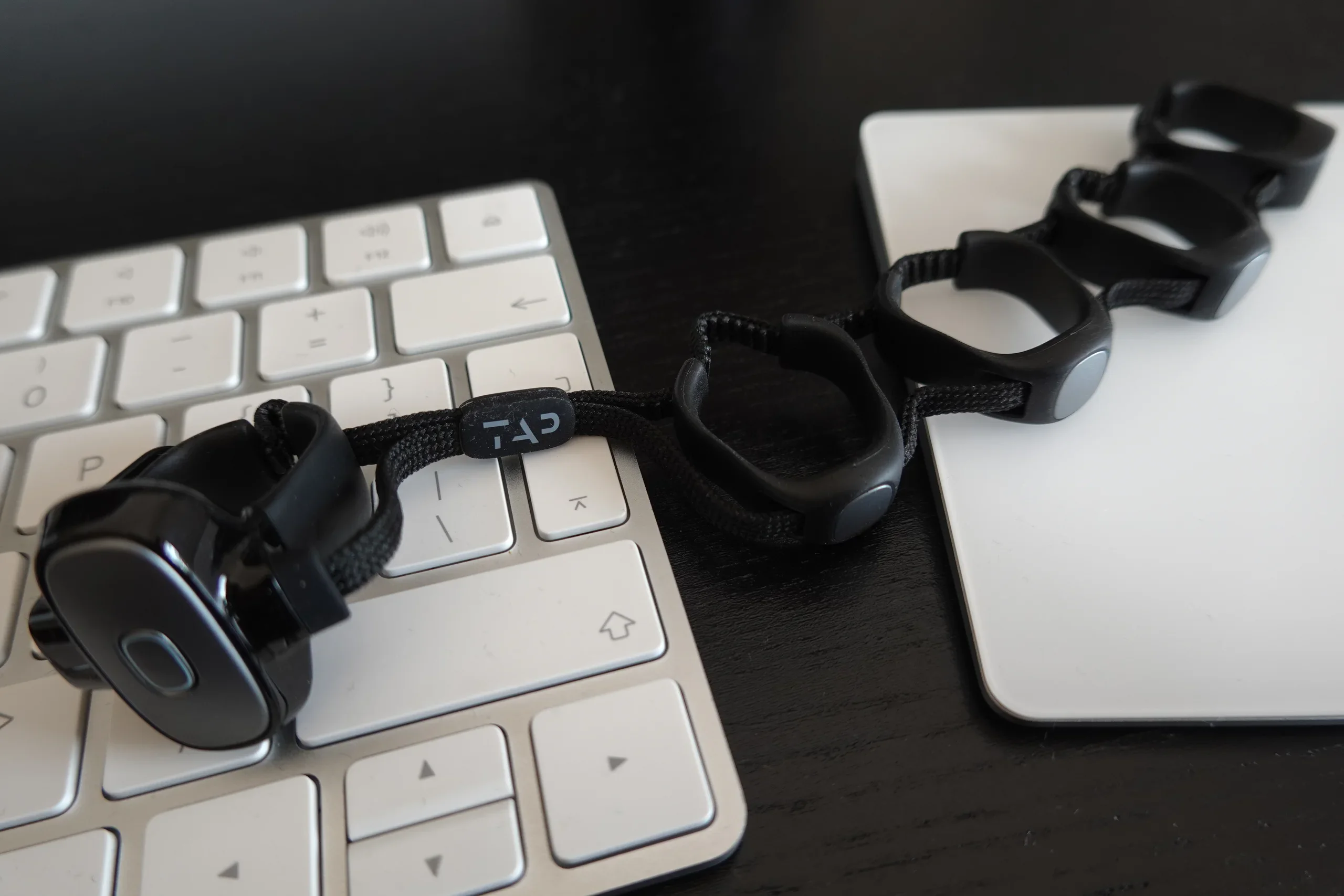
virtual reality, headset, controllers, woman, technology(Enter text without keys) - image Ultimately, Tap Strap can replace your keyboard and mouse A Tap Strap wearable keyboard device rests on an Apple wireless keyboard and Magic Trackpad, its rings and thumb sensor connected by black straps. (machine-described) text in image:
TAP
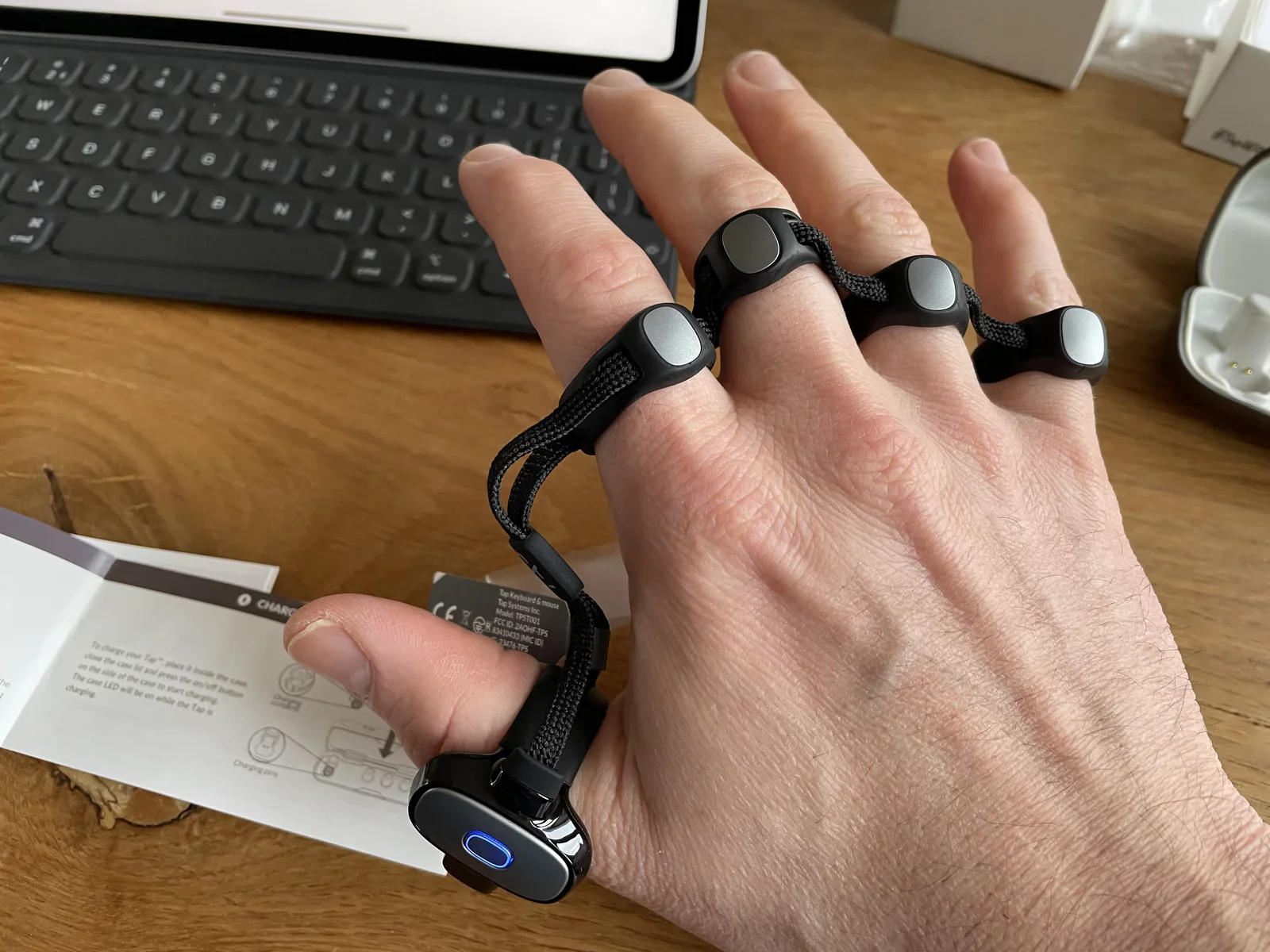
wearable, keyboard, tap strap, gadget, trackpad(Enter text without keys) - image Learning to Tap takes time and practice A hand wears a five ring Tap Strap wearable keyboard beside a folded instruction booklet and a regulatory label card, with an iPad keyboard case in the background. (machine-described) text in image:
CHARGING To charge your Tap™, place it inside the case, close the case lid and press the on/off button on the side of the case to start charging. The case LED will be on while the Tap is charging. Charging pins Tap Keyboard & mouse Tap Systems Inc Model: TPST001 FCC ID: 2AOHF-TPS R 83410433 (MIC ID)
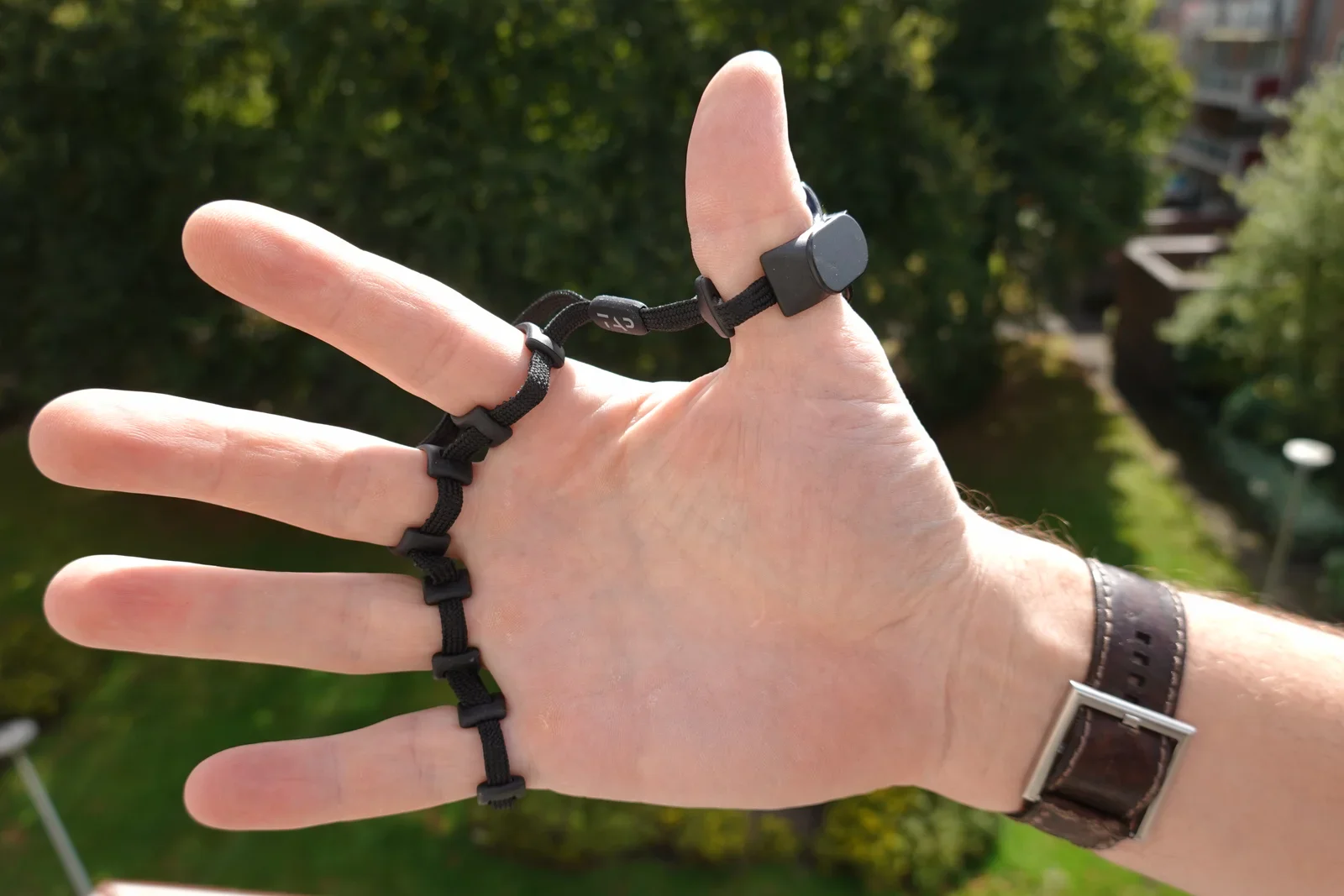
wearable, keyboard, tap strap, manual, regulatory label(Enter text without keys) - image Lightweight and breathable material An open hand wearing a Tap Strap wearable keyboard on all five fingers, with a leather wristwatch visible, photographed outdoors against greenery. (machine-described) text in image:
TAP
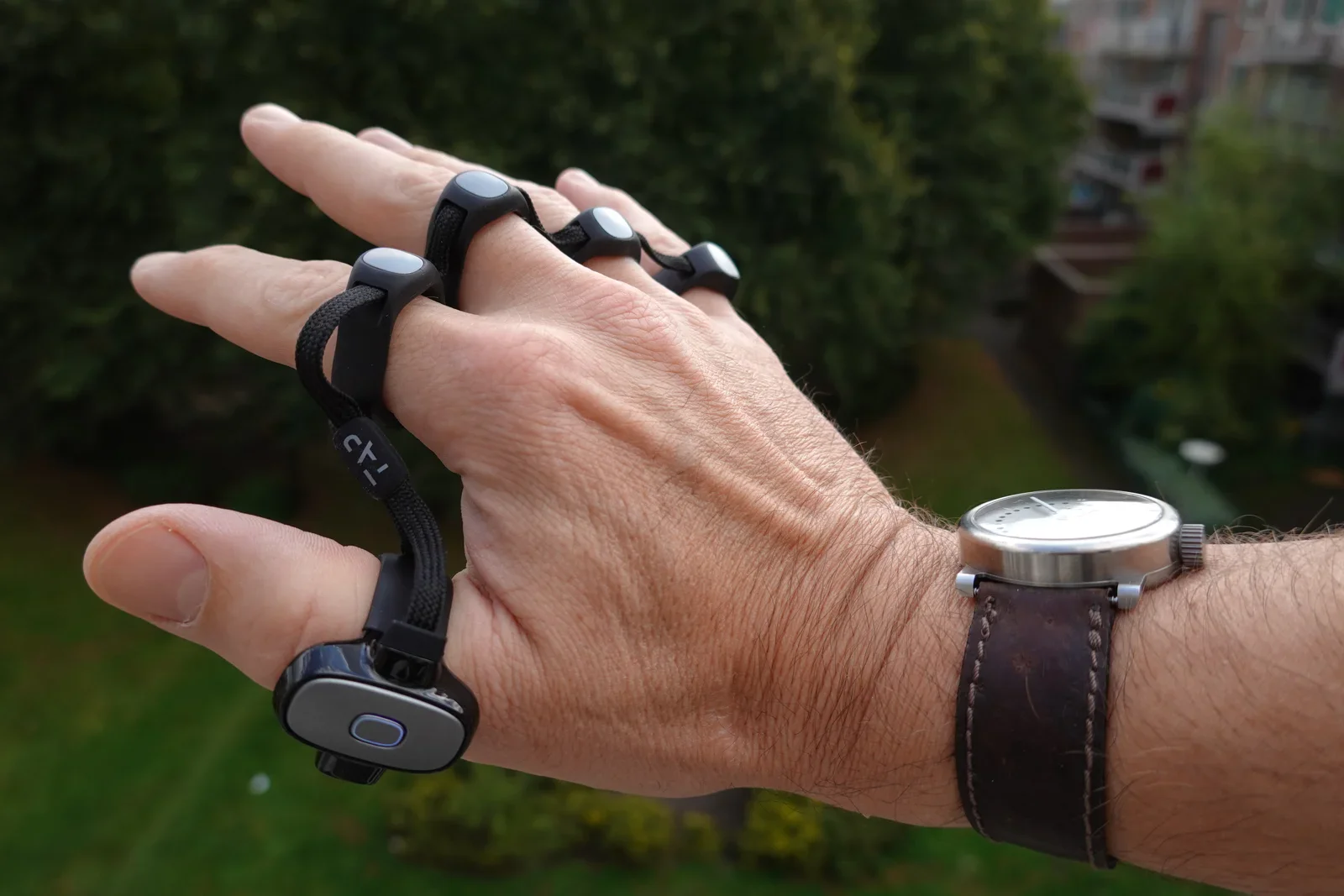
wearable, keyboard, tap strap, hand, watch, outdoor(Enter text without keys) - image Wearing the Tap Strap A hand wearing a Tap Strap wearable keyboard is held up outdoors, showing the ring sensors on each finger and a leather strapped wristwatch. (machine-described) text in image:
TAP
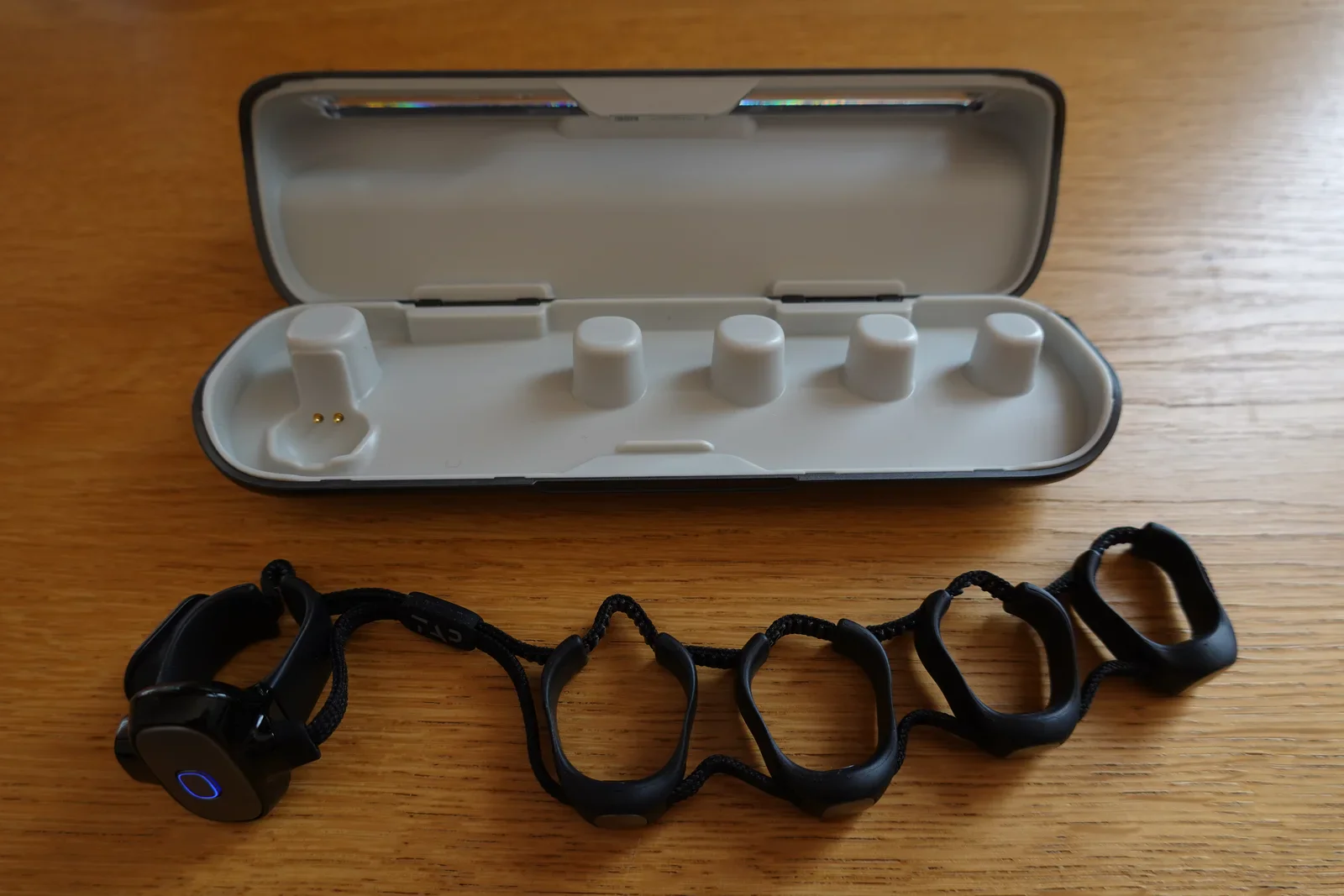
wearable, keyboard, tap strap, hand, watch, outdoor(Enter text without keys) - image Store and charge the Tap Strap in its case A Tap Strap wearable keyboard lies unfolded on a wooden table next to its open charging case with five charging posts. (machine-described)
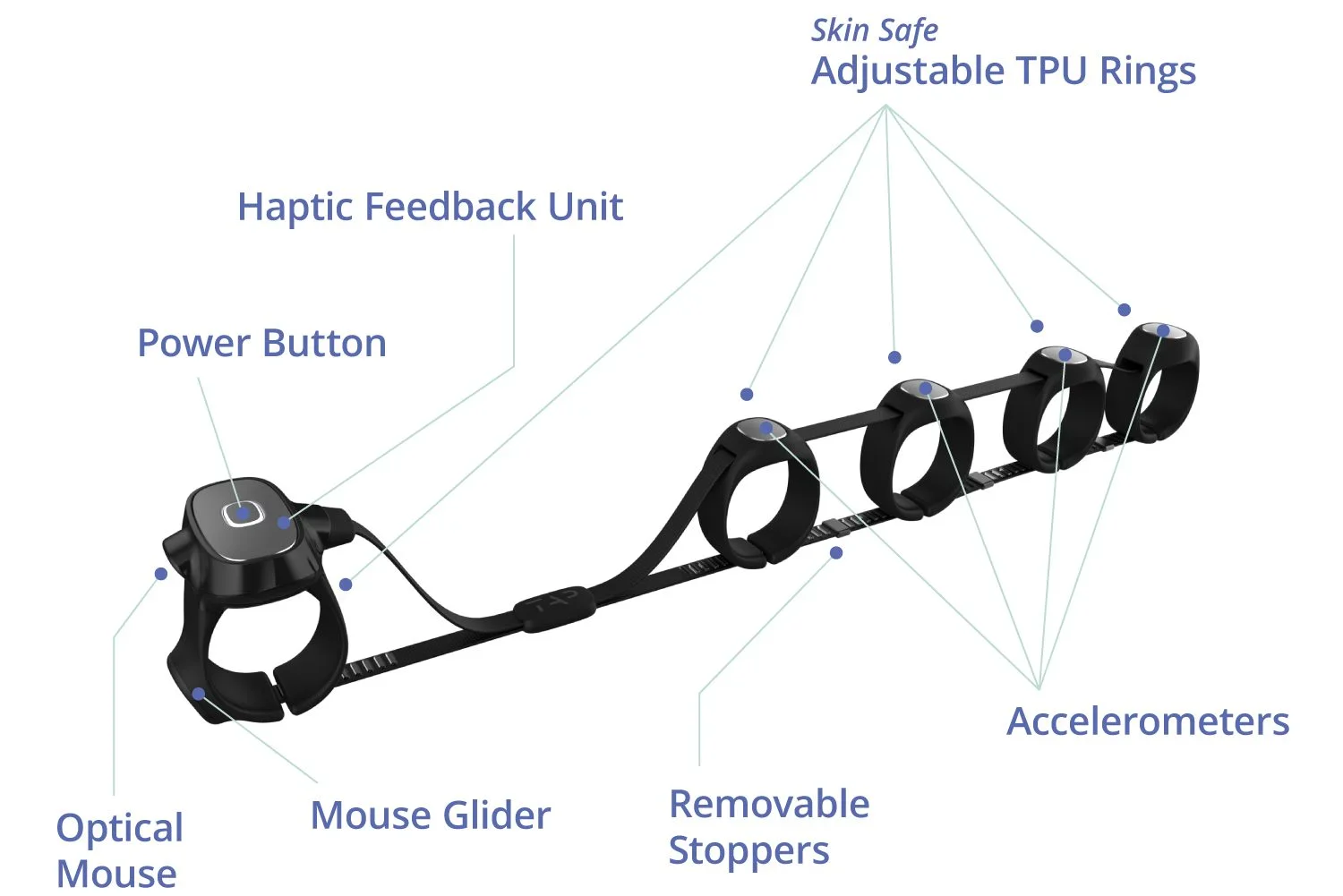
wearable, keyboard, tap strap, charging case, gadget(Enter text without keys) - image How the Tap Strap works A labeled diagram of a Tap Strap wearable keyboard identifies its power button, optical mouse, mouse glider, haptic feedback unit, adjustable TPU rings, removable stoppers and accelerometers. (machine-described) text in image:
Skin Safe Adjustable TPU Rings Haptic Feedback Unit Power Button Optical Mouse Mouse Glider Removable Stoppers Accelerometers
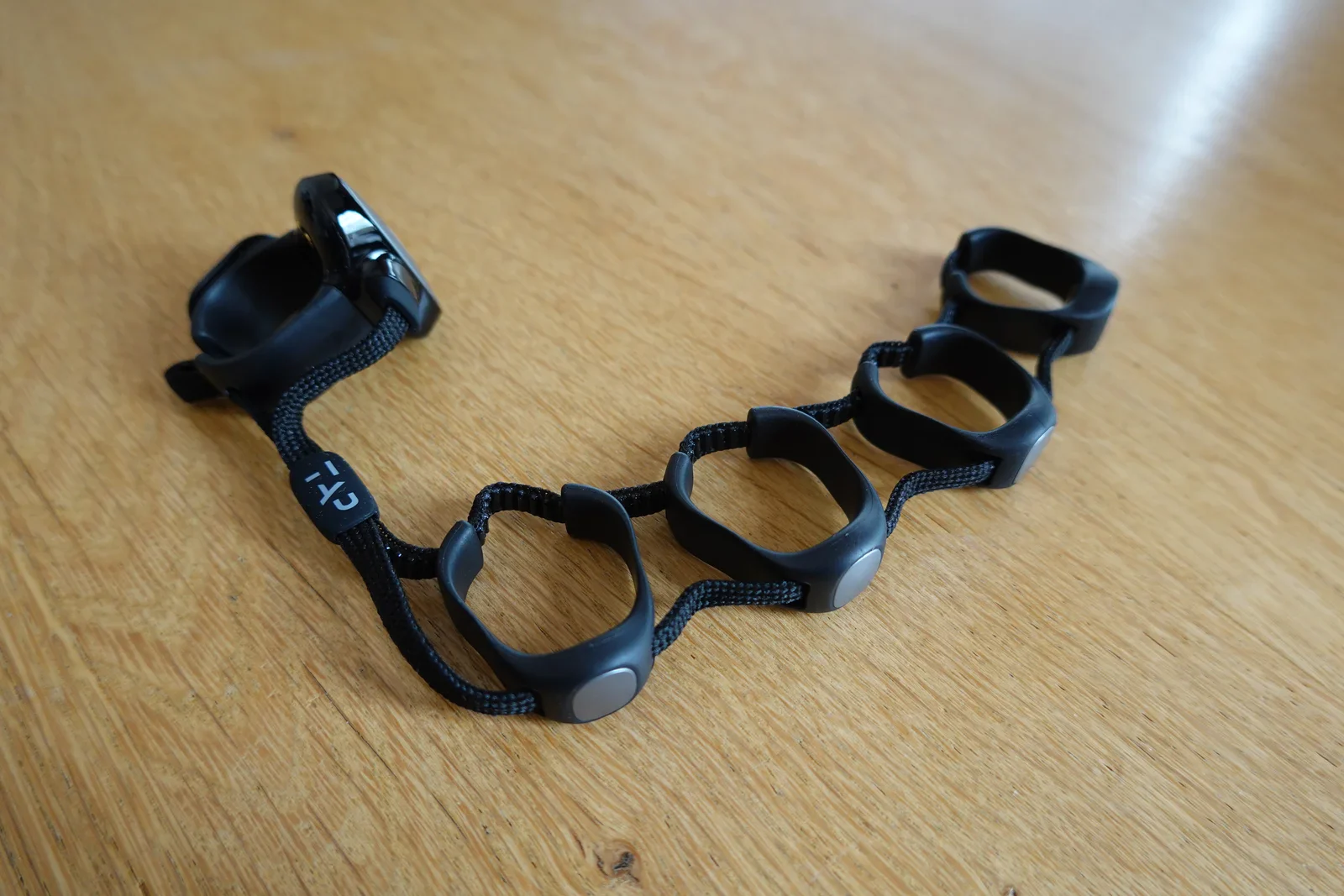
infographic, wearable, keyboard, tap strap, diagram(Enter text without keys) - image The Tap Strap A Tap Strap wearable keyboard with five finger rings and a thumb sensor unit lies coiled on a wooden table. (machine-described) text in image:
TAP
wearable, keyboard, tap strap, gadget, table(Enter text without keys) - image A close-up of a person's left hand wearing a black finger-worn device with sensors on each fingertip and a wrist-mounted unit, alongside a wristwatch with a brown leather strap. (machine-described) text in image:
CTI
hand, device, watch, finger, sensor(Enter text without keys) - image A close-up shot of a silver computer keyboard and a white trackpad on a dark wooden desk, with a black multi-finger tracking device resting across them. (machine-described) text in image:
TAP
keyboard, trackpad, device, desk(Enter text without keys) - image A close-up of a person's left hand wearing a black finger-worn device with sensors on each fingertip and a wristwatch with a brown leather strap. (machine-described) text in image:
CTI
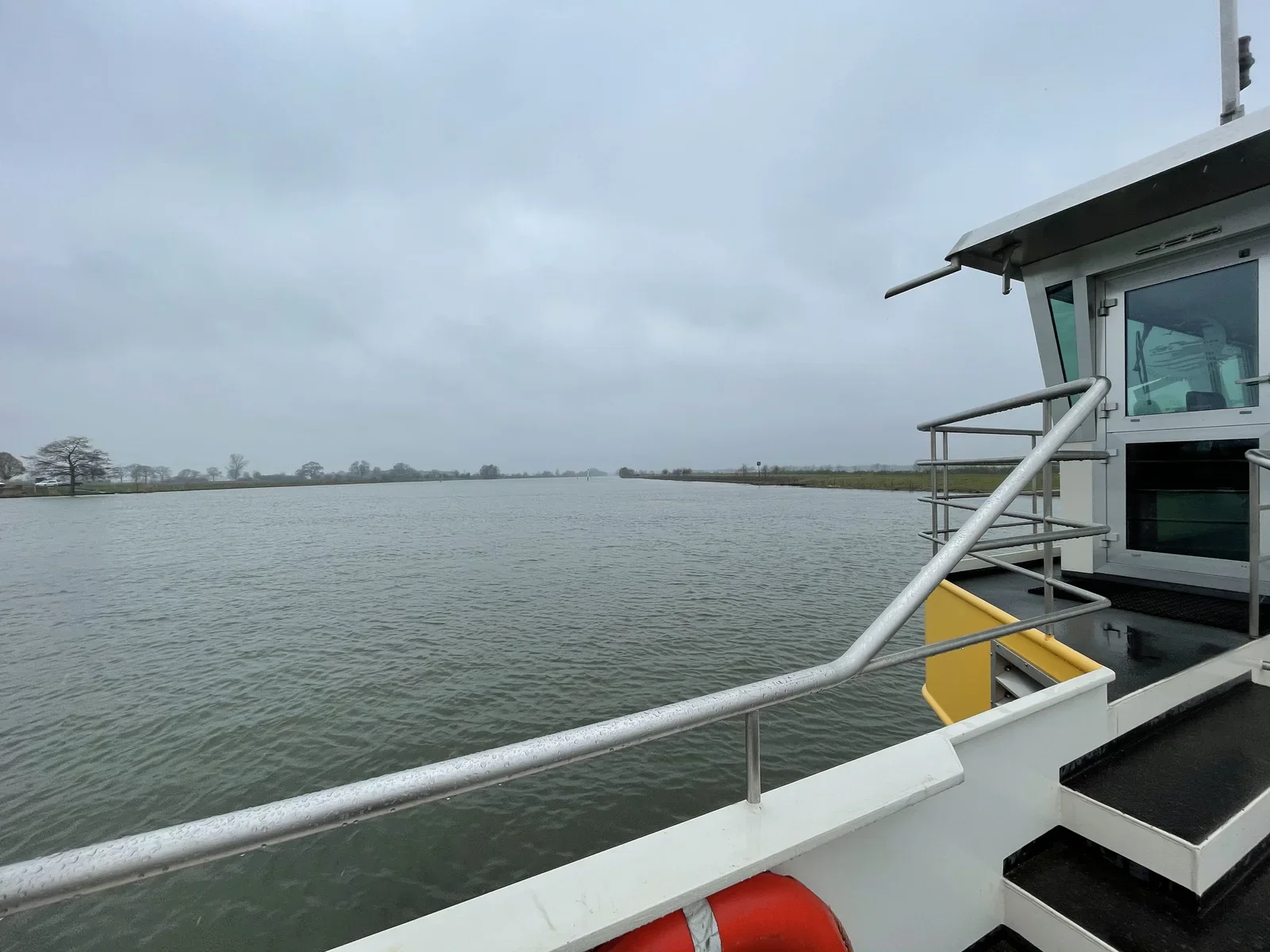
hand, device, watch, finger, wrist(Enter text without keys) - image Crossing the last river by ferry The stern deck and wheelhouse of a small ferry or work boat on a wide grey river under an overcast sky, with a red life ring mounted on the railing. (machine-described)
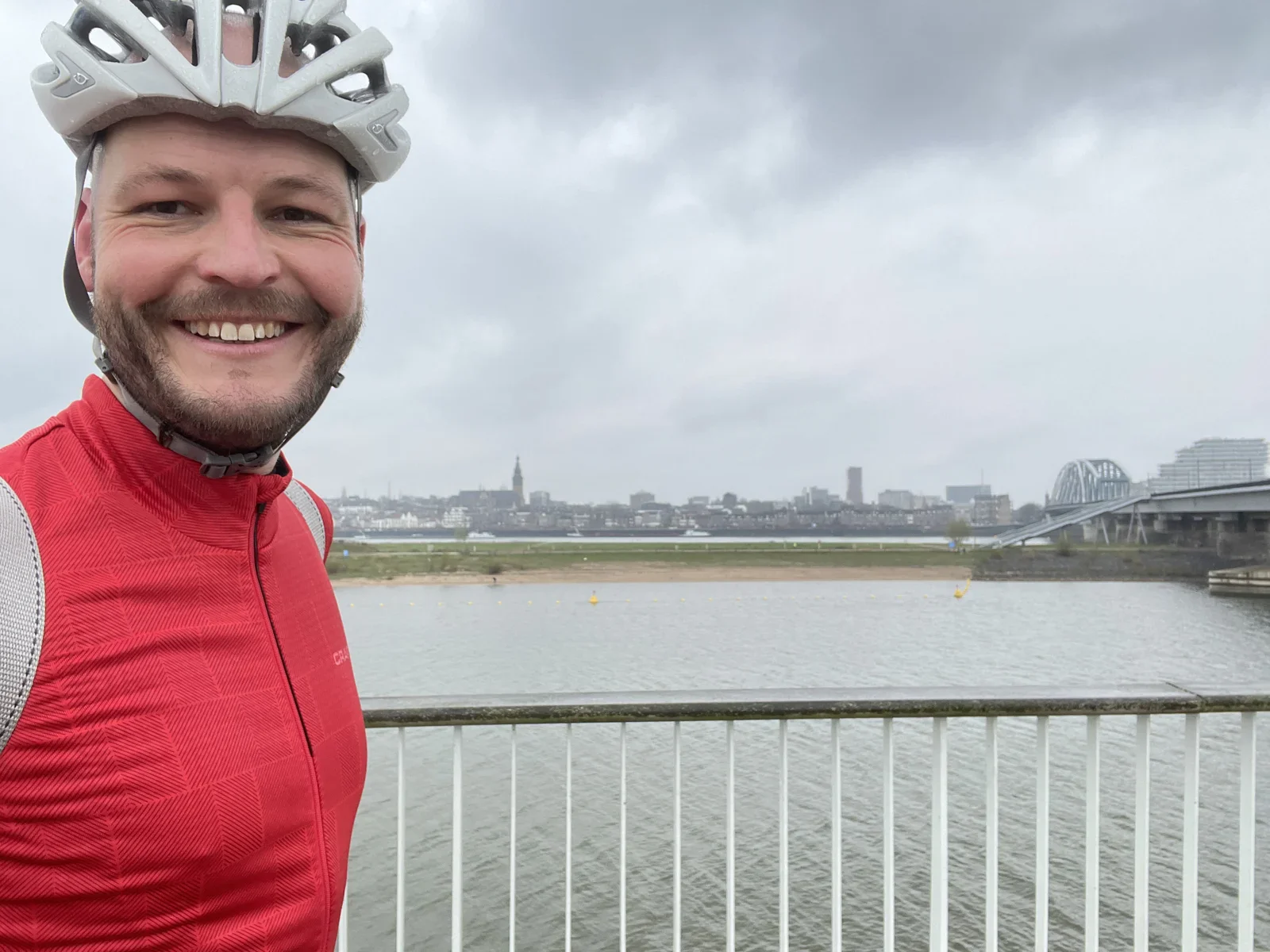
boat, ferry, river, wheelhouse, overcast, life ring(Fixed Gear Gran Fondo) - image Nijmegen skyline A smiling cyclist in a helmet and red jacket takes a selfie on a bridge over a wide river, with a city skyline and an arched bridge visible in the background. (machine-described) text in image:
CRA...
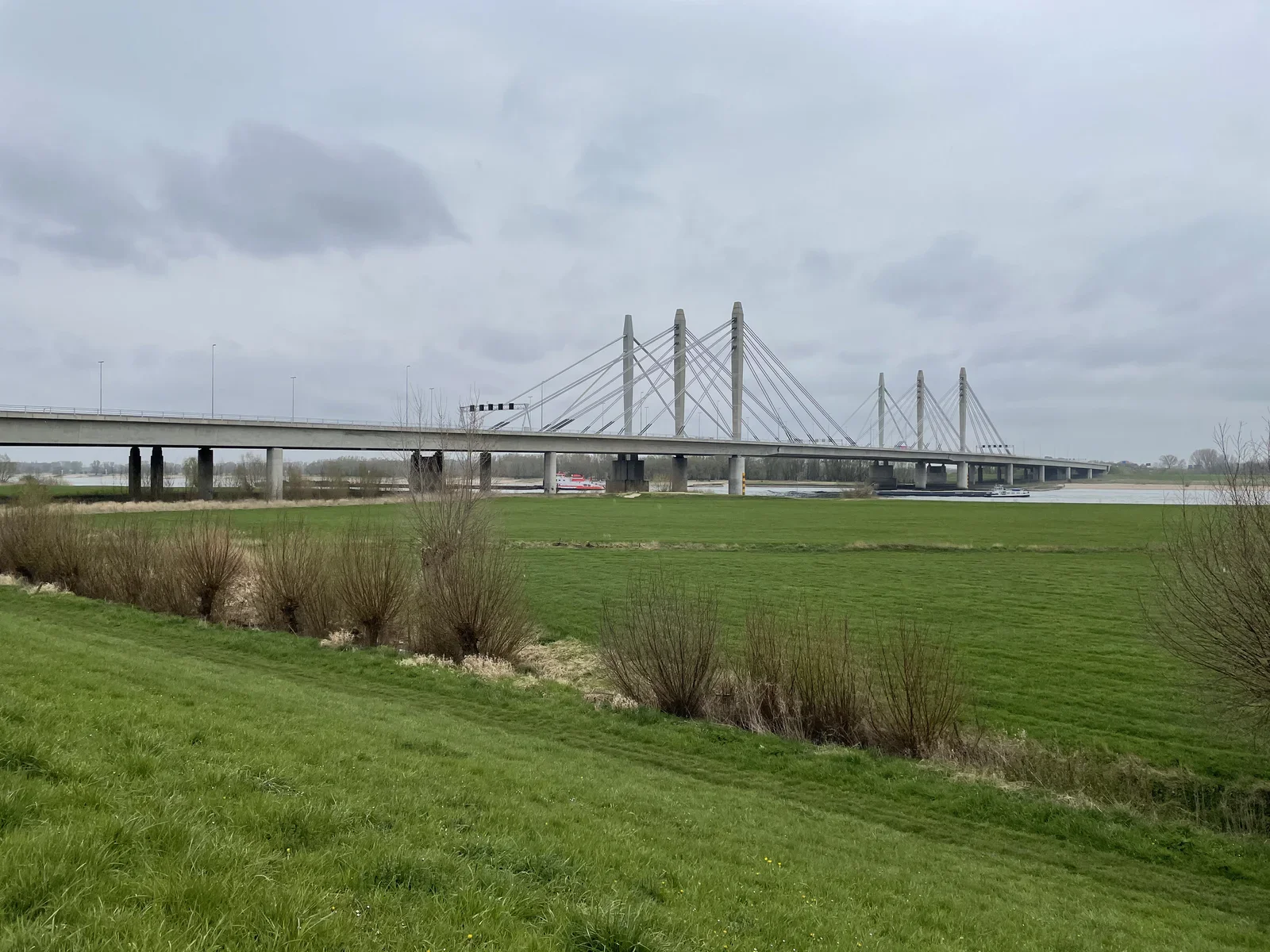
cyclist, selfie, helmet, river, bridge, city skyline(Fixed Gear Gran Fondo) - image Bridge over the Waal river near Nijmegen A grey cable-stayed road bridge crosses a wide river beside green fields and pollarded willow trees, with two barges passing underneath. (machine-described)
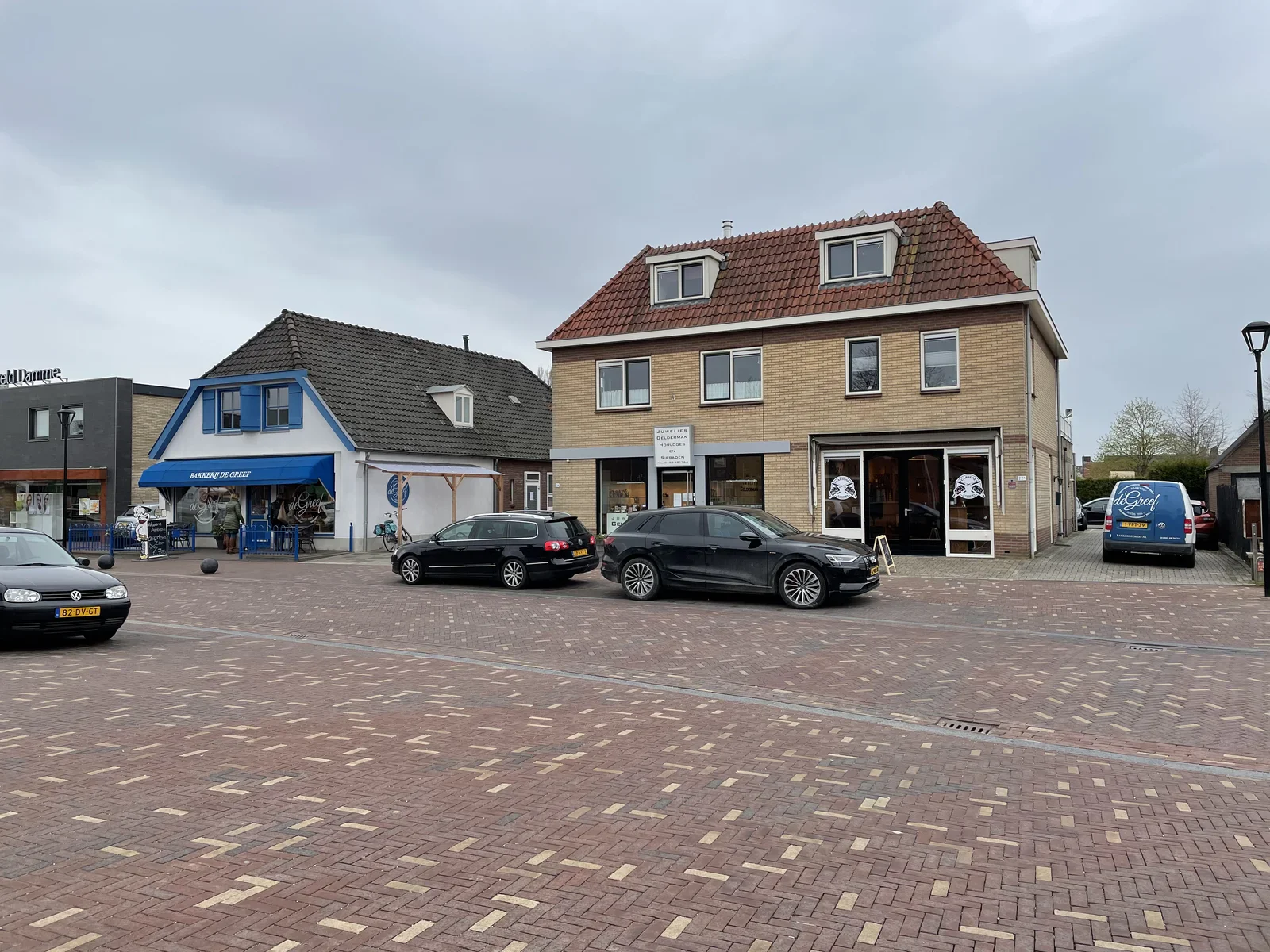
bridge, river, cable-stayed, barges, fields, willow trees(Fixed Gear Gran Fondo) - image Find tasty croissants in Kesteren’s local bakery, Bakkerij de Greef! A Dutch town square with a bakery and a jewellery shop in brick buildings, several parked cars including a black VW Golf with a visible number plate, and a delivery van. (machine-described) text in image:
Bakkerij De Greef JUWELIER GELDERMAN HORLOGES EN SIERADEN 82-DV-GT de Greef
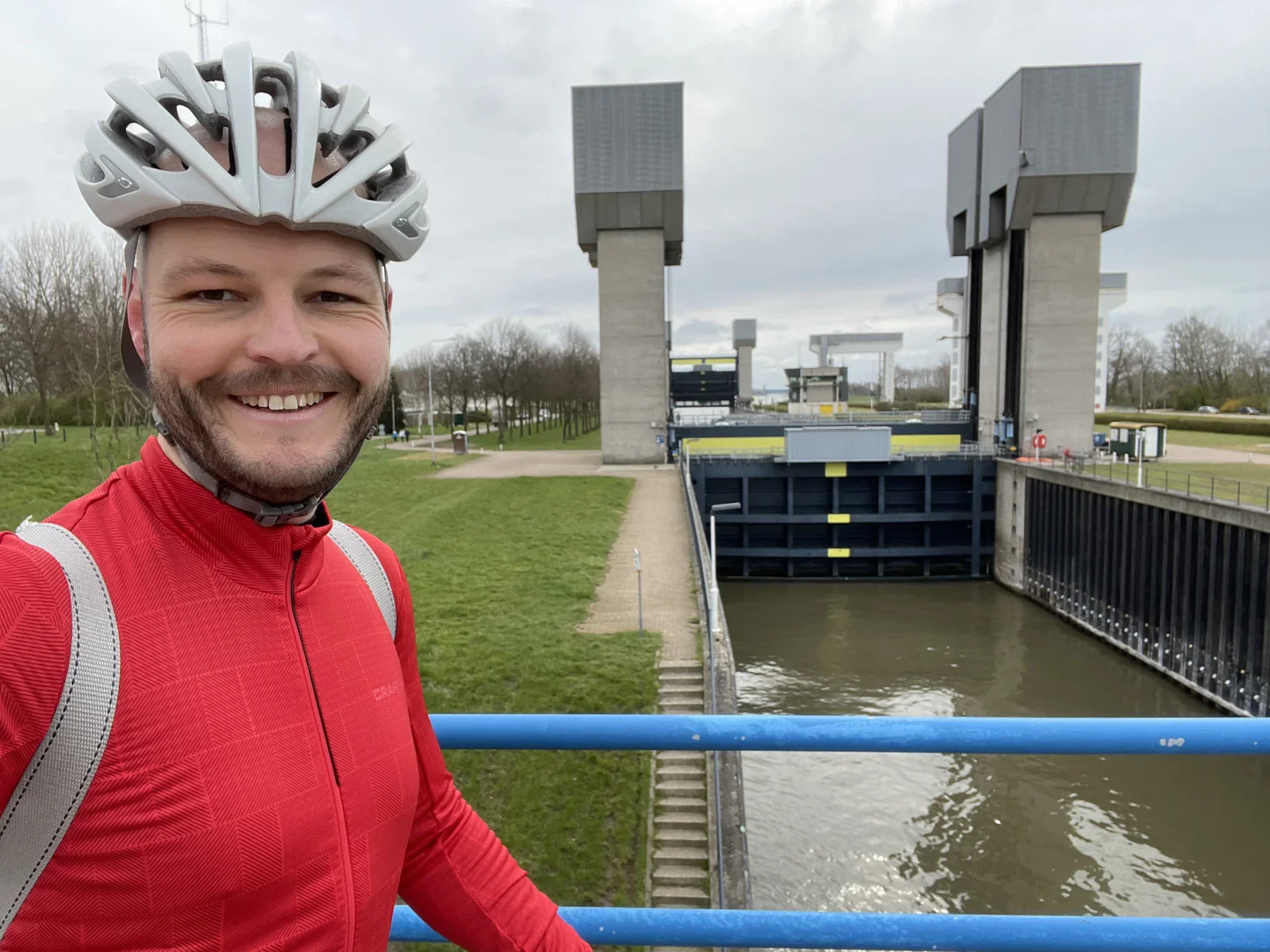
town square, bakery, jewellery shop, parked cars, dutch street, shopfront(Fixed Gear Gran Fondo) - image The mighty “Prinses Irenesluizen” connect the Amsterdam-Rijnkanaal to the southern rivers of The Netherlands, Lek, Waal and Maas A cyclist in a red jacket and white helmet poses in front of a large canal lock with concrete lifting towers. (machine-described)
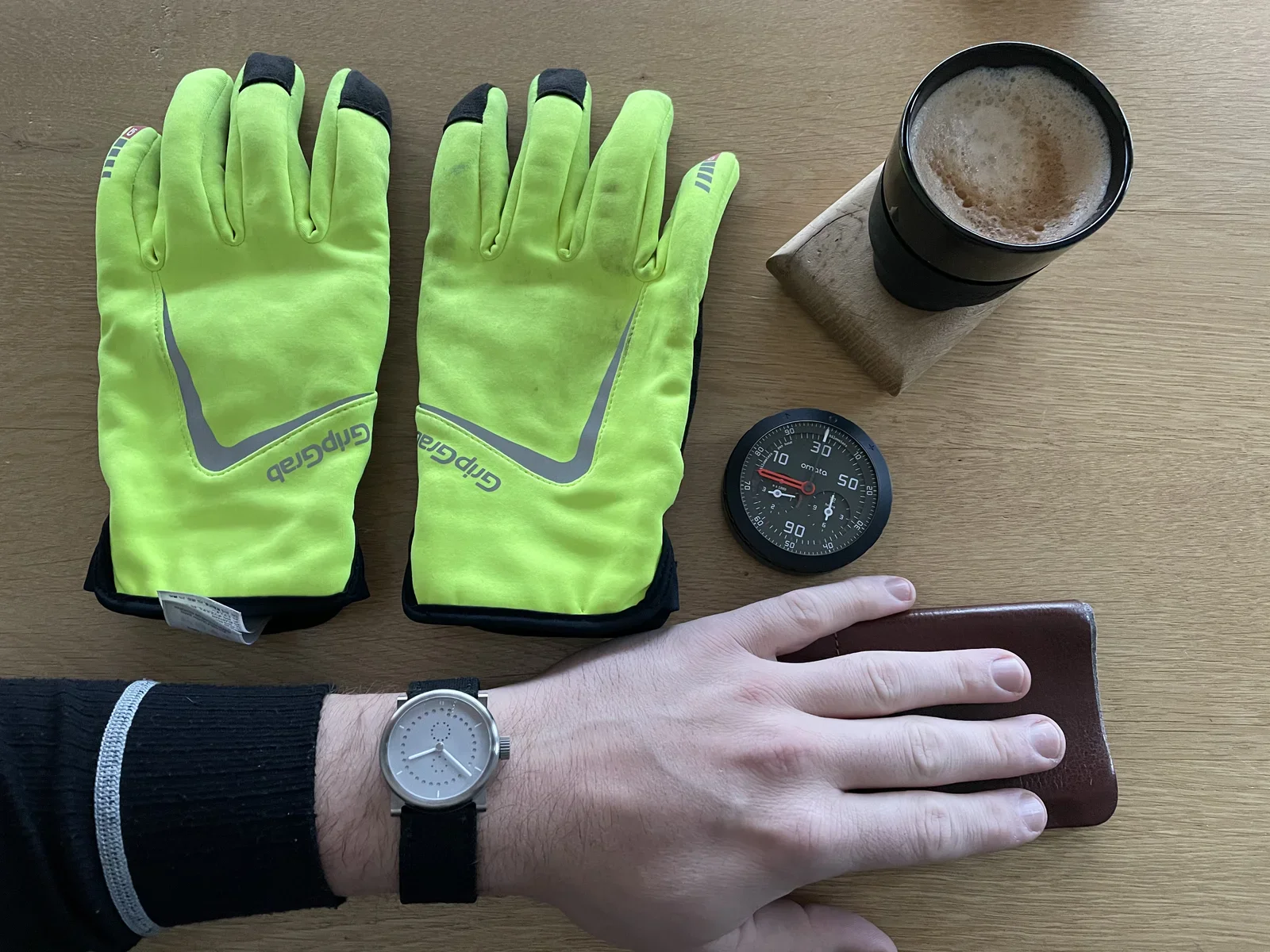
cyclist, helmet, lock, canal, selfie(Fixed Gear Gran Fondo) - image Getting ready for departure: Some coffee and 176 kilometers to go! Flat lay of neon yellow cycling gloves, a stopwatch style bike computer, a minimalist wristwatch, a leather phone case and a takeaway coffee cup on a wooden table. (machine-described) text in image:
GripGrab omata
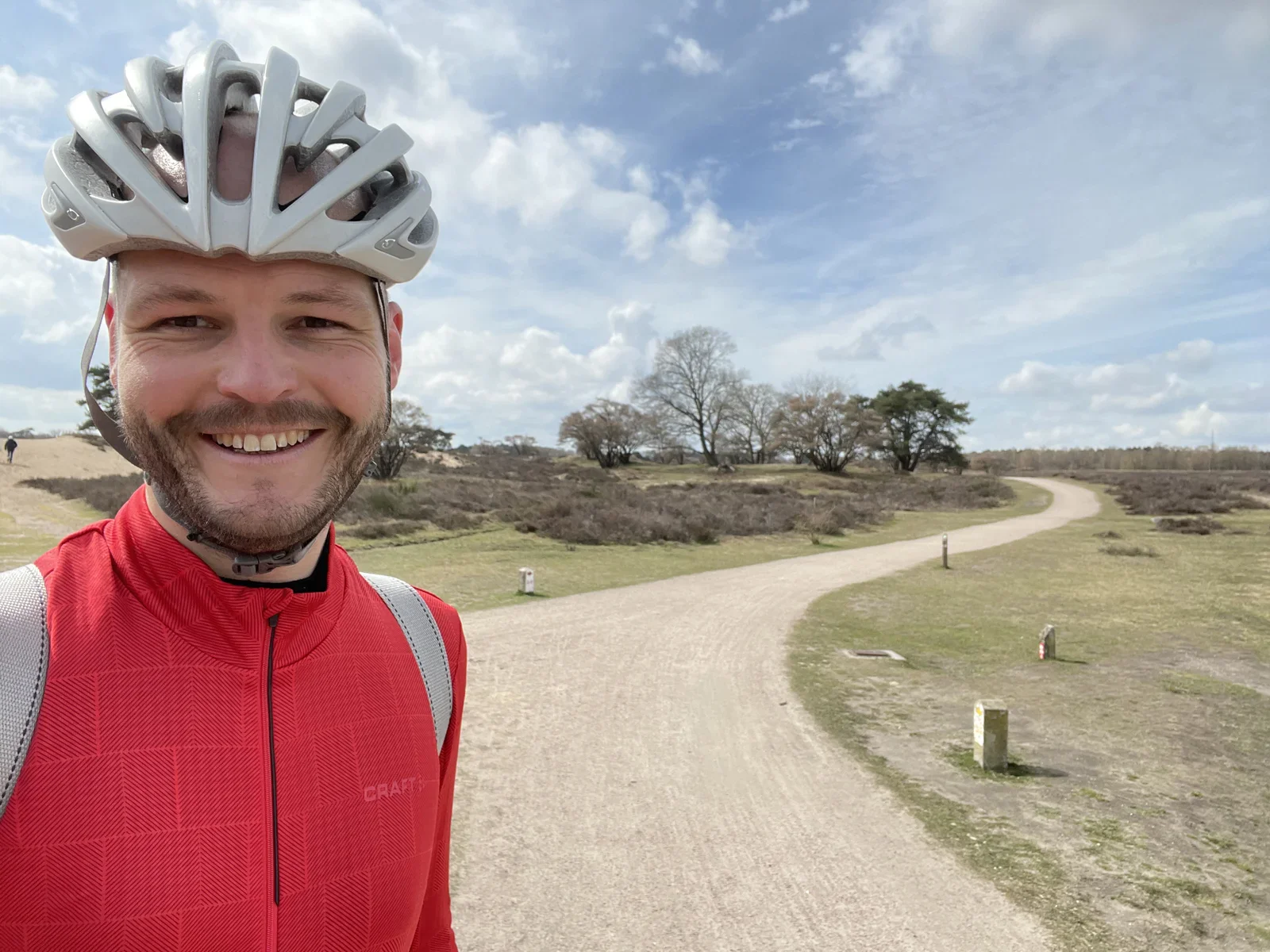
gloves, stopwatch, watch, coffee, flatlay(Fixed Gear Gran Fondo) - image ... and through radiating sunshine! (Zuiderheide, near Laren) A cyclist in a red jacket and white helmet stands beside a gravel path through a heathland dune landscape. (machine-described)
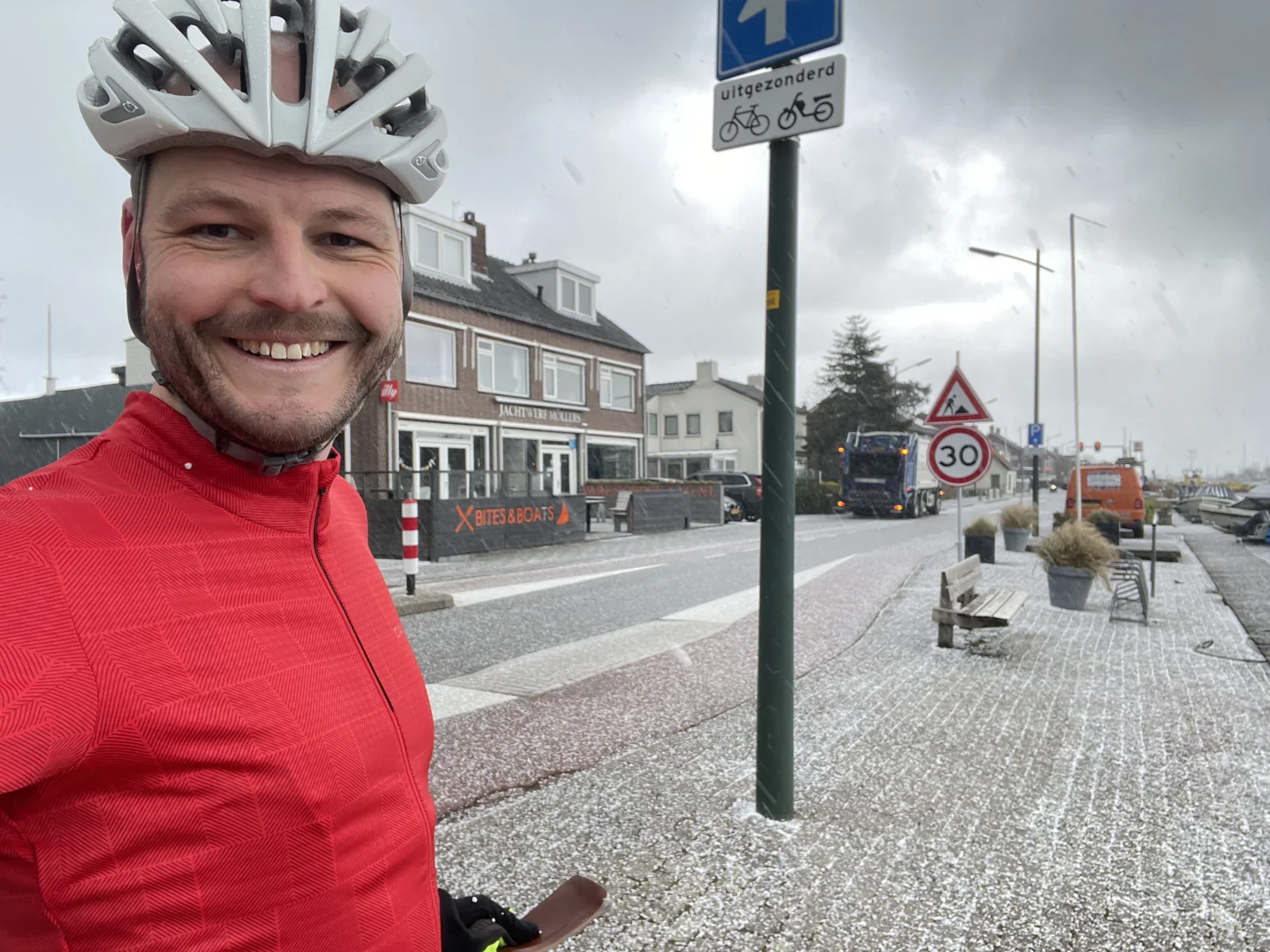
cyclist, helmet, heathland, gravel path, dunes(Fixed Gear Gran Fondo) - image Training through chilling hail... (Haarlemmermeerpolder) A cyclist in a red jacket and white helmet poses on a snowy street beside a canal with boats, in front of a building marked as a boatyard. (machine-described) text in image:
JACHTWERF MOLLERS BITES & BOATS uitgezonderd 30
cyclist, helmet, snow, canal, boatyard, street signs(Fixed Gear Gran Fondo) - image Daddy arriving by bike inspired the next generation! A man on a road bike lifts the front wheel while a toddler on a blue balance bike rides ahead on a brick driveway. (machine-described) text in image:
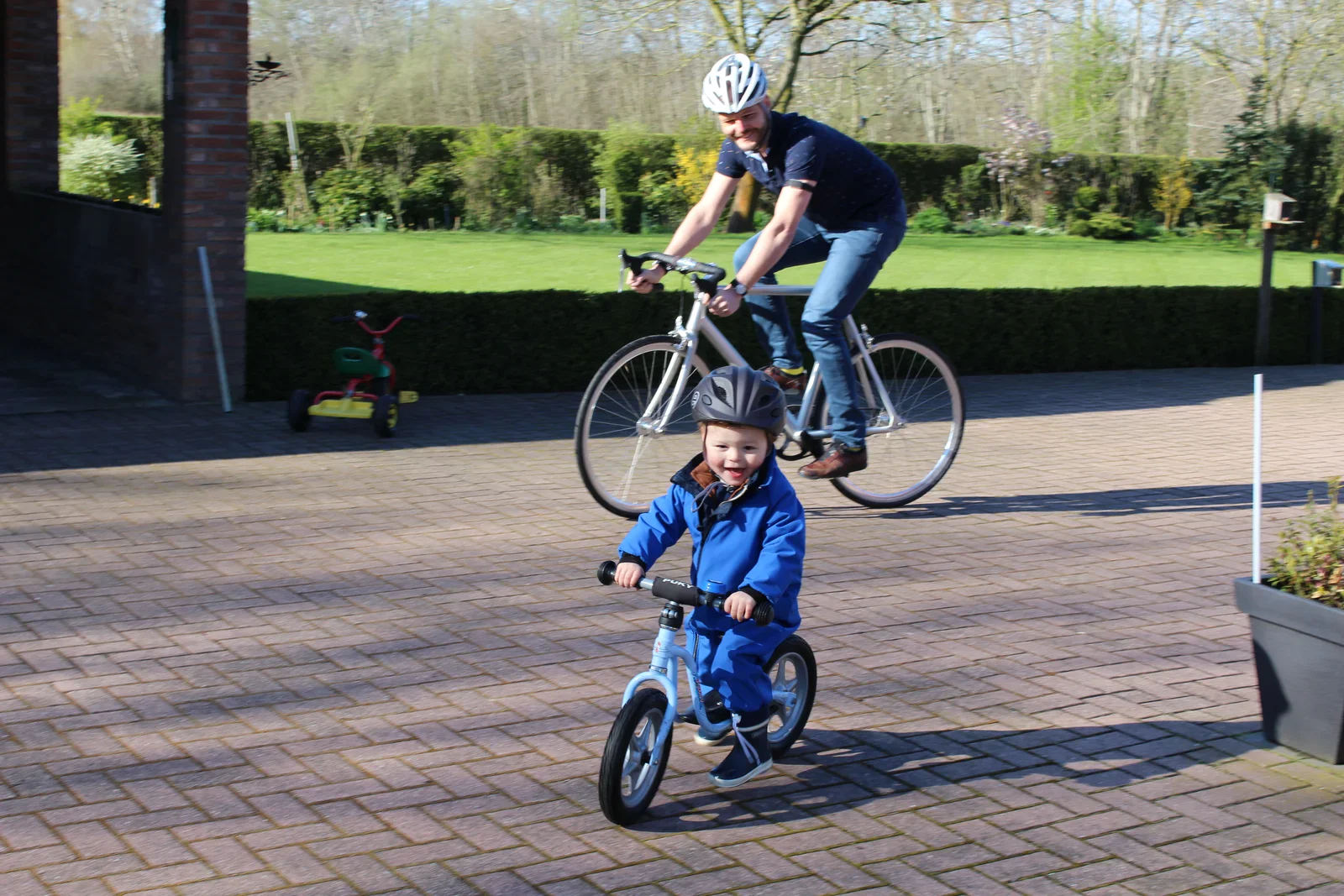
PUKY
cyclist, wheelie, toddler, balance bike, driveway(Fixed Gear Gran Fondo) - image My heart rate during the entire day, by WHOOP Screenshot of a WHOOP fitness tracking app showing a heart rate overview for Saturday with sleep, recovery and strain metrics for two cycling activities. (machine-described) text in image:
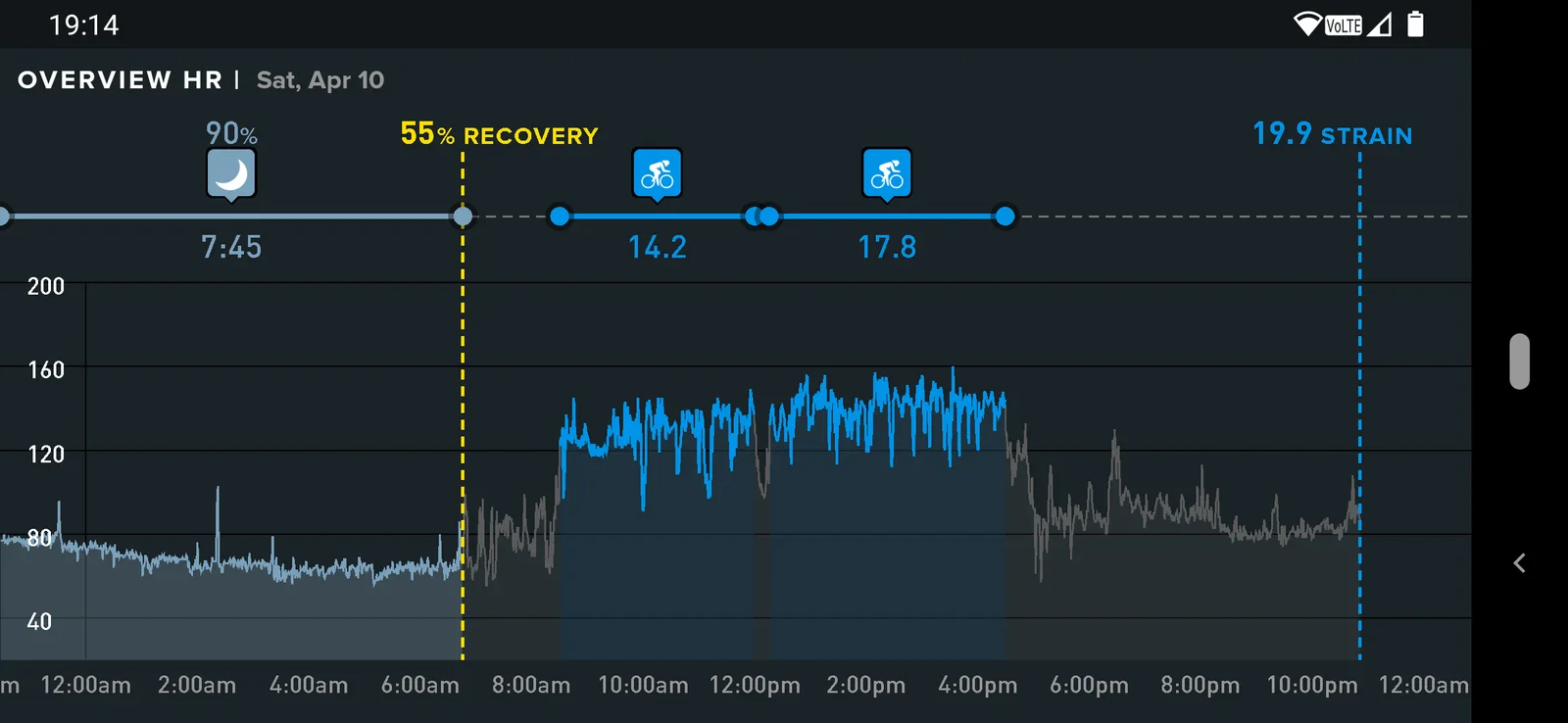
19:14 OVERVIEW HR Sat, Apr 10 90% 55% RECOVERY 19.9 STRAIN 7:45 14.2 17.8
screenshot, fitness app, heart rate, cycling, whoop(Fixed Gear Gran Fondo) - image Cycling route as recorded by Apple Watch Screenshot of a mapping app showing a long cycling route traced in yellow and green from the Almere area south through Utrecht and Nijmegen to Venlo. (machine-described) text in image:
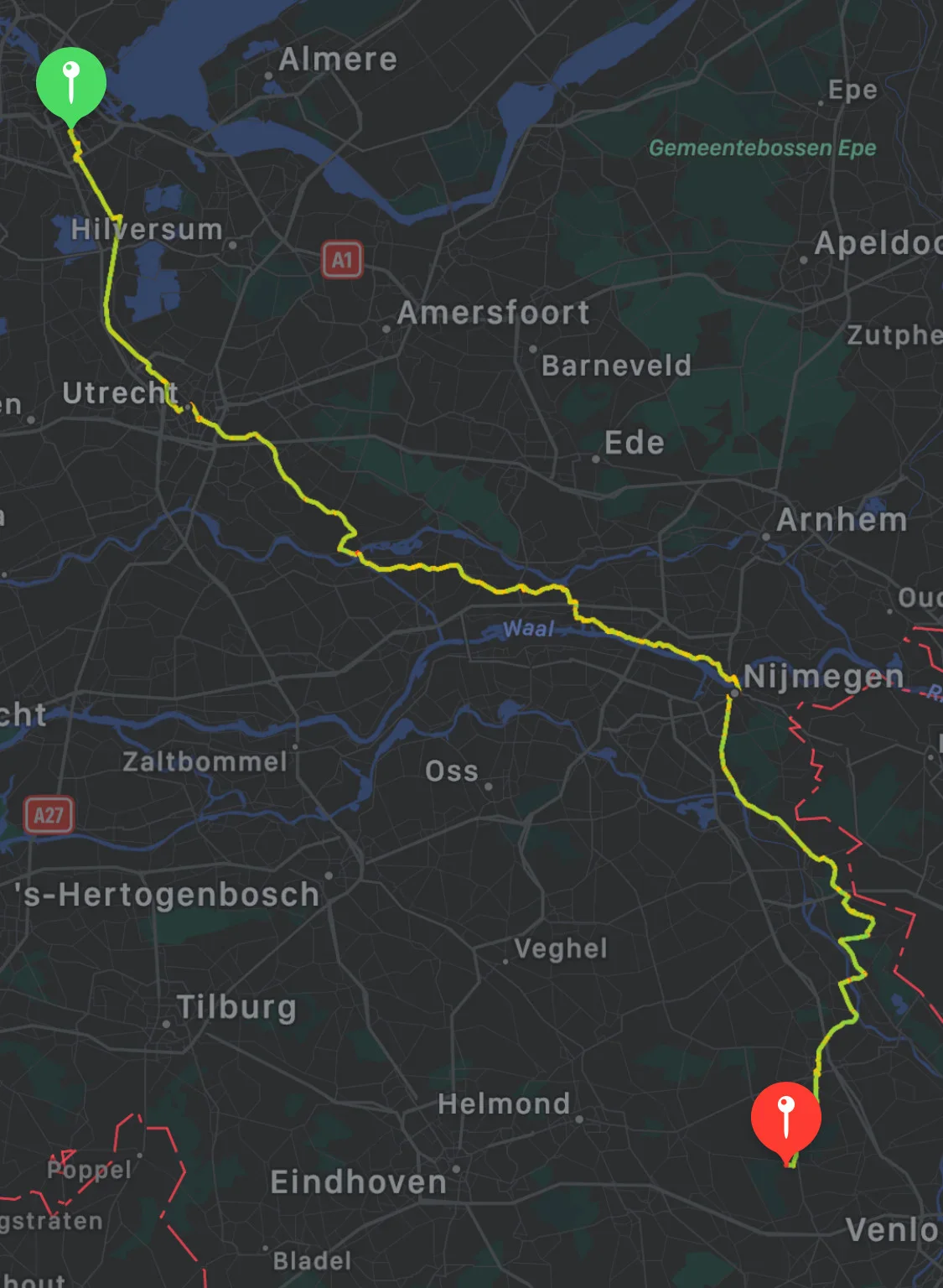
Almere Epe Gemeentebossen Epe Hilversum A1 Apeldoorn Amersfoort Zutphen Barneveld Ede Arnhem Utrecht Nijmegen A27 Zaltbommel Oss Veghel s-Hertogenbosch Tilburg Helmond Eindhoven Bladel Venlo
screenshot, map, cycling route, navigation, netherlands(Fixed Gear Gran Fondo) - image There is no such thing as bad weather... only bad gear! A cyclist in a red jacket and white helmet stands on a small car and passenger ferry pontoon on a river in overcast weather. (machine-described) text in image:
MOTOR AF LICHTEN DOVEN REMMEN VAST
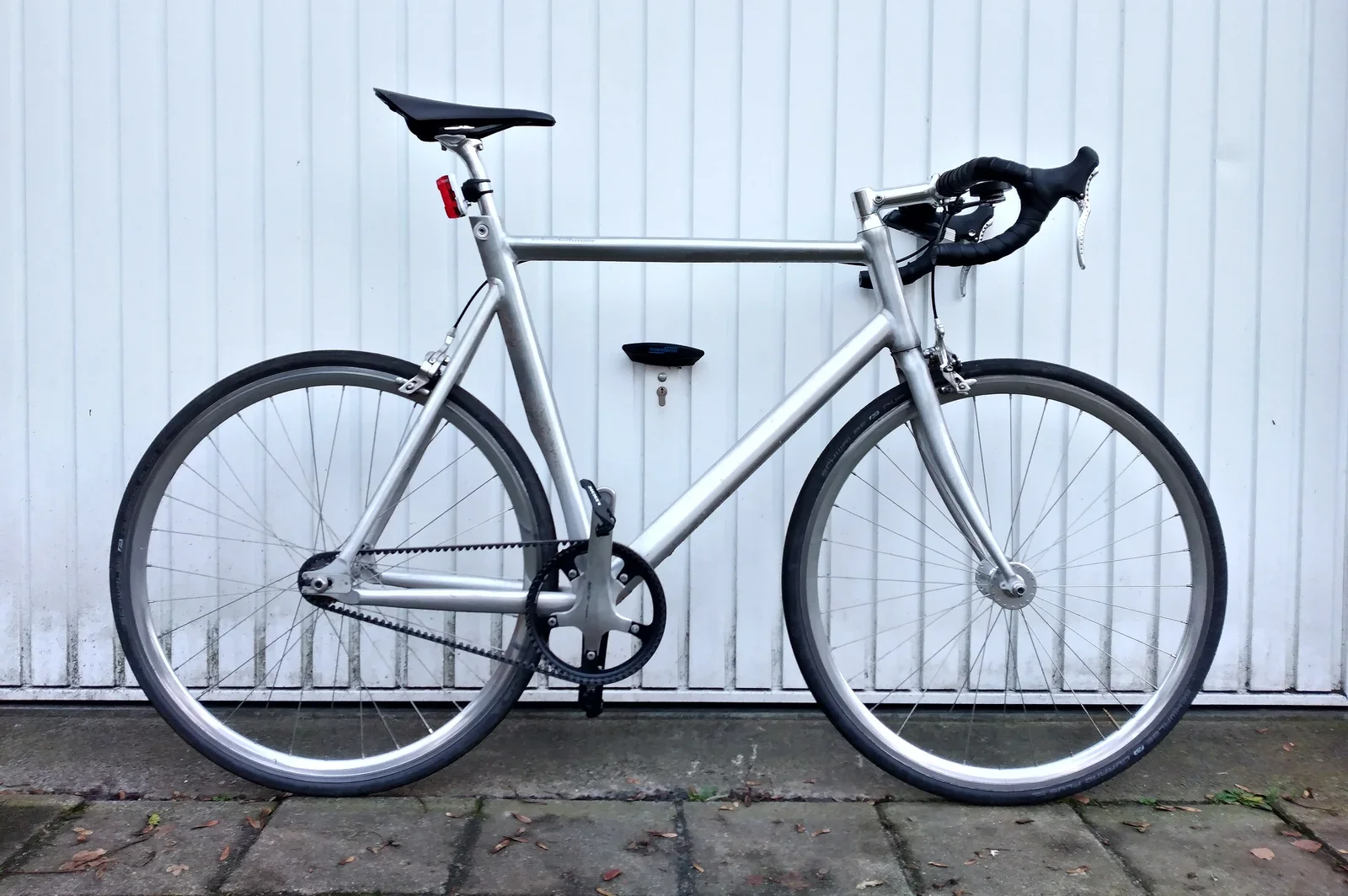
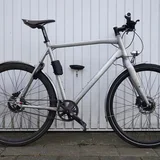
cyclist, helmet, ferry, pontoon, river(Fixed Gear Gran Fondo) - image Schindelhauer Siegfried Road - a fixed gear bike with a Gates Carbon belt drive A silver fixed gear road bike with drop handlebars, a belt drive and a rear light stands against a white corrugated wall. (machine-described)
bicycle, fixed gear, belt drive, frame, wall(Fixed Gear Gran Fondo) - image A man wearing a grey bicycle helmet and a red jacket stands on a wet ferry deck next to a red and white barrier arm. (machine-described) text in image:
REMEN VAST
man, helmet, ferry, barrier, water(Fixed Gear Gran Fondo) - image A wet asphalt surface with white painted parking lines and scattered debris. (machine-described)
asphalt, parking lot, paint, water, debris(Fixed Gear Gran Fondo) - image A man wearing a grey bicycle helmet and a red jacket stands on a wet ferry deck with a red and white barrier arm and a body of water in the background. (machine-described) text in image:
REMEN VAST
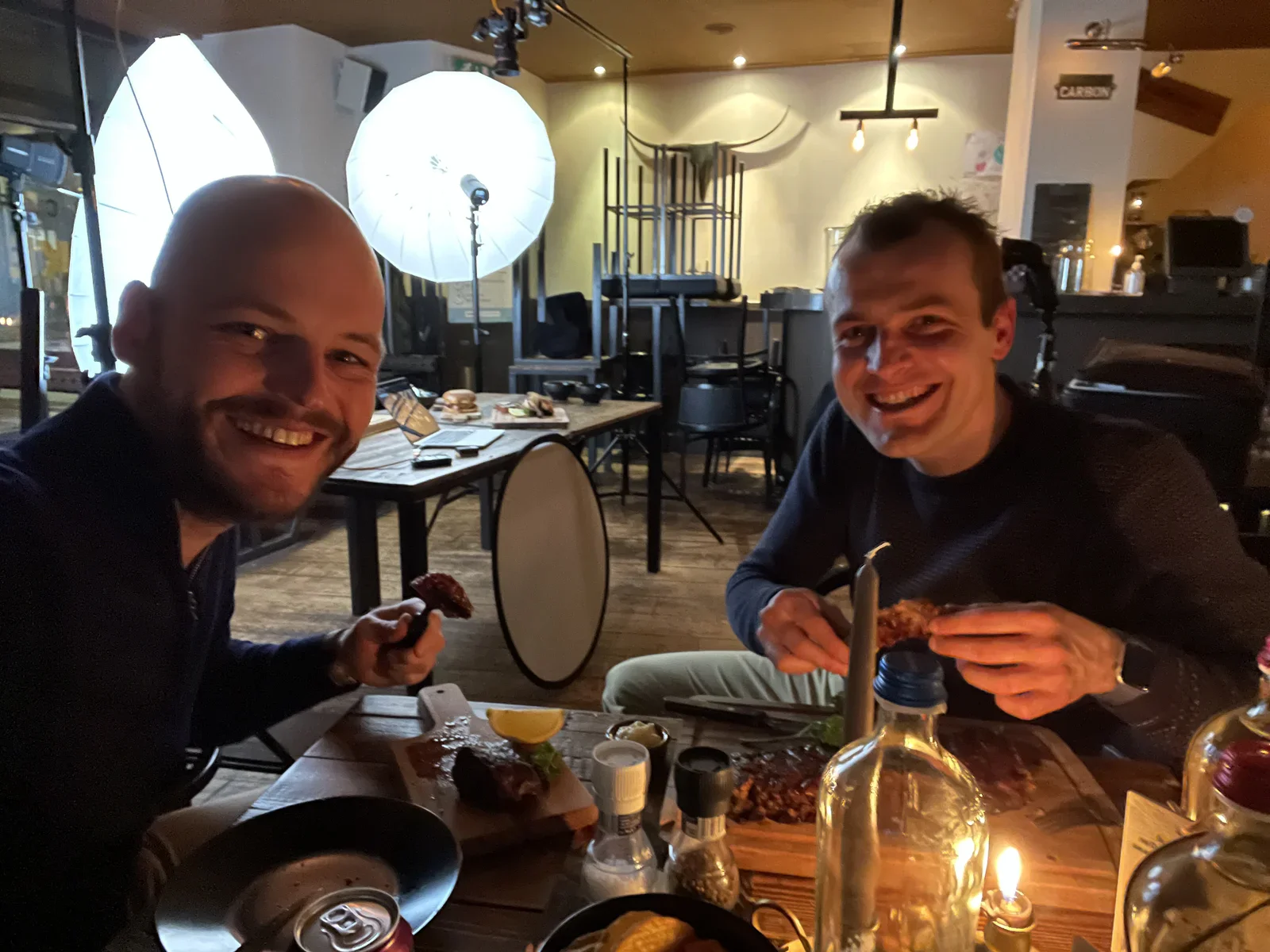
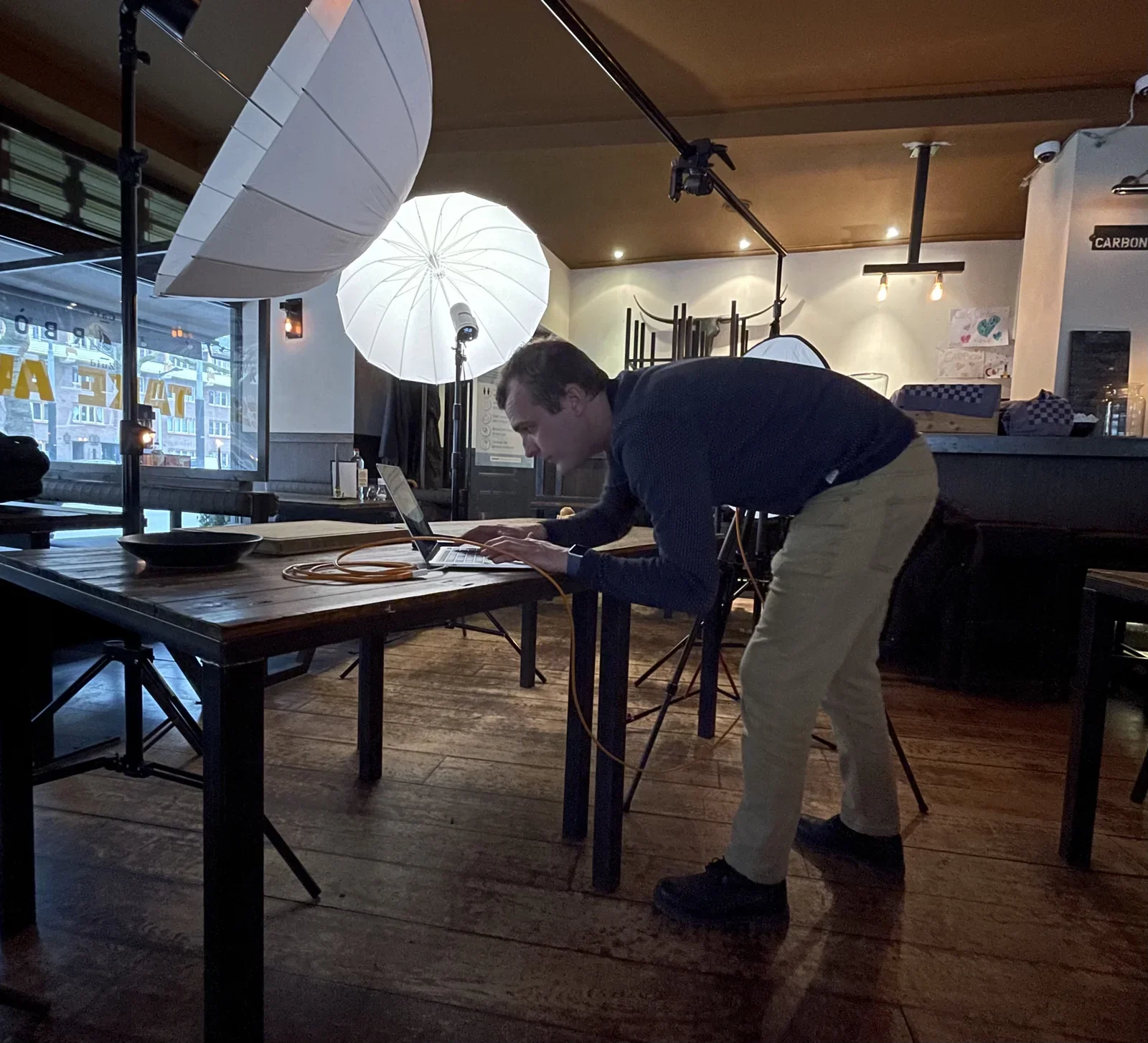
man, helmet, ferry, barrier, water(Fixed Gear Gran Fondo) - image Me helping the expert by eating the food photos afterwards, yummy! Two smiling men eating ribs at a restaurant table set up with photography lighting umbrellas and a reflector, with a bull skull mounted on the wall and a CARBON sign in the background. (machine-described) text in image:
CARBON
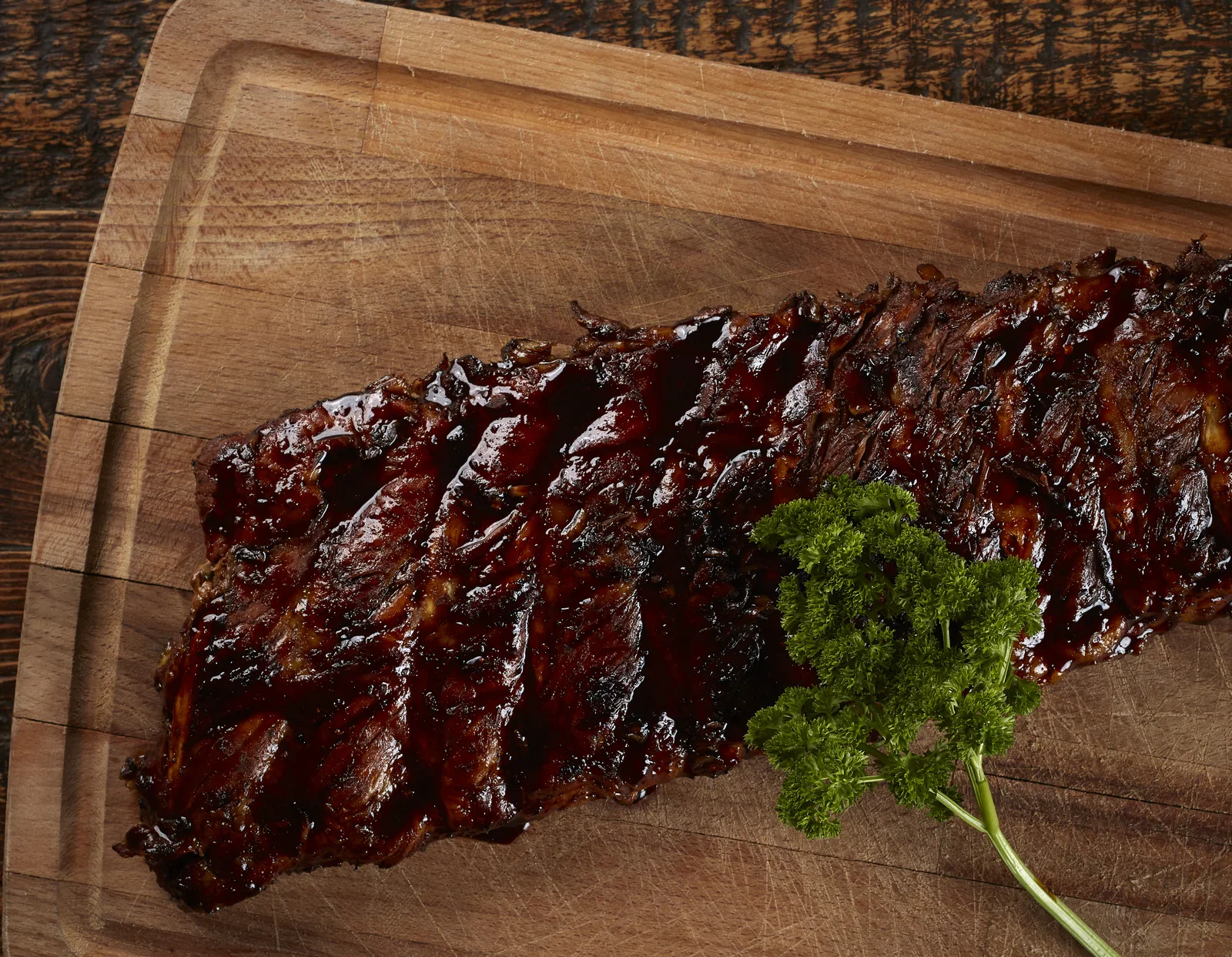
restaurant, photo shoot, studio lighting, ribs, men, food photography(Art of visualisation) - image In contrast this hero image of the Café Carbòn Ribs puts full emphasis on one product An overhead shot of a full rack of glazed barbecue ribs on a wooden board, garnished with a sprig of parsley. (machine-described)
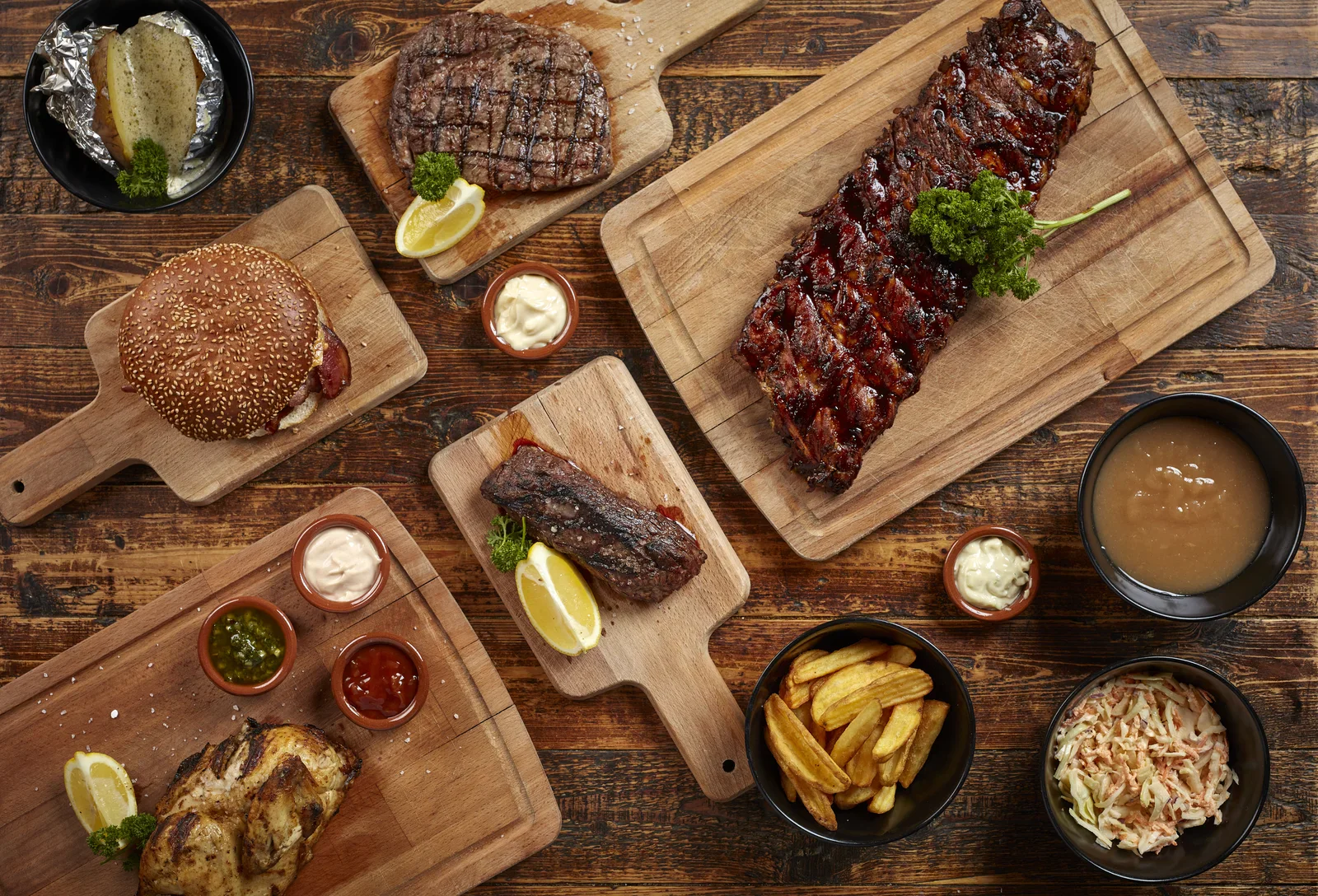
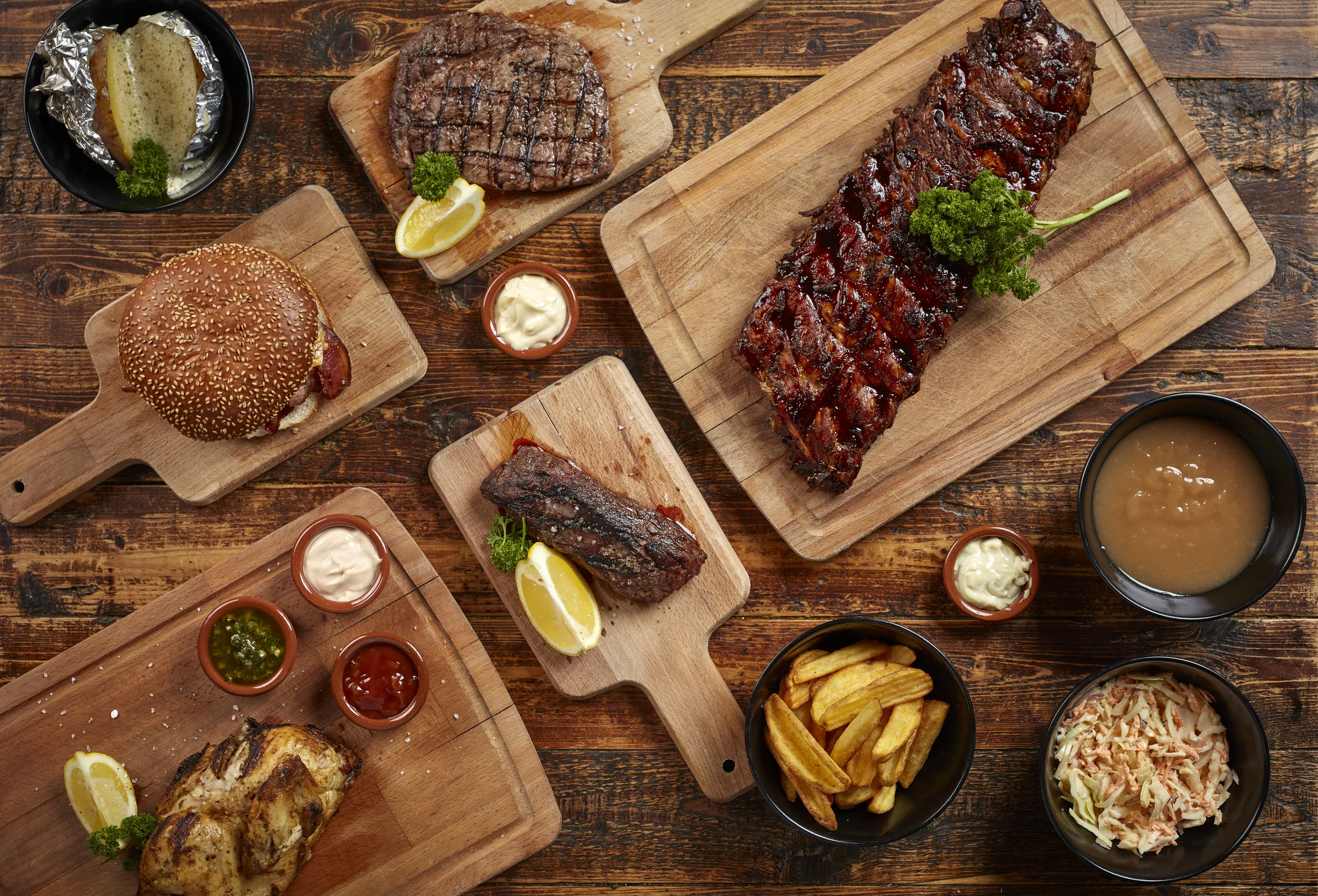
ribs, barbecue, wooden board, parsley, food photography(Art of visualisation) - image Covering many different dishes this image communicates the many different options the menu offers An overhead spread of grilled food on wooden boards, including ribs, a burger, steak, grilled chicken, a baked potato, fries, coleslaw, gravy and dipping sauces. (machine-described)
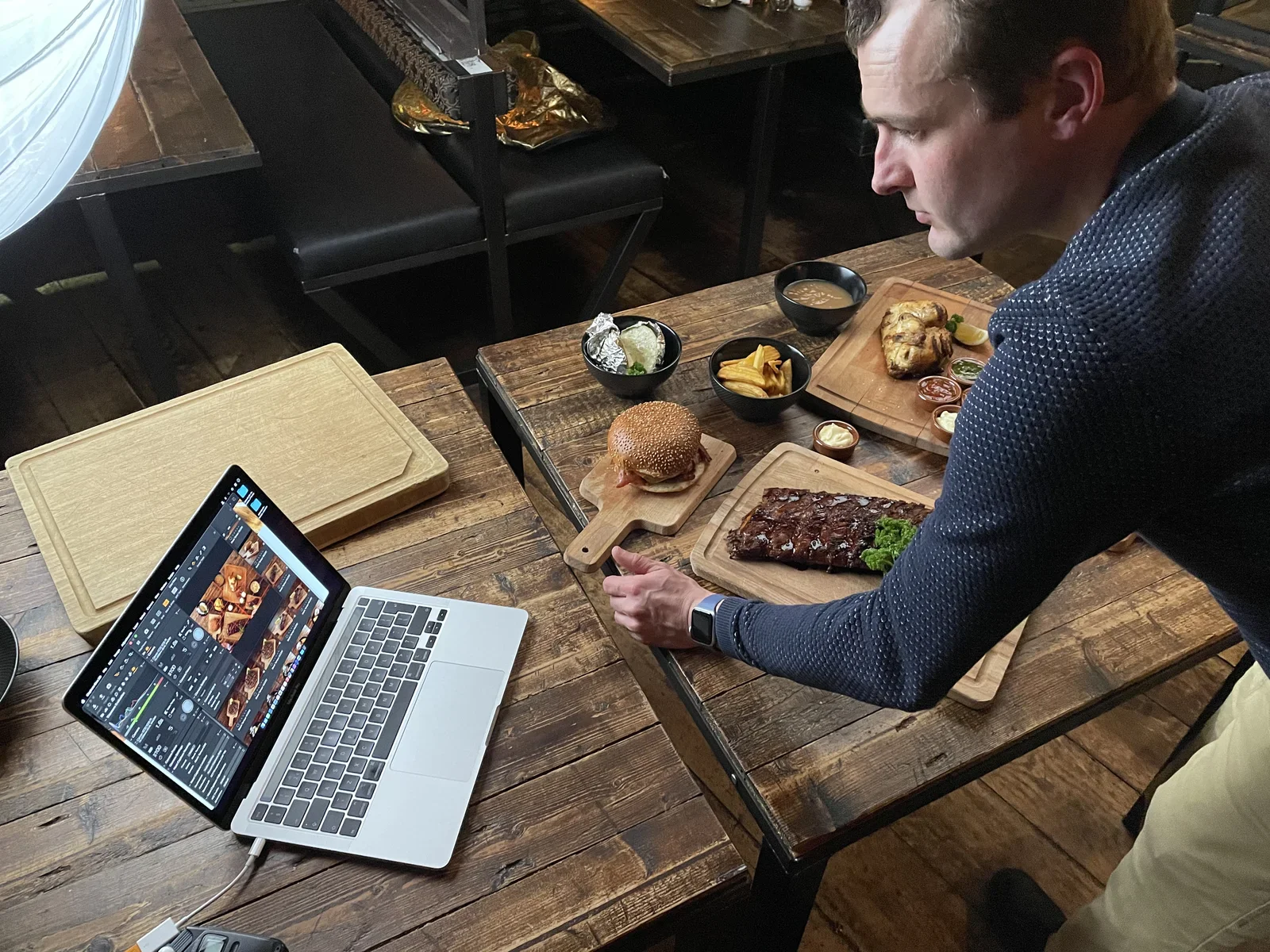
food spread, ribs, burger, steak, chicken, fries(Art of visualisation) - image Arranging dishes intentionally to create a pleasing composition A man leans over a laptop showing food photos while sitting at a wooden restaurant table spread with ribs, a burger, chicken and side dishes. (machine-described)
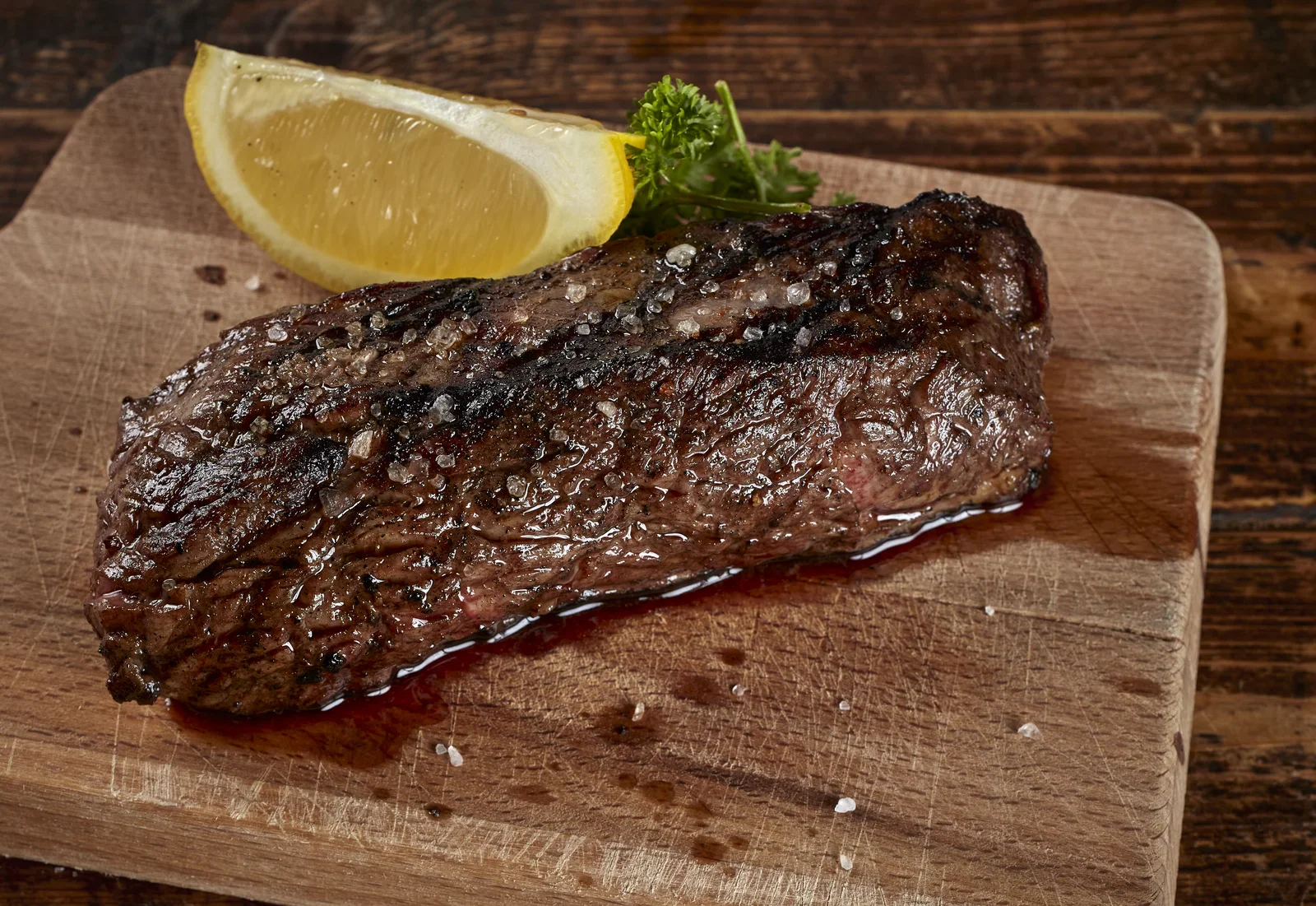
man, laptop, food photography, restaurant table, ribs, burger(Art of visualisation) - image Look at the result and note how your attention is drawn to the juicy highlights of this tasty steak, illuminating the texture: you can almost taste it by looking at it! An overhead close-up of a grilled steak sprinkled with coarse salt, served with a lemon wedge and parsley on a wooden board. (machine-described)
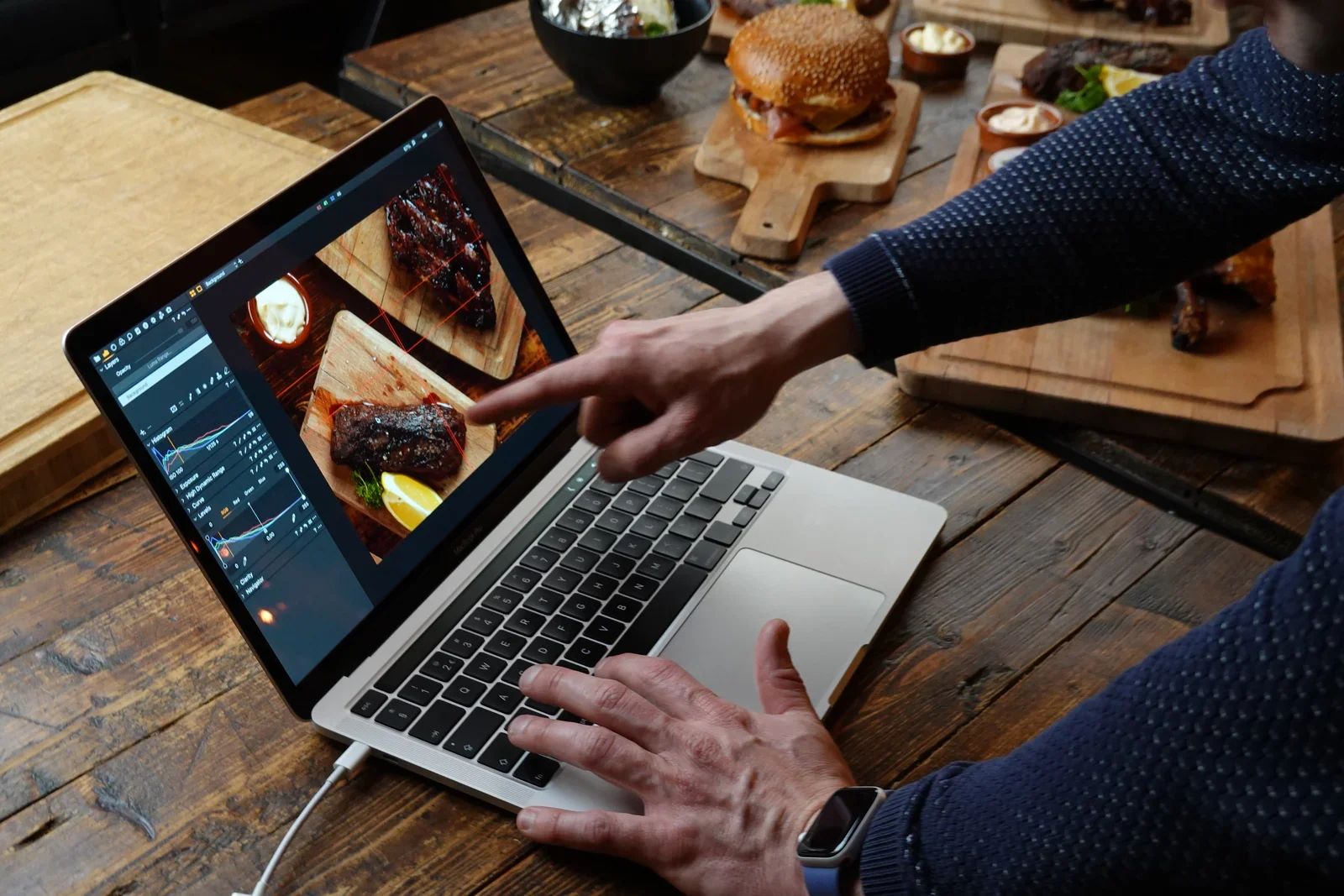
steak, grilled meat, lemon, parsley, wooden board, food photography(Art of visualisation) - image Highlights on the steak draw attention - an intentional effect created by the food photographer A man points at a laptop screen showing photo editing software with rib images, while behind him a table is spread with a burger, ribs and chicken on wooden boards. (machine-described)
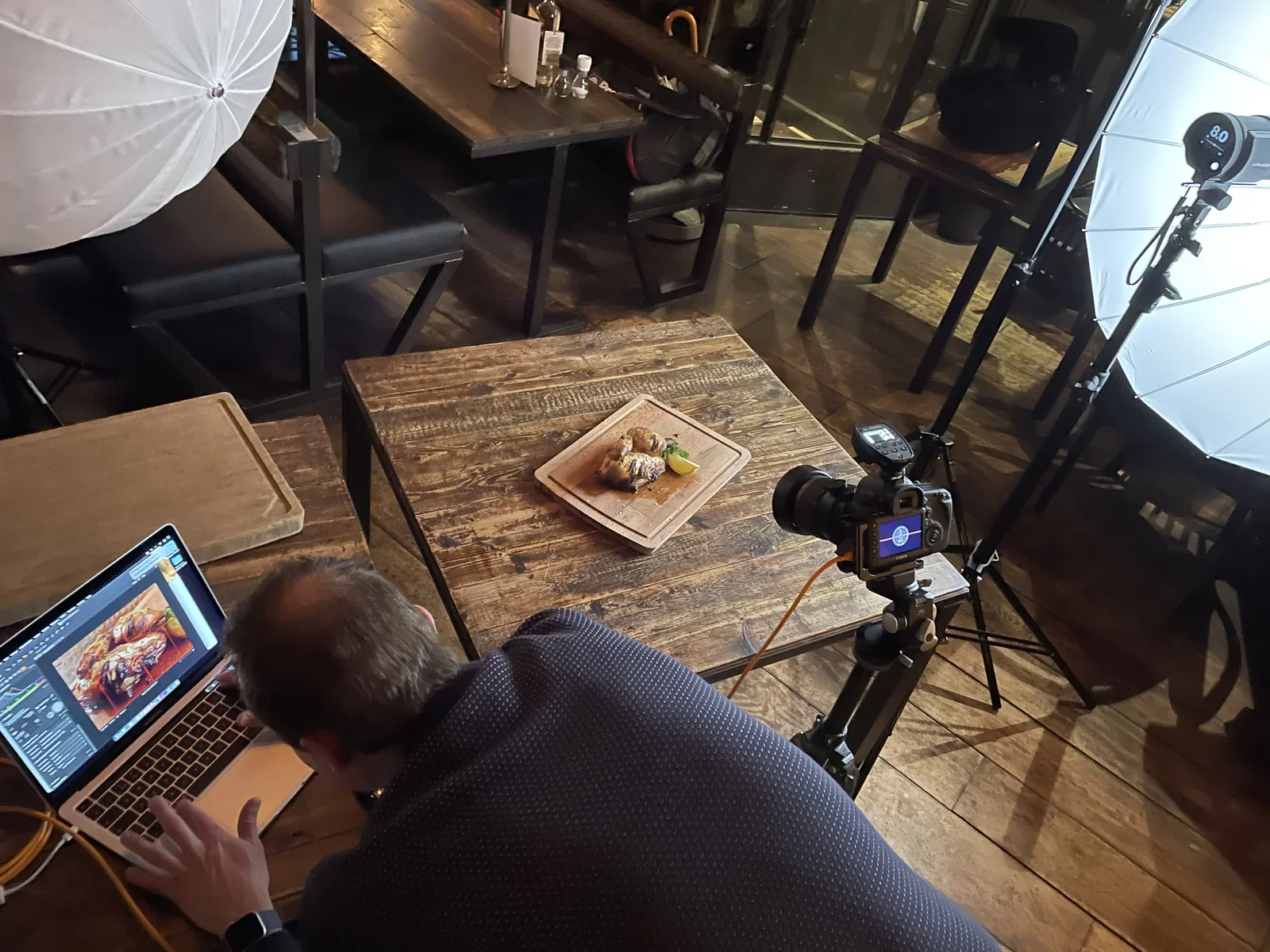
laptop, photo editing, food photography, ribs, burger, man(Art of visualisation) - image Working with light is a creative process, using reflections and shadows to create emphasis with natural elements A man edits a photo on a laptop in a restaurant while a camera on a tripod and studio lights point at a small plated dish on a wooden table. (machine-described) text in image:
8.0
photo shoot, camera, tripod, studio lights, laptop, restaurant(Art of visualisation) - image His special tools, his craftmanship and his attention to detail enable my brother to deliver his art A man works on a laptop at a wooden table in a restaurant lit by large studio umbrella lights, with a CARBON sign and mirrored shop text visible through the window. (machine-described) text in image:
CARBON TAKE A... ...R BO
man, laptop, studio lighting, restaurant, carbon, window(Art of visualisation) - image Café Carbòn - a local favourite in Amsterdam A nighttime street view of Cafe Corbon Zuid, an illuminated corner restaurant with striped awnings, outdoor benches, wooden crates and a patio heater, with parked bicycles down the street. (machine-described) text in image:
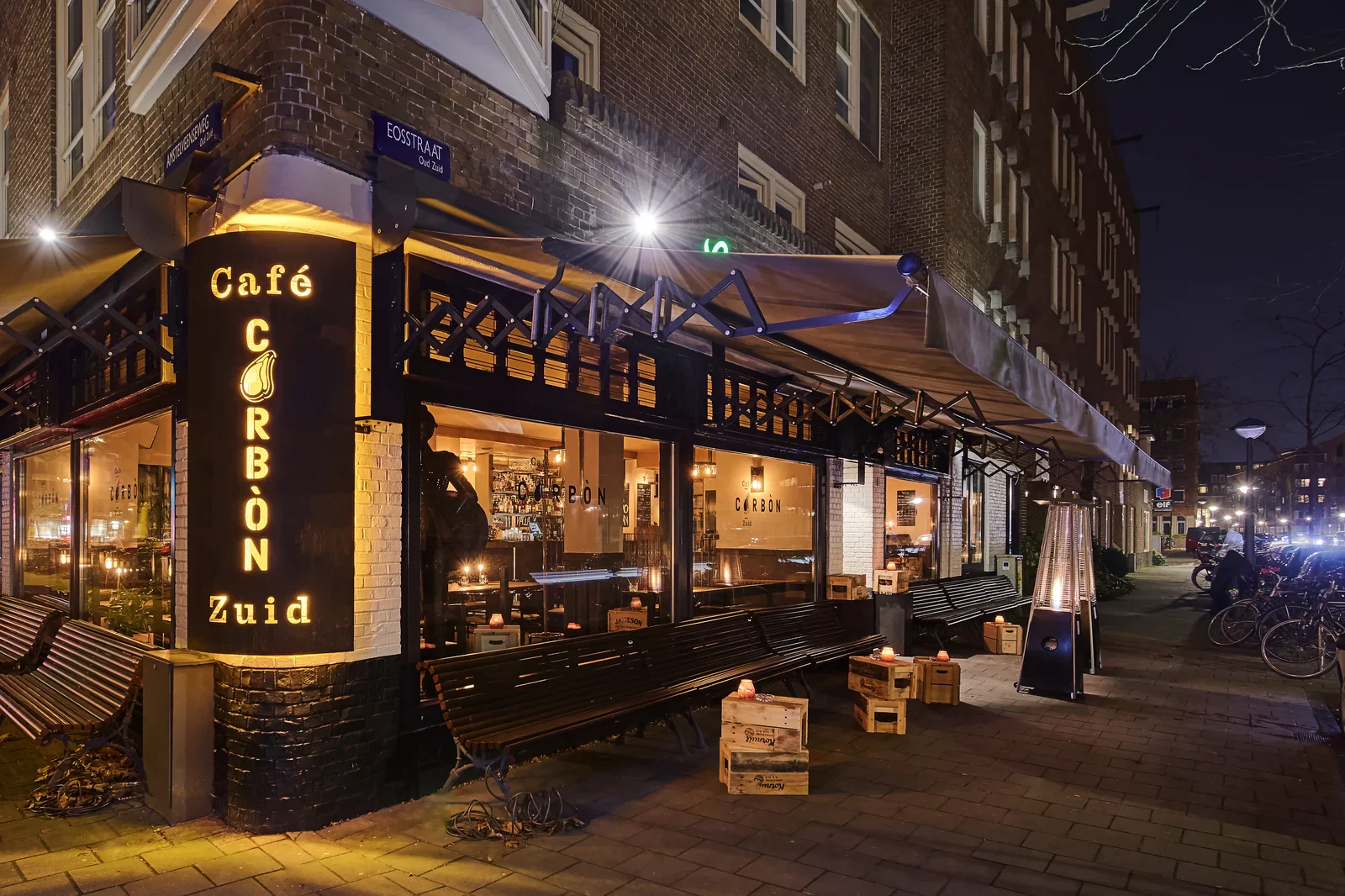
Cafe CORBON Zuid EOSSTRAAT Oud Zuid
cafe, restaurant, night, street, corbon, awning(Art of visualisation) - image A rack of glazed ribs with a sprig of parsley rests on a wooden cutting board. (machine-described)
ribs, parsley, cutting board, wood(Art of visualisation) - image A top-down view of a wooden table displaying a barbecue feast including ribs, a burger, steaks, chicken, and various side dishes served on wooden boards and in bowls. (machine-described)
ribs, burger, steak, fries, chicken, wooden table(Art of visualisation) - image A rack of glazed ribs and a sprig of parsley rest on a wooden cutting board. (machine-described)
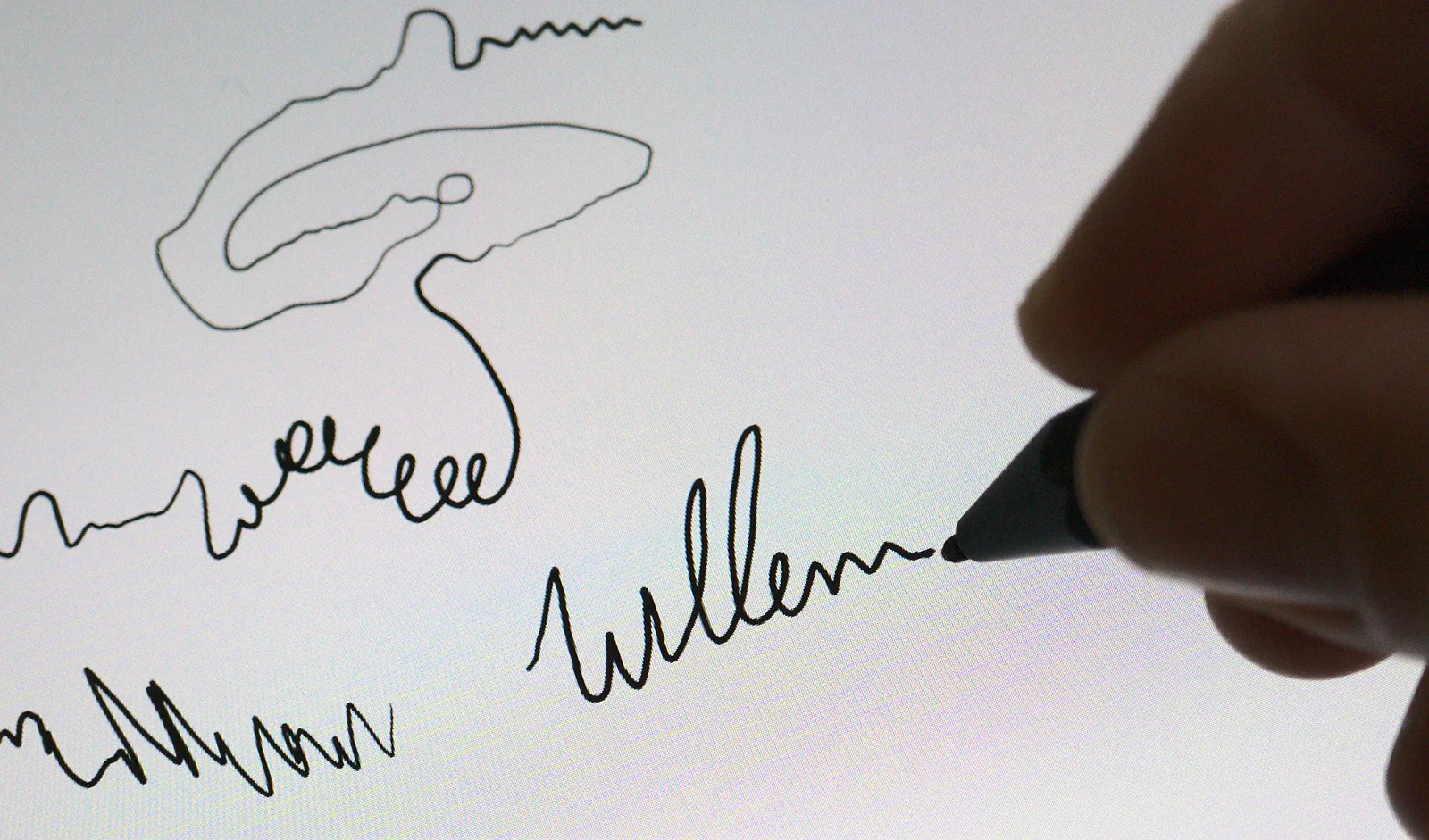
ribs, parsley, cutting board, food(Art of visualisation) - image A close-up of a hand holding a stylus and writing the name 'Willem' in cursive on a digital screen. (machine-described) text in image:
Willem
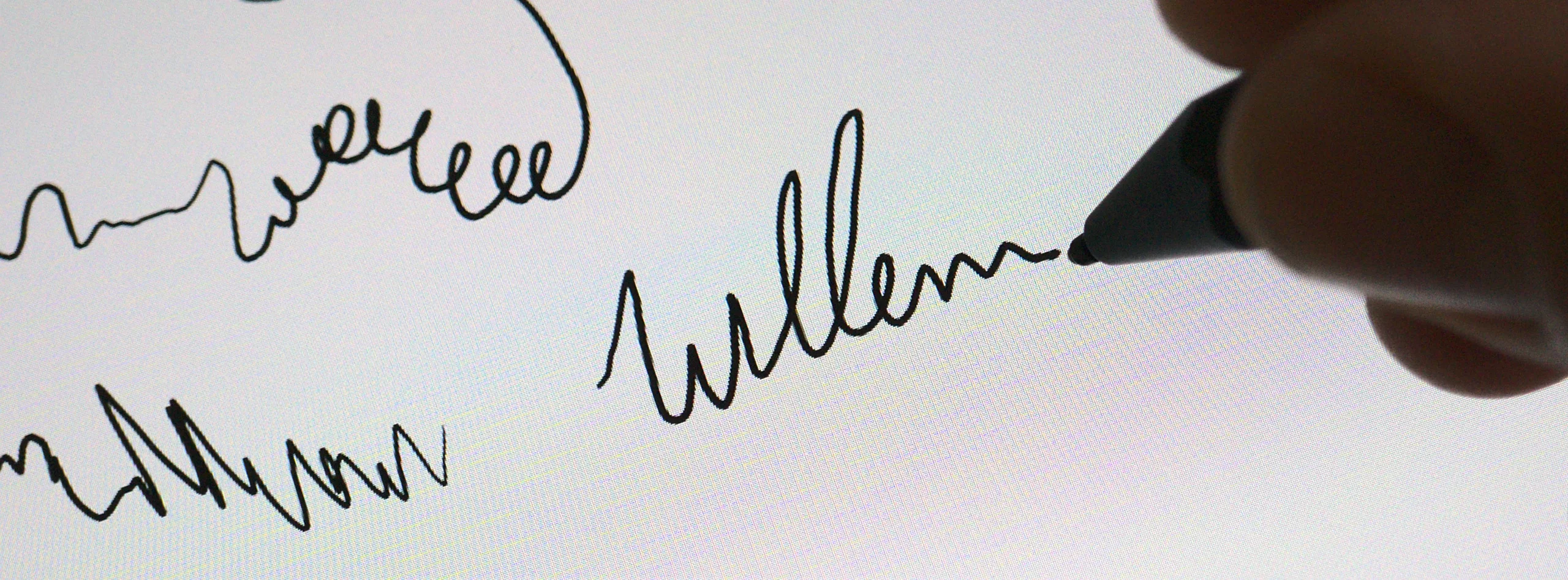
hand, stylus, screen, writing, name(Three tips to make a content strategy work) - image A hand holding a black stylus writes the name Willem in cursive on a digital screen. (machine-described) text in image:
Willem
hand, stylus, screen, signature, writing(Three tips to make a content strategy work) - image A hand holding a stylus writes the name 'Willem' in cursive script on a digital display. (machine-described) text in image:
Willem
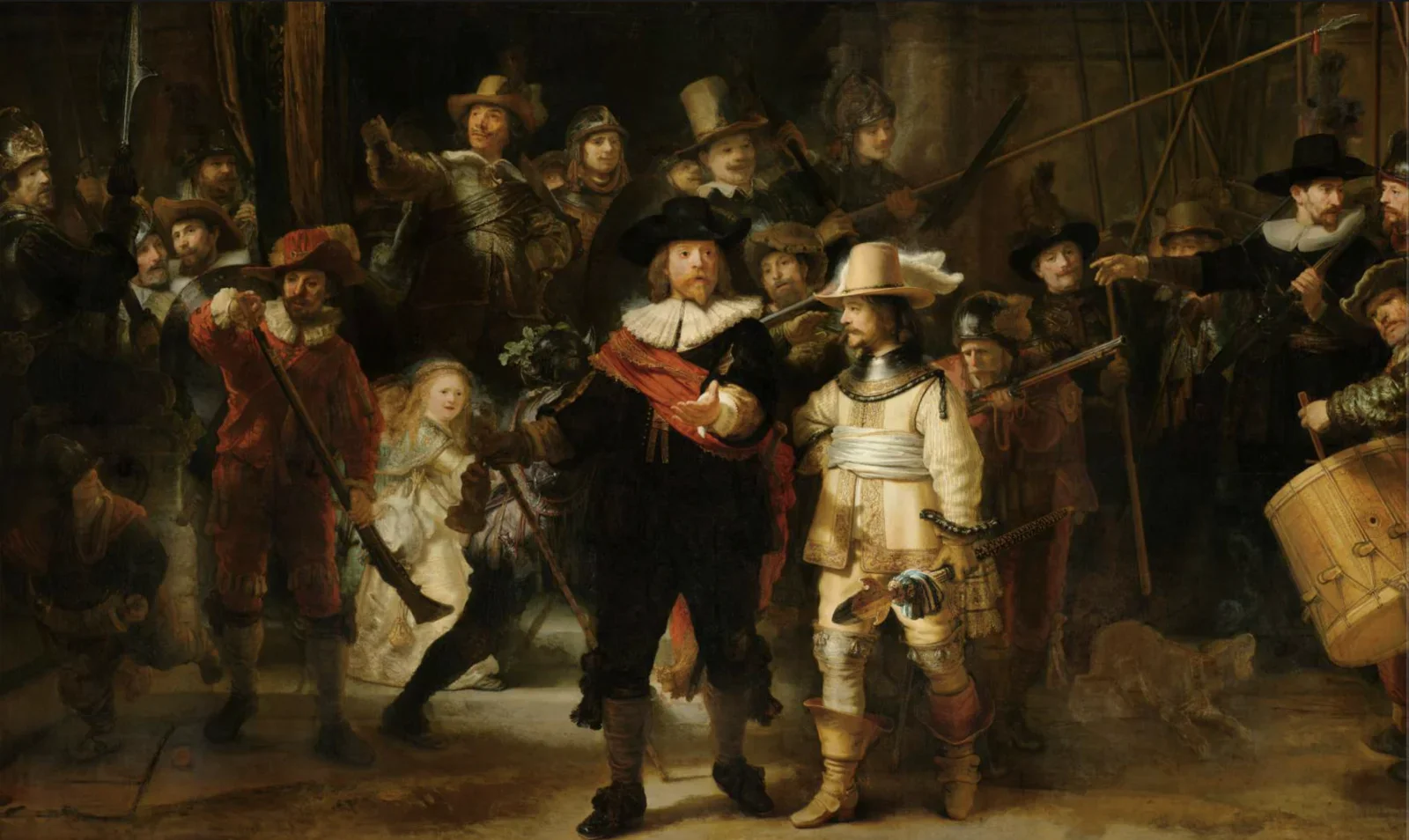
hand, stylus, screen, writing, name(Three tips to make a content strategy work) - image The Night Watch (De Nachtwacht), Rembrandt van Rijn, 1642 - oil on canvas, h 379.5cm × w 453.5cm - rijksmuseum.nl Rembrandt's painting The Night Watch, showing a militia company in dark clothing with a captain in black and a lieutenant in cream stepping forward, illuminated by dramatic light. (machine-described)
painting, rembrandt, night watch, militia, art, classical(Wearing two watches) - image The heart and soul of the watches are very unlike - they are created and powered differently A composite image: a macro shot of an automatic watch movement through a glass case back engraved with a personal name and Van der Klaauw around the rim, next to a photo of an Apple Watch box. (machine-described) text in image:
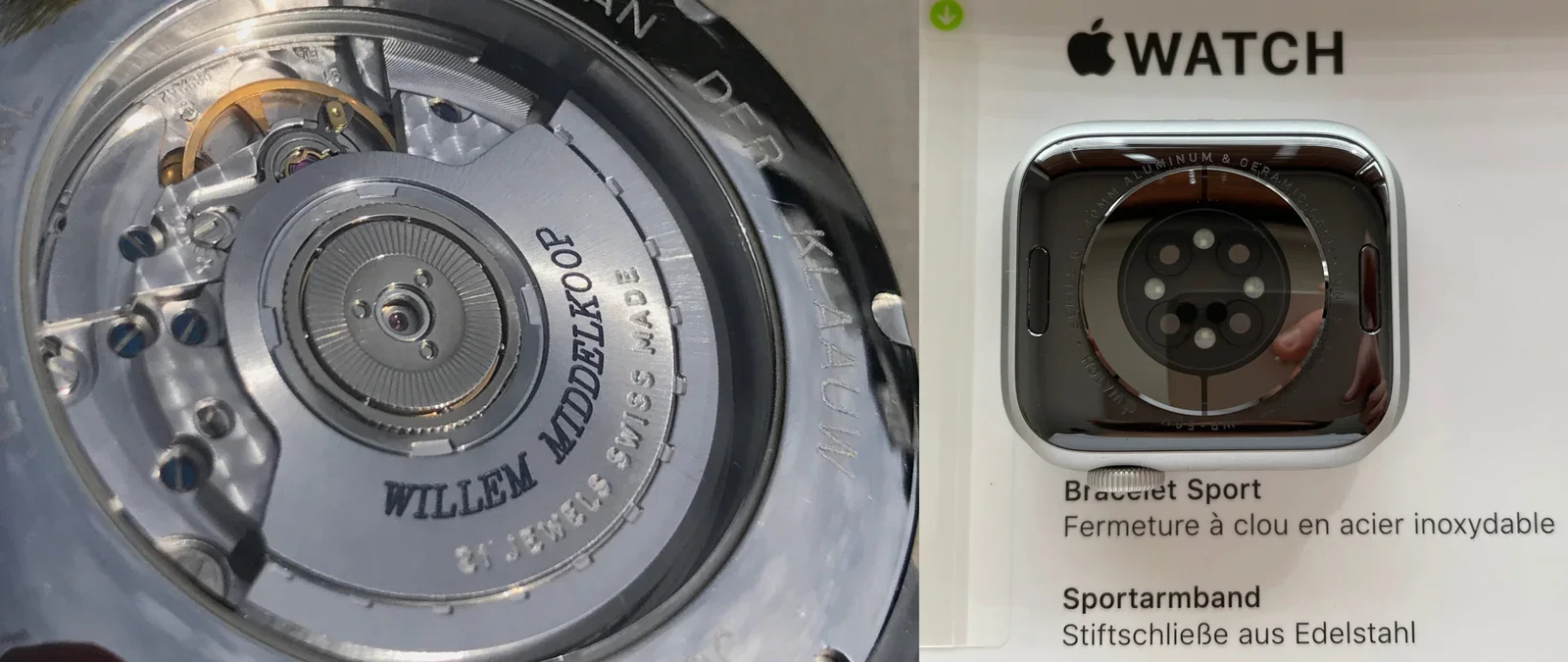
VAN DER KLAAUW WILLEM MIDDELKOOP 21 JEWELS SWISS MADE APPLE WATCH Bracelet Sport Fermeture a clou en acier inoxydable Sportarmband Stiftschliesse aus Edelstahl
watch movement, van der klaauw, apple watch, engraving, mechanical watch(Wearing two watches) - image You wear both on the wrist, yet they are very different things! A brown leather-strapped analogue watch and a black-banded Apple Watch lying face down side by side on a brown leather surface. (machine-described)
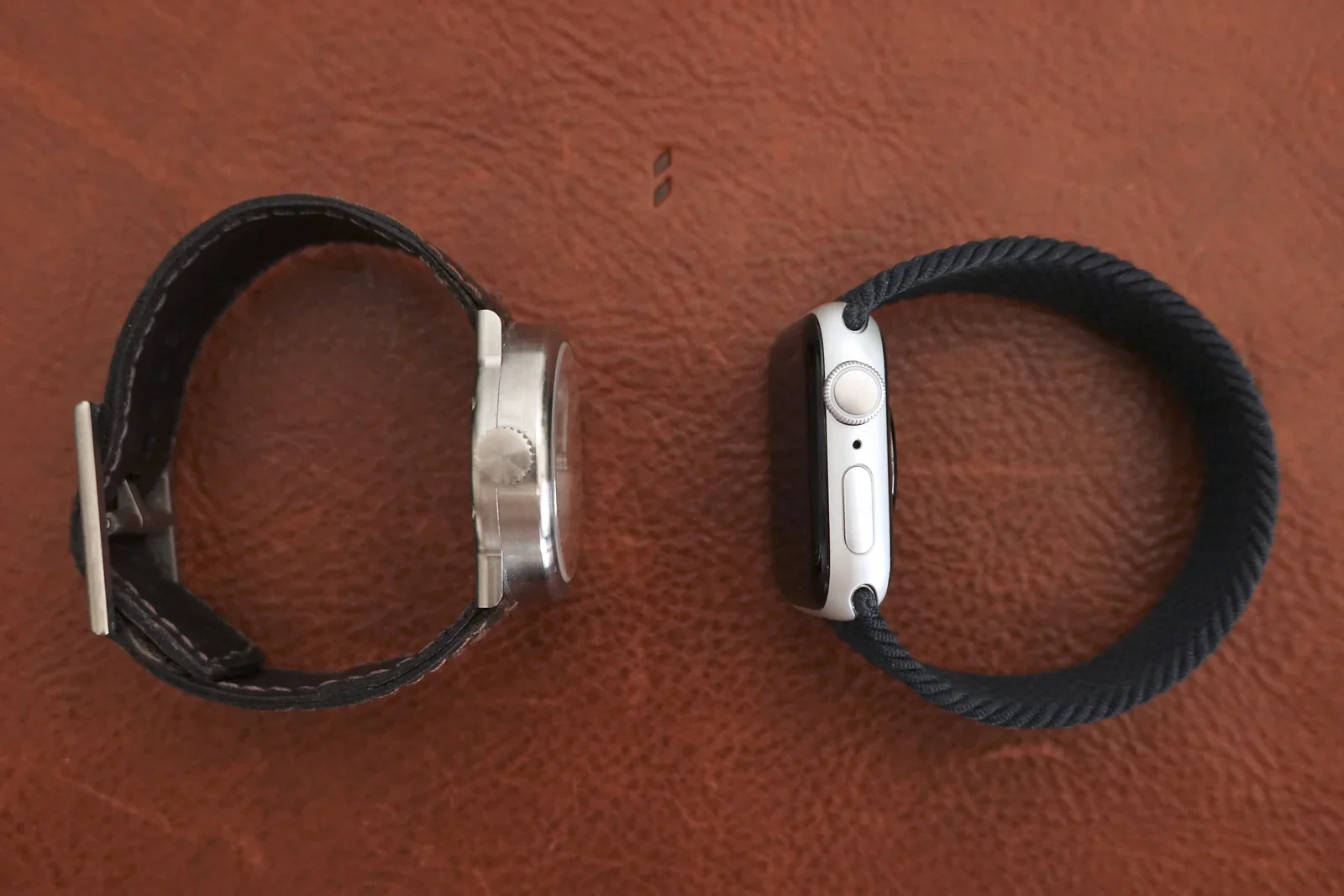
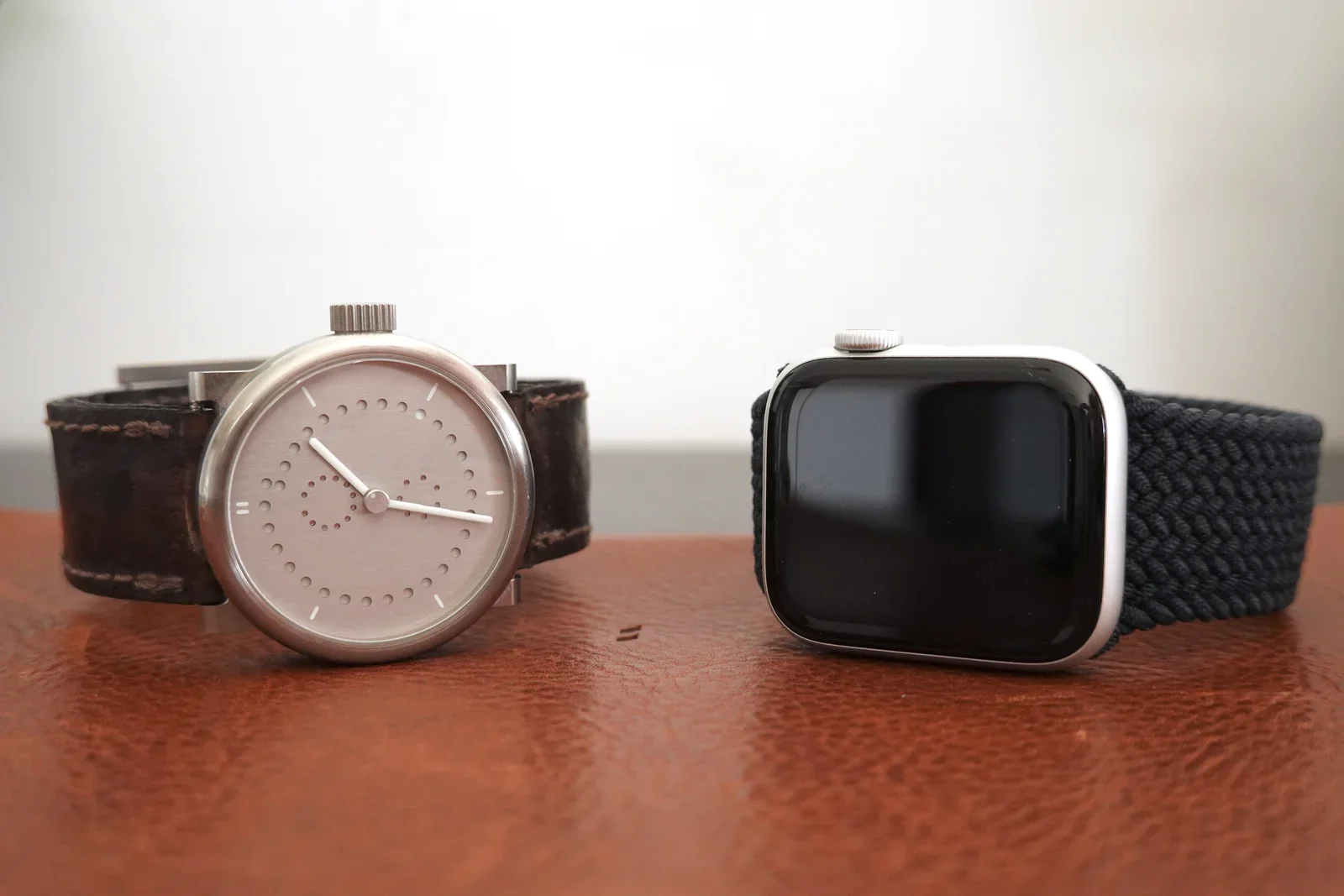
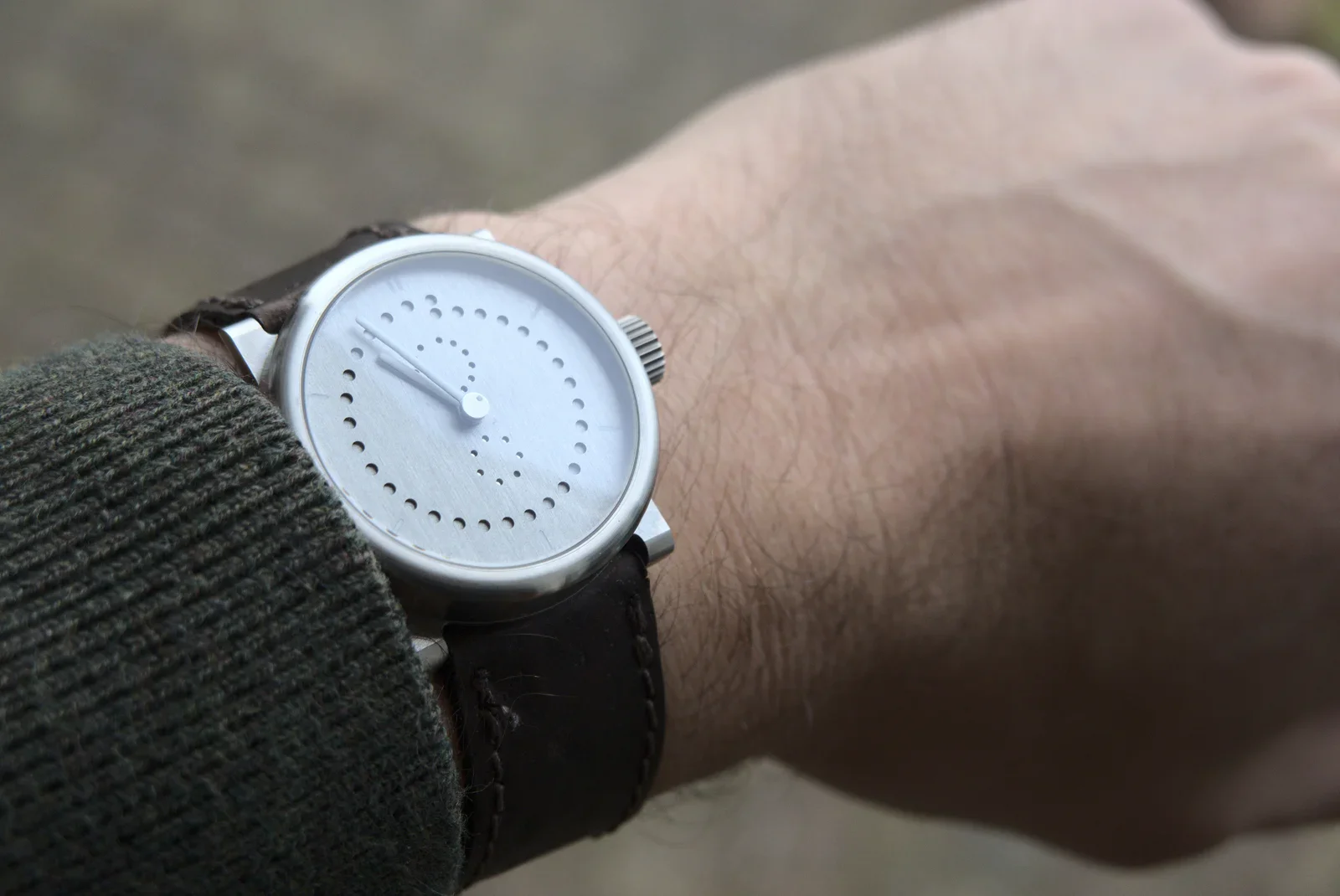
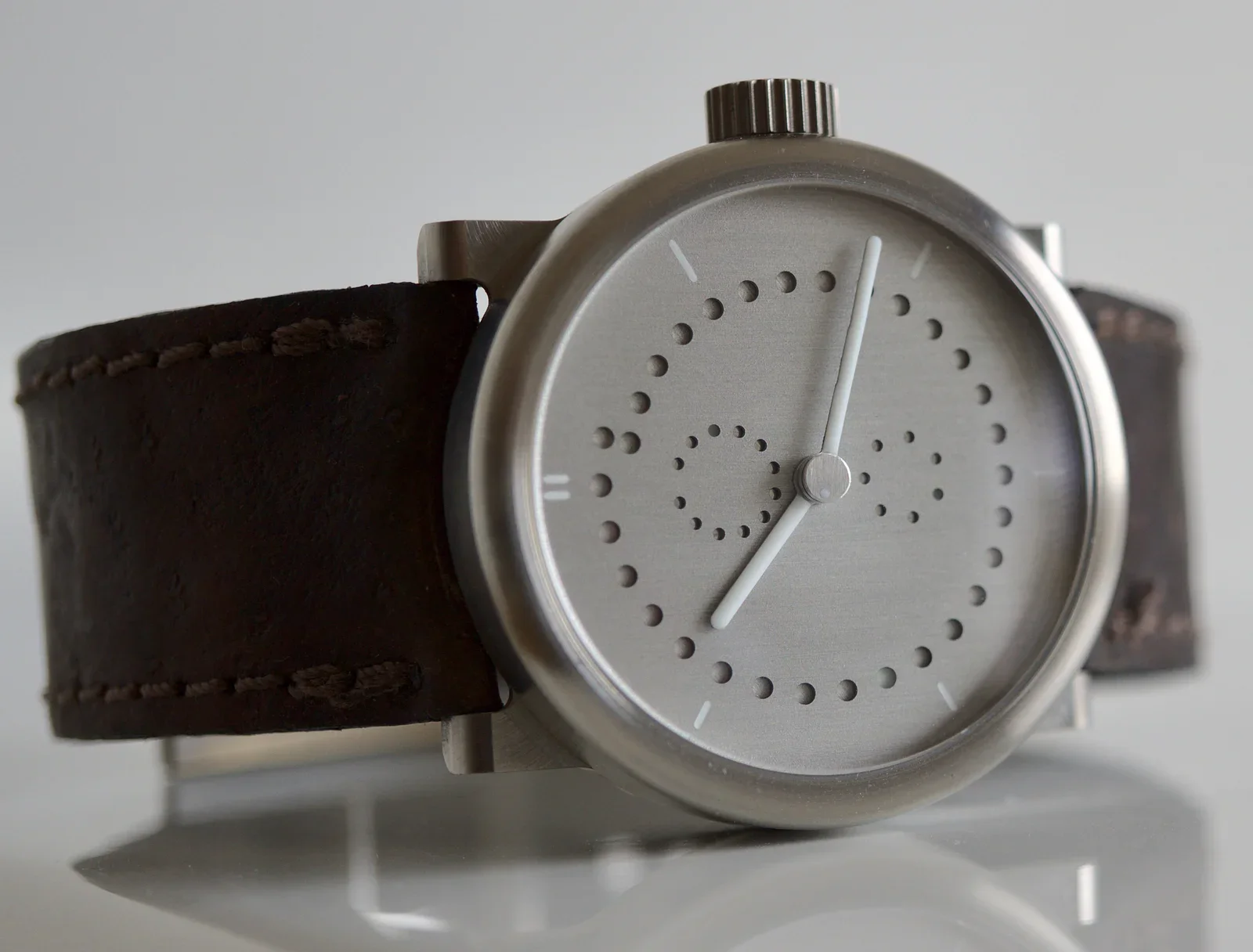
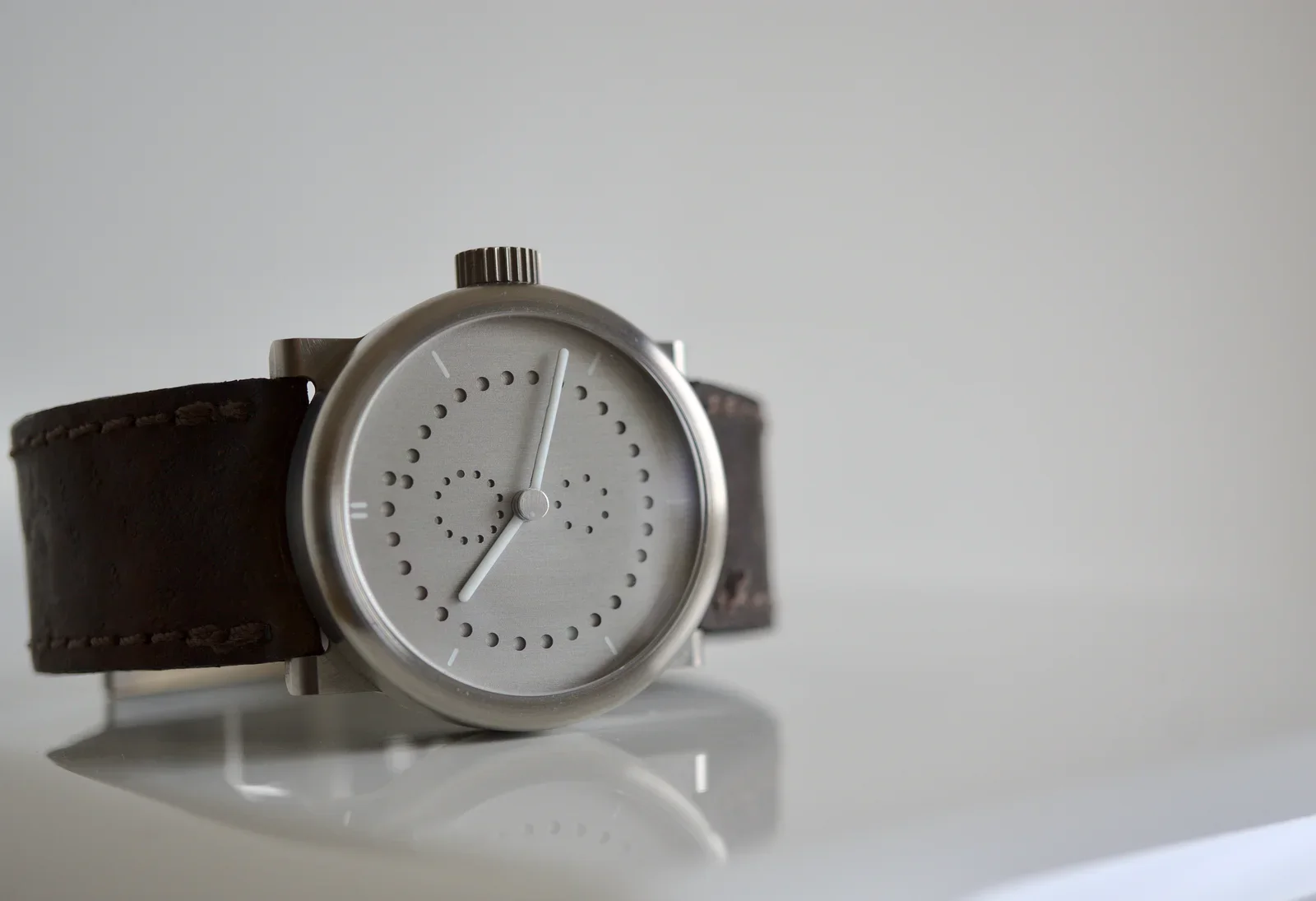
watch, apple watch, leather strap, comparison, leather surface(Wearing two watches) - image Mechanical watch and Apple Watch A minimalist analogue wristwatch with a dotted dial and dark leather strap stands next to a black-screened Apple Watch with a woven band on a wooden table. (machine-described)
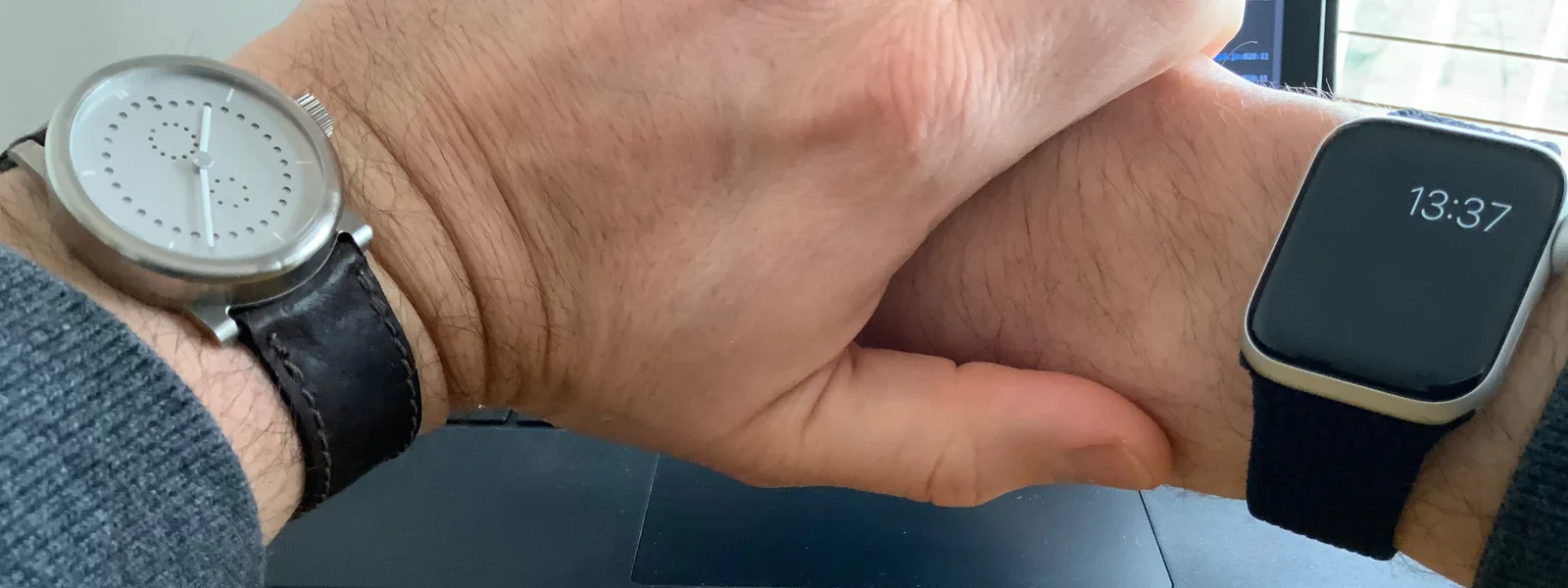
watch, apple watch, minimalist design, wooden table, comparison(Wearing two watches) - image Double wristing: wearing two watches at the same time A person wears both a minimalist analogue watch and an Apple Watch showing 13:37, one on each wrist, hands clasped together. (machine-described) text in image:
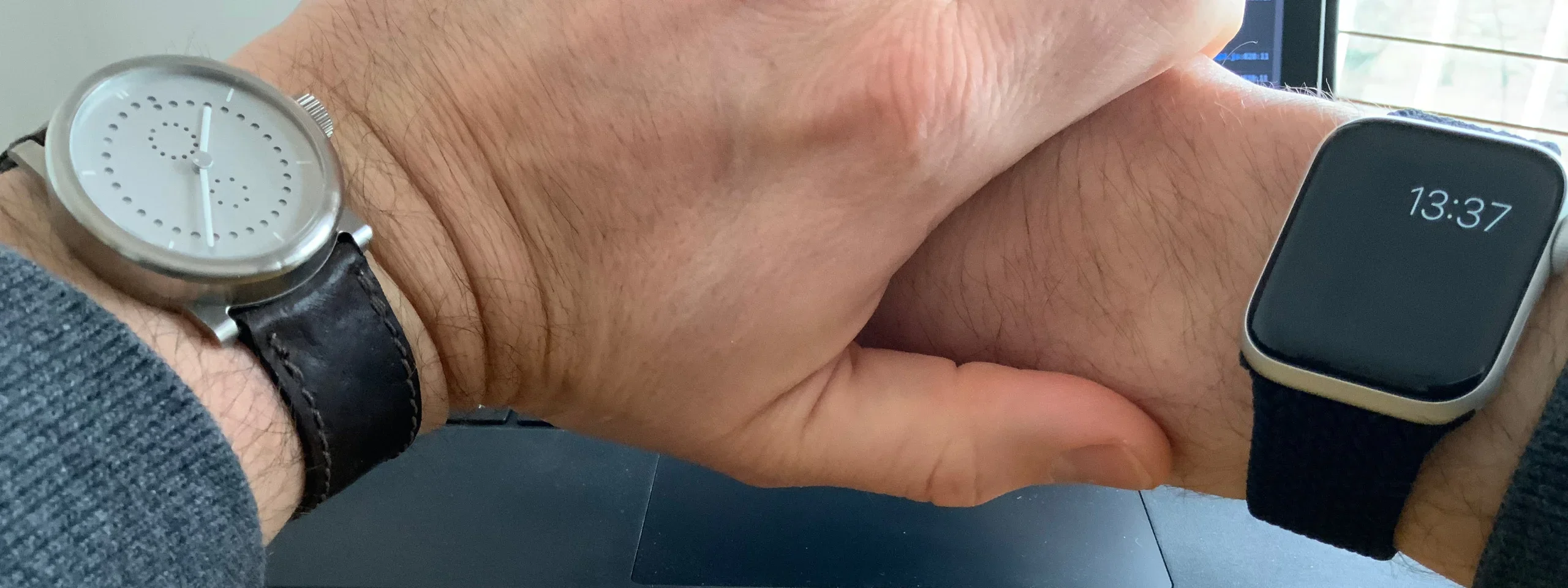
13:37
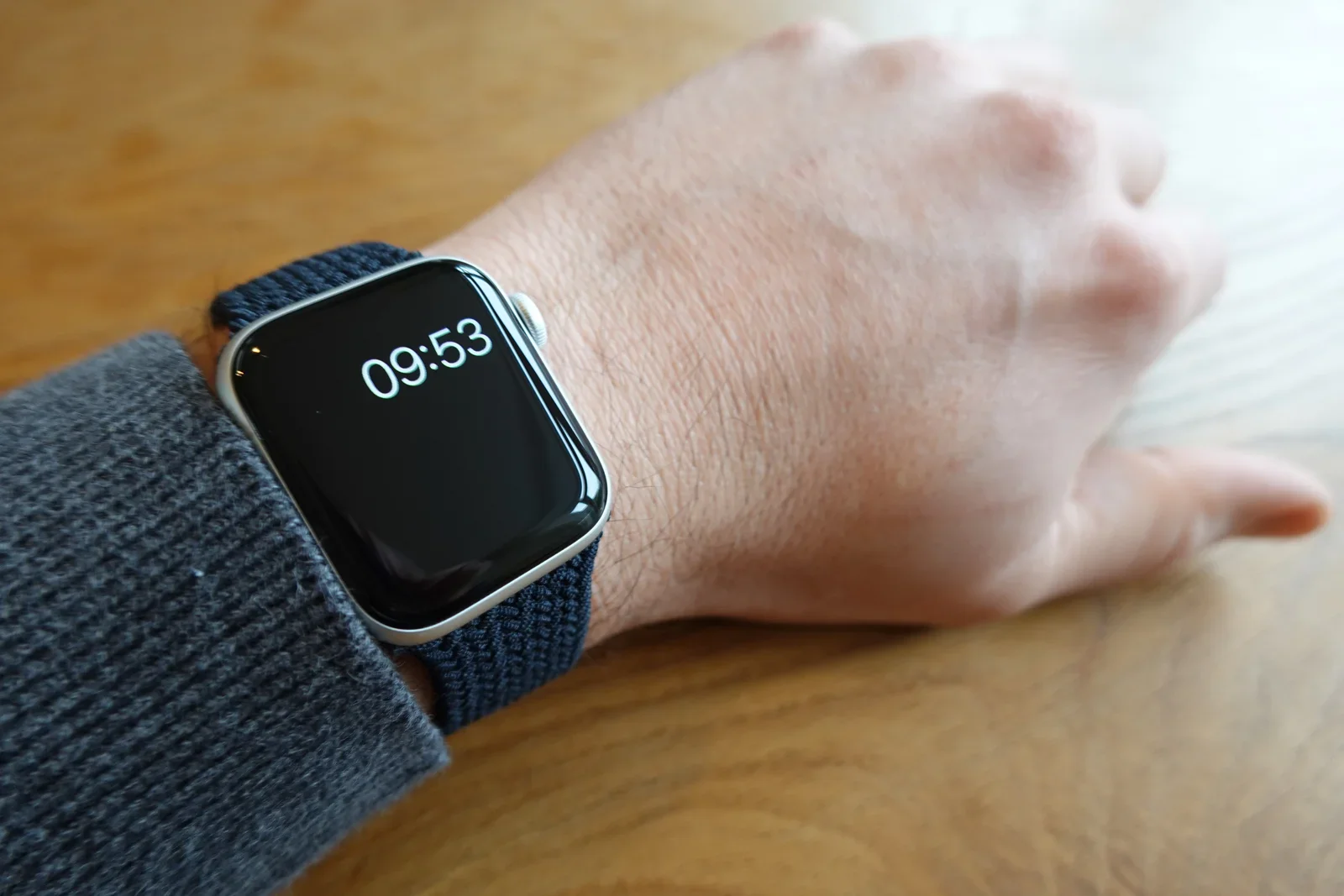
watch, apple watch, wrist, hands, two watches(Wearing two watches) - image Wearing an Apple Watch Series 6 because it is useful A close-up of an Apple Watch with a woven navy band showing the time 09:53 on a person's wrist resting on a wooden table. (machine-described) text in image:
09:53
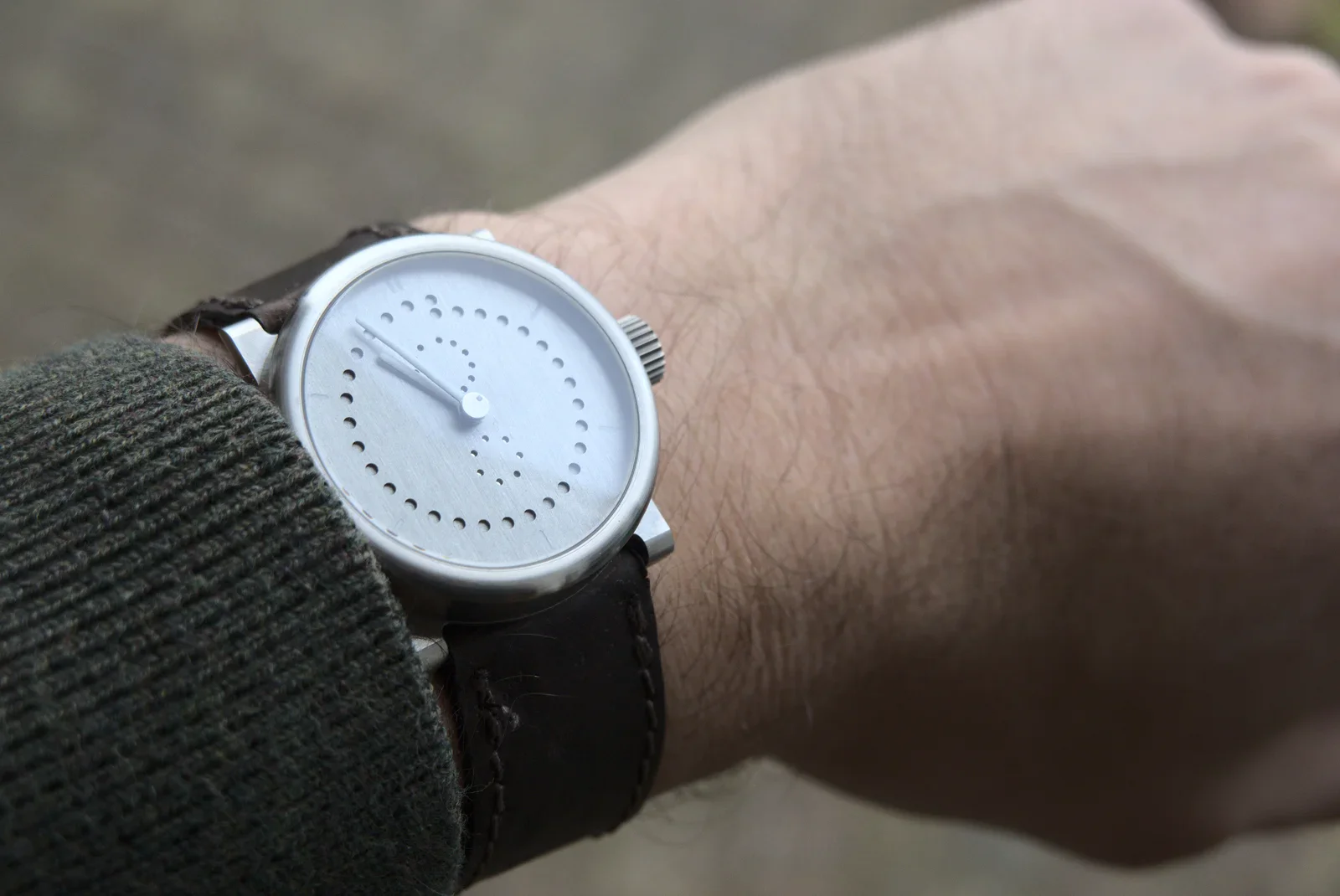
apple watch, wrist, wooden table, time, close-up(Wearing two watches) - image Wearing my mechanical watch because I like it A close-up of a minimalist analogue watch with a dotted white dial and dark brown leather strap on a person's wrist. (machine-described)
watch, minimalist design, leather strap, wrist, close-up(Wearing two watches) - image Two wristwatches with different bands are placed side by side on a textured brown surface. (machine-described)
watch, band, leather, fabric, surface(Wearing two watches) - image A close-up view of two wrists side-by-side, one wearing a silver analog watch with a white dial and black leather strap, and the other wearing a smartwatch with a black screen displaying the time 13:37. (machine-described) text in image:
13:37
watch, smartwatch, wrist, hand, leather strap(Wearing two watches) - image Two wristwatches with different bands are placed side by side on a textured brown surface. (machine-described)
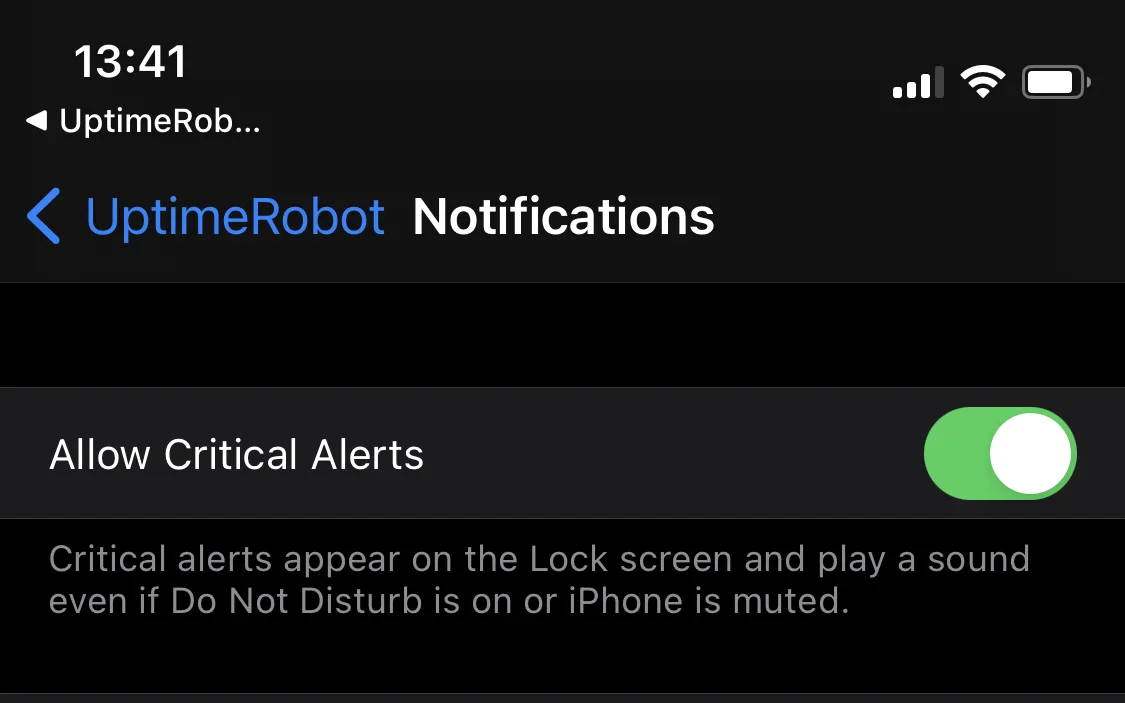
watch, leather, strap, watchband, surface(Wearing two watches) - image UptimeRobot - the monitoring system - is allowed to send me notifications at night, by enabling the "Critical notifications" A dark-mode iPhone settings screen for the UptimeRobot app showing the Notifications page with Allow Critical Alerts enabled. (machine-described) text in image:
13:41 UptimeRob... UptimeRobot Notifications Allow Critical Alerts Critical alerts appear on the Lock screen and play a sound even if Do Not Disturb is on or iPhone is muted.
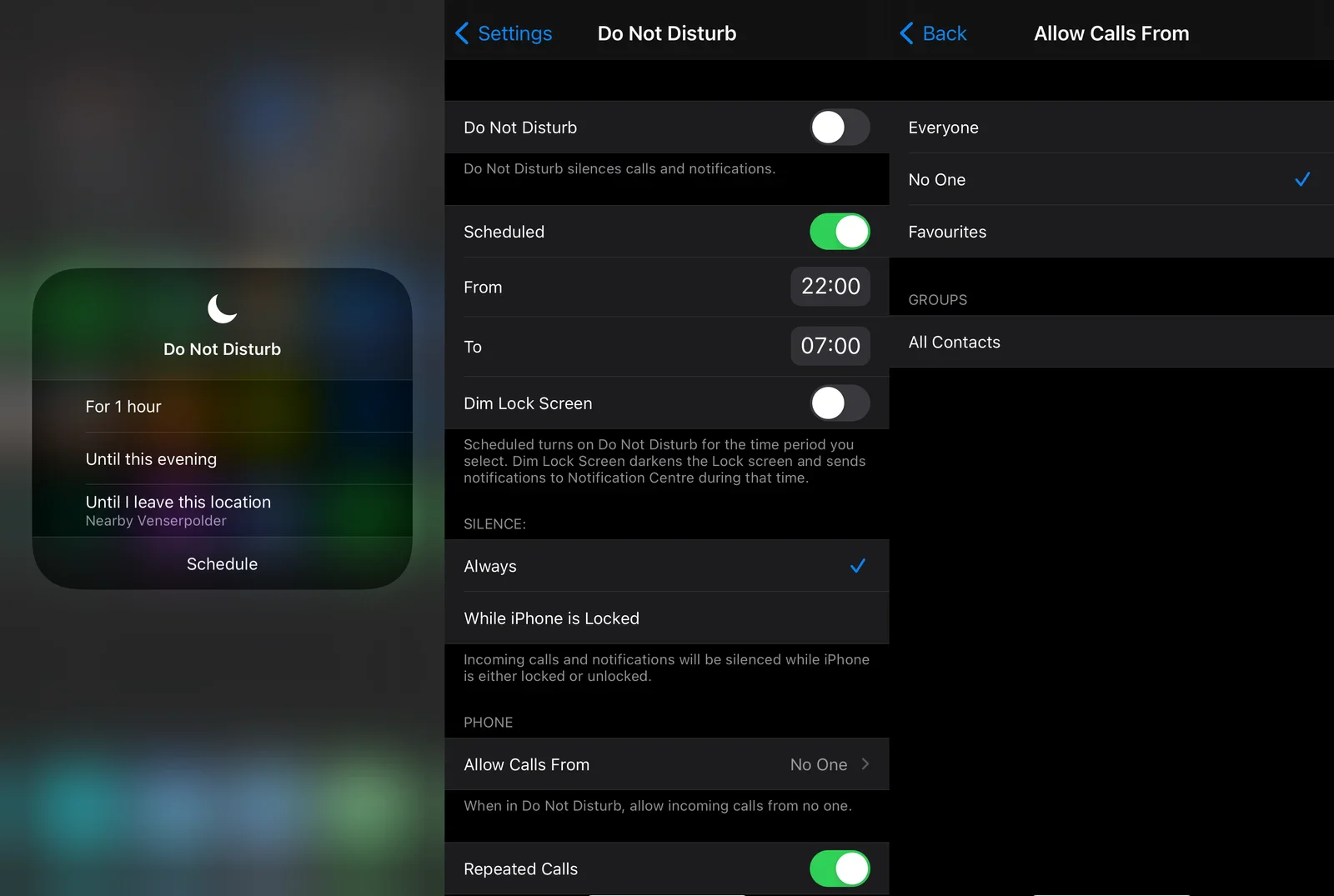
iphone, uptimerobot, settings, notifications, critical alerts(The value of notifications) - image The "Do not disturb" feature on iOS enables you to automatically activate a different notification policy - e.g. during the night A composite of three iPhone Do Not Disturb settings screens: a Control Centre popup, the main Do Not Disturb settings page with a schedule, and the Allow Calls From options. (machine-described) text in image:
Do Not Disturb For 1 hour Until this evening Until I leave this location Nearby Venserpolder Schedule Settings Do Not Disturb Do Not Disturb Do Not Disturb silences calls and notifications. Scheduled From 22:00 To 07:00 Dim Lock Screen Scheduled turns on Do Not Disturb for the time period you selec
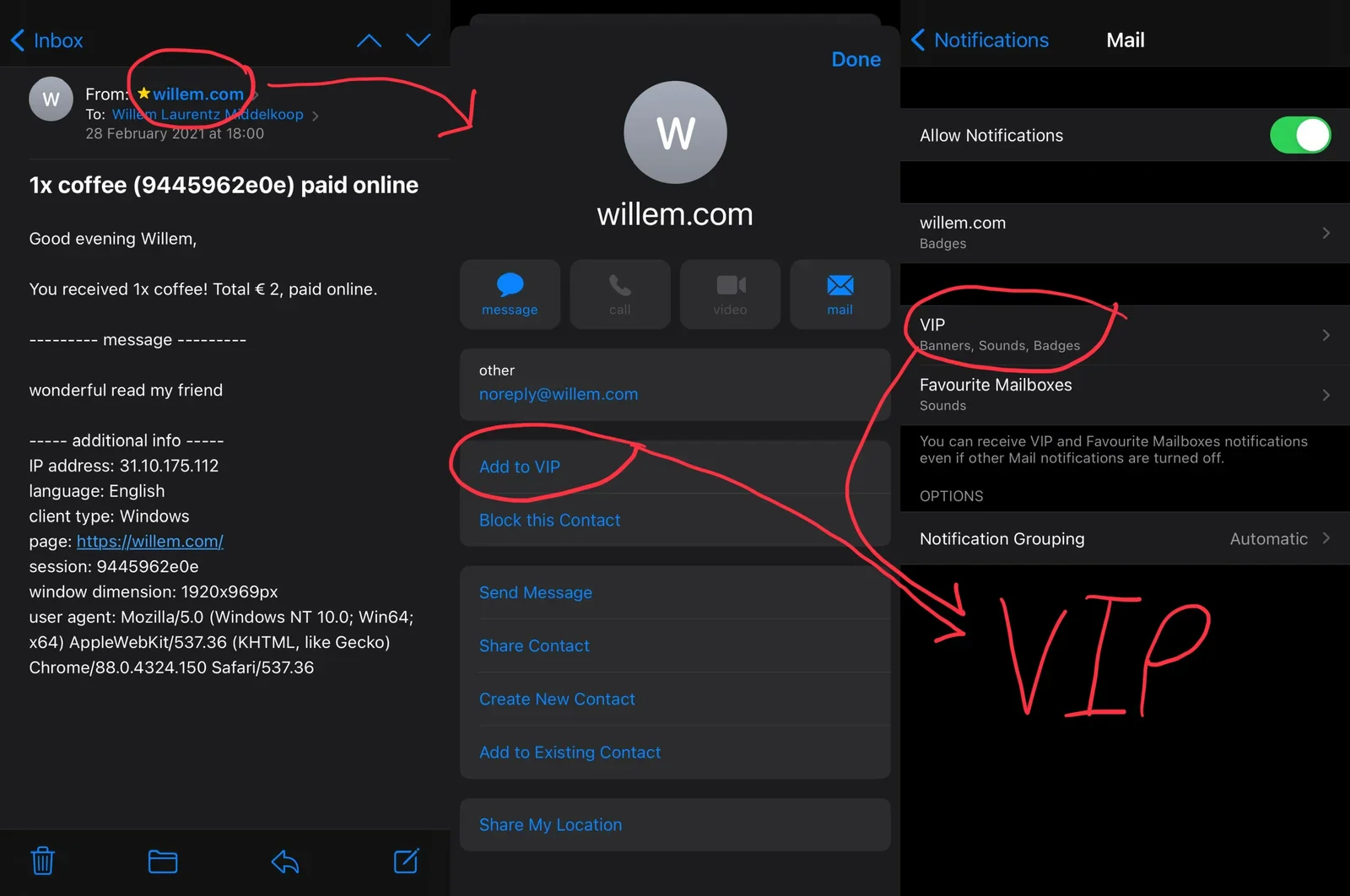
iphone, do not disturb, settings, schedule, control centre(The value of notifications) - image Add any email sender to the VIP list and configure notifications differently for them A composite of three iPhone Mail screens: an inbox email notifying of a coffee tip payment with visitor analytics, a contact card for willem.com, and Mail notification settings, with red handwritten VIP annotations. (machine-described) text in image:
Inbox From: willem.com To: Willem Laurentz Middelkoop 28 February 2021 at 18:00 1x coffee (9445962e0e) paid online Good evening Willem, You received 1x coffee! Total EUR 2, paid online. ---------- message --------- wonderful read my friend ----- additional info ----- IP address: 31.10.175.112 langua
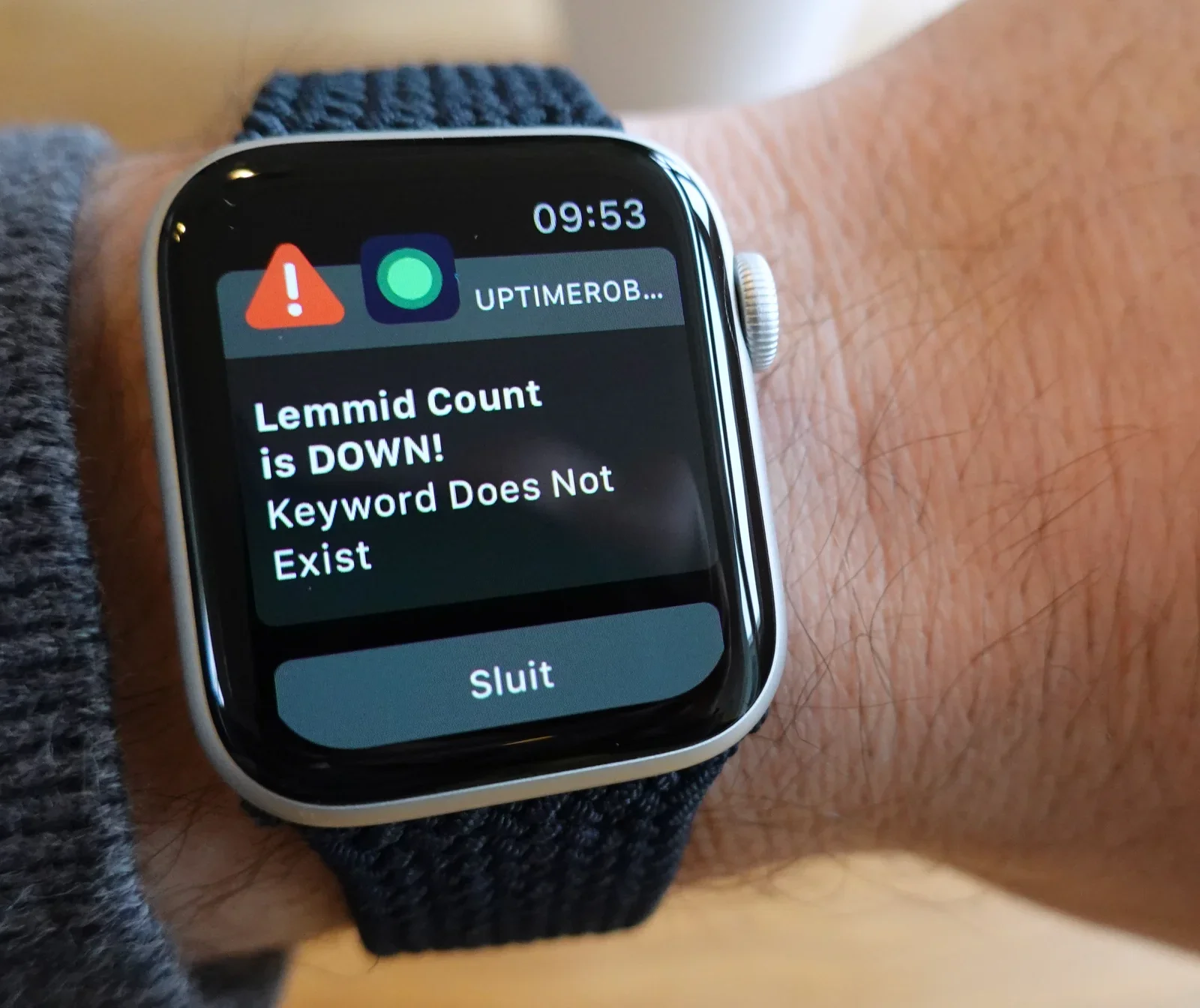
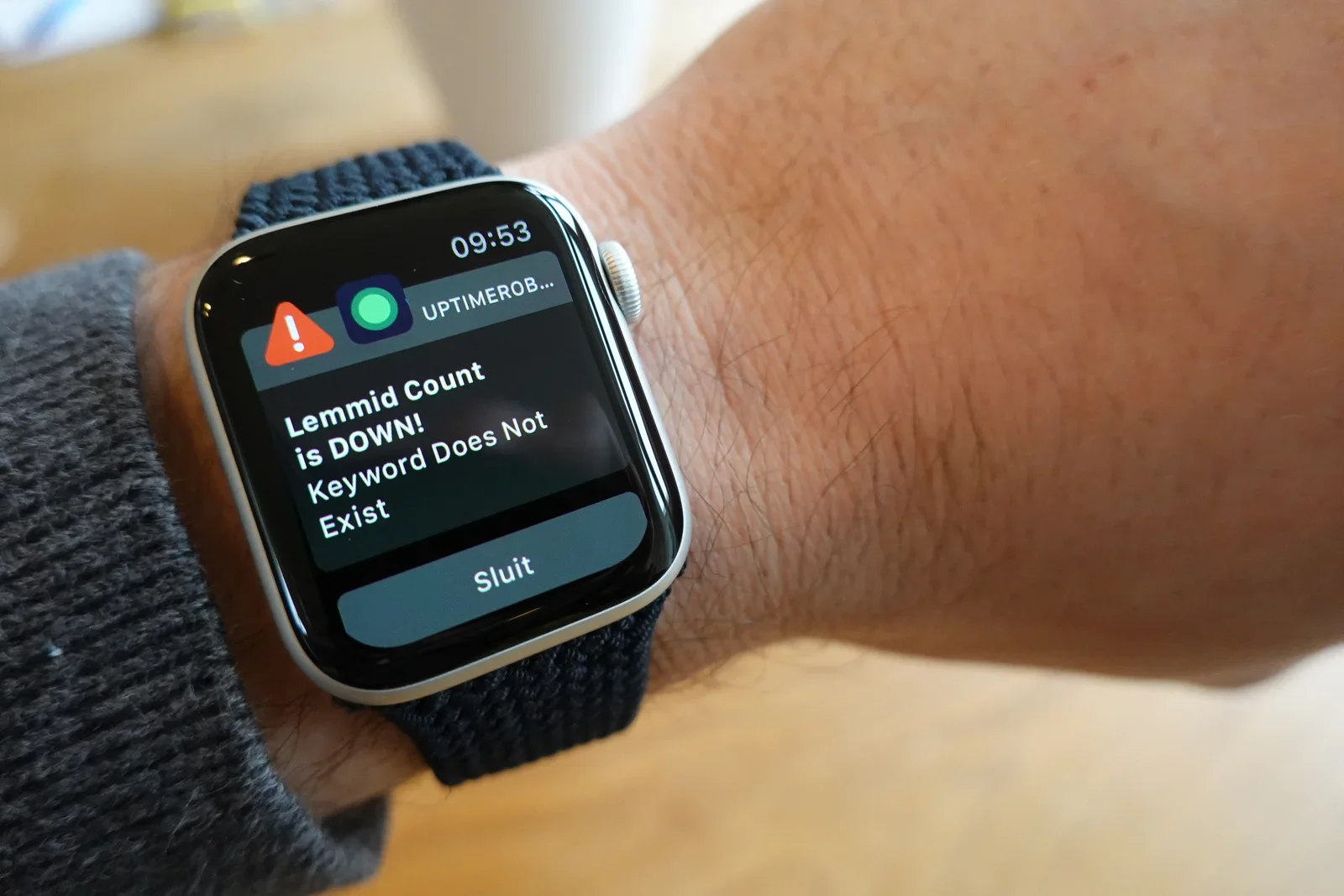
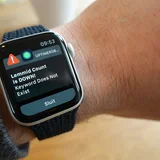
iphone, mail, inbox, willem.com, contact card, notifications(The value of notifications) - image The UptimeRobot is the only algorithm that I allow to wake me up at night An Apple Watch on a wrist displays an UptimeRobot push notification reporting that Lemmid Count is down because a keyword does not exist. (machine-described) text in image:
09:53 UPTIMEROB... Lemmid Count is DOWN! Keyword Does Not Exist Sluit
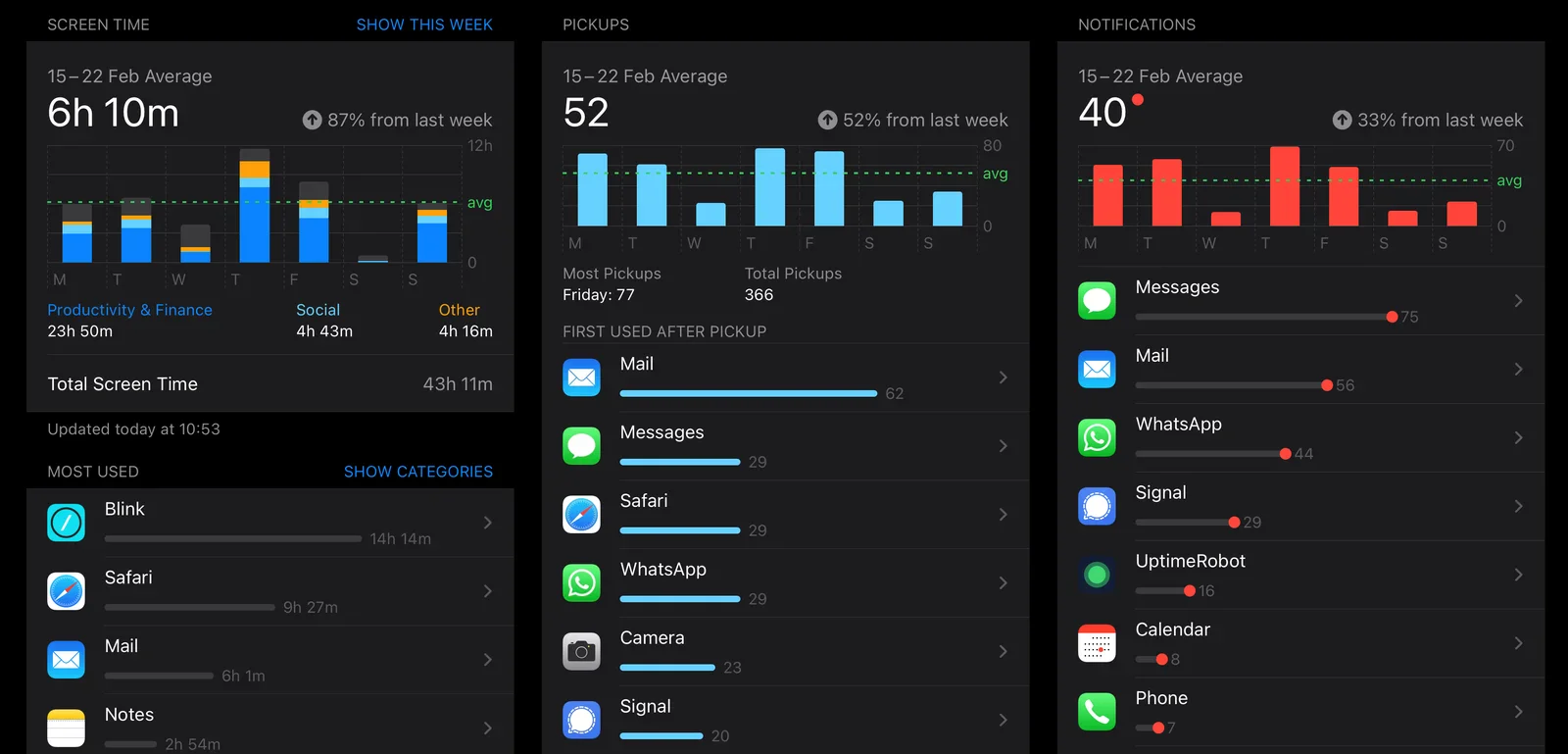
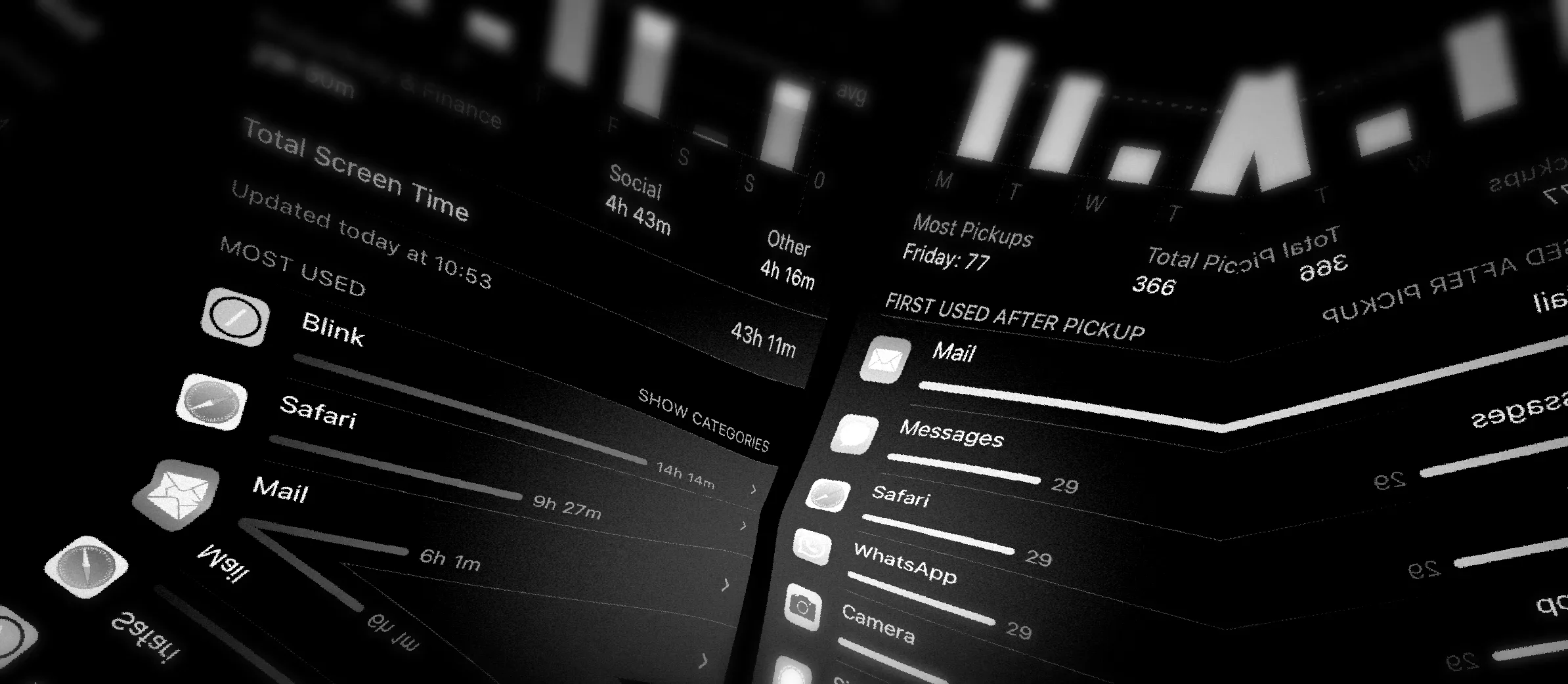
apple watch, uptimerobot, notification, lemmid, downtime alert(The value of notifications) - image Usage of my iPhone and iPad, from left to right: time spent, pickups and notifications A composite of three iPhone Screen Time statistics screens showing weekly screen time, pickups, and notifications with per-app breakdowns. (machine-described) text in image:
SCREEN TIME SHOW THIS WEEK 15-22 Feb Average 6h 10m 87% from last week Productivity & Finance 23h 50m Social 4h 43m Other 4h 16m Total Screen Time 43h 11m Updated today at 10:53 MOST USED SHOW CATEGORIES Blink 14h 14m Safari 9h 27m Mail 6h 1m Notes 2h 54m PICKUPS 15-22 Feb Average 52 52% from
iphone, screen time, statistics, app usage, notifications, pickups(The value of notifications) - image A black rounded rectangle on a gray background with a red circle containing a white exclamation mark in the top right corner. (machine-described) text in image:
!
rectangle, circle, exclamation mark, icon, symbol(The value of notifications) - image A black and white angled view of a smartphone screen displaying a digital wellbeing dashboard with application usage statistics. (machine-described) text in image:
Total Screen Time Updated today at 10:53 MOST USED Blink Safari Mail SHOW CATEGORIES Social 4h 43m Other 4h 16m 43h 11m Most Pickups Friday: 77 Total Pickups 366 FIRST USED AFTER PICKUP Mail Messages Safari WhatsApp Camera
smartphone, screen, interface, dashboard, statistics, apps(The value of notifications) - image A black rounded square icon with a red circular badge containing a white exclamation mark in the top right corner, set against a gray background. (machine-described) text in image:
!
icon, badge, alert, symbol, interface(The value of notifications) - image UptimeRobot supports iOS "critical notifications" - allowing you to be woken up at night when really bad things happen... A dark-mode iPhone settings screen for the UptimeRobot app showing the Notifications page with Allow Critical Alerts enabled. (machine-described) text in image:
13:41 UptimeRob... UptimeRobot Notifications Allow Critical Alerts Critical alerts appear on the Lock screen and play a sound even if Do Not Disturb is on or iPhone is muted.
iphone, uptimerobot, settings, notifications, critical alerts(Realtime service uptime monitoring) - image Downtime notifications on Apple Watch using UptimeRobot An Apple Watch on a wrist displays an UptimeRobot push notification reporting that Lemmid Count is down because a keyword does not exist. (machine-described) text in image:
09:53 UPTIMEROB... Lemmid Count is DOWN! Keyword Does Not Exist Sluit
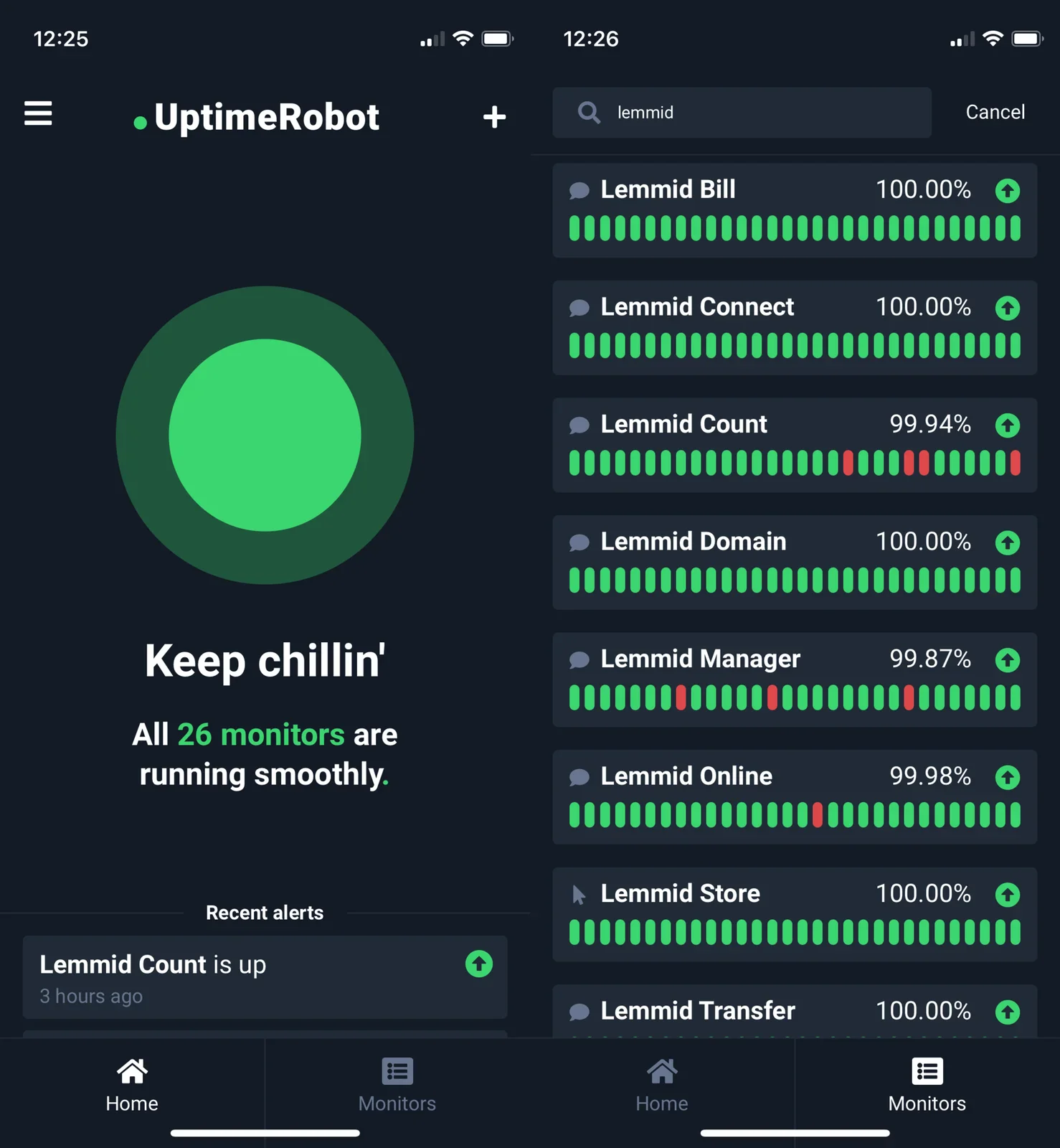
apple watch, uptimerobot, notification, lemmid, downtime alert(Realtime service uptime monitoring) - image Keep chillin' - The app offers a glanceable view on all your uptime monitors Two stacked iPhone screenshots of the UptimeRobot app: a status dashboard showing 26 monitors running smoothly, and a search list of Lemmid-named uptime monitors with their percentages. (machine-described) text in image:
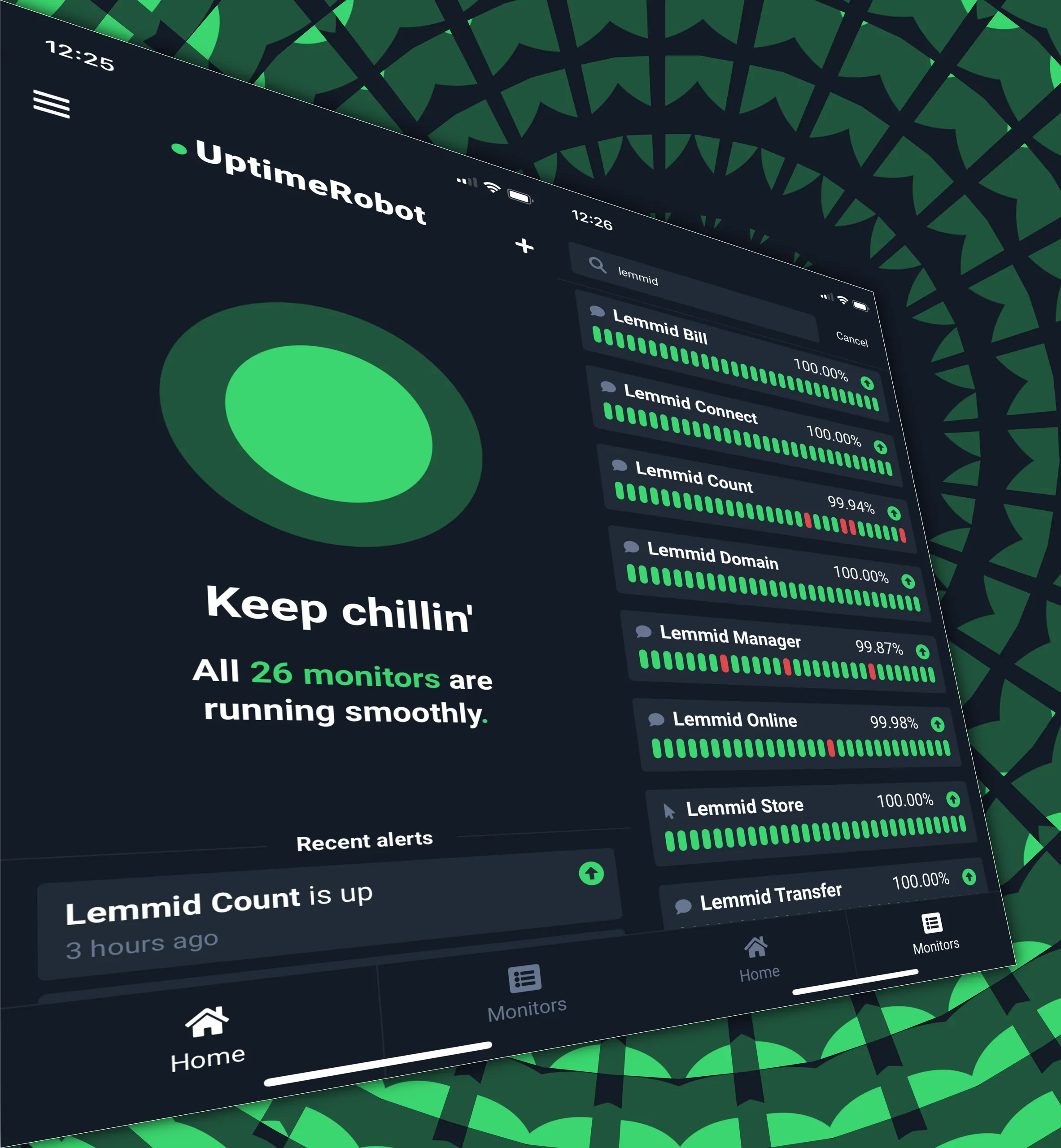
12:25 UptimeRobot Keep chillin' All 26 monitors are running smoothly. Recent alerts Lemmid Count is up 3 hours ago 12:26 lemmid Lemmid Bill 100.00% Lemmid Connect 100.00% Lemmid Count 99.94% Lemmid Domain 100.00% Lemmid Manager 99.87% Lemmid Online 99.98% Lemmid Store 100.00% Lemmid Transfer 100.00%
uptimerobot, dashboard, monitors, lemmid, iphone, status(Realtime service uptime monitoring) - image Set up UptimeRobot to detect the text that you expect when the service is online A Safari browser window showing a plain webpage reading CountX: one two ten, overlapped by an iPhone screenshot of the UptimeRobot keyword monitor edit screen for Lemmid Count. (machine-described) text in image:
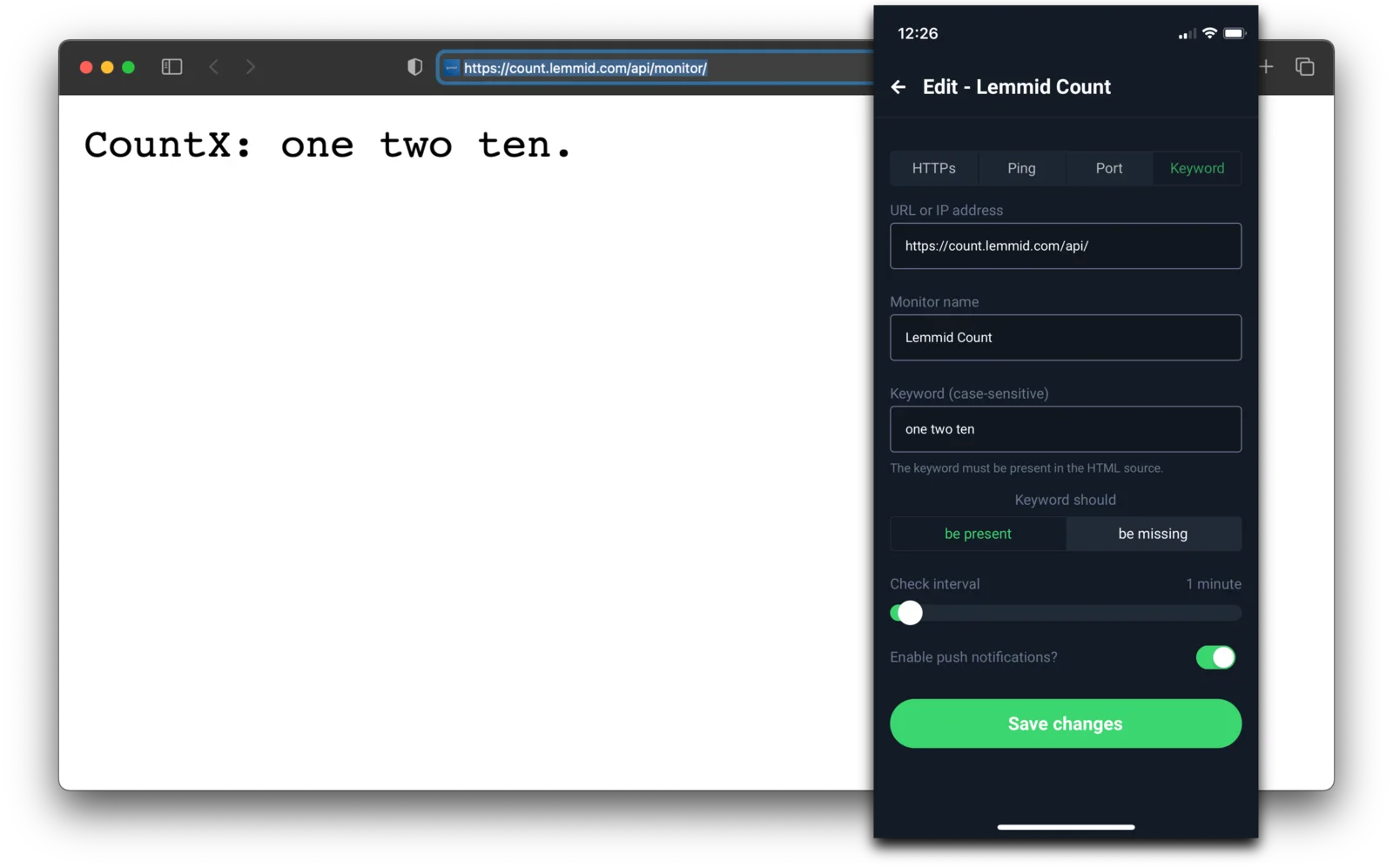
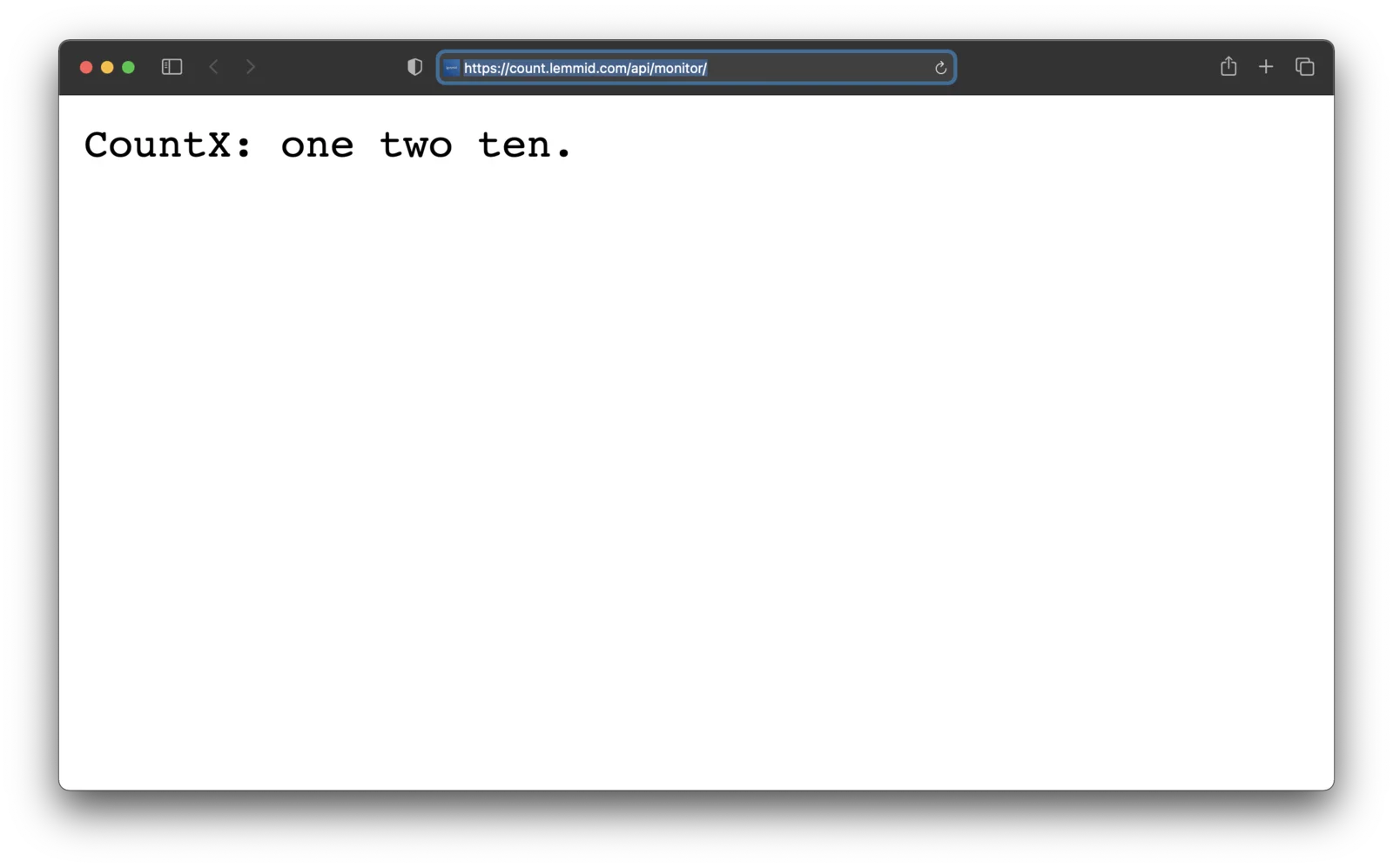
https://count.lemmid.com/api/monitor/ CountX: one two ten. Edit - Lemmid Count HTTPs Ping Port Keyword URL or IP address https://count.lemmid.com/api/ Monitor name Lemmid Count Keyword (case-sensitive) one two ten The keyword must be present in the HTML source. Keyword should be present be missi
uptimerobot, keyword monitor, lemmid, safari, browser, configuration(Realtime service uptime monitoring) - image A special URL returns a simple text response if a few common (internal) function calls succeed A Safari browser window on a Mac showing a plain webpage with the text CountX: one two ten at the URL count.lemmid.com. (machine-described) text in image:
https://count.lemmid.com/api/monitor/ CountX: one two ten.
safari, browser, webpage, lemmid, text(Realtime service uptime monitoring) - image A close-up of a smartwatch on a person's wrist displaying a notification from the Uptimerobot app. (machine-described) text in image:
09:53 UPTIMEROB... Lemmid Count is DOWN! Keyword Does Not Exist Sluit
smartwatch, wrist, notification, screen, watch band(Realtime service uptime monitoring) - image A digital illustration of a mobile application interface titled UptimeRobot displaying system monitoring data on a dark background with green accents. (machine-described) text in image:
12:25 UptimeRobot 12:26 lemmid Cancel Lemmid Bill 100.00% Lemmid Connect 100.00% Lemmid Count 99.94% Lemmid Domain 100.00% Lemmid Manager 99.87% Lemmid Online 99.98% Lemmid Store 100.00% Lemmid Transfer 100.00% Keep chillin' All 26 monitors are running smoothly. Recent alerts Lemmid Count is up 3 ho
smartphone, interface, dashboard, application, monitoring(Realtime service uptime monitoring) - image A close-up of a person's wrist wearing a smartwatch with a dark woven band, displaying a notification alert on its screen. (machine-described) text in image:
09:53 UPTIMEROB... Lemmid Count is DOWN! Keyword Does Not Exist Sluit
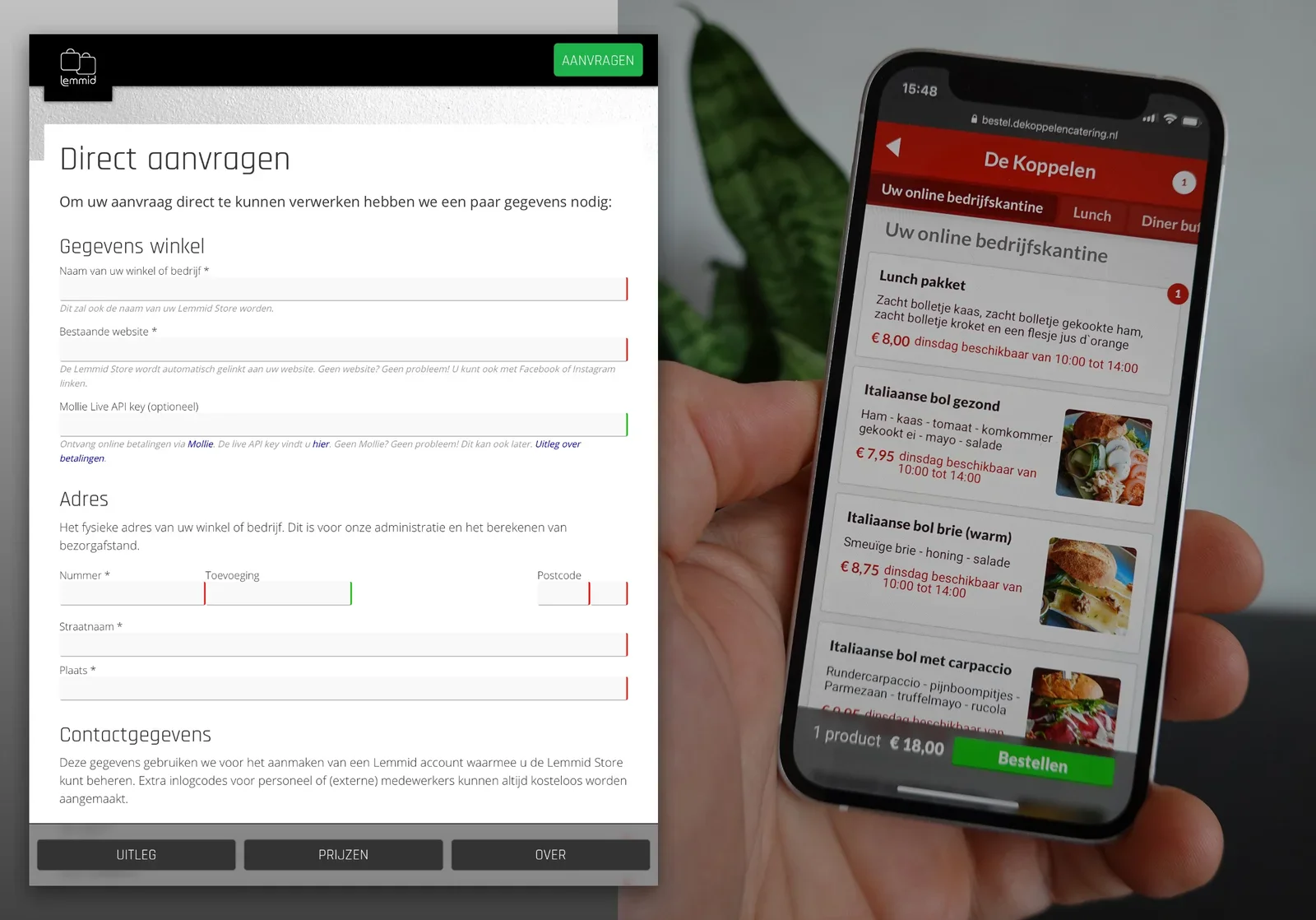
smartwatch, wrist, notification, screen, band(Realtime service uptime monitoring) - image When the design comes together - great products appear: Harry van de Laar showing Lemmid Store straight from the kitchen! A chef in a white kitchen jacket holds up a smartphone displaying a catering website menu page in a professional kitchen. (machine-described) text in image:
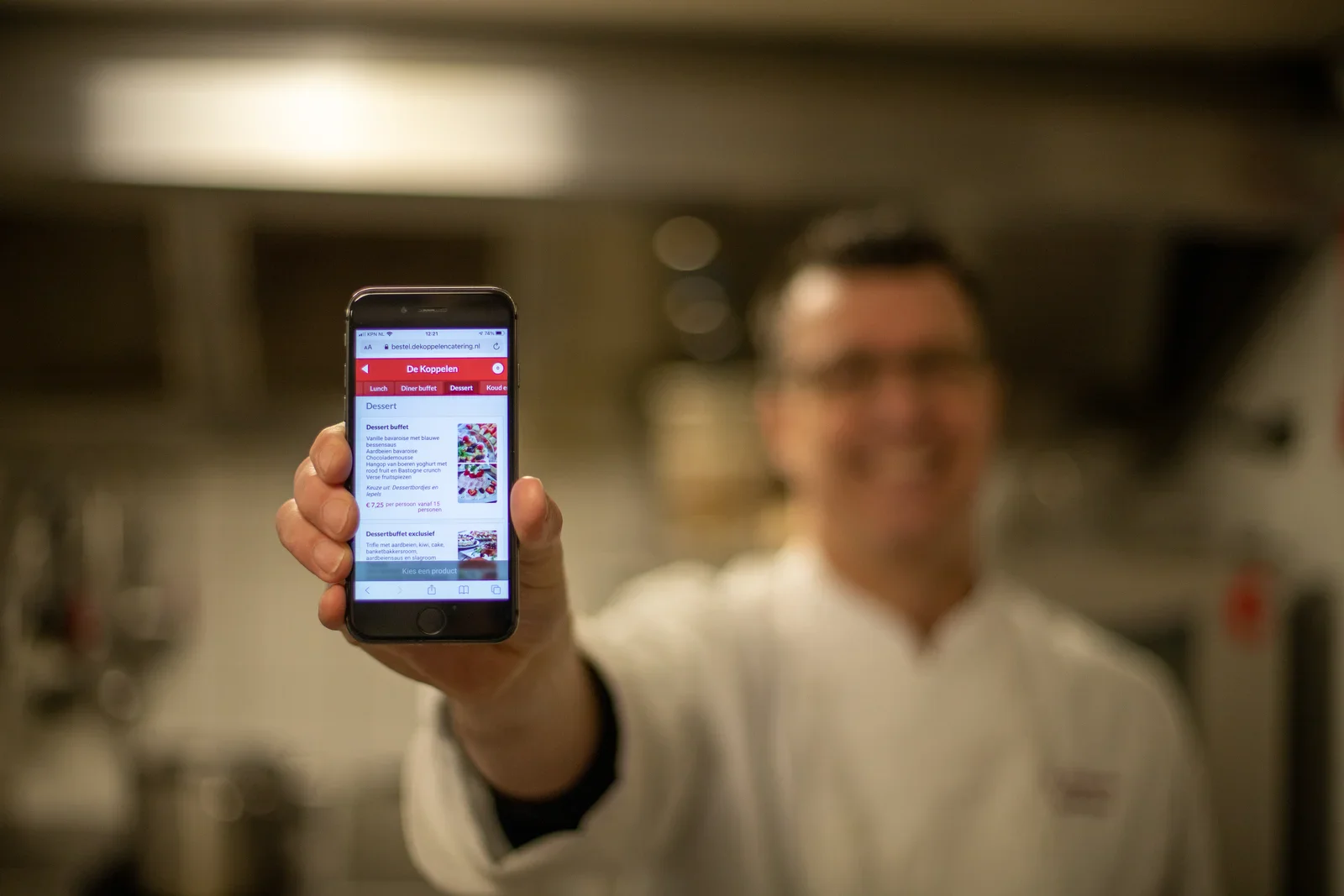
bestel.dekoppelencatering.nl De Koppelen Lunch Diner buffet Dessert Koud ... Dessert Dessert buffet Vanille bavarois met blauwe bessensaus Aardbeien bavarois Chocolademousse Hangop van boeren yoghurt met rood fruit en Bastogne crunch Verse fruitspiezen Kies uit: Dessertbordjes en dip els E7,25 pe
chef, smartphone, catering, website, kitchen, menu(Building a product platform) - image From signup to product: automated onboarding of Lemmid Store is enabled by leveraging the Lemmid platform's capabilities A split composite image showing a Lemmid Store signup web form on the left and a phone displaying the De Koppelen catering ordering site on the right, held by a hand next to a snake plant. (machine-described) text in image:
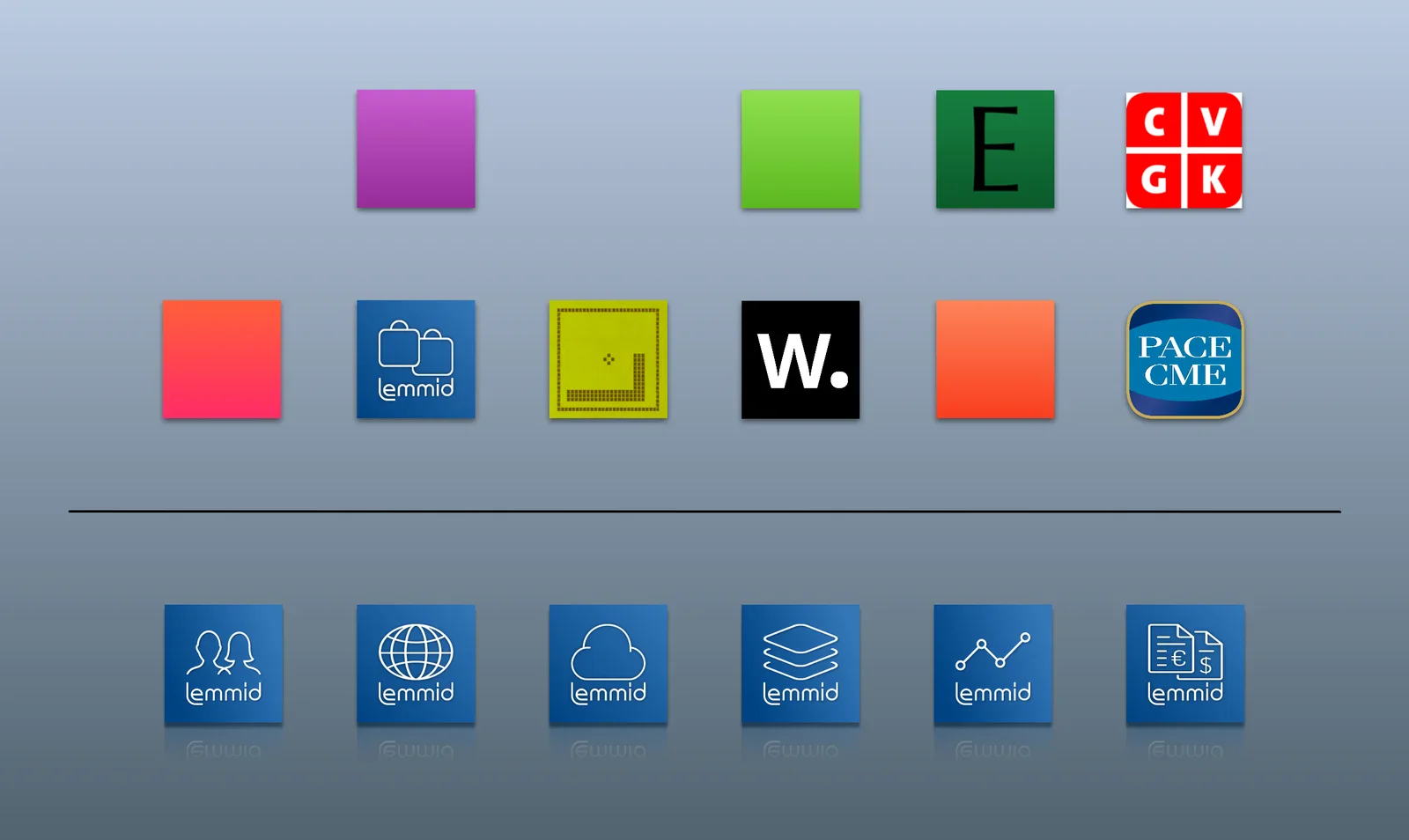
lemmid AANVRAGEN Direct aanvragen Om uw aanvraag direct te kunnen verwerken hebben we een paar gegevens nodig: Gegevens winkel Naam van uw winkel of bedrijf * Dit zal ook de naam van uw Lemmid Store worden. Bestaande website * Mollie Live API key (optioneel) Ontvang online betalingen via Mollie. De
lemmid, signup form, catering, website, smartphone, ecommerce(Building a product platform) - image The Lemmid platform is the foundation for the products that I build on top of it A grid of colourful app icons on a light blue background, including several blue Lemmid-branded icons, a snake game icon, and icons labelled E, CVGK, W and PACE CME. (machine-described) text in image:
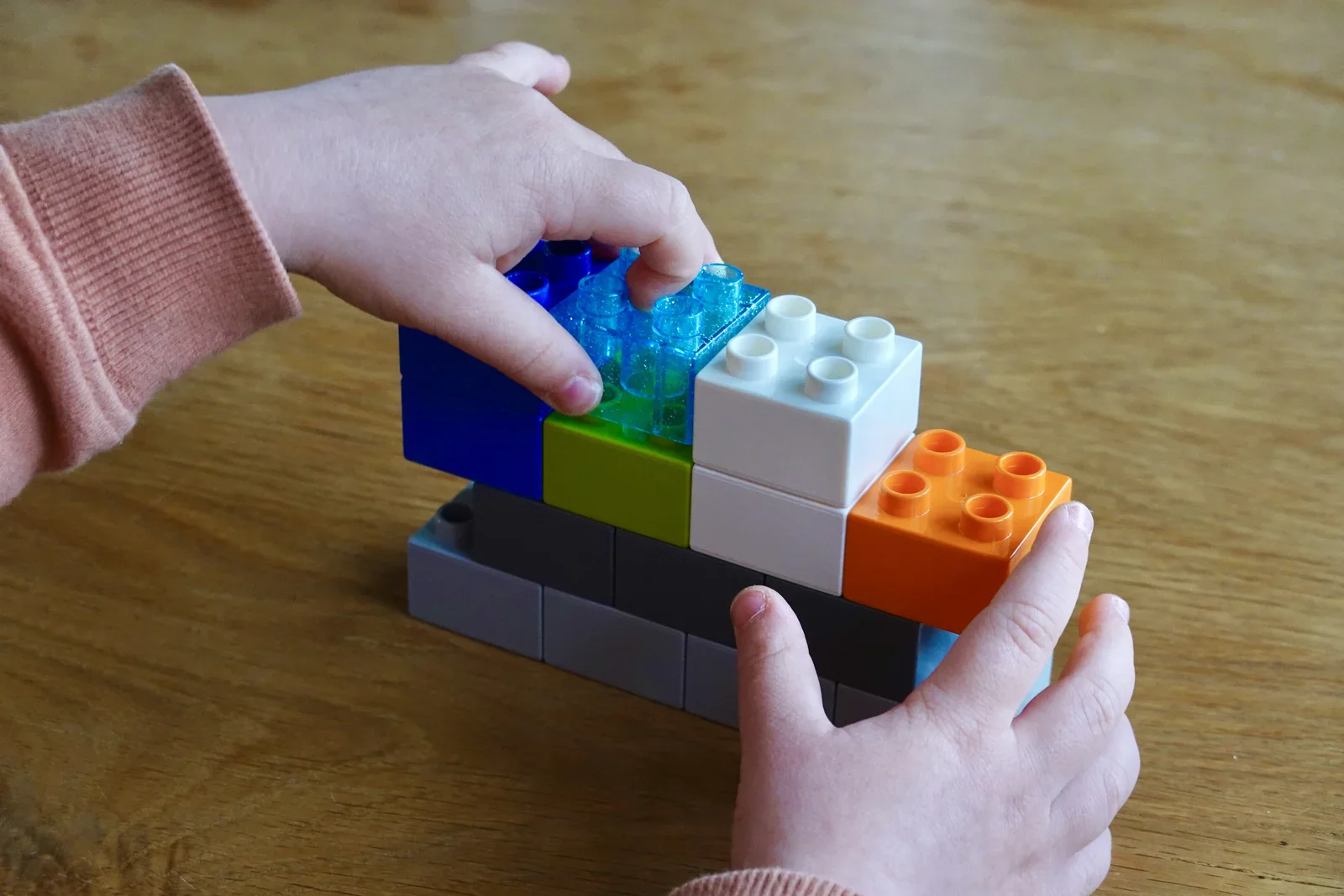
lemmid lemmid lemmid lemmid lemmid lemmid PACE CME CVGK W. E
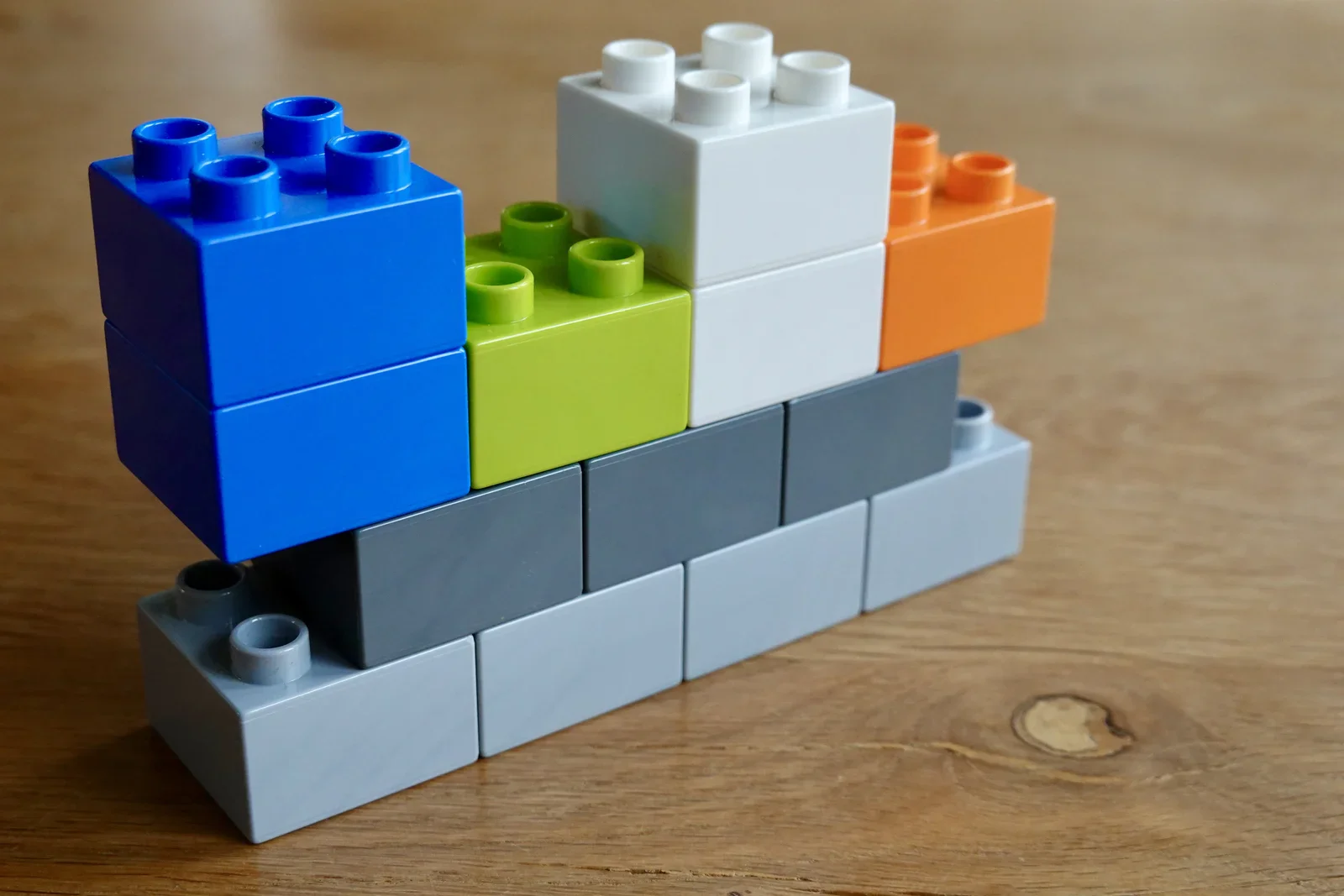
app icons, launchpad, lemmid, software, desktop(Building a product platform) - image If your platform design is good - adding new and exciting pieces to it should be child's play (and thus, a lot of fun!!) A child's hands stack colourful Duplo building blocks in blue, green, white and orange on a wooden table. (machine-described)
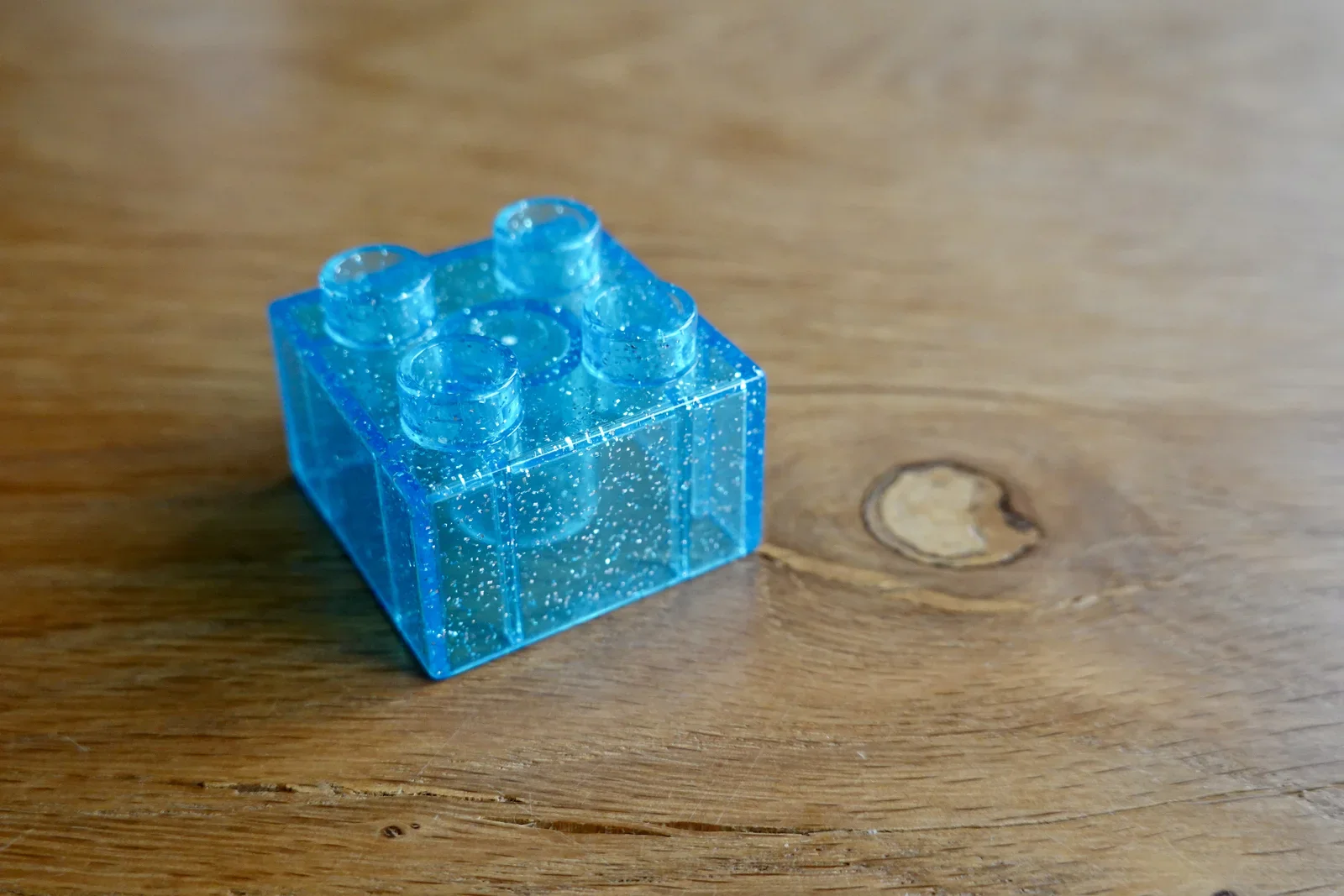
child, duplo, building blocks, toy, hands, wooden table(Building a product platform) - image A funky new and exciting idea A single sparkly translucent blue Duplo building block sitting on a wooden table. (machine-described)
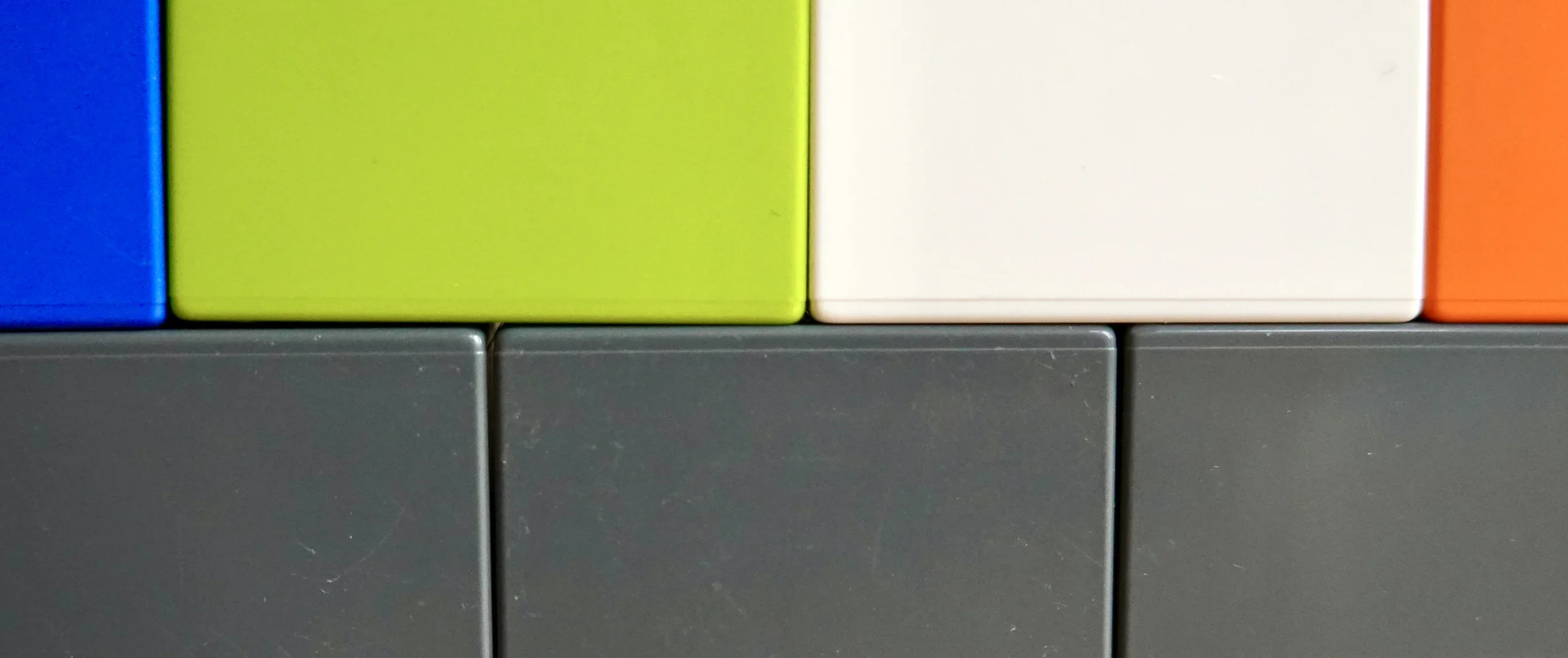
duplo, building block, toy, blue, wooden table(Building a product platform) - image Building upon a platform - the coloured blocks could be imagined as products upon a platform foundation A small stepped structure of Duplo blocks in blue, green, white, orange and grey arranged on a wooden table. (machine-described)
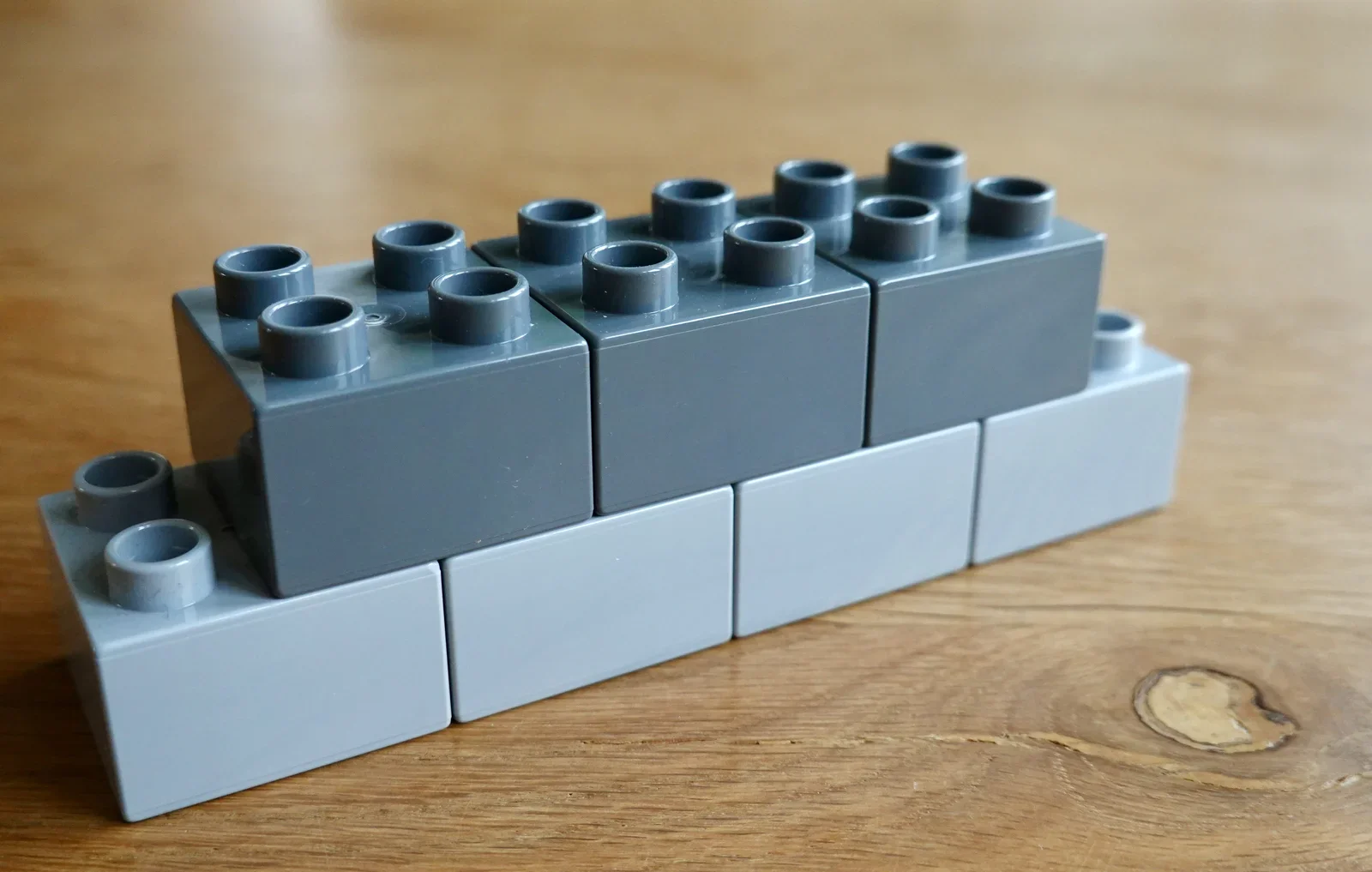
duplo, building blocks, toy, stacking, wooden table(Building a product platform) - image Duplo brick design is brilliant Two rows of dark grey and light grey Duplo building blocks stacked on a wooden table. (machine-described)
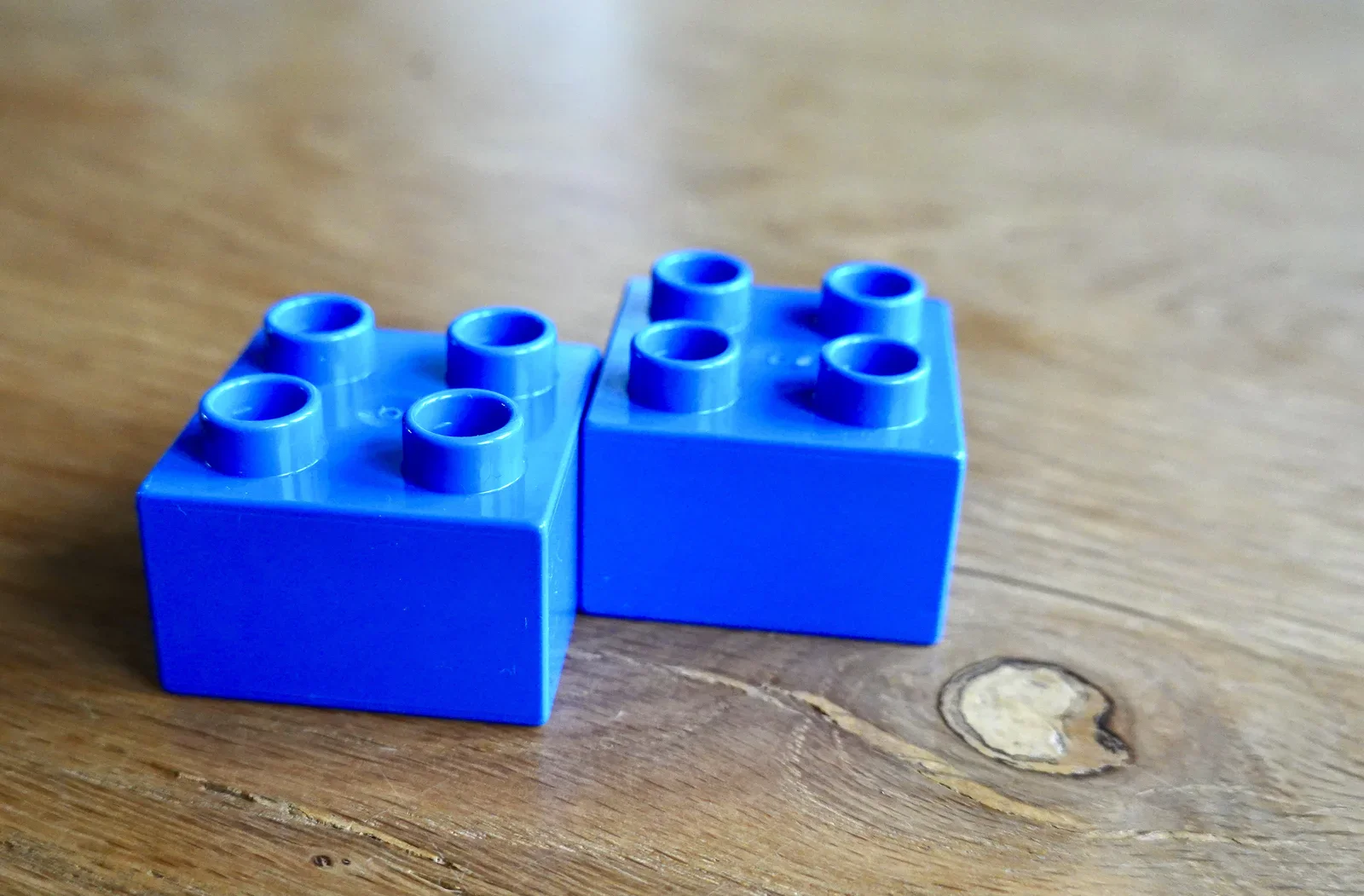
duplo, building blocks, toy, grey, wooden table(Building a product platform) - image New combinations can create novel products Two blue Duplo building blocks placed side by side on a wooden table. (machine-described)
duplo, building blocks, toy, blue, wooden table(Building a product platform) - image A Duplo brick is can be so much more than just a brick A single blue Duplo building block on a wooden table with a visible wood knot nearby. (machine-described)
duplo, building block, toy, blue, wooden table(Building a product platform) - image A blue four-stud plastic building block rests on a wooden surface. (machine-described)
toy, block, wood, plastic(Building a product platform) - image A close-up view of colorful square blocks arranged in two rows, with blue, lime green, white, and orange blocks on top and dark gray blocks below. (machine-described)
blocks, squares, colors, texture(Building a product platform) - image A blue four-stud plastic building block sits on a wooden surface. (machine-described)
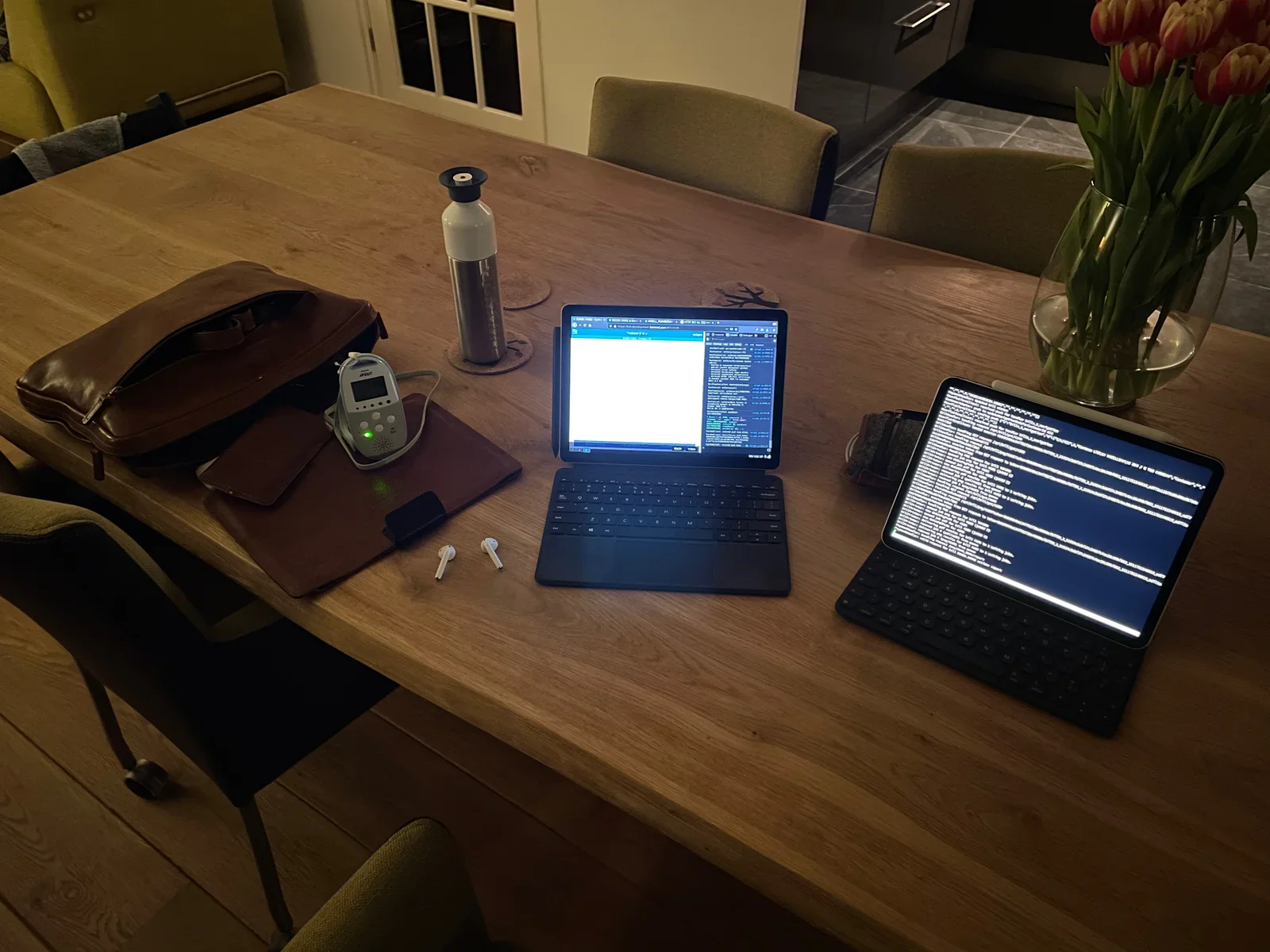
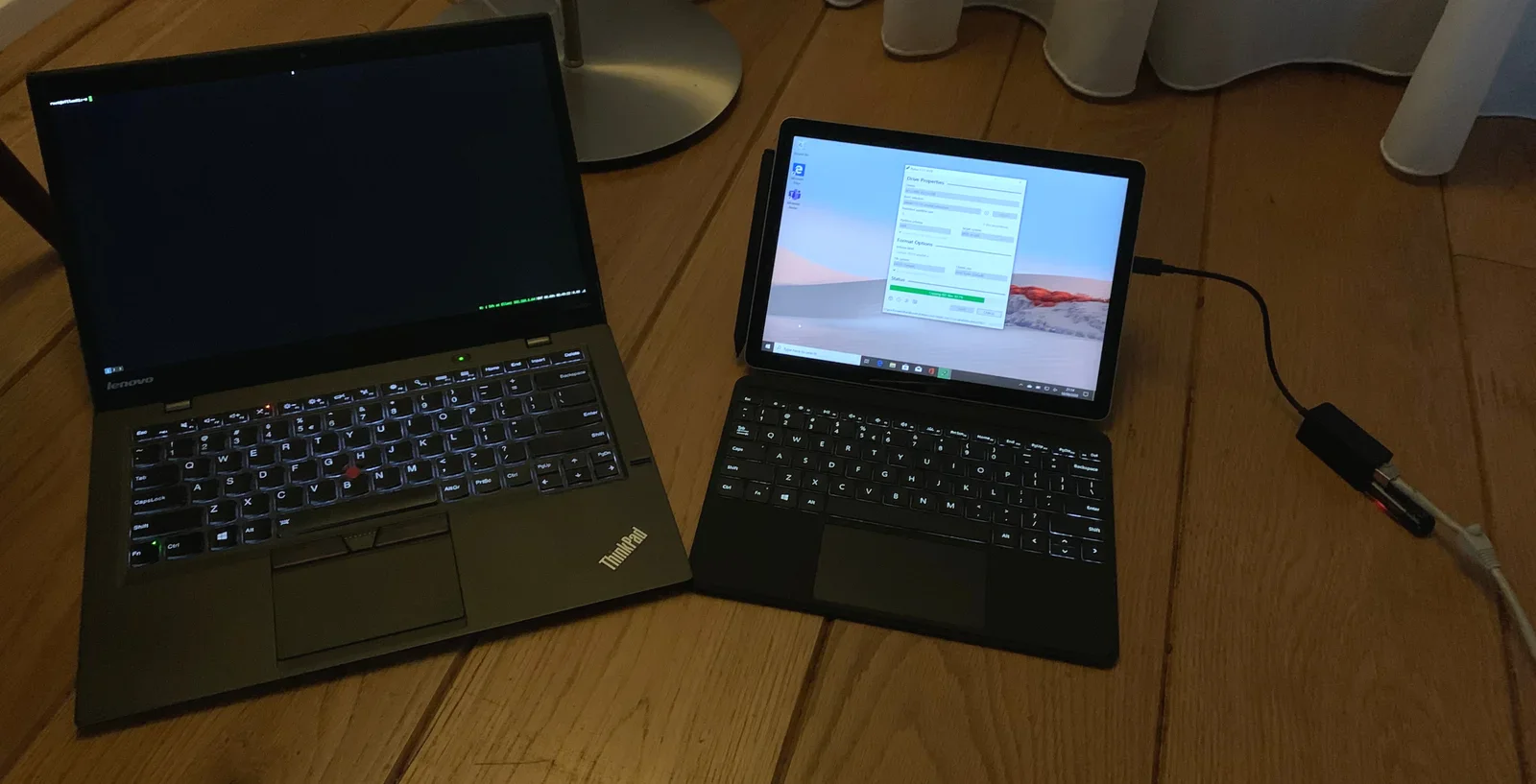
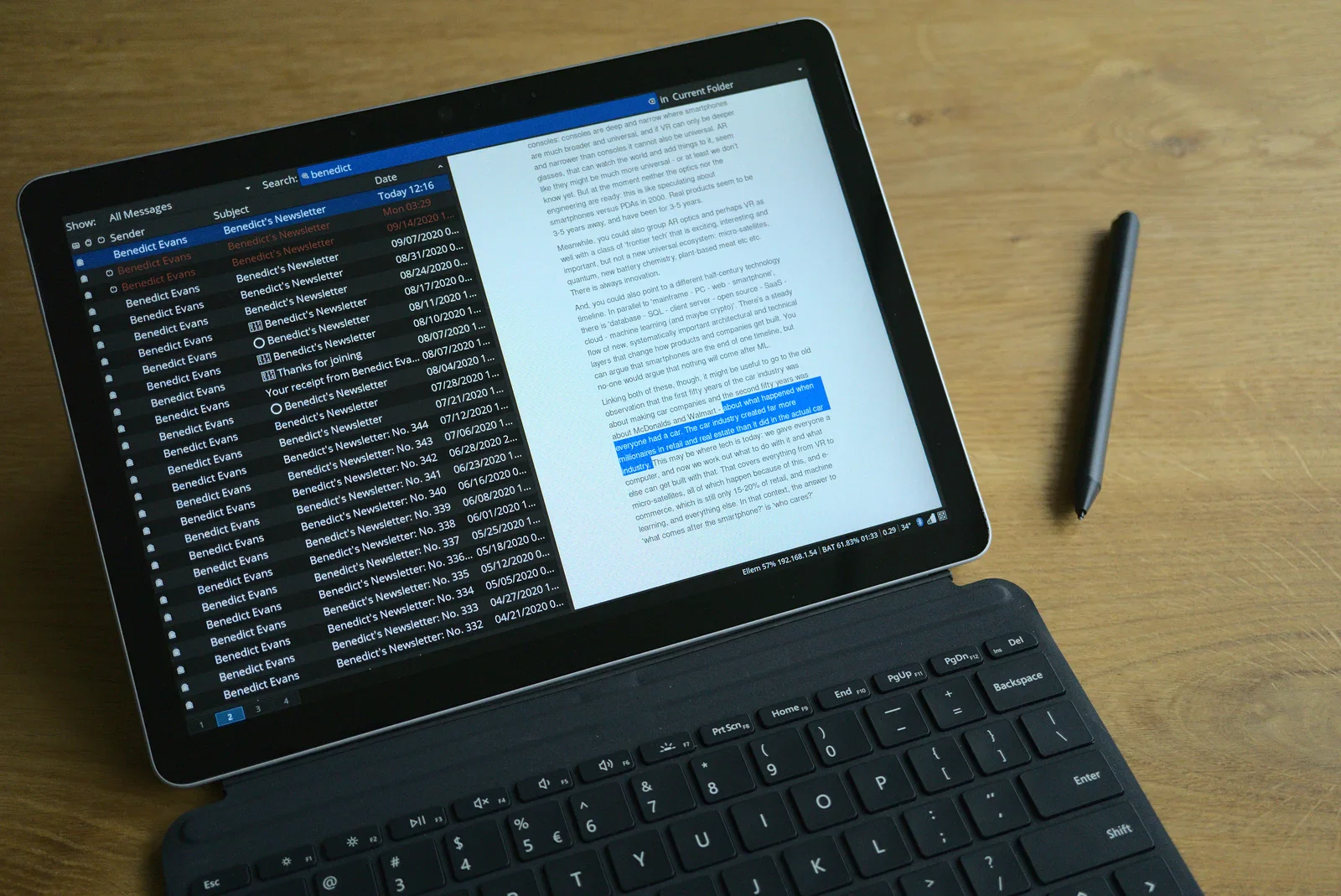
toy, block, wood, plastic(Building a product platform) - image Back to iPad Pro (right) after some an incredible time with WillemOS on Surface Go (left) A dining table set up as a workspace with two tablets showing code and a terminal, a leather bag, a thermos flask, wireless earbuds, a Philips Avent baby monitor and a vase of tulips. (machine-described) text in image:
AVENT
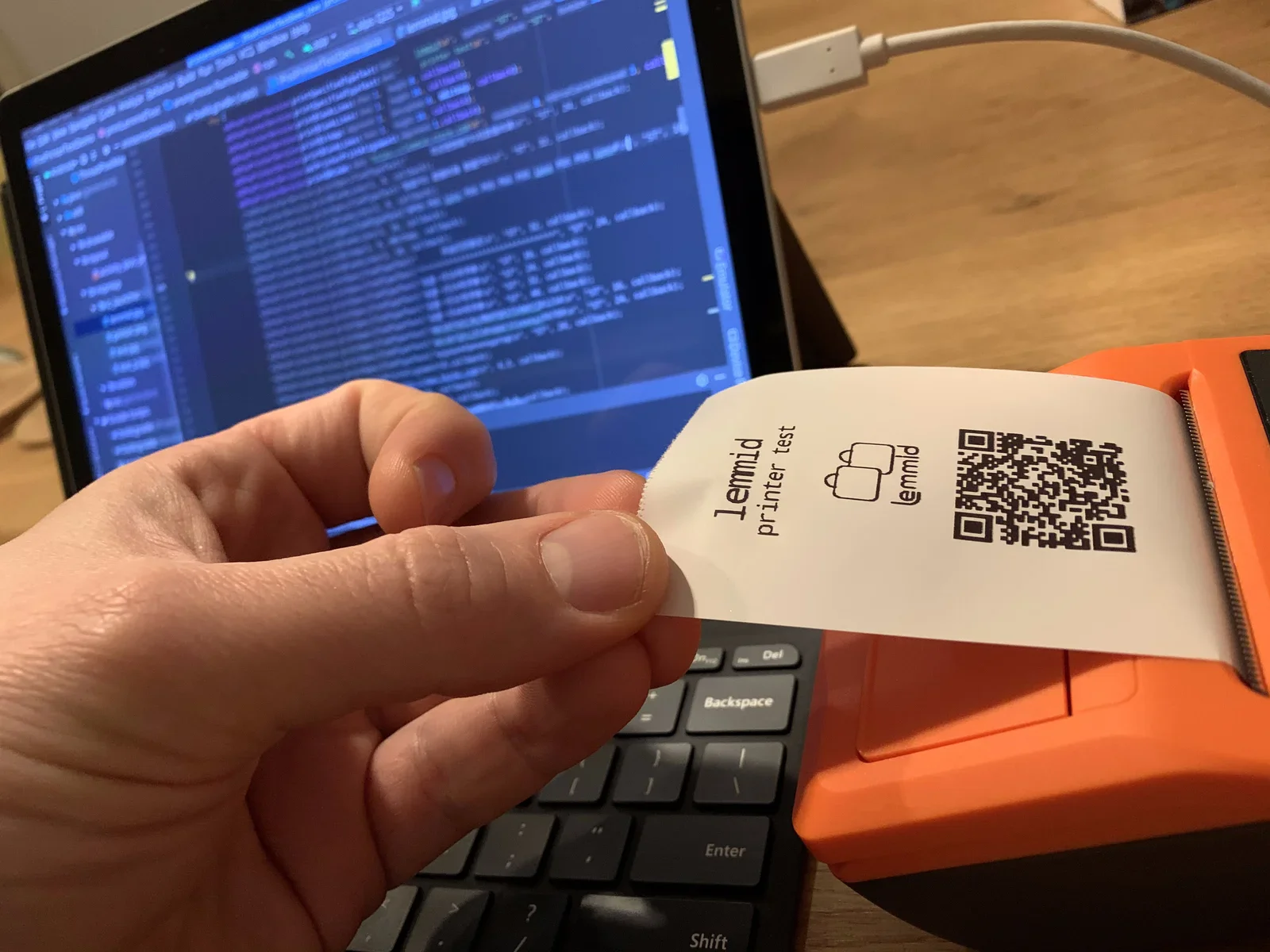
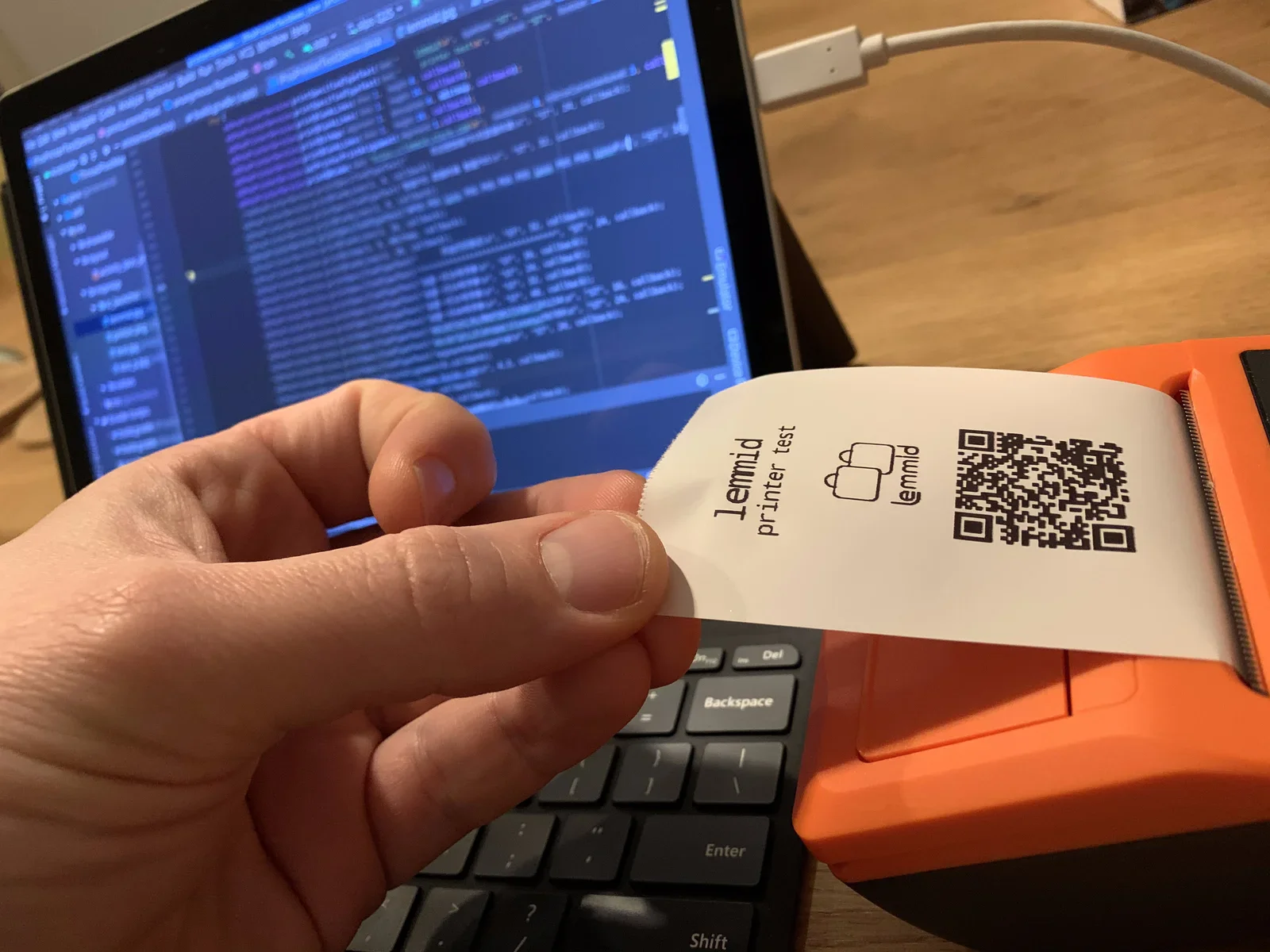
workspace, tablet, code editor, terminal, tulips, baby monitor(Abandoning my own tablet OS) - image When everything comes together there is magic: WillemOS doing things no iPad can do A hand holds a printed receipt with a QR code torn from an orange thermal printer, with a laptop showing code in the background. (machine-described) text in image:
lemmid printer test lemmid
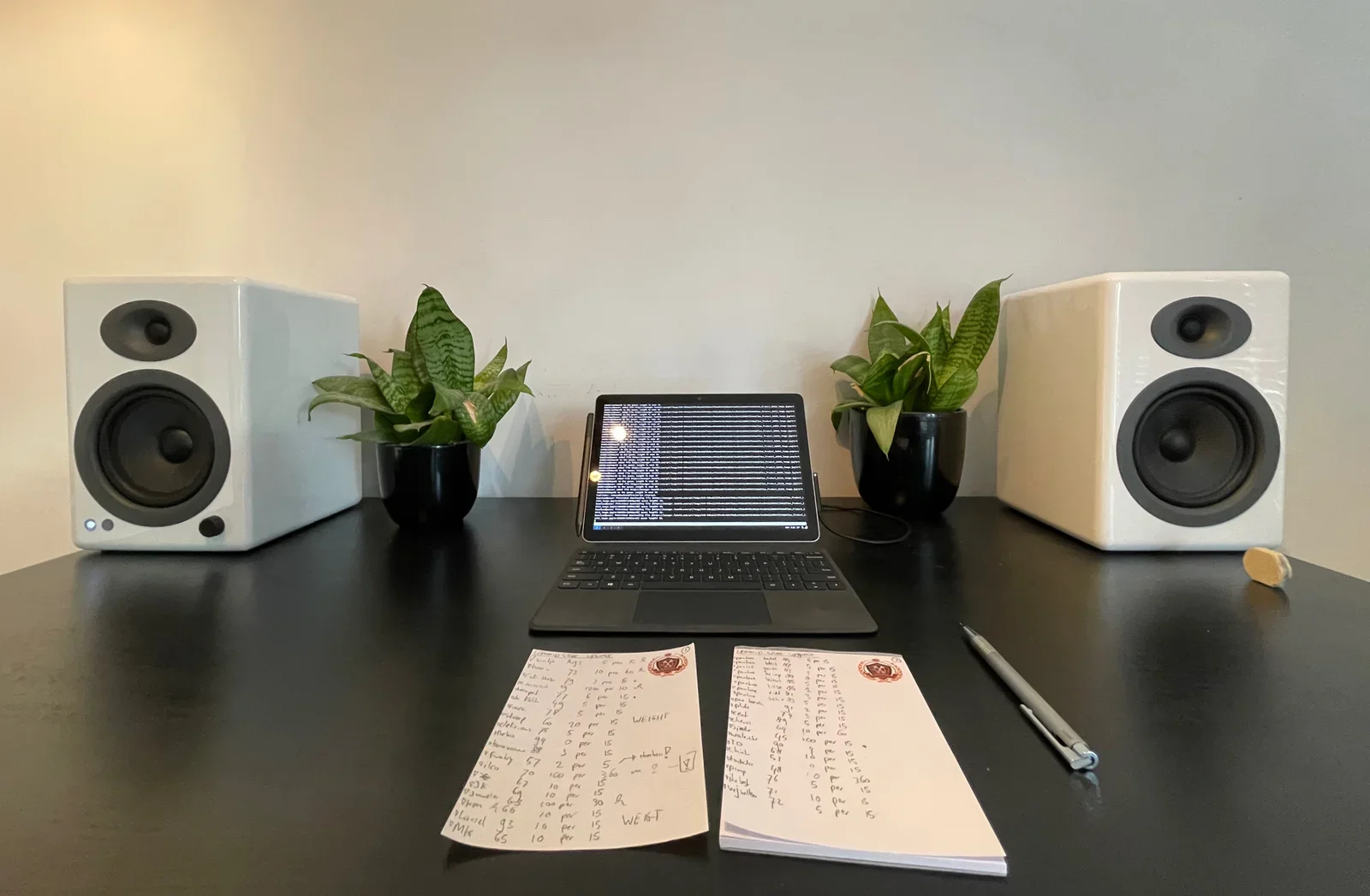
thermal printer, qr code, receipt, laptop, code editor, lemmid(Abandoning my own tablet OS) - image You know you're digital pen is lacking trust if you grab for old fashioned pencil and paper... A desk with two white bookshelf speakers, two snake plants, a tablet showing terminal text, and two hotel-style notepads filled with handwritten workout numbers next to a pen. (machine-described) text in image:
WEIGHT
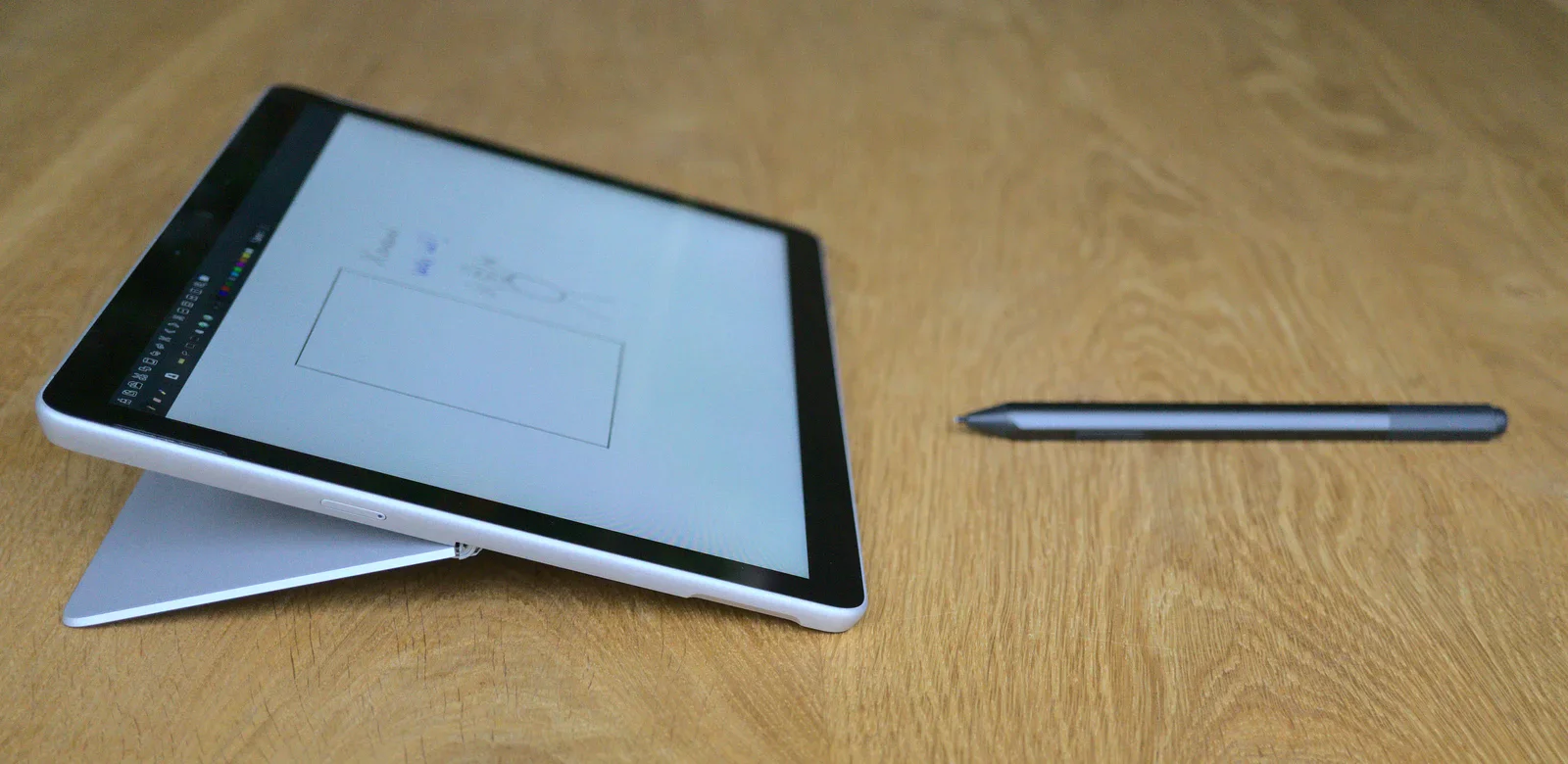
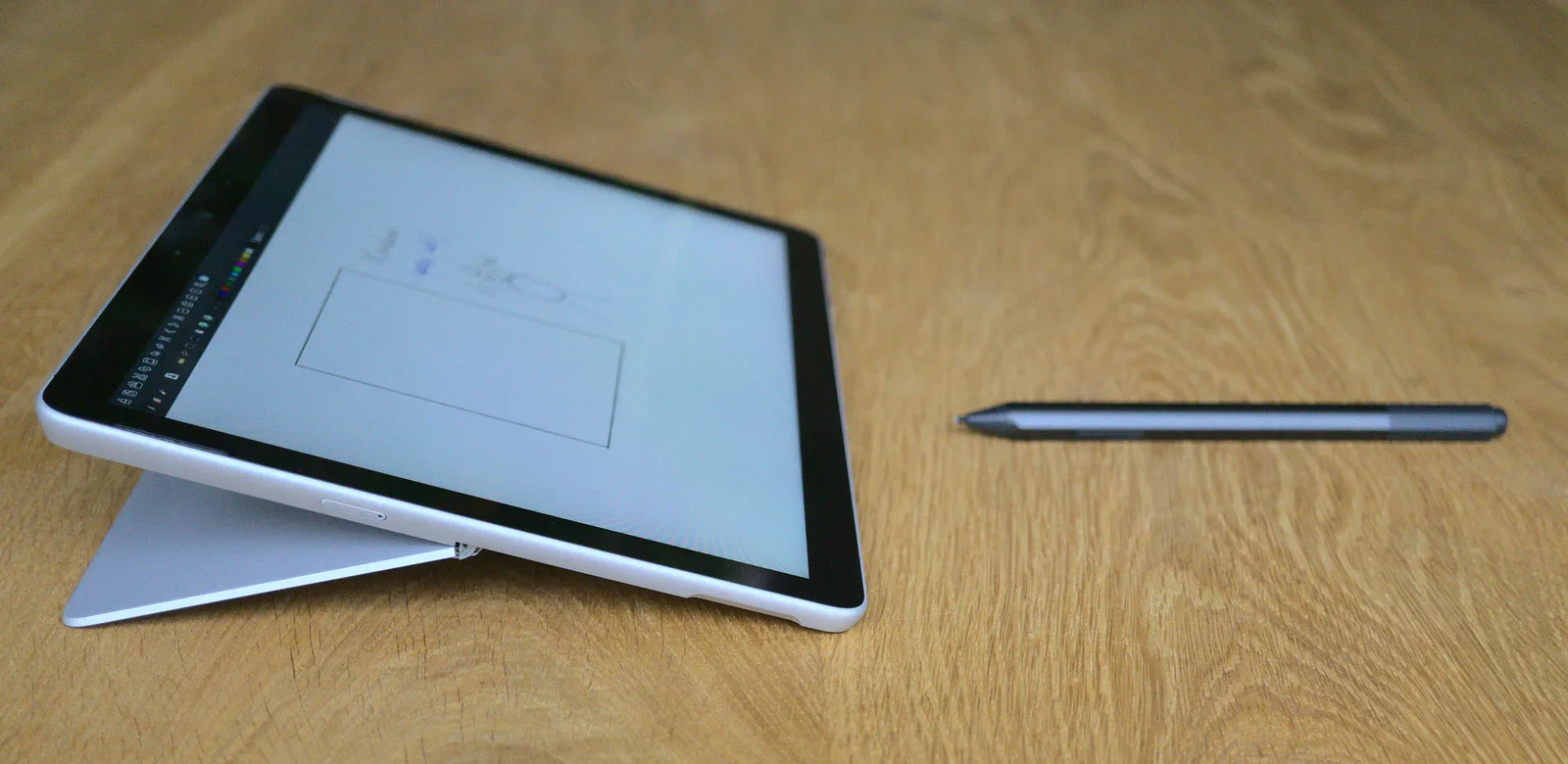
desk, speakers, tablet, notepad, handwriting, workout log(Abandoning my own tablet OS) - image Pen input is great if it works - but good ideas can be lost if it fails! A tablet propped up on a wooden table showing a note-taking app with a sketched diagram, next to a stylus pen. (machine-described)
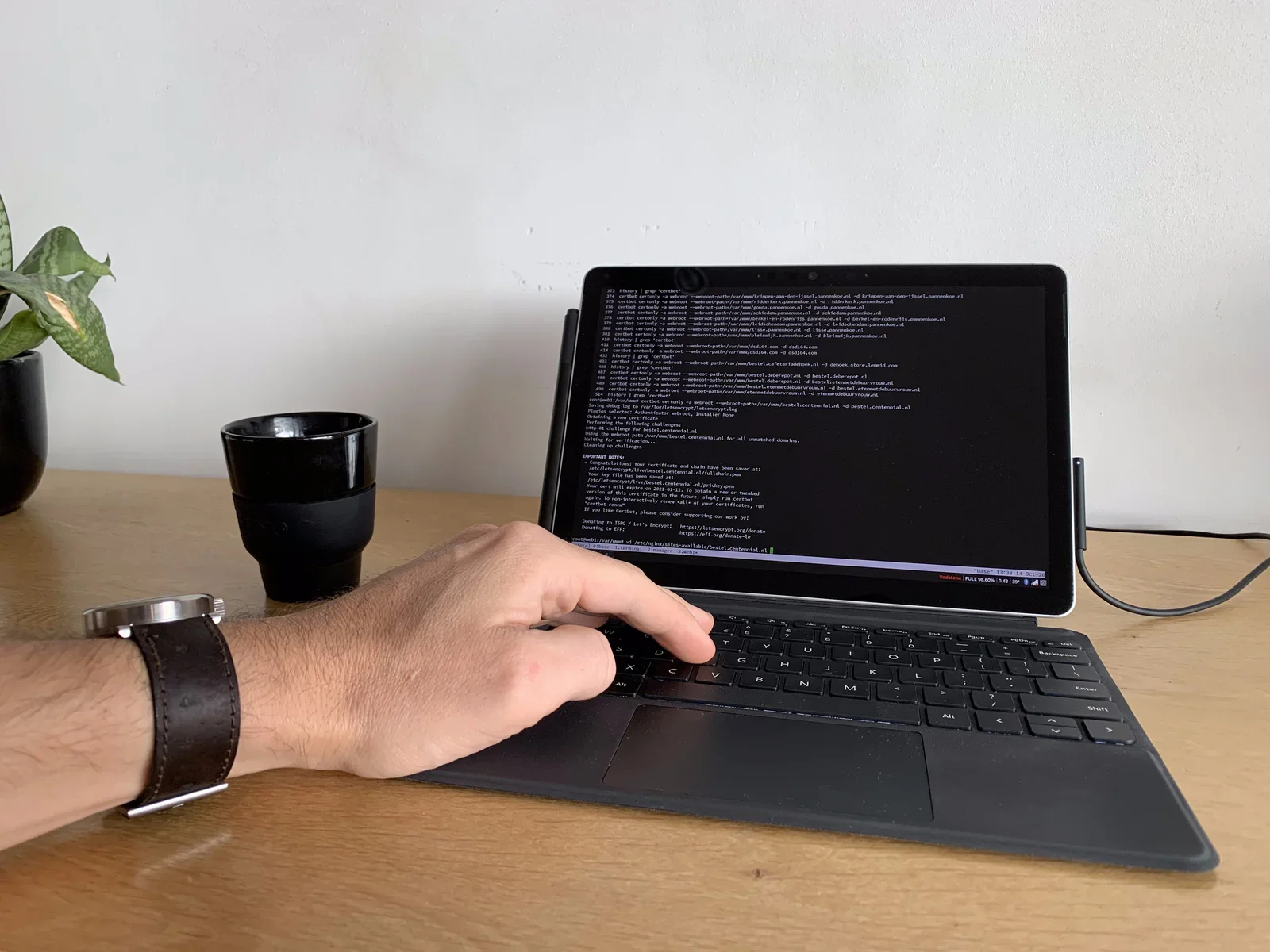
tablet, stylus, note-taking app, sketch, wooden table(Abandoning my own tablet OS) - image In this "Cloud age" you'd better have a working internet connection - all the time: no time for amateur hour! A hand types on a tablet keyboard while the screen shows a terminal with certbot commands issuing Lets Encrypt certificates for several domains, a watch visible on the wrist. (machine-described) text in image:
certbot certonly -a webroot --webroot-path=/var/www/krimpen-aan-den-ijssel.pannenkoek.nl -d krimpen-aan-den-ijssel.pannenkoek.nl certbot certonly -a webroot --webroot-path=/var/www/ridderkerk.pannenkoek.nl -d ridderkerk.pannenkoek.nl certbot certonly -a webroot --webroot-path=/var/www/gouda.pannenko
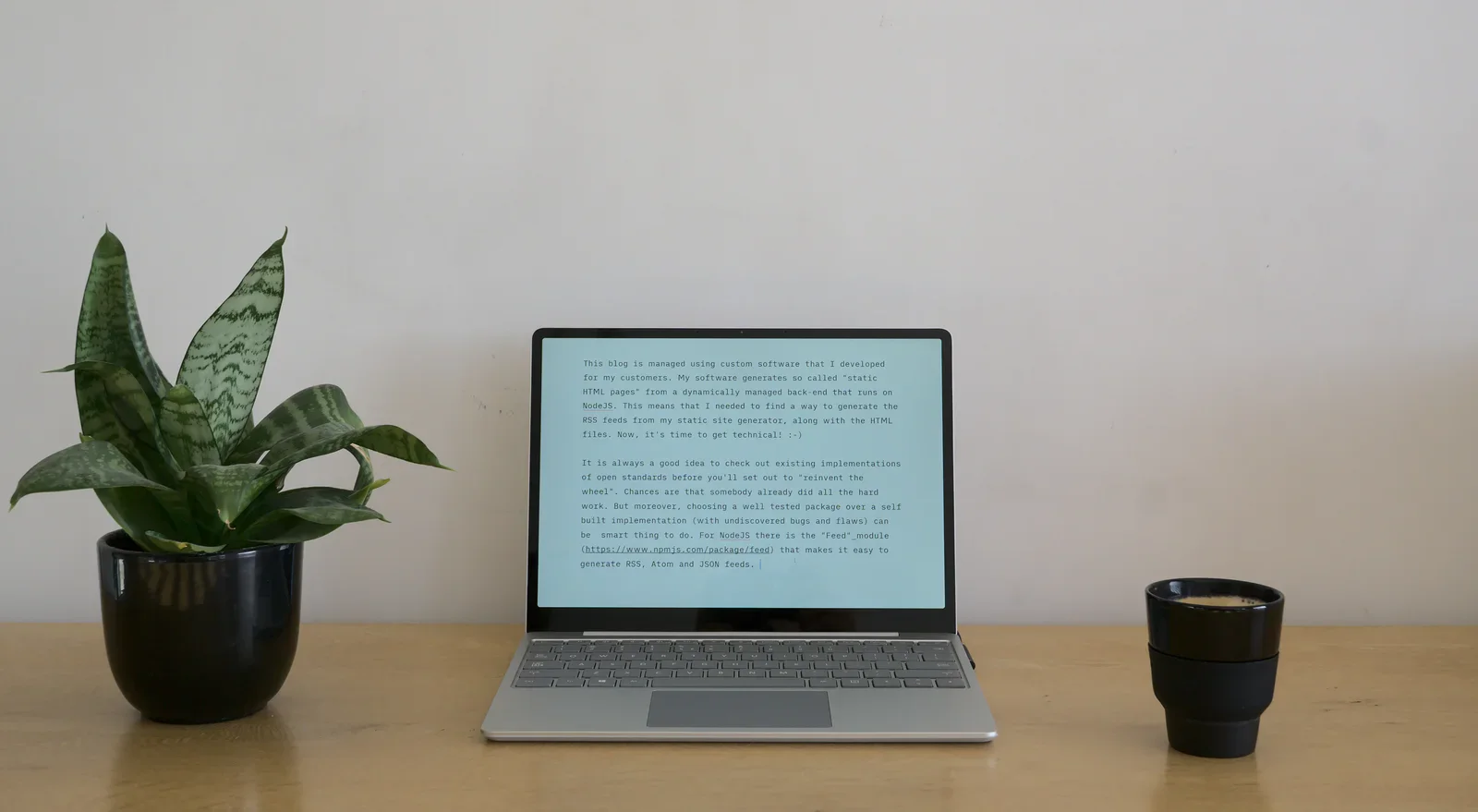
terminal, certbot, lets encrypt, domains, tablet, keyboard(Abandoning my own tablet OS) - image A plant, a laptop and some coffee - the joy of a simple system that works! A laptop on a wooden desk displays a text editor with a paragraph about a custom static-site generator and RSS feeds, flanked by a snake plant and a black coffee cup. (machine-described) text in image:
This blog is managed using custom software that I developed for my customers. My software generates so called "static HTML pages" from a dynamically managed back-end that runs on NodeJS. This means that I needed to find a way to generate the RSS feeds from my static site generator, along with the HT
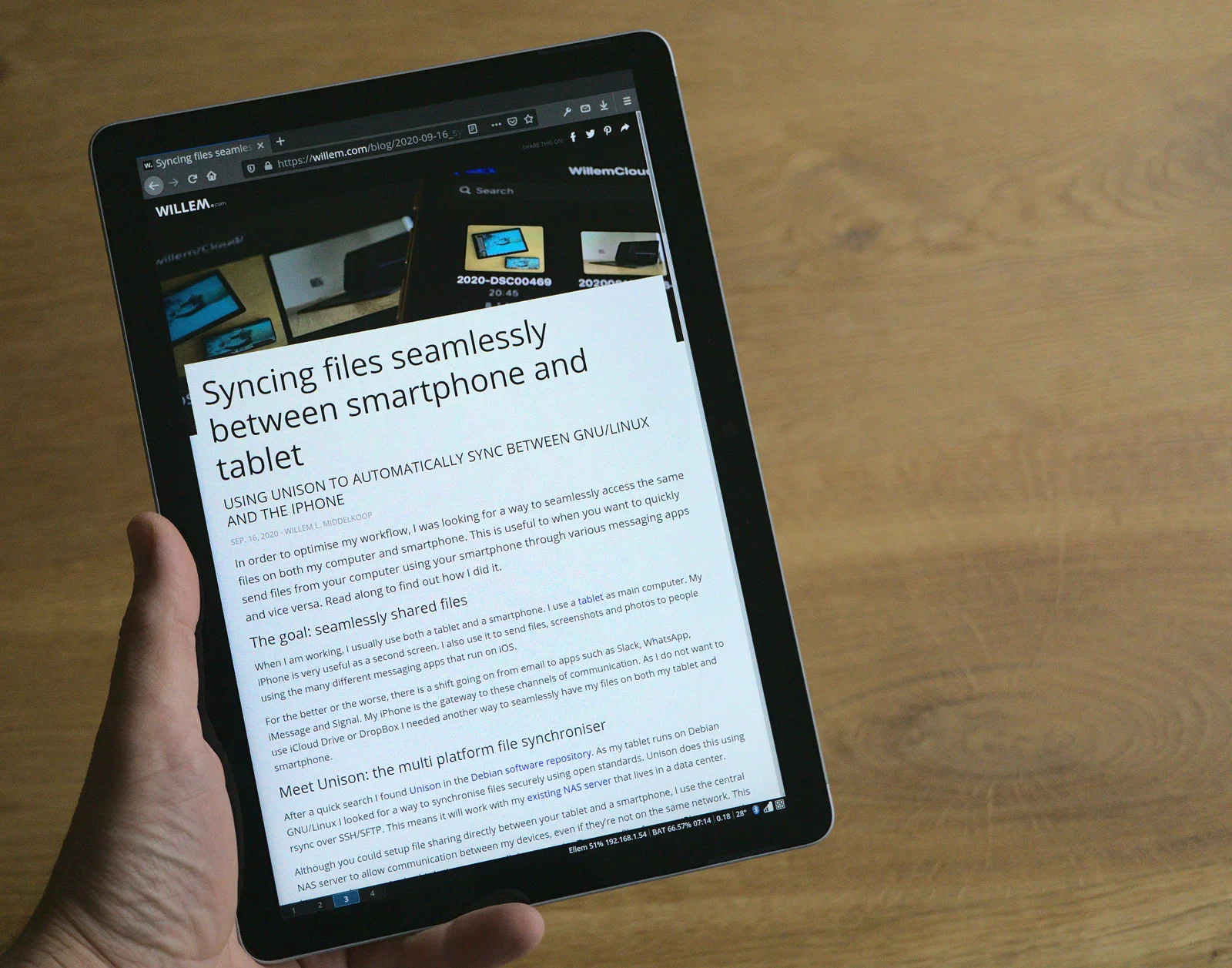
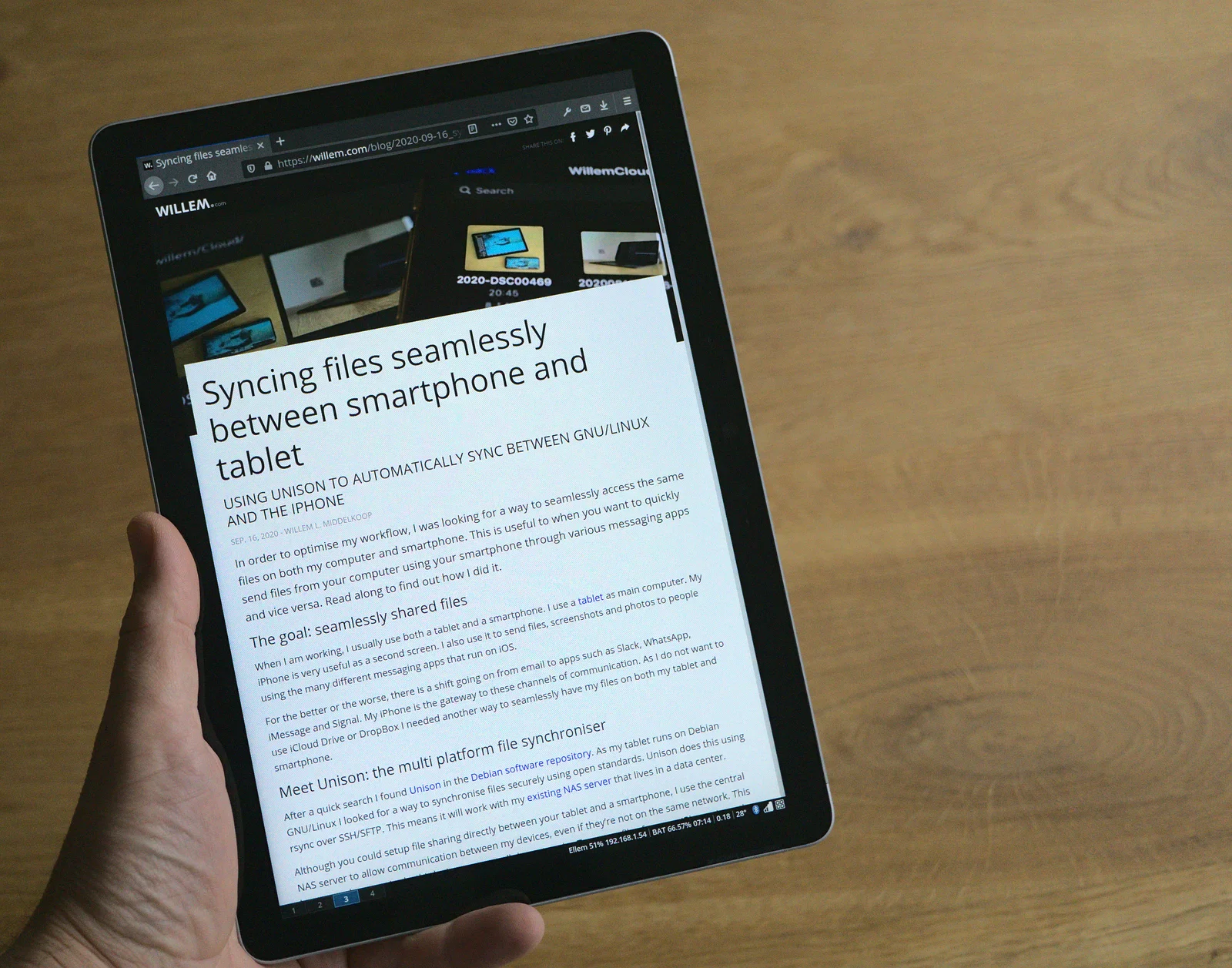
laptop, text editor, blog post, rss feed, nodejs, desk(Abandoning my own tablet OS) - image Writing and reading blog posts using my own tablet OS A hand holds a tablet displaying the willem.com blog article page titled Syncing files seamlessly between smartphone and tablet, with a photo collage at the top of the page. (machine-described) text in image:
WILLEM.com Syncing files seamlessly between smartphone and tablet USING UNISON TO AUTOMATICALLY SYNC BETWEEN GNU/LINUX AND THE IPHONE SEP. 16, 2020 - WILLEM L. MIDDELKOOP The goal: seamlessly shared files Meet Unison: the multi platform file synchroniser
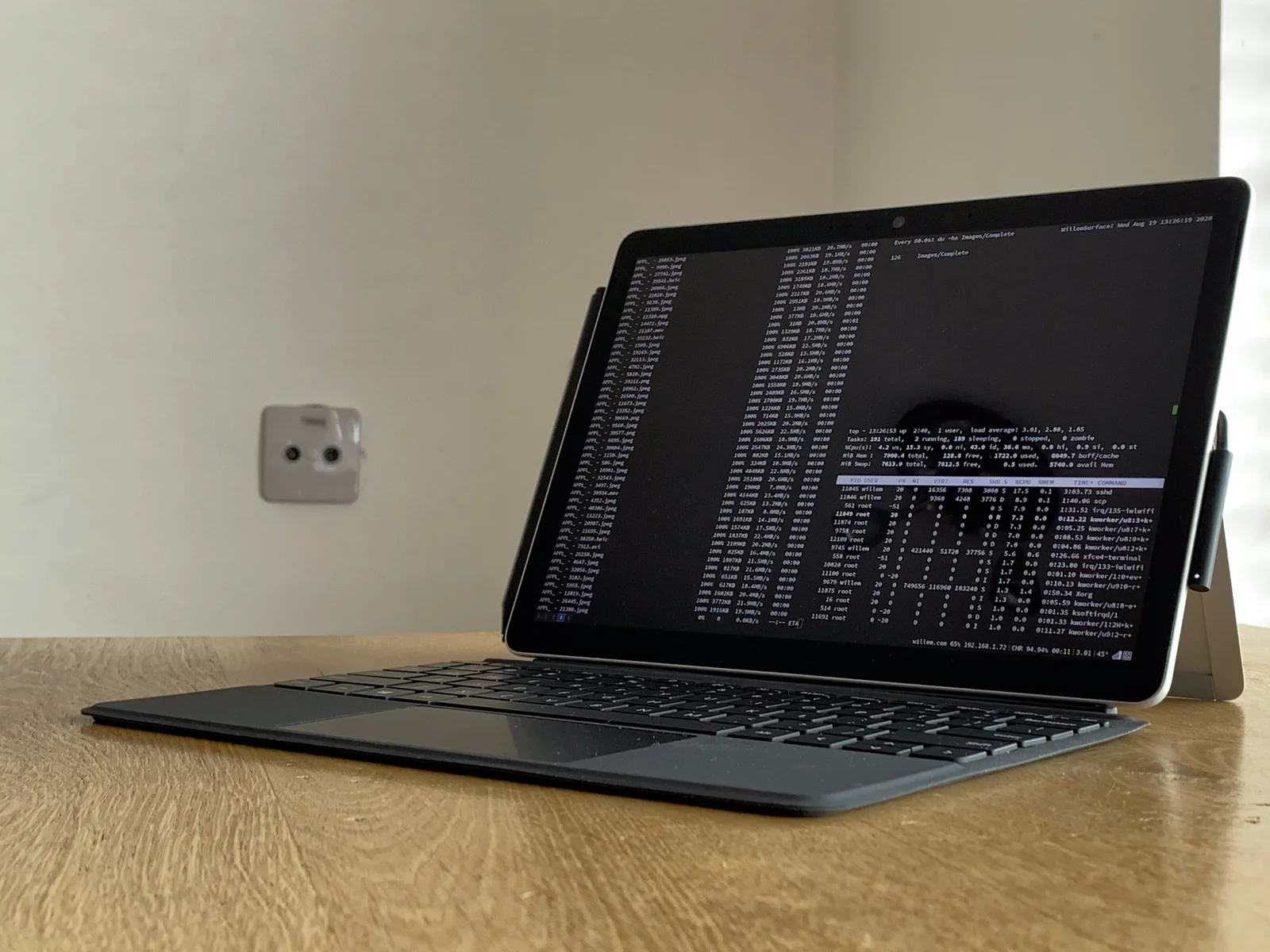
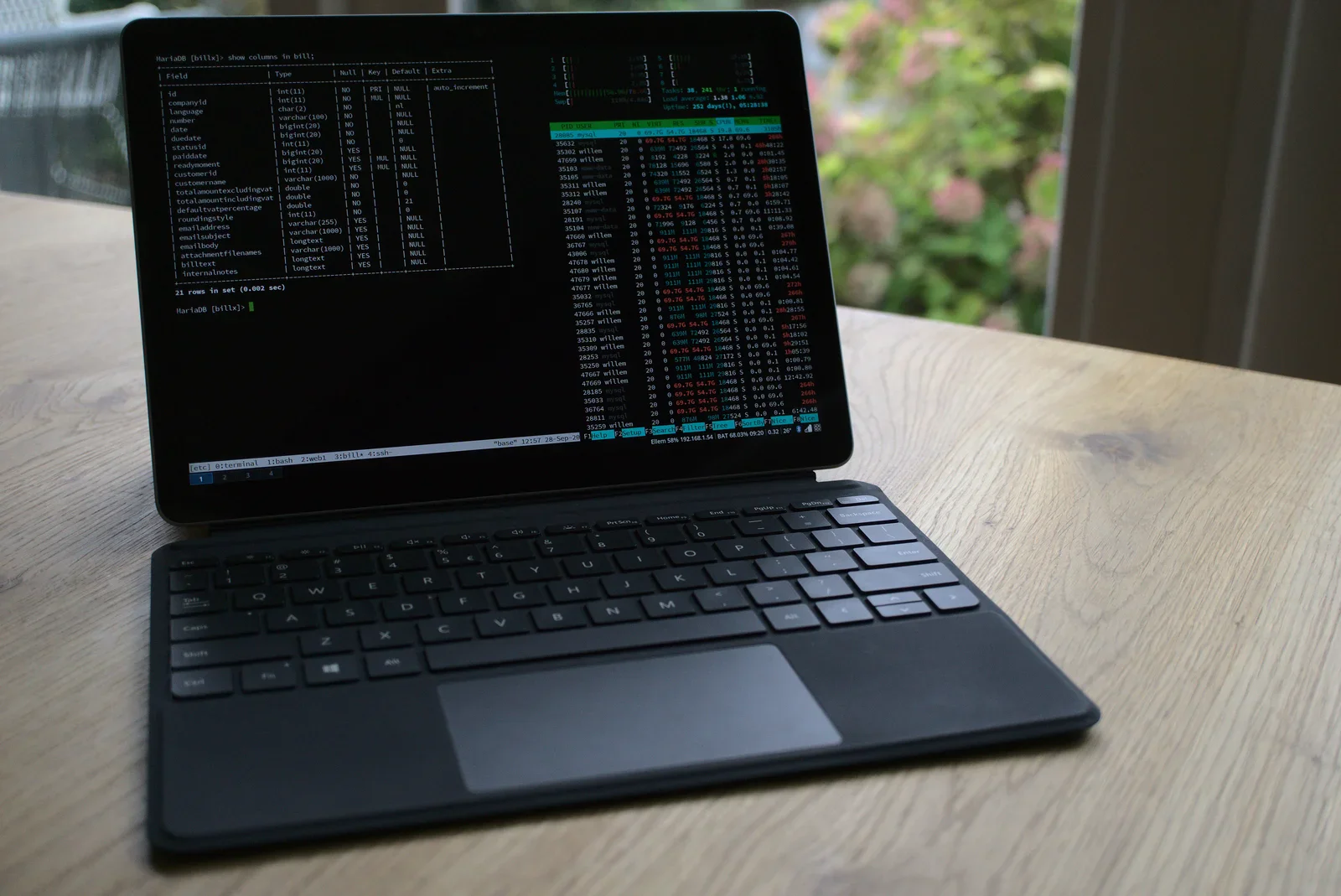
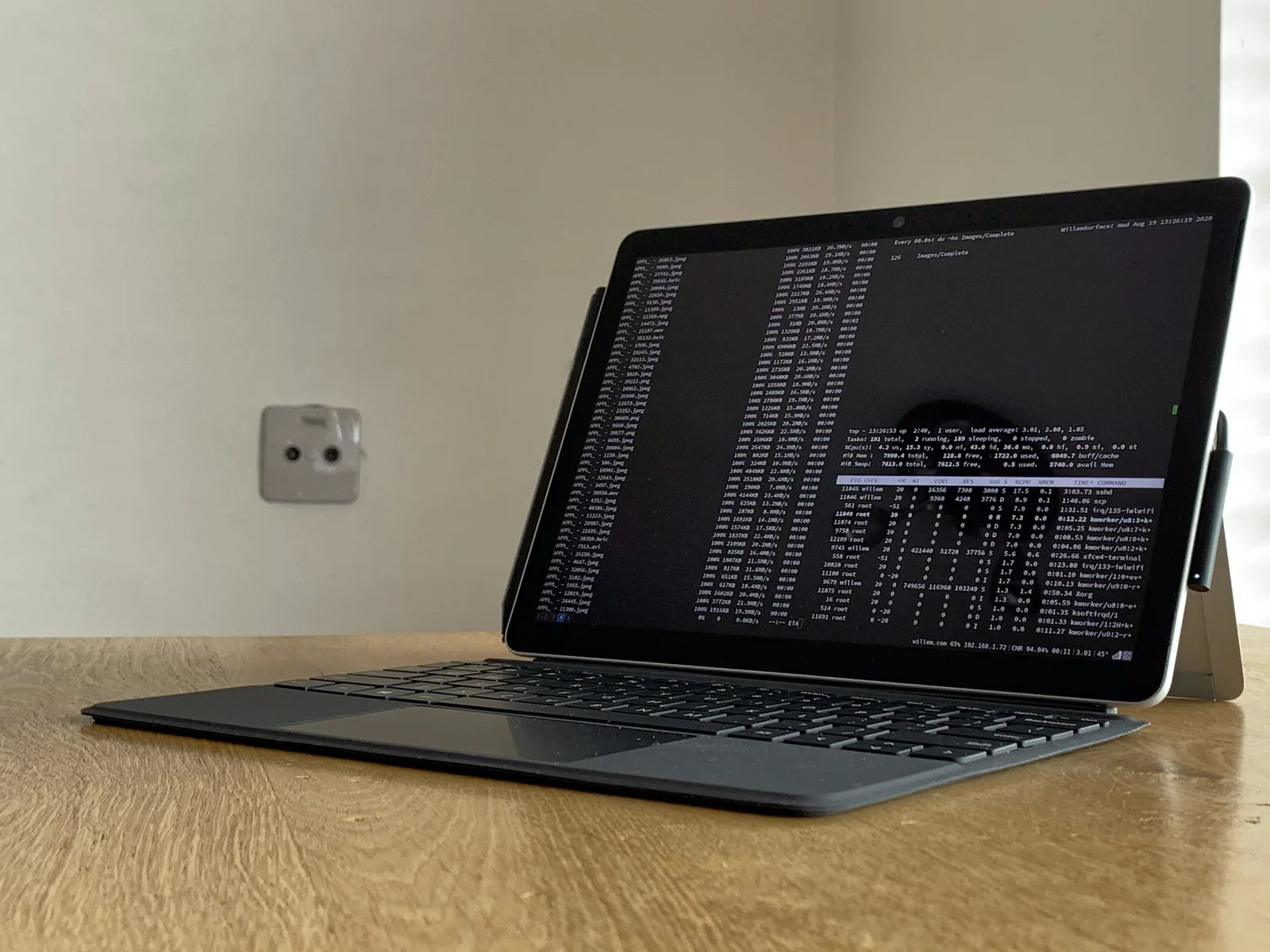
tablet, blog, willem.com, article, browser, hand(Abandoning my own tablet OS) - image WillemOS in optima forma: Debian GNU/Linux on Surface GO 2 A tablet on a wooden desk shows a dark terminal with a running du disk-usage scan and a top process monitor overlapping a faint reflection. (machine-described) text in image:
Every 60.0s: du -hs Images/Complete WillemSurface: Wed Aug 19 13:26:19 2020 126 Images/Complete top - 13:26:53 up 2:40, 1 user, load average: 3.01, 2.00, 1.85 Tasks: 191 total, 2 running, 189 sleeping, 0 stopped, 0 zombie %Cpu(s): 4.2 us, 15.3 sy, 0.0 ni,
tablet, terminal, top command, process monitor, disk usage, desk(Abandoning my own tablet OS) - image A person's left hand wearing a brown leather watch types on a black laptop keyboard displaying white text on a black screen, with a black cup and a potted plant on a wooden desk. (machine-described) text in image:
FULL 96.60% (0.6)
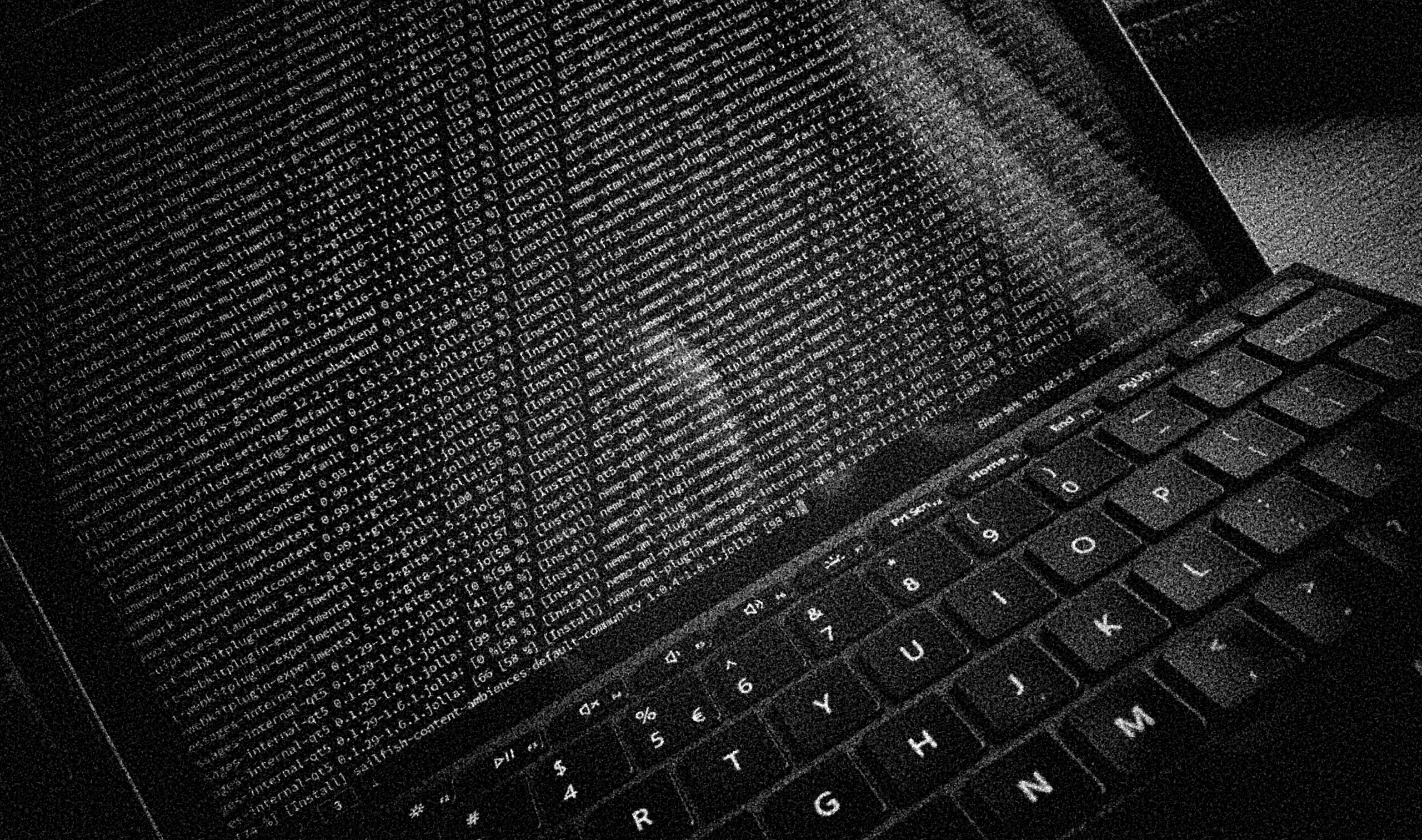
laptop, hand, watch, cup, plant, desk(Abandoning my own tablet OS) - image A black and white close-up of a laptop keyboard and screen displaying lines of code. (machine-described)
laptop, keyboard, screen, code(Abandoning my own tablet OS) - image A person's hand wearing a watch types on a laptop keyboard while the screen displays lines of code. (machine-described) text in image:
IMPORTANT NOTES: Congratulations! Your certificate and chain have been saved at: /etc/letsencrypt/live/letsencrypt-contestinal.nl/fullchain.pem Your key file has been saved at: /etc/letsencrypt/live/letsencrypt-contestinal.nl/privkey.pem Your cert will expire on 2024-03-29. To obtain a new or update
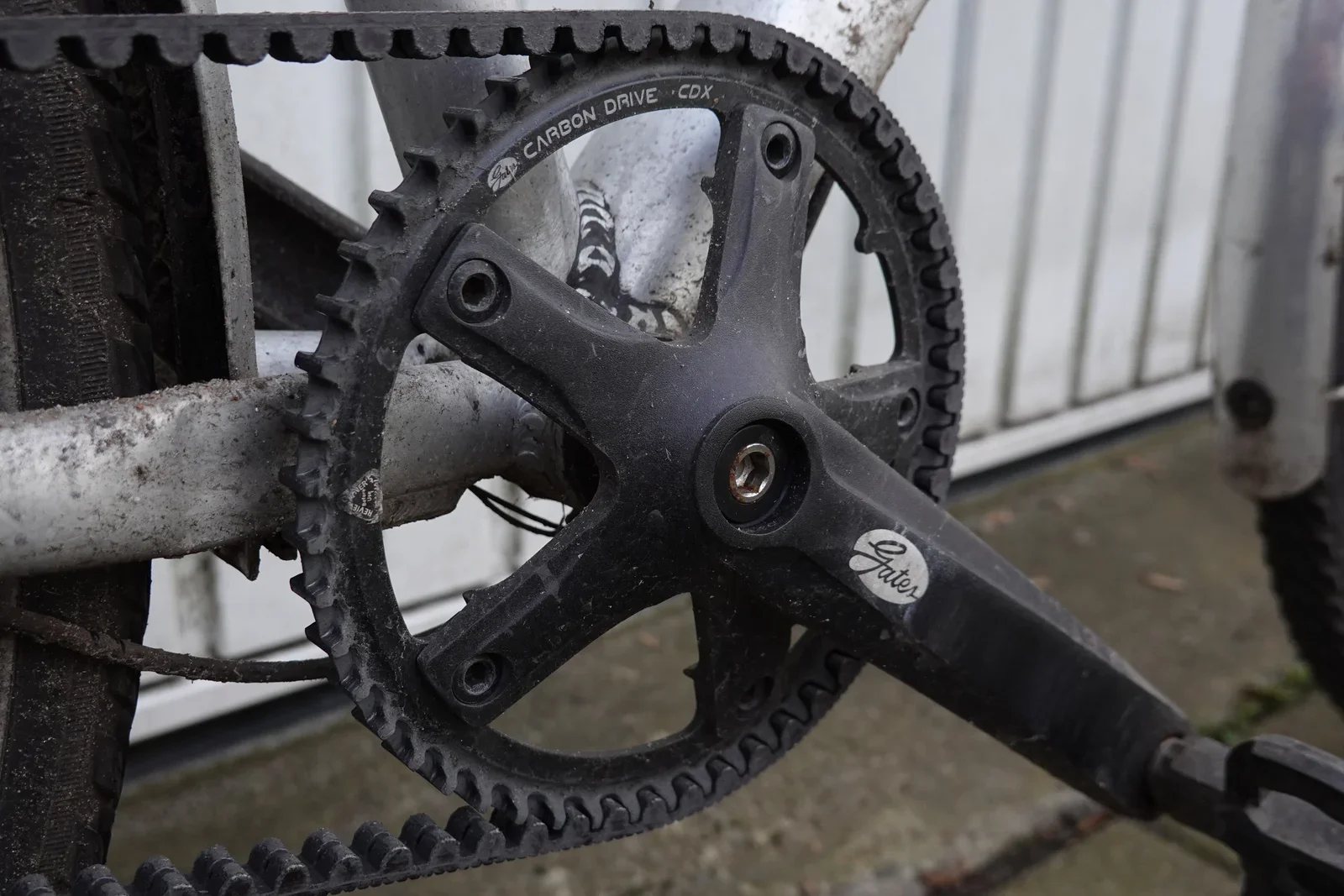
laptop, hand, keyboard, watch, plant, cup(Abandoning my own tablet OS) - image This front CDX sprocket and CDX belt have powered my bike for ± 11.000KM - replacing the previous CDN parts that lasted for about 10.000KM Close-up of a Gates Carbon Drive belt-driven crankset with hex bolt on a dusty bicycle. (machine-described) text in image:
Carbon Drive CDX Gates
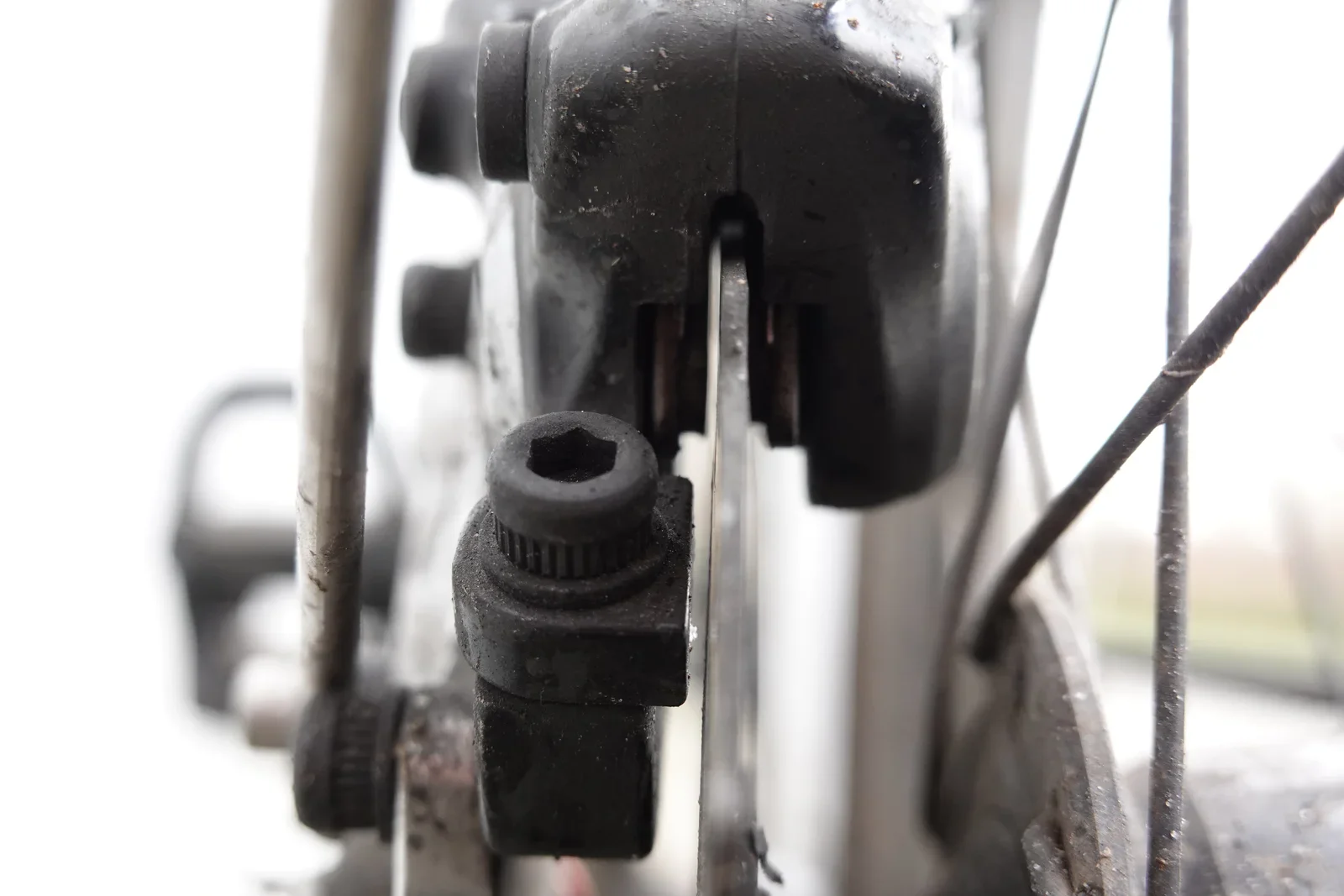
crankset, belt drive, bicycle, gates carbon drive, close-up(Commuter bike checkup) - image You can see the light coming through right next to the disc - nothing is obstructing it and the squeaking noise is gone! Close-up of a bicycle disc brake caliper with a belt running past it, adjustment bolt visible. (machine-described)
disc brake, caliper, bicycle, belt drive, close-up(Commuter bike checkup) - image New brake pads installed Close-up of a worn bicycle disc brake caliper with brake pads partially visible, covered in grime. (machine-described)
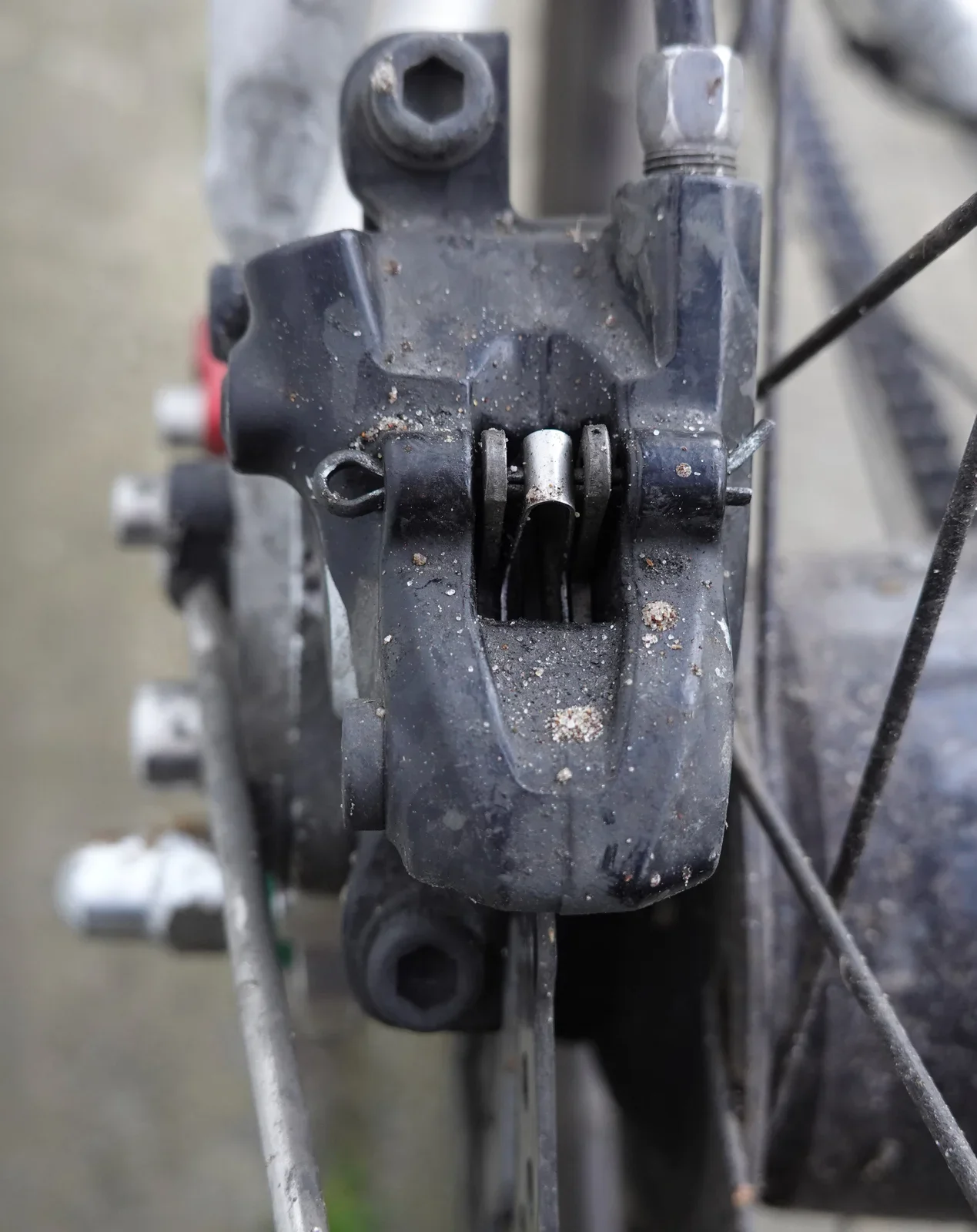
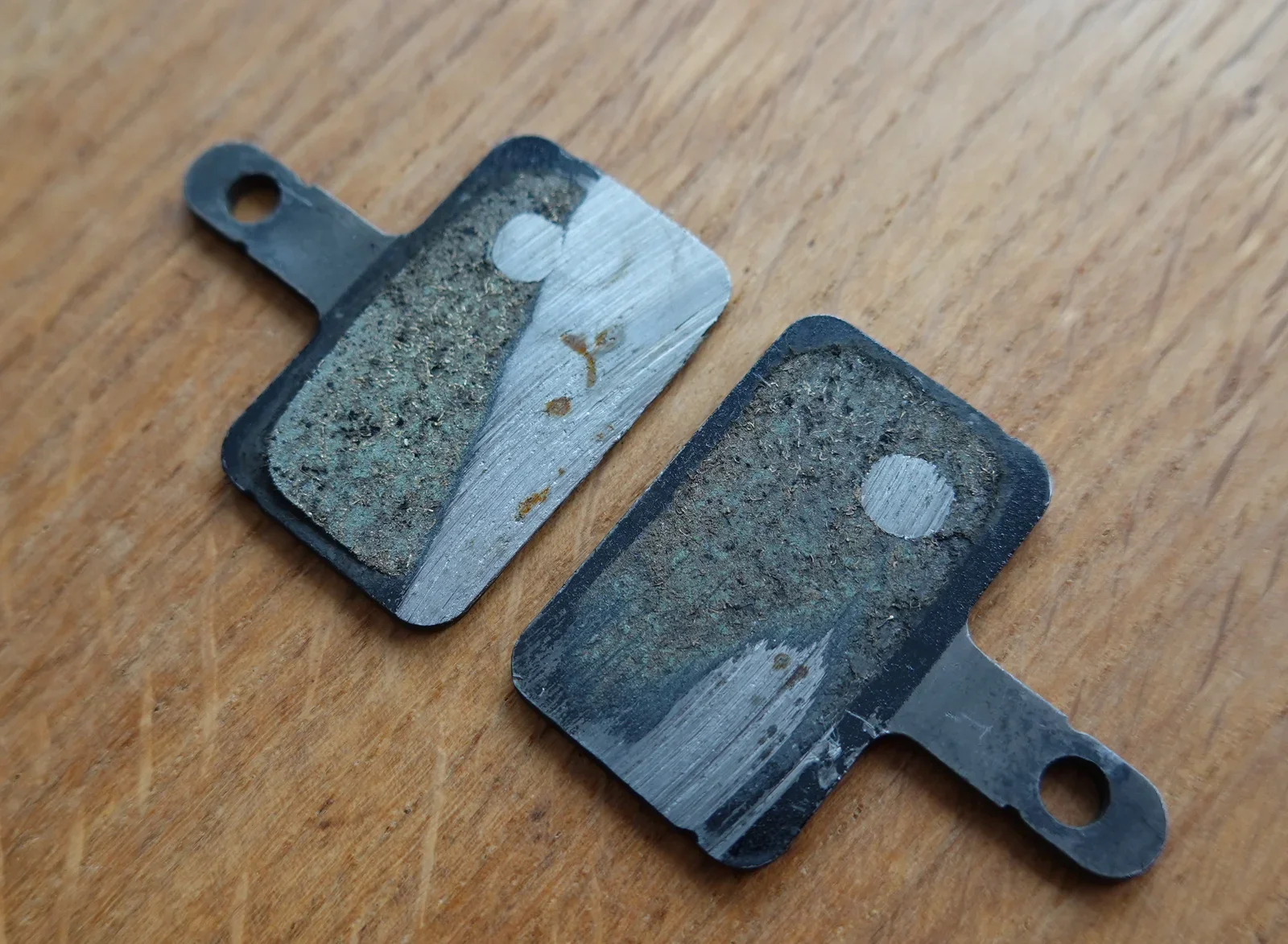
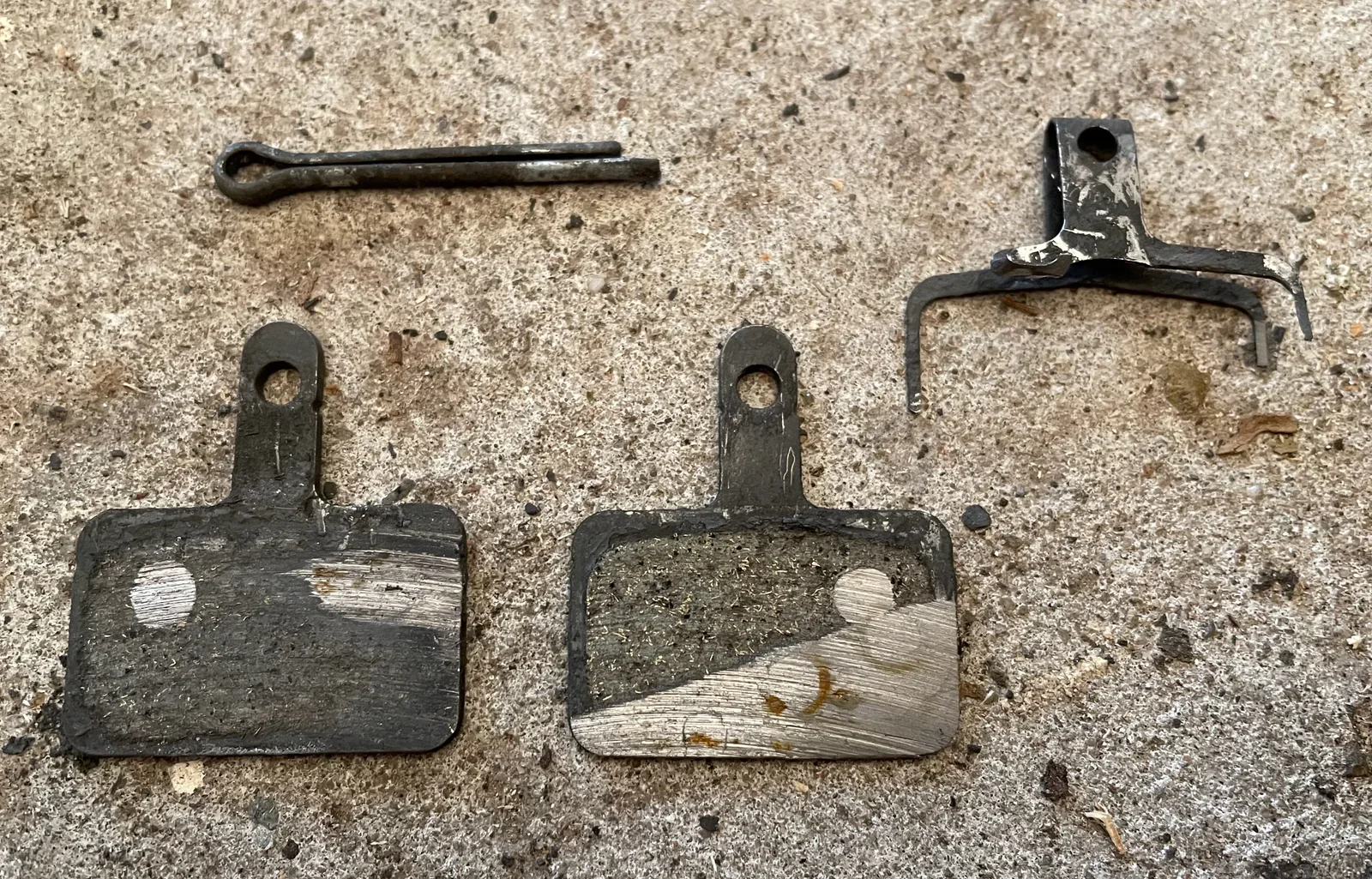
disc brake, caliper, bicycle, brake pads, grime(Commuter bike checkup) - image After some cleaning you can clearly see how 21.000KM look on a set of brake pads! A pair of worn bicycle disc brake pads lying on a wooden surface, showing uneven metal-to-metal wear. (machine-described)
brake pads, disc brake, bicycle, wear, wooden surface(Commuter bike checkup) - image My hydraulic brake pads were worn out! Note the damaged fork in the upper right (which is supposed to keep the pads in place) Disassembled bicycle disc brake parts including two worn pads, a spring clip, and a retaining pin laid out on concrete. (machine-described)
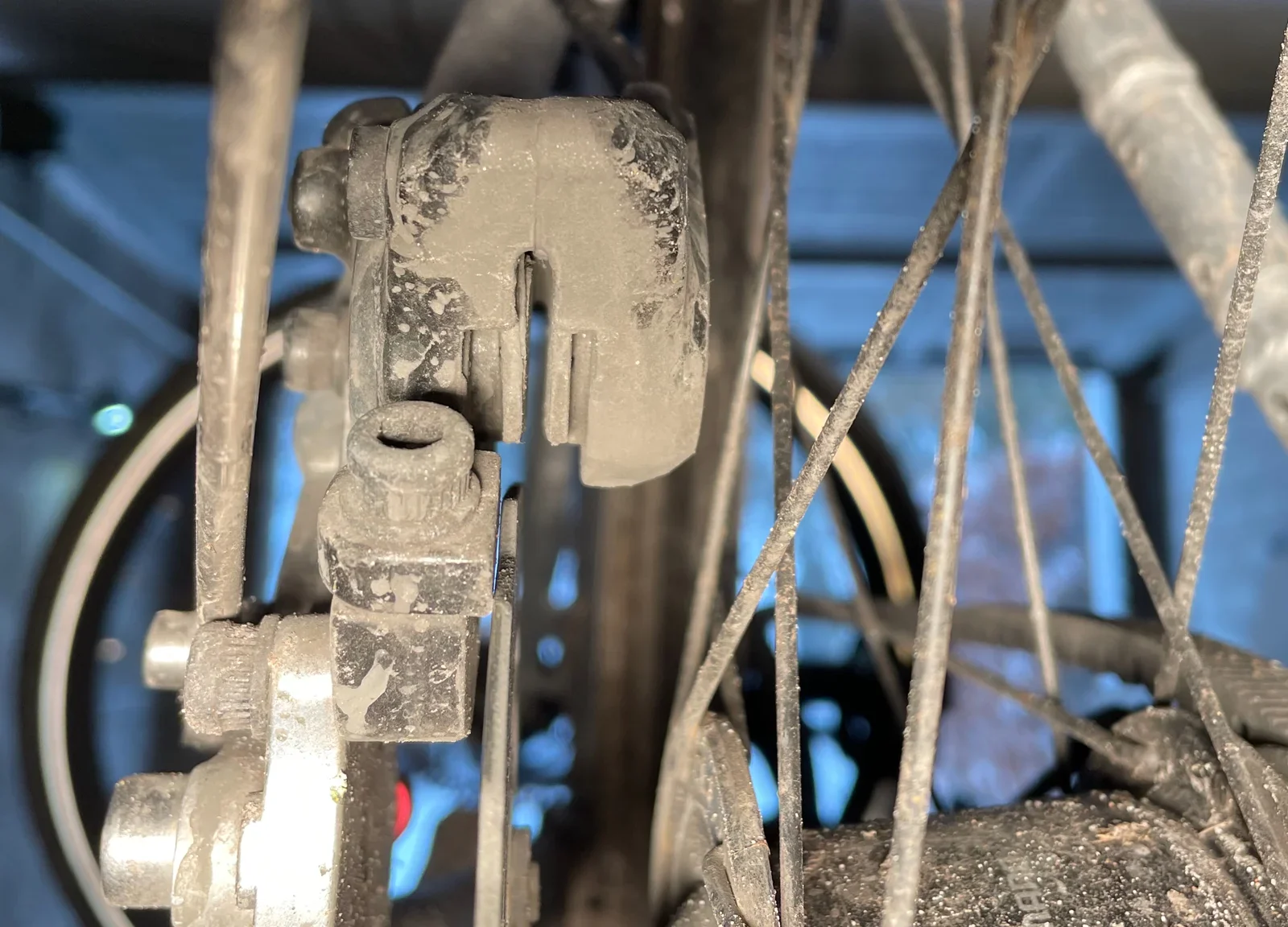
brake pads, disc brake, spring clip, retaining pin, concrete, disassembly(Commuter bike checkup) - image Removing my wheel to investigate the rear brake - note all the dirt! Close-up of a dirty bicycle rear hub area with a belt-driven pulley and dropout mechanism, spokes crossing in front. (machine-described)
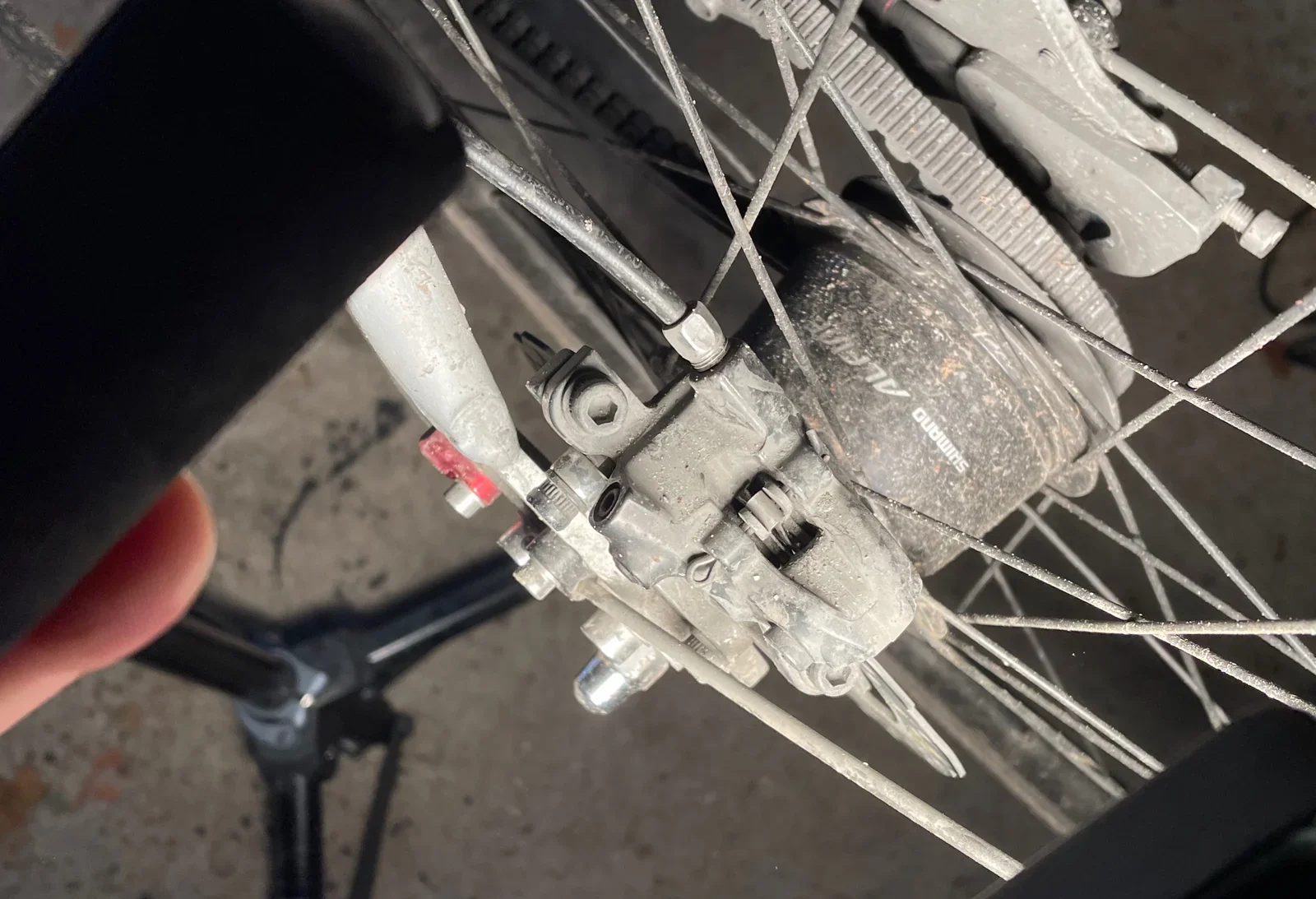
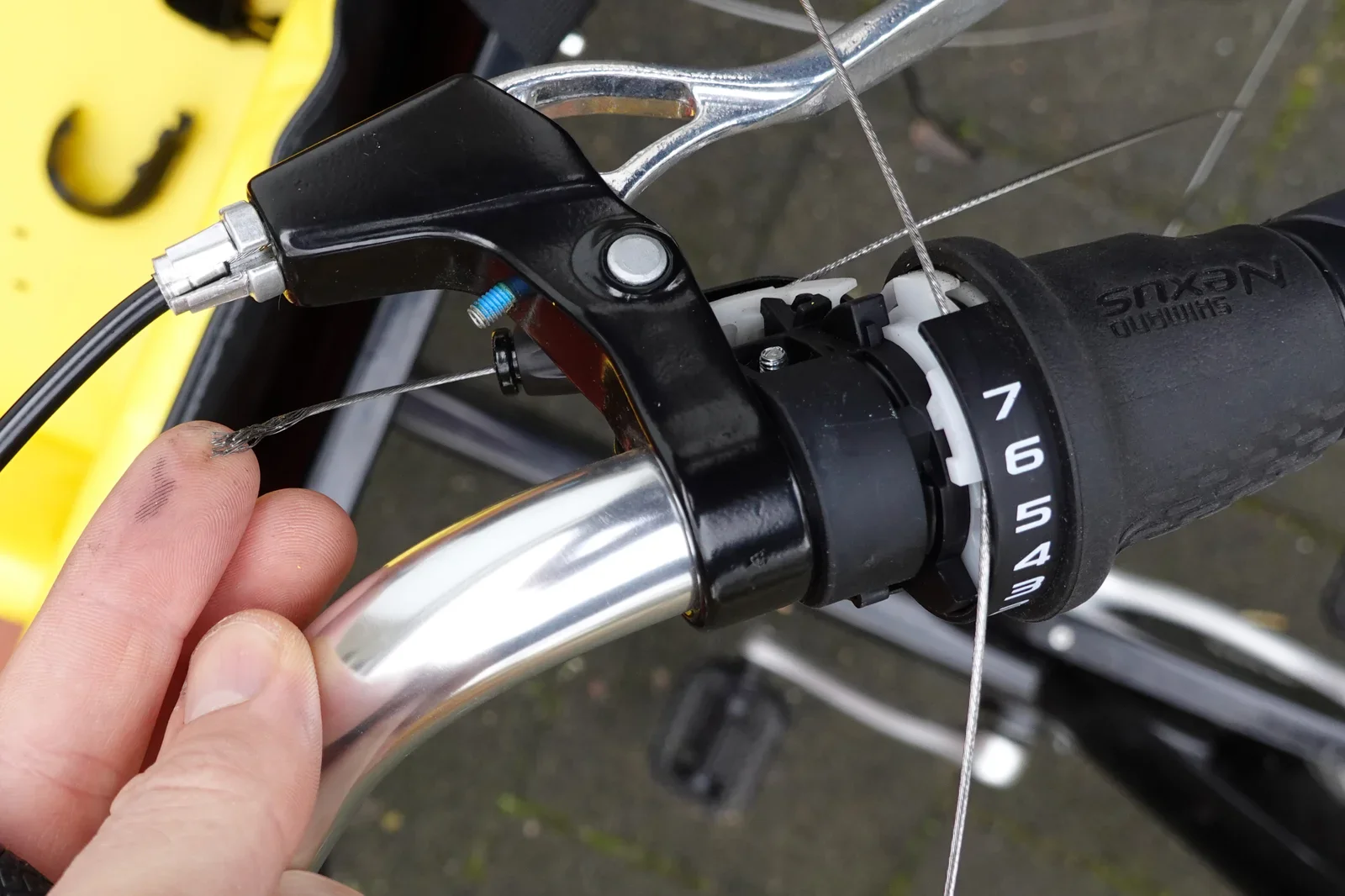
bicycle, hub, dropout, belt drive, grime, close-up(Commuter bike checkup) - image Investigating my rear brake A hand holding a phone photographs a bicycle rear wheel hub with a Shimano Alfine internal gear hub and brake caliper, seen from above. (machine-described) text in image:
SHIMANO ALFINE
shimano, alfine, hub gear, bicycle wheel, brake caliper, spokes(Commuter bike checkup) - image I use the bike all year long - under pretty much all weather conditions Selfie of a smiling bearded man wearing a cycling helmet and hi-vis yellow jacket in a snow-covered polder landscape with a gate and distant skyline. (machine-described)
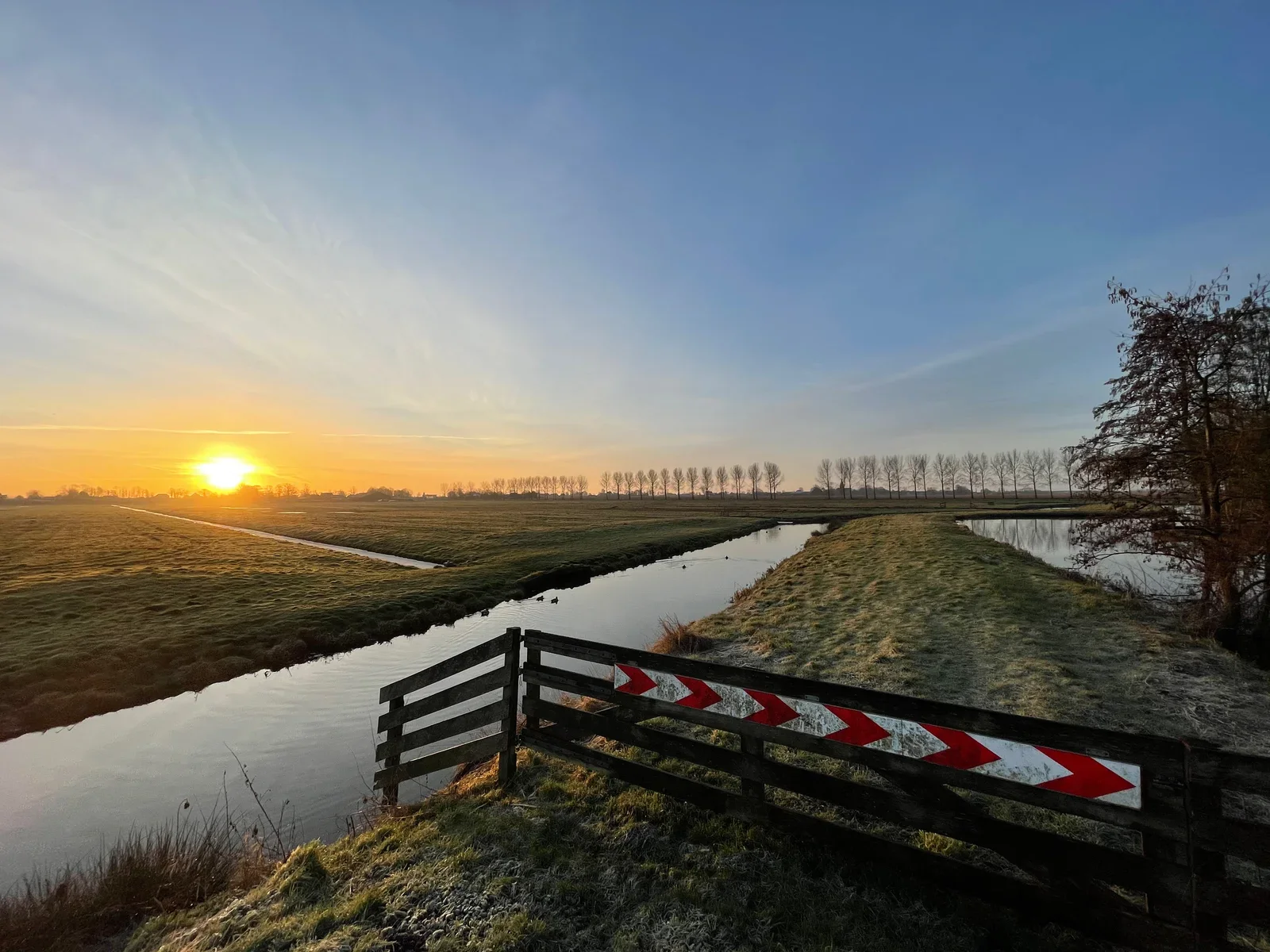
selfie, cyclist, helmet, hi-vis jacket, snow, polder(Commuter bike checkup) - image You instantly forget that you're riding a 21.000KM bike if you see the sun rise on a brand new day! Sunrise over a flat polder landscape with a canal, a row of trees, and a wooden fence with red and white chevron markers in the foreground. (machine-described)
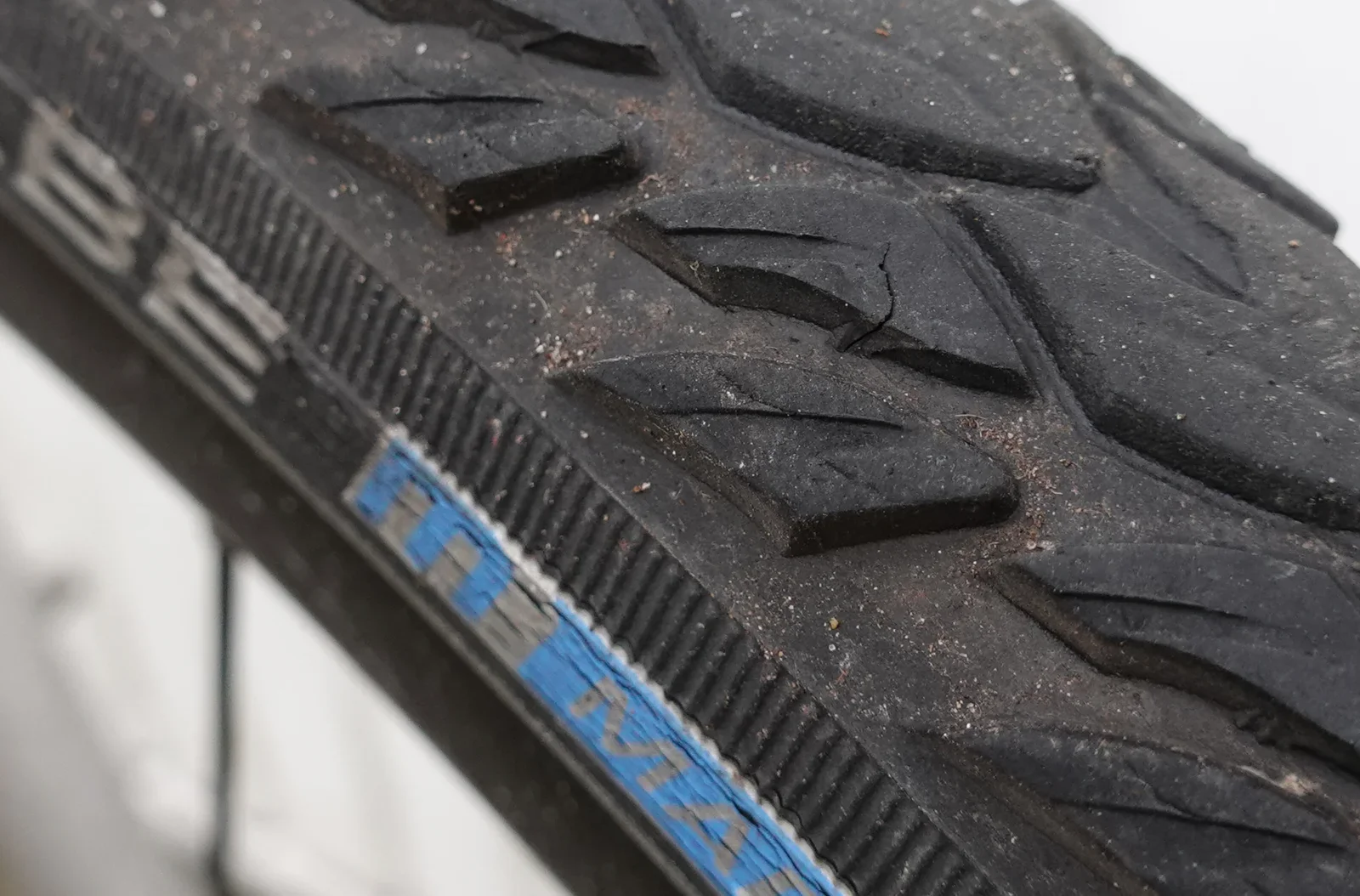
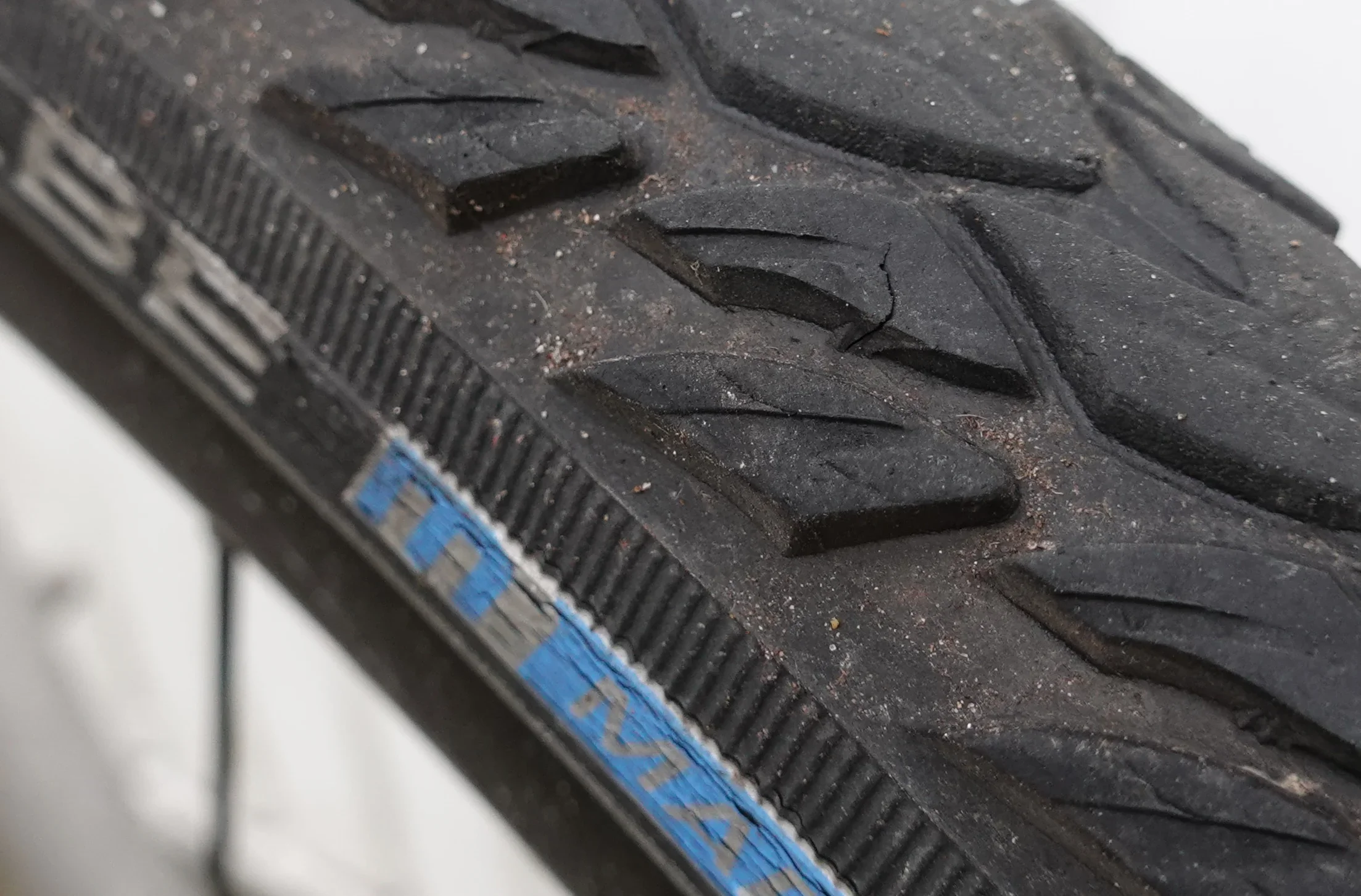
sunrise, polder, canal, fence, chevron markers, landscape(Commuter bike checkup) - image Only some signs of wear after 11.000KM - and not a single puncture! Extreme close-up of a knobby bicycle tyre tread showing worn and cracked lugs, with partially legible embossed lettering and a blue reflective sidewall stripe. (machine-described) text in image:
MAR
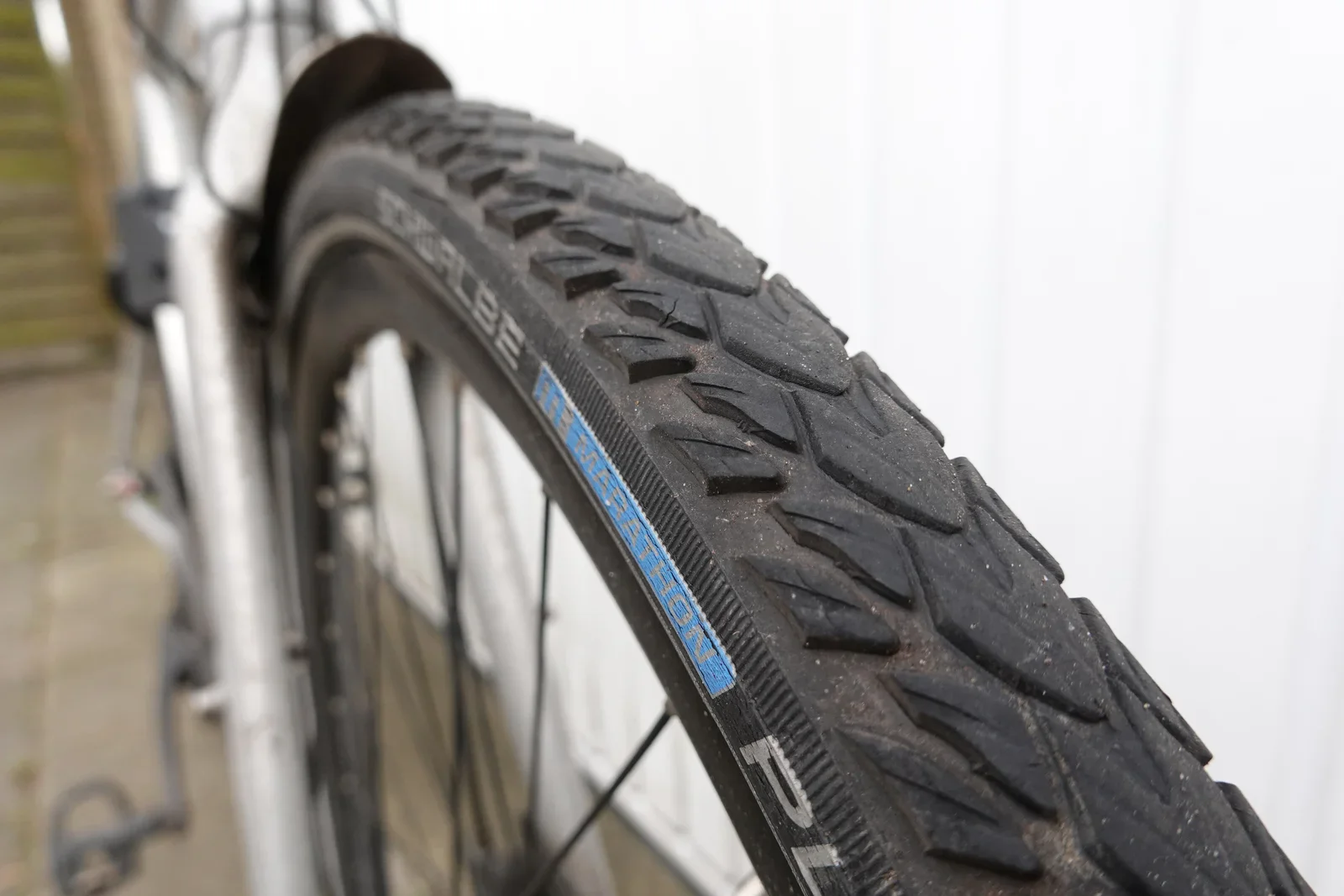
bicycle tyre, tread, wear, close-up, rubber(Commuter bike checkup) - image The Schwalbe Marathon Plus Tour tires are very reliable Close-up of a Schwalbe Marathon Plus Tour bicycle tyre mounted on a wheel, seen from the side against a corrugated wall. (machine-described) text in image:
SCHWALBE MARATHON PLUS TOUR
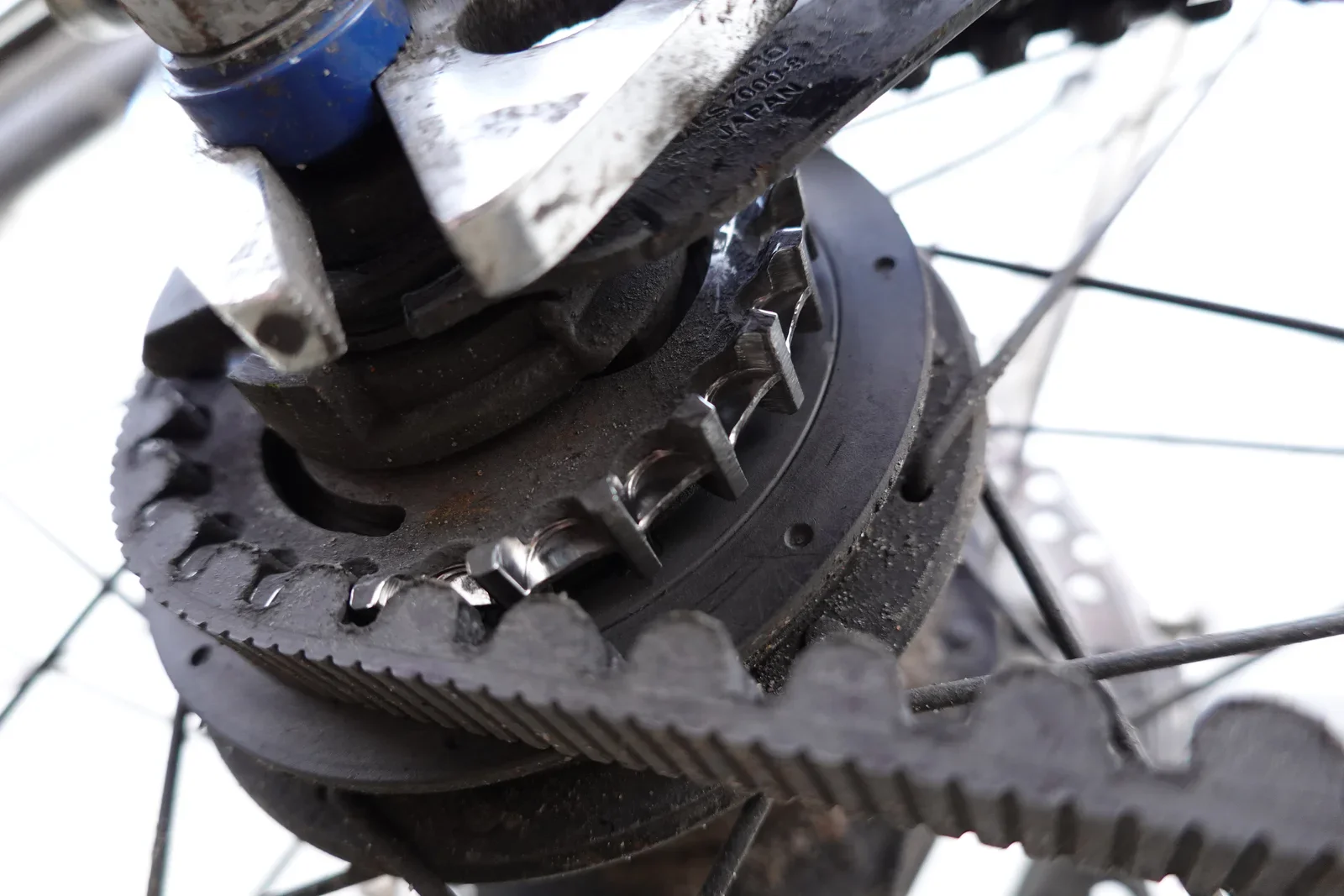
bicycle tyre, schwalbe, marathon plus, close-up, wheel(Commuter bike checkup) - image The rear CDX sprocket is still looking great (albeit a bit dusty) after 19.000KM! Close-up of a belt-drive rear hub cog being removed with a tool, showing worn teeth and embossed markings. (machine-described) text in image:
NS7000-8 JAPAN
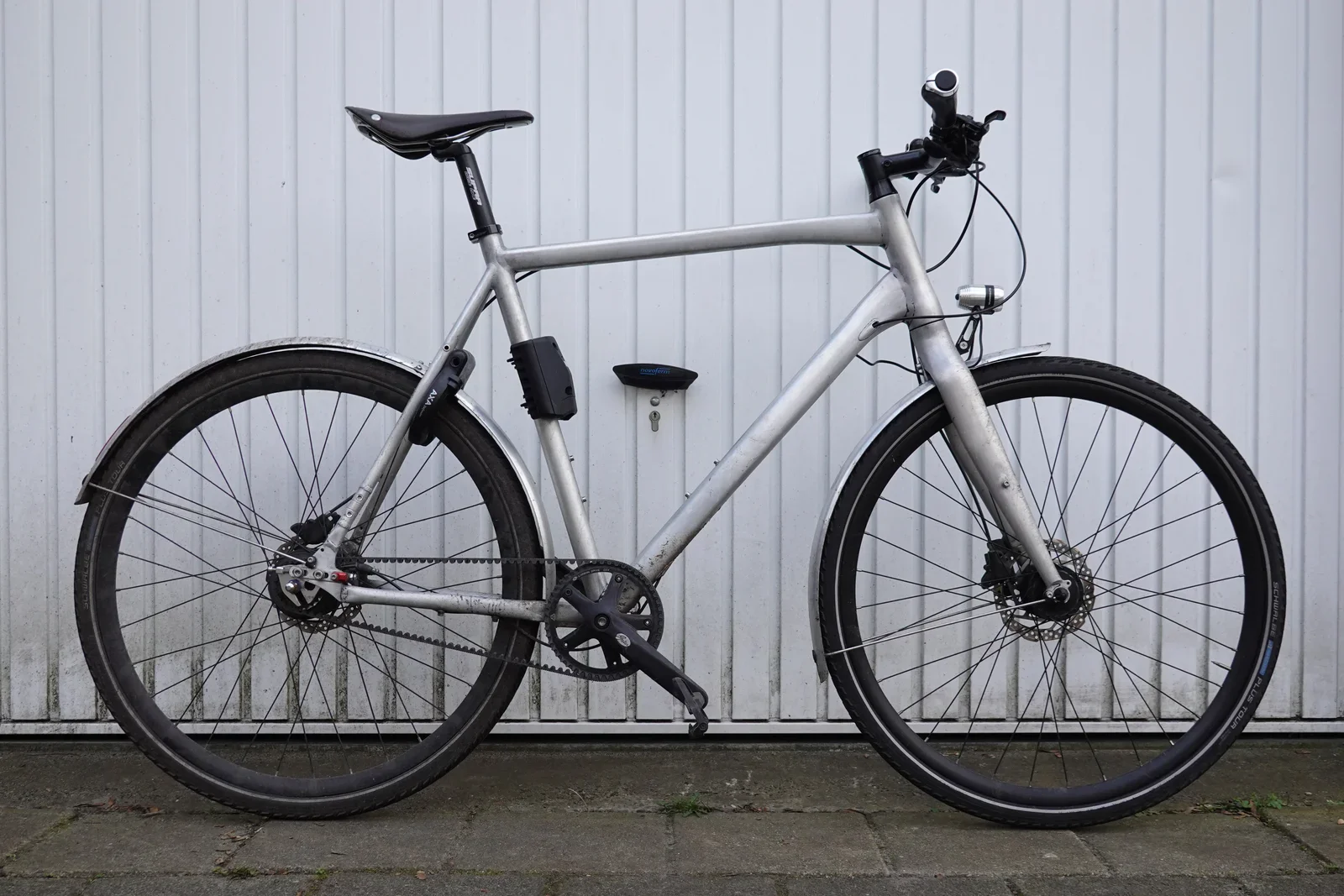
belt drive, cog, hub, tool, bicycle, close-up(Commuter bike checkup) - image My Commuter bike in January 2021 - sharp eyes among you will spot the child's seating mount - as some things do change, ha! A silver-framed commuter bicycle with belt drive, disc brakes, mudguards, dynamo lighting and an AXA frame lock, parked against a corrugated wall. (machine-described) text in image:
AXA TOUR PLUS
commuter bicycle, belt drive, disc brake, mudguard, axa lock, dynamo light(Commuter bike checkup) - image A silver bicycle with black components is parked on a paved surface in front of a white corrugated metal wall. (machine-described) text in image:
SCHWALBE
bicycle, wheel, chain, seat, handlebars(Commuter bike checkup) - image A close-up view of a black bicycle tire with a knobby tread pattern and a blue and white label on the sidewall. (machine-described) text in image:
MAXXIS
tire, rubber, tread, label(Commuter bike checkup) - image A silver bicycle with black components is parked on a paved surface in front of a white corrugated metal wall. (machine-described) text in image:
SCHWALBE
bicycle, wheel, wall, pavement(Commuter bike checkup) - image YES! The printer prints the "Lemmid" logo on a ticket! A hand holds a thermal-printed receipt reading a printer test message and QR code, torn from a small orange handheld printer, with a laptop showing code in the blurred background. (machine-described) text in image:
lemmid printer test lemmid
printer, receipt, qr code, lemmid, thermal printer(Working with special hardware from China) - image Java code to drive the printer A close-up of a laptop screen showing Android code calling printer SDK text-printing functions with embedded Chinese test strings and a URL. (machine-described) text in image:
欢迎使智能POS机数据终端 智能POS 数据终端 智能POS ST 32 callback #POS POS ipos POS POS POS POS ipos# 开启打印测试 这是一行16号字体 这是一行24号字体 这是一行32号字体 这是一行48号字体 ABCDEFGHIJKLMNOPQRSTUVWXYZ01234 abcdefghijklmnopqrstuvwxyz56789 κρχκμνκλρκνκνμρτυφ PrinterPrintAlignment(0,callback) QRCode("http://www.baidu.com\n")
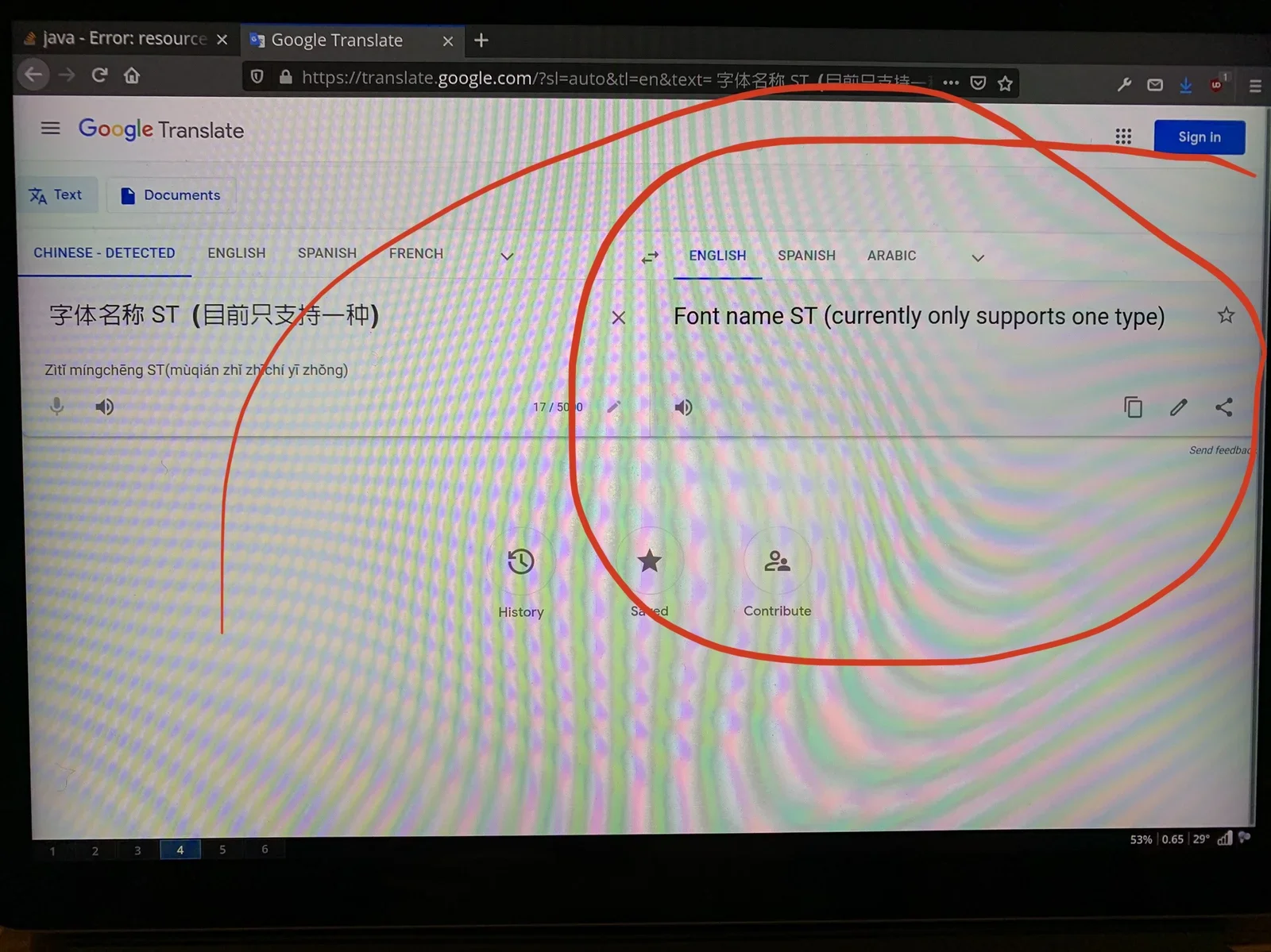
code, android, pos printer, chinese, screenshot(Working with special hardware from China) - image Google Translate to the rescue! A laptop screen showing a Google Translate browser tab translating Chinese source code comments, with a Java error tab open behind it and part of the page circled in red marker. (machine-described) text in image:
Java - Error: resource Google Translate https://translate.google.com/?sl=auto&tl=en&text=字体名称 ST (目前只支持一种) CHINESE - DETECTED ENGLISH SPANISH FRENCH ENGLISH SPANISH ARABIC 字体名称 ST (目前只支持一种) Zitī míngchēng ST (mùqián zhǐ zhīchí yī zhǒng) Font name ST (currently only supports one type) History S
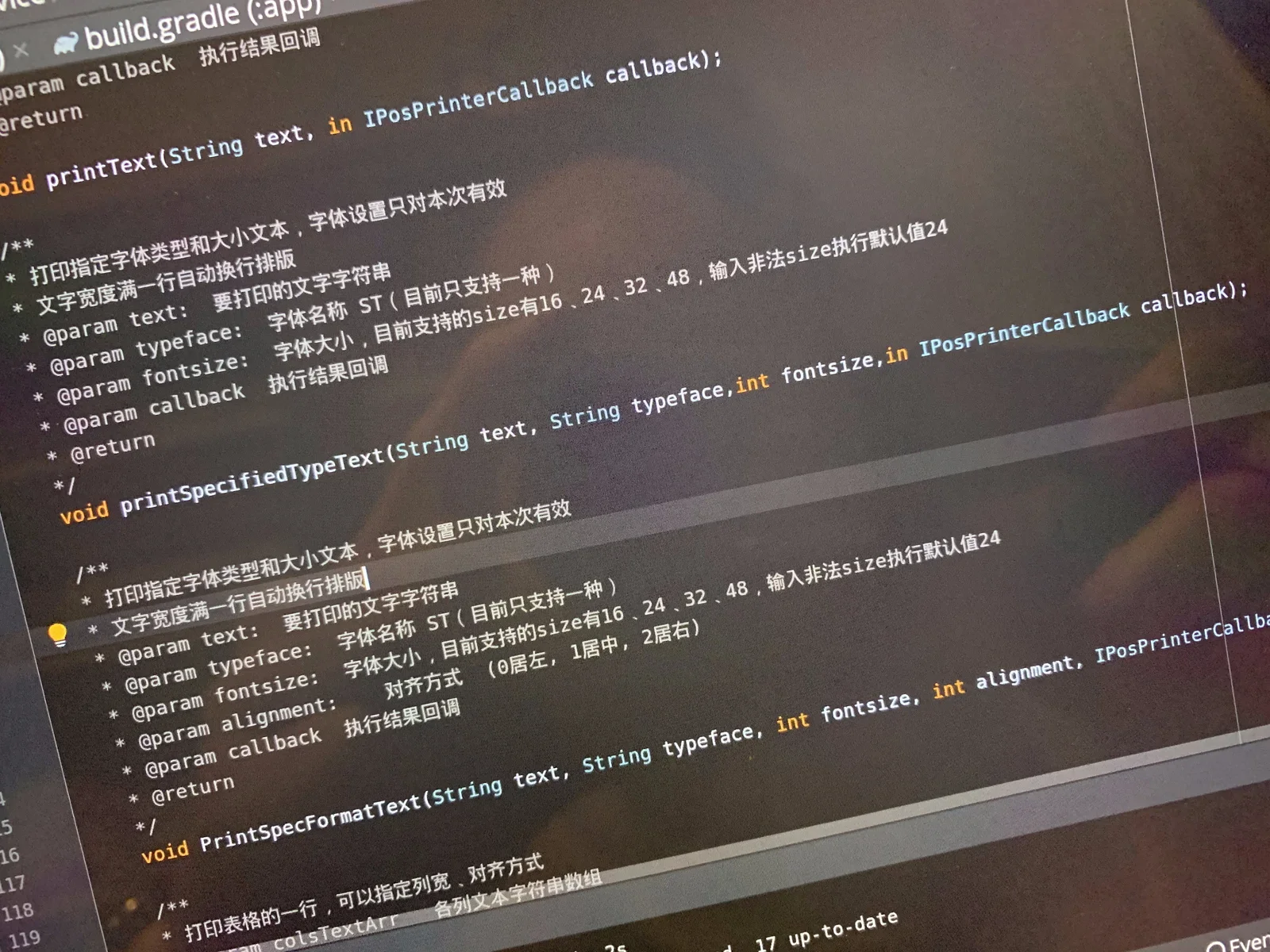
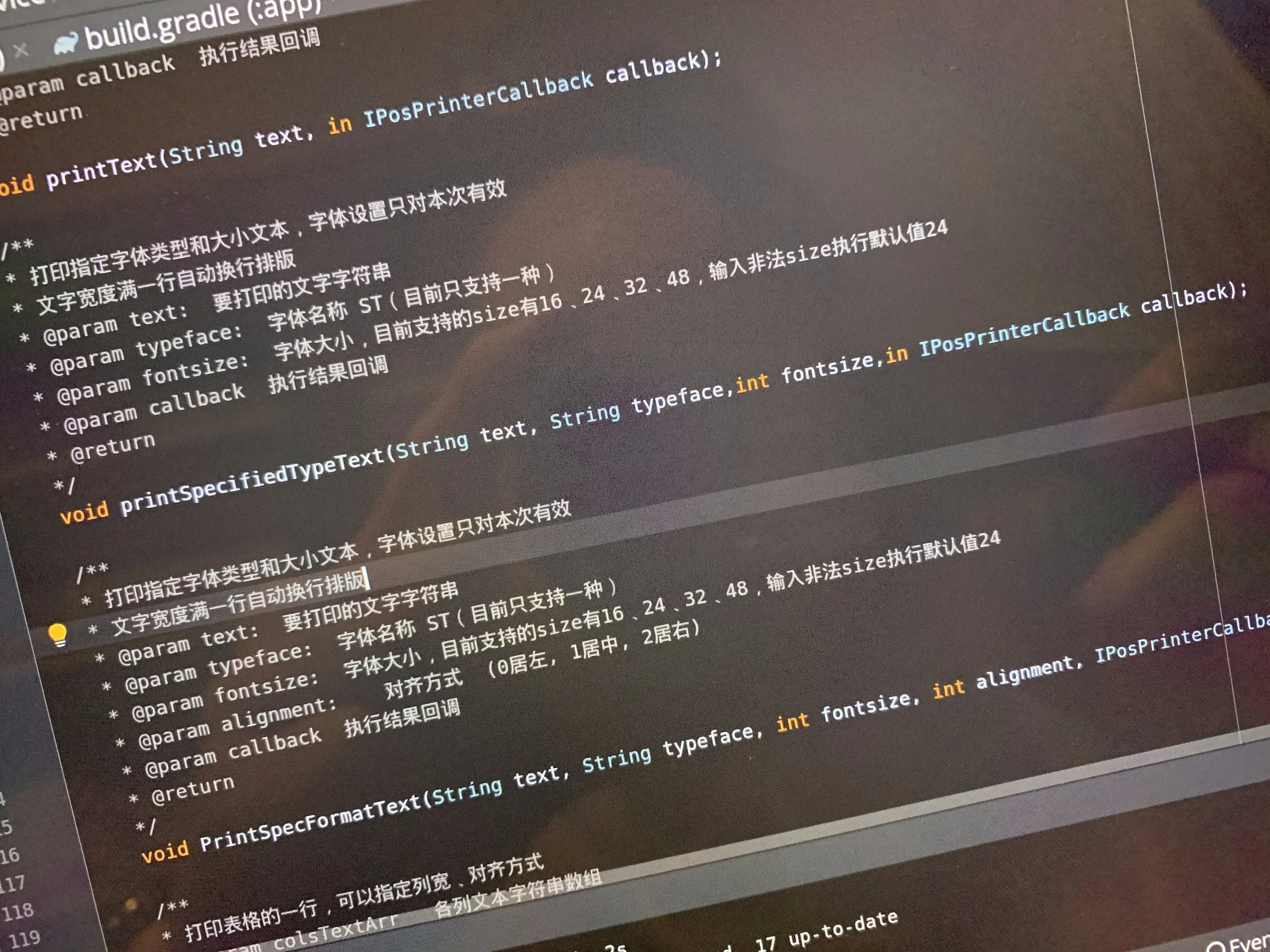
google translate, browser, chinese, code, screenshot(Working with special hardware from China) - image Chinese code to make the printer work... how can one possibly understand this? A close-up of an Android Studio code editor showing build.gradle and a Java interface with heavily commented Chinese documentation for printer text functions. (machine-described) text in image:
build.gradle (:app) void printText(String text, in IPosPrinterCallback callback); 打印指定字体类型和大小文本,字体设置只对本次有效 文字宽度满一行自动换行排版 @param text: 要打印的文字字符串 @param typeface: 字体名称 ST(目前只支持一种) @param fontsize: 字体大小,目前支持的size有16、24、32、48,输入非法size执行默认值24 @param callback: 执行结果回调 @return void printSpecifiedTypeText(St
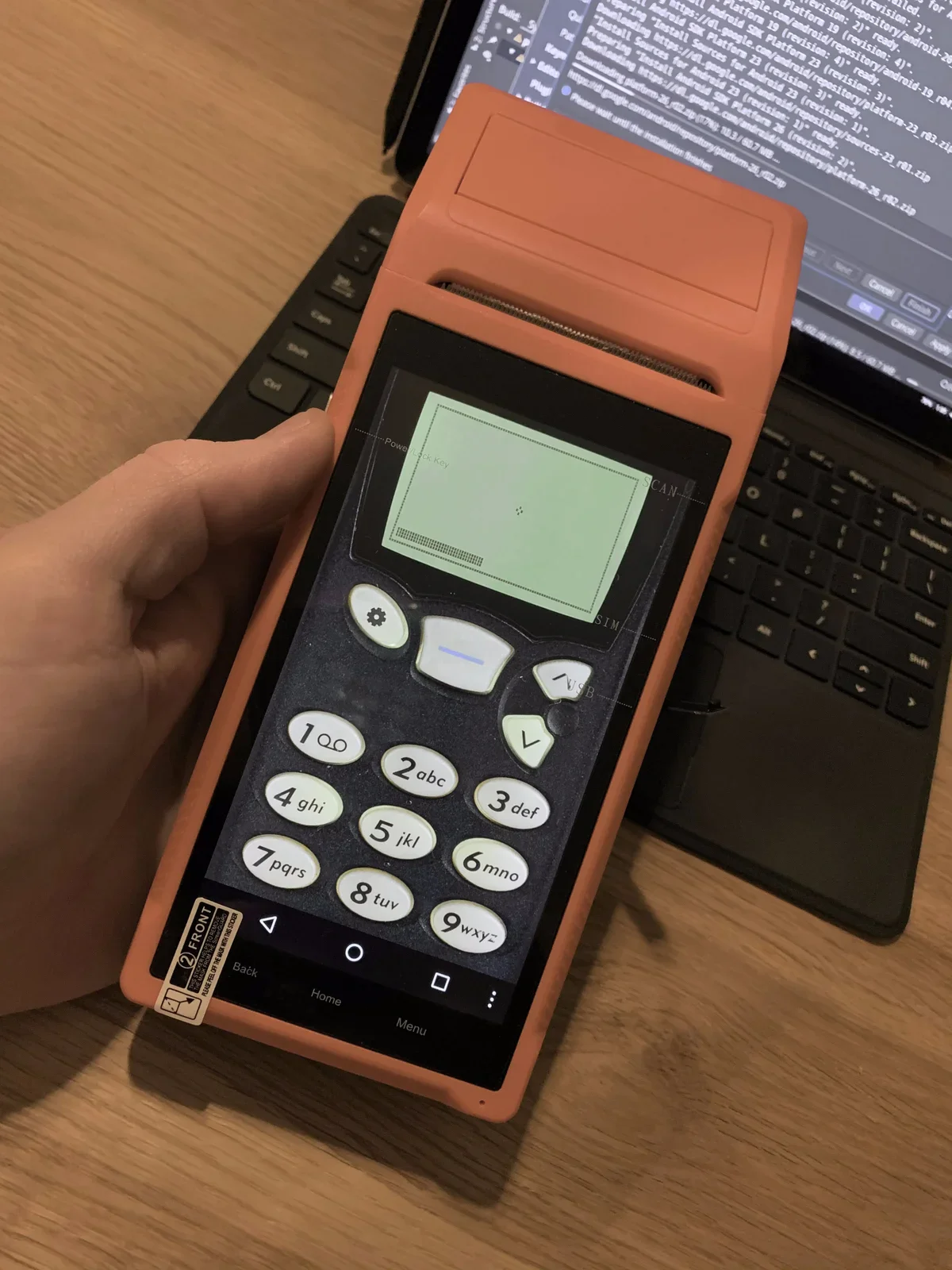
android studio, code, chinese, printer sdk, java(Working with special hardware from China) - image Snake '97 on the Lemmid Printer - ha! A hand holds an orange handheld Android payment terminal with a numeric keypad and small thermal printer, a laptop showing Android SDK installation logs in the background. (machine-described) text in image:
Power/Lock Key SCAN SIM USB 1 2abc 3def 4ghi 5jkl 6mno 7pqrs 8tuv 9wxyz Back Home Menu FRONT
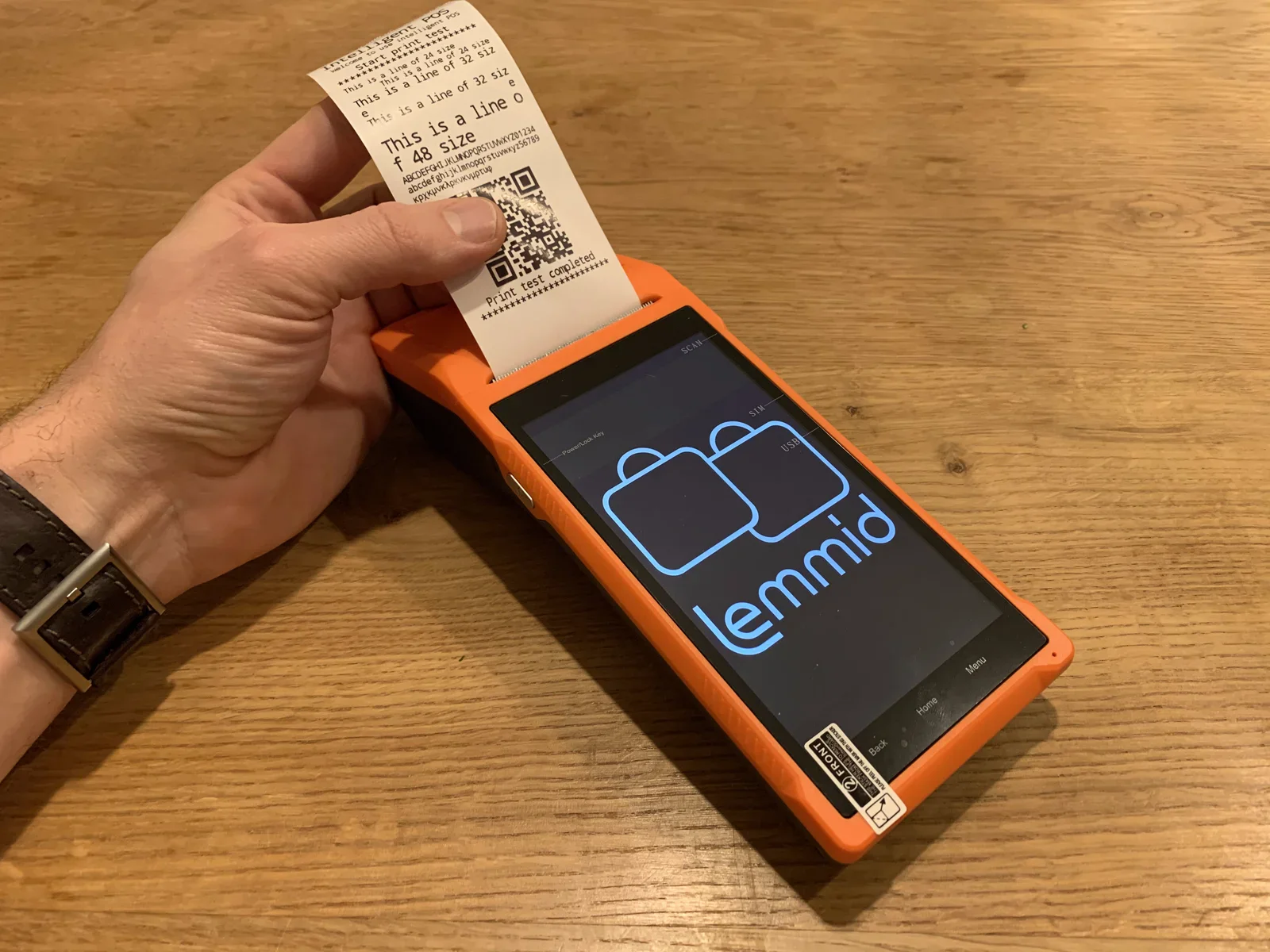
android terminal, keypad, pos device, handheld, printer(Working with special hardware from China) - image Its party trick is the embedded printer - super useful in the context of handling (online) orders A hand pulls a printed test receipt from an orange handheld terminal showing the Lemmid logo on its screen. (machine-described) text in image:
Intelligent POS Start print test This is a line of 16 size This is a line of 24 size This is a line of 32 size This is a line of 48 size ABCDEFGHIJKLMNOPQRSTUVWXYZ01234 abcdefghijklmnopqrstuvwxyz56789 Print test completed Lemmid
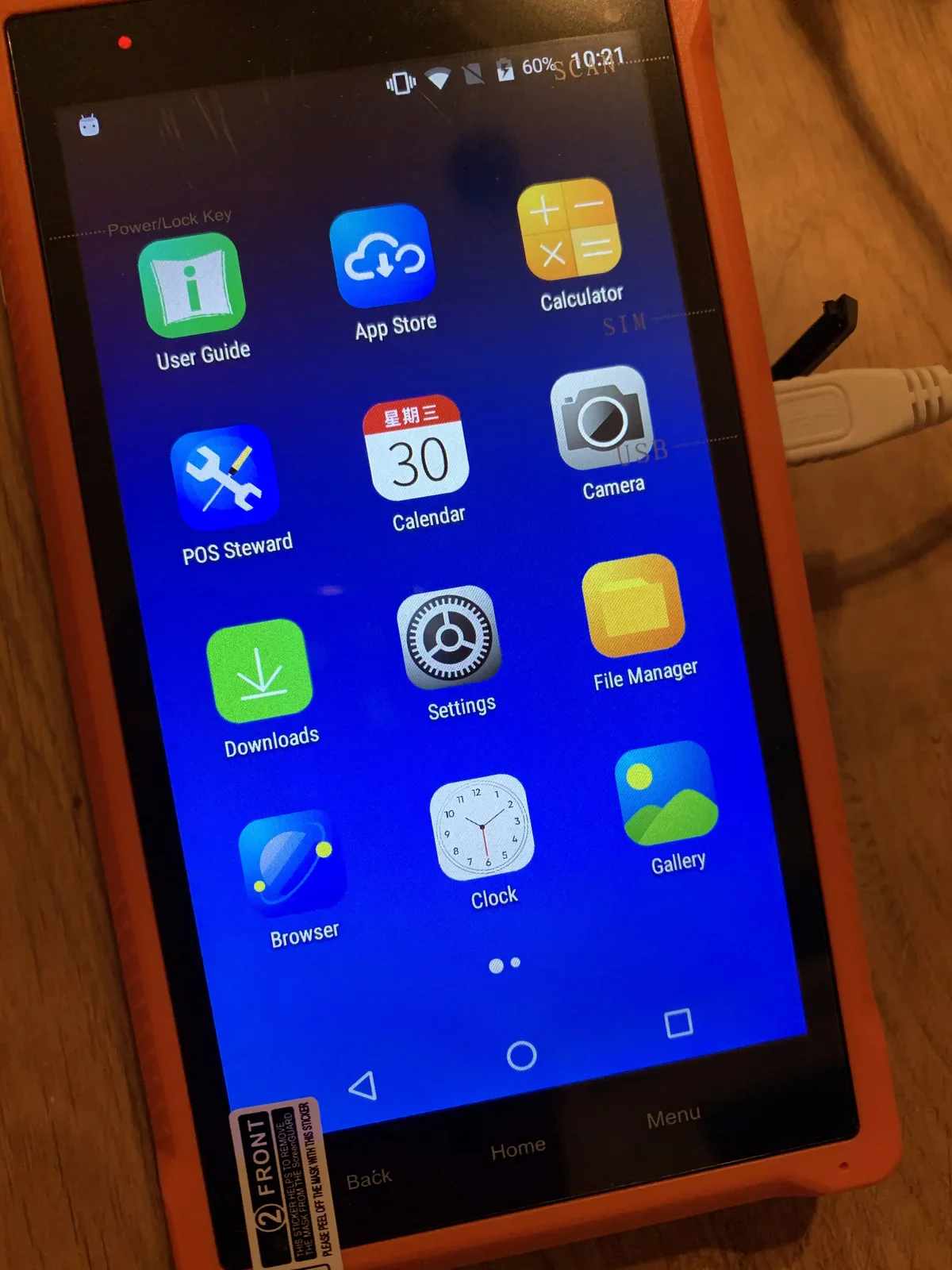
android terminal, receipt, lemmid, printer, logo(Working with special hardware from China) - image It runs Android - with some Chinese sauce on it (figuratively speaking...) The home screen of an orange handheld Android terminal showing app icons including User Guide, App Store, Calculator, POS Steward, Calendar, Camera, Downloads, Settings, File Manager, Browser, Clock and Gallery. (machine-described) text in image:
User Guide App Store Calculator POS Steward Calendar Camera Downloads Settings File Manager Browser Clock Gallery Power/Lock Key SCAN SIM USB FRONT
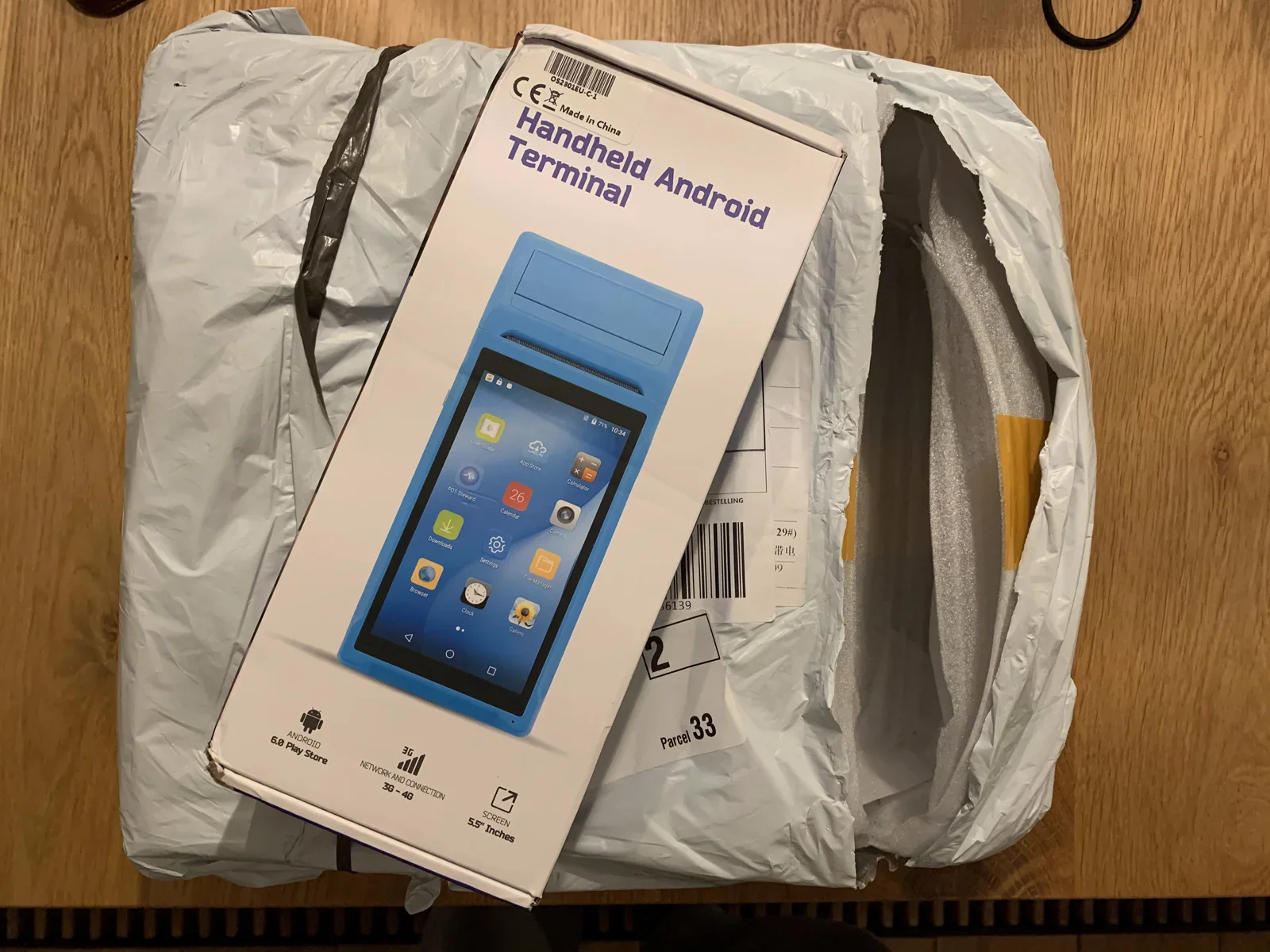
android terminal, home screen, apps, touchscreen(Working with special hardware from China) - image Handheld Android Terminal - OEM hardware straight from China A retail box labelled Handheld Android Terminal resting on a bubble-wrapped parcel, showing a product photo, CE and China-made markings, and spec icons. (machine-described) text in image:
CE Made in China Handheld Android Terminal ANDROID 6.0 Play Store 3G NETWORK AND CONNECTION 3G-4G SCREEN 5.5" Inches Parcel 33
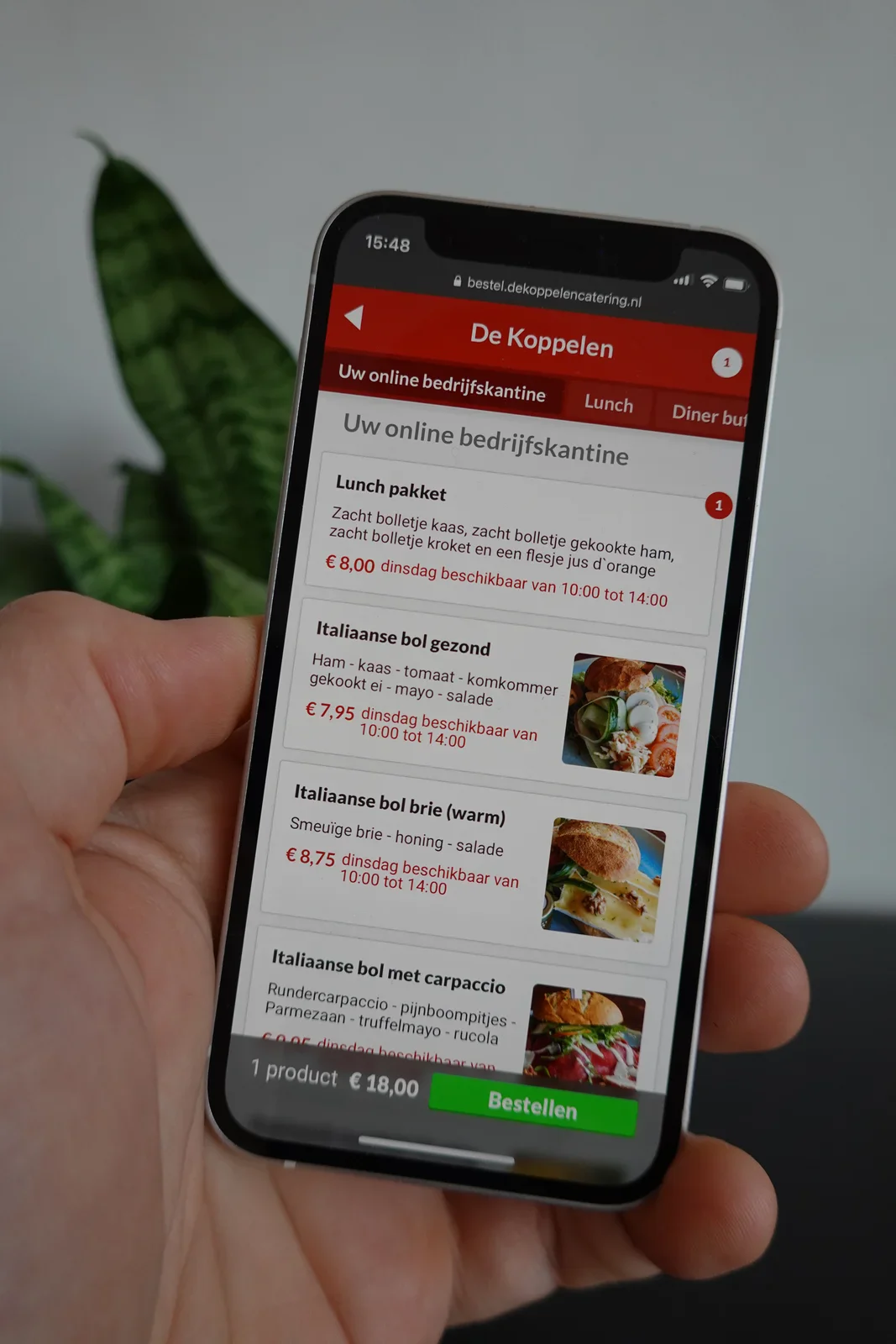
packaging, android terminal, box, parcel, handheld(Working with special hardware from China) - image People use the app to order food - orders are forwarded to kitchen and delivery staff A hand holds a smartphone displaying a company lunch ordering website listing sandwiches and their prices. (machine-described) text in image:
15:48 bestel.dekoppelencatering.nl De Koppelen Uw online bedrijfskantine Lunch Diner buf... Lunch pakket Zacht bolletje kaas, zacht bolletje gekookte ham, zacht bolletje kroket en een flesje jus d'orange € 8,00 dinsdag beschikbaar van 10:00 tot 14:00 Italiaanse bol gezond Ham - kaas - tomaat - kom
smartphone, food ordering, menu, app, lunch(Working with special hardware from China) - image An orange handheld device with a screen displaying the Lemmid logo and a printed receipt emerging from its side, resting on a wooden surface. (machine-described) text in image:
Print test completed *************** lemmid Power Lock Key SCN MIS USB Menu Home Back FRONT
device, receipt, screen, qr code, wooden surface(Working with special hardware from China) - image A close-up view of a computer monitor displaying Java source code with syntax highlighting and Chinese comments. (machine-described) text in image:
build.gradle (:app) @param callback 执行结果回调 @return void printText(String text, in IPosPrinterCallback callback); /** * 打印指定字体类型和大小文本,字体设置只对本次有效 * 文字宽度满一行自动换行排版 * @param text: 要打印的文字字符串 * @param typeface: 字体名称 ST (目前只支持一种) * @param fontsize: 字体大小,目前支持的size有16、24、32、48,输入非法size执行默认值24 * @param c
code, screen, monitor, java, text(Working with special hardware from China) - image An orange handheld device with a screen displaying the Lemmid logo and a printed receipt emerging from its side, resting on a wooden surface. (machine-described) text in image:
Print test completed ********************** lemmid Power Lock Key SCN MIS USB Menu Home Back FRONT
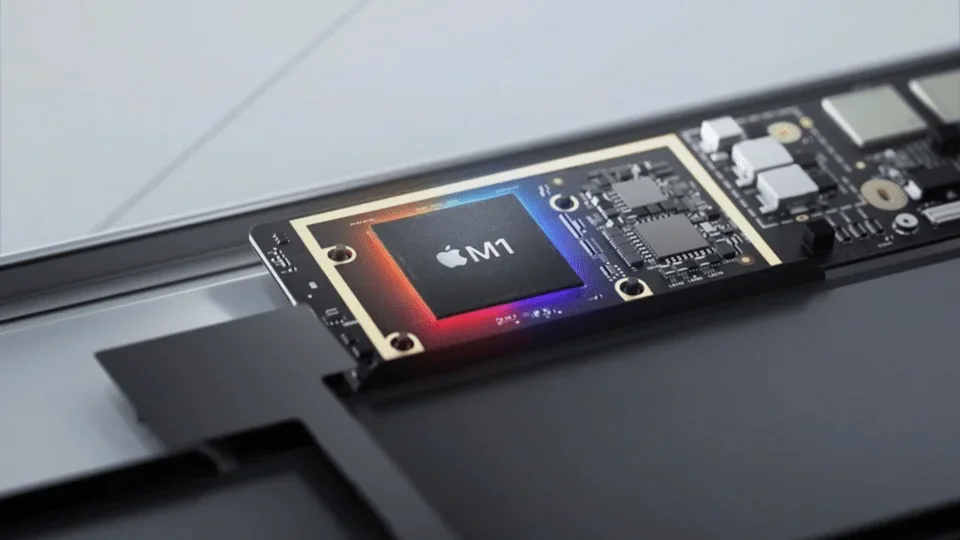
device, receipt, screen, qr code, table(Working with special hardware from China) - image Integrating chips inside the processor reduces the need to transfer data hence and forth to other (external) chips A macro render of an Apple M1 chip module on a green circuit board, partially inserted into a laptop chassis, lit with blue and orange accent light. (machine-described) text in image:
Apple M1
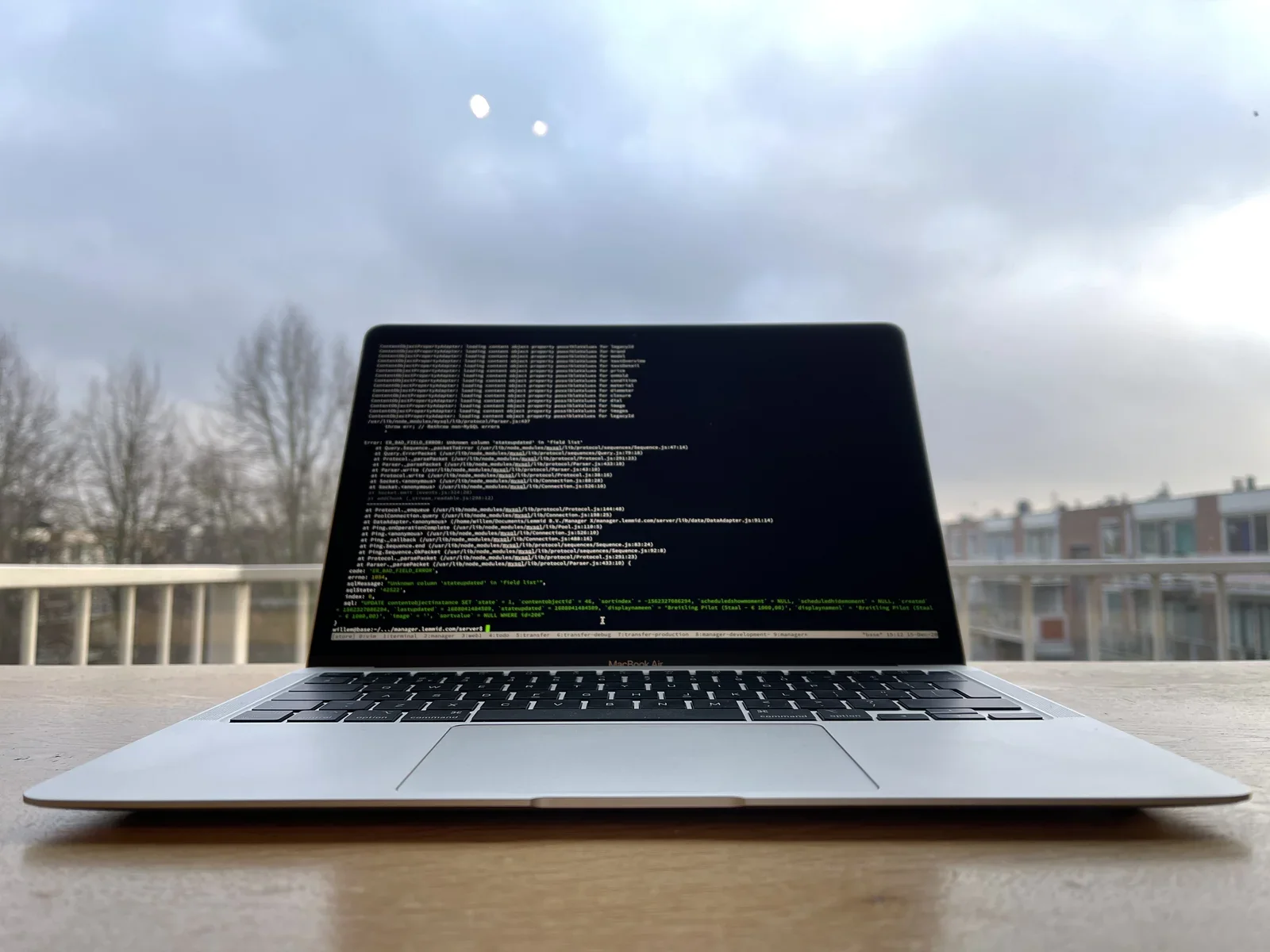
apple, m1 chip, circuit board, macbook, silicon(Why Apple Silicon is a big deal) - image The new M1 Apple Silicon in the MacBook Air blows me away A silver MacBook Air stands open on a wooden table outdoors on a balcony, its screen showing dark terminal output with a stack trace and a MySQL error, bare trees and a cloudy sky behind it. (machine-described) text in image:
ContentObjectPropertyAdapter: loading content object property possibleValues for tagexoId, brand, model, hardwareType, price, moduleName, material, diameter, closure, dial, image /var/lib/node_modules/mysql/lib/protocol/Parser.js:437 throw err; // Rethrow non-MySQL errors Error: ER_BAD_FIELD_ERROR:
macbook, terminal, error, stack trace, code, outdoor(Why Apple Silicon is a big deal) - image The M1 processor is the first Apple Silicon available in a Mac A dark promotional graphic of the Apple M1 chip badge glowing red and blue against a faint circuit board background. (machine-described) text in image:
Apple M1
apple, m1 chip, logo, graphic, silicon(Why Apple Silicon is a big deal) - image A silver laptop computer sits on a wooden surface with its screen displaying lines of code against a dark background. (machine-described) text in image:
MacBook Air
laptop, computer, screen, keyboard, code, wooden surface(Why Apple Silicon is a big deal) - image A close-up view of an Apple M1 chip mounted on a circuit board, surrounded by other electronic components. (machine-described) text in image:
M1
chip, circuit board, electronics, processor, technology(Why Apple Silicon is a big deal) - image A silver MacBook Air laptop sits open on a wooden table with a terminal window displaying lines of code on the screen. (machine-described) text in image:
MacBook Air
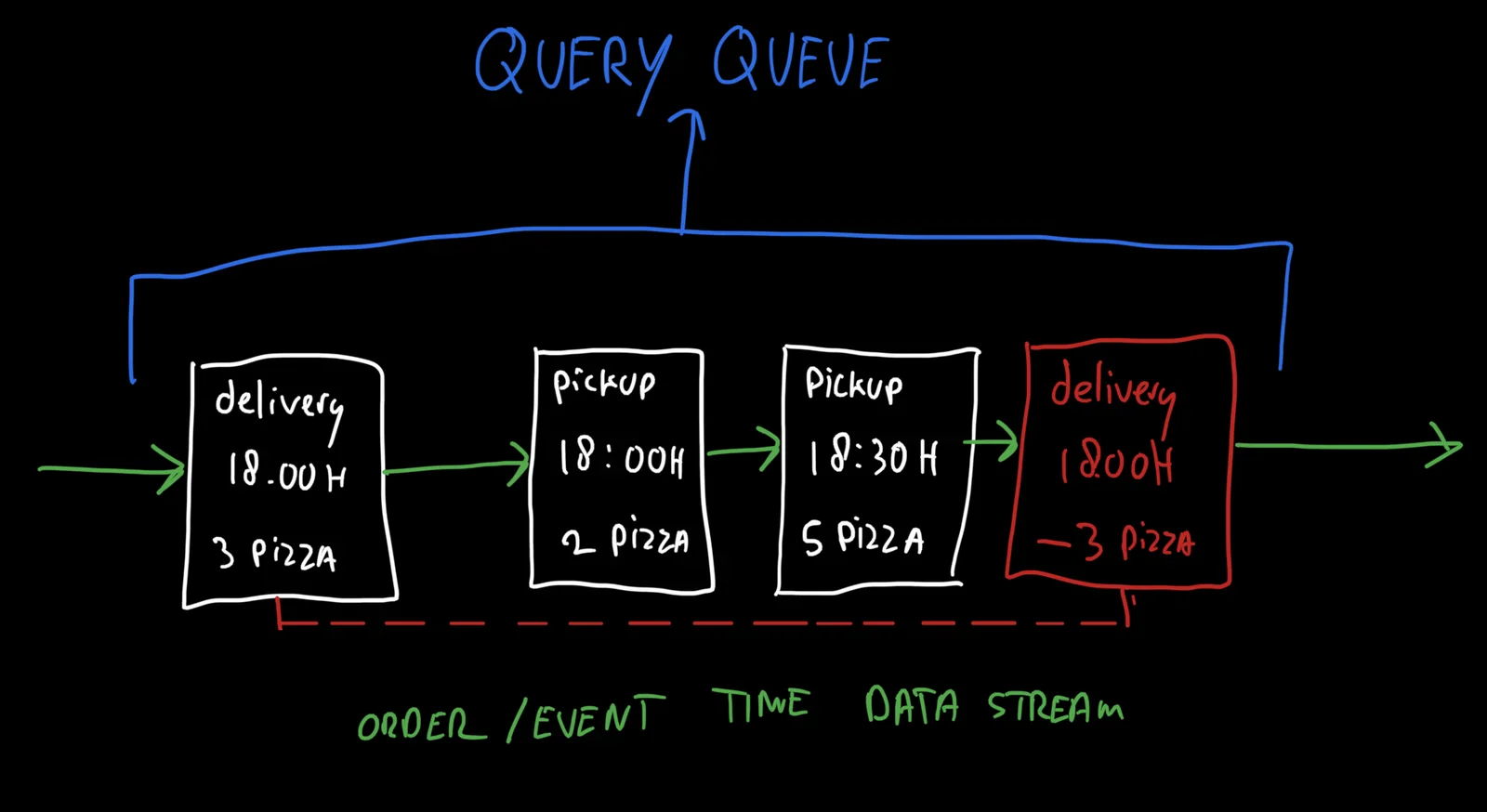
laptop, computer, screen, keyboard, code, table(Why Apple Silicon is a big deal) - image An event stream of orders is the heart of the mechanism, queries are fulfilled by looking at this stream: how many pizza's will be ready at 18:00hrs? A hand-drawn whiteboard diagram illustrating a query queue processing a stream of pizza delivery and pickup events with timestamps and quantities. (machine-described) text in image:
QUERY QUEUE delivery 18.00H 3 PIZZA pickup 18:00H 2 PIZZA pickup 18:30H 5 PIZZA delivery 1800H -3 PIZZA ORDER/EVENT TIME DATA STREAM
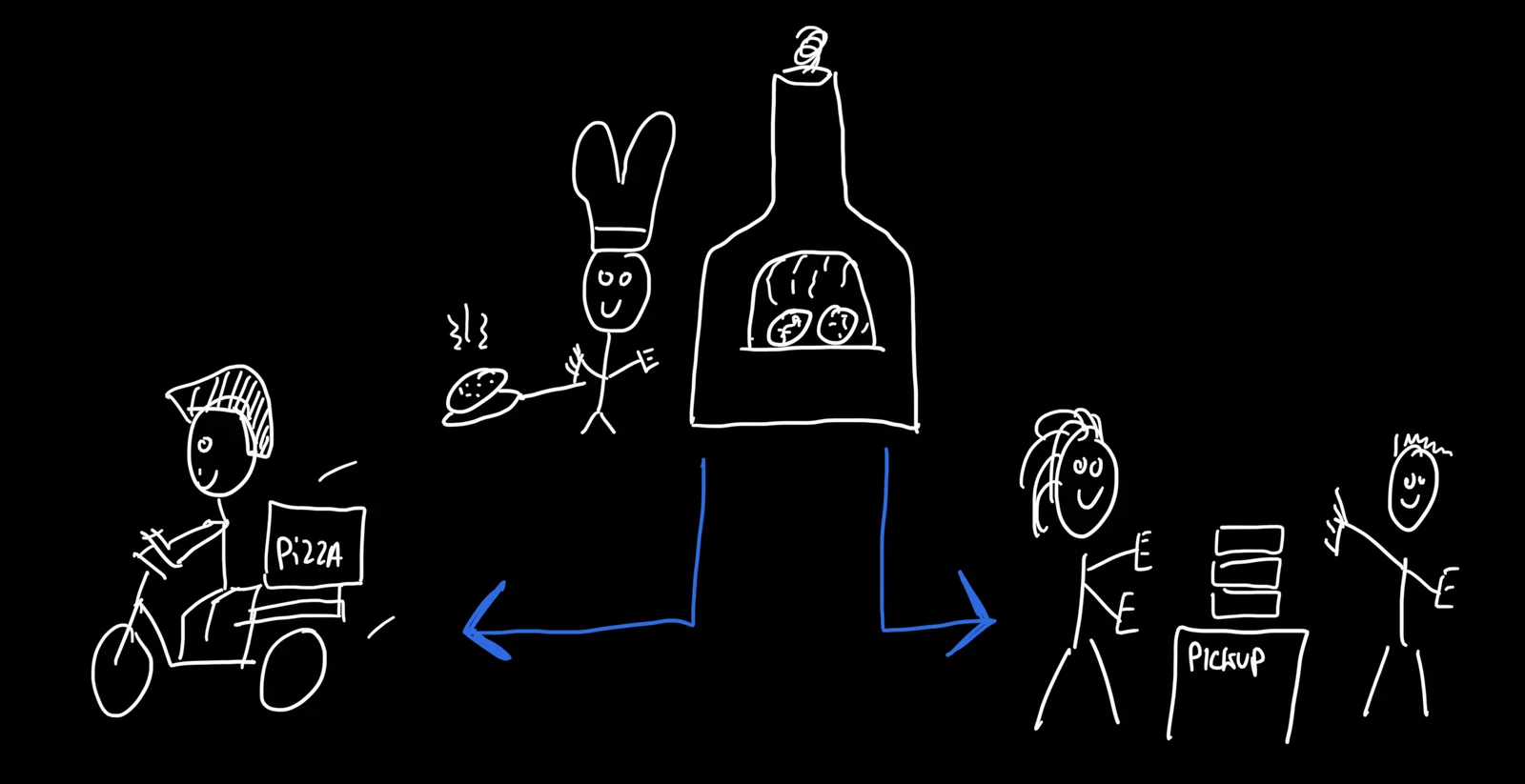
whiteboard, diagram, queue, pizza, data stream(Designing a multi dimensional capacity queue) - image Three capacity constraints: kitchen / delivery / pickup A hand-drawn whiteboard illustration of a pizza delivery process, showing a chef baking pizza in a wood oven, a delivery rider, and people picking up orders. (machine-described) text in image:
PIZZA PICKUP
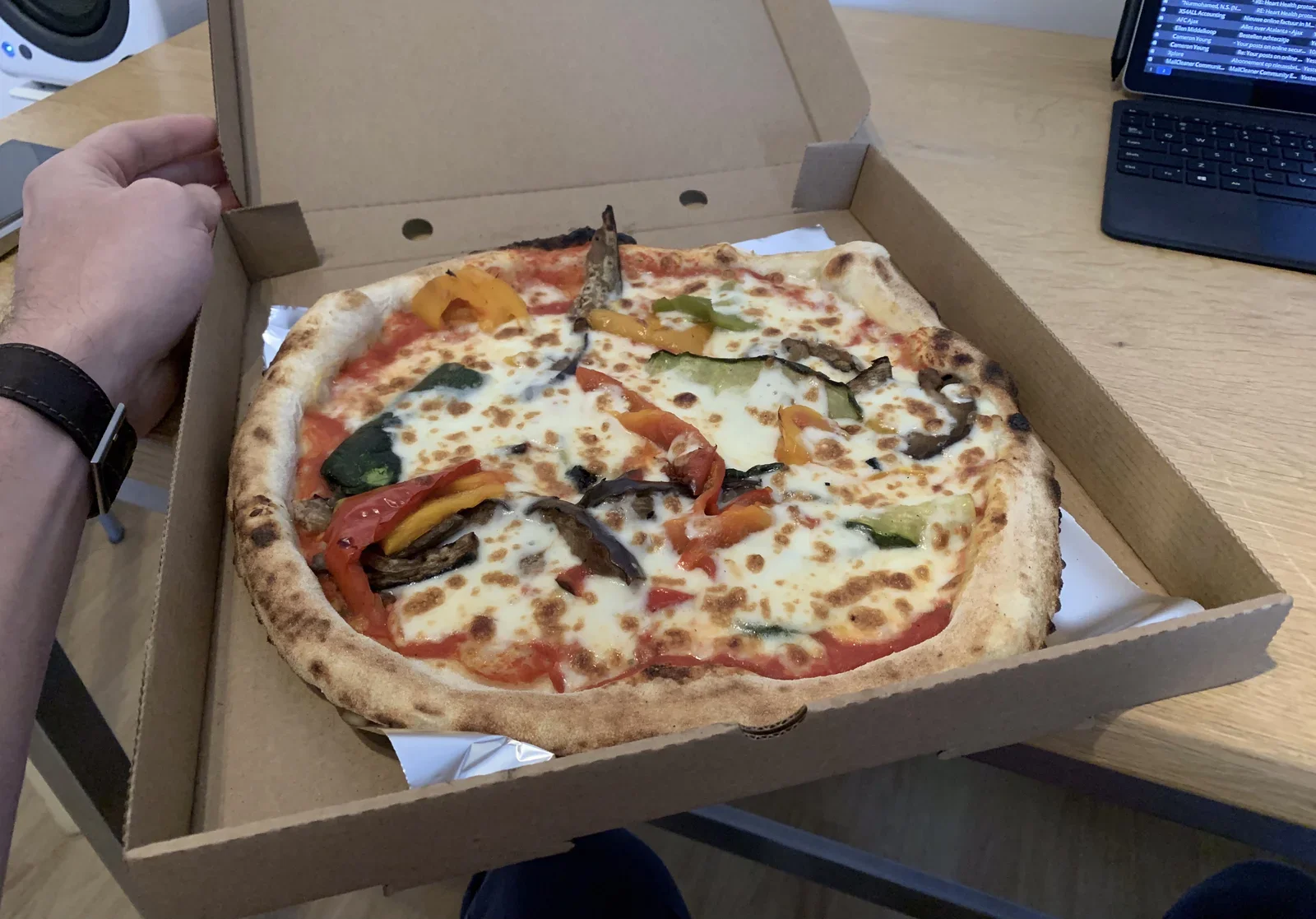
whiteboard, illustration, pizza, delivery, drawing(Designing a multi dimensional capacity queue) - image Eating pizza during development is how you "live the algorithm" A hand holds open a cardboard box containing a vegetable pizza with melted cheese and charred crust, a laptop and second screen visible on the desk behind showing an email inbox. (machine-described) text in image:
MdCleaner Community Nurmohamed, N.S. (N...) RE: Heart Health protoc... XS4ALL Accounting RE: Heart Health proces... AFC Ajax Nieuwe online factuur in M... Ellen Middelkoop Alles over Atalanta - Ajax Cameron Young Bestellen achteraf Cameron Young Your posts on online secur... Sylora Re: Your posts on
pizza, box, hand, desk, laptop(Designing a multi dimensional capacity queue) - image A white line drawing on a black background depicts a pizza delivery process involving a delivery driver on a bicycle, a chef with a pizza, a pizza oven, and customers at a pickup counter. (machine-described) text in image:
PIZZA PICKUP
drawing, pizza, chef, delivery, oven, customers(Designing a multi dimensional capacity queue) - image A black and white photograph shows a pepperoni pizza with several slices missing, resting inside an open cardboard box. (machine-described) text in image:
NEW YORK PIZZA
pizza, pepperoni, cardboard box, food(Designing a multi dimensional capacity queue) - image A white line drawing on a black background depicts a pizza delivery process involving a delivery driver on a bicycle, a chef with a pizza, a pizza oven, and customers at a pickup counter. (machine-described) text in image:
PIZZA PICKUP
drawing, pizza, chef, delivery, oven, customer(Designing a multi dimensional capacity queue) - image The super luminova makes the watch clearly readable in darkness Glow-in-the-dark watch parts, including a dial with luminous hour markers and hands, a bezel insert, and two small gears, photographed in darkness. (machine-described)
watch, dial, glow, gears, luminous, parts(Designing my own watch) - image The 3D model of my watch case A screenshot of AlphaCAM CAM software showing a yellow 3D solid simulation of a machined watch case back, German-language interface. (machine-described) text in image:
AlphaCAM Advanced Fräsen: Boden Alu_LightOP1 Datei Bearbeiten Ansicht Geometrie 3D Extras CAD NC-Pfade Parametrik AUTO-Bearbeitung Hilfe Solid Simulation Toleranz 0.04 Transparenz Konfigurieren Bearbeitu... Arbeitseb... Solid Sim... DEU 10:12 09.07.2020
cam software, alphacam, cnc, watch case, screenshot, machining(Designing my own watch) - image Before (left) and after (right) milling away material Four machined stainless steel watch case parts on a white background: two bezels with mounting holes and two case backs with spiral brushed finish. (machine-described)
watch case, bezel, steel, machining, parts(Designing my own watch) - image Milling away material to make the watch lighter Four machined watch case parts arranged at an angle, showing an engraved lot marking on one of the lugs. (machine-described) text in image:
OA 14477
watch case, bezel, steel, machining, engraving(Designing my own watch) - image How to read the time, month, date and weekday A technical diagram of three watch dial variants, each showing a dotted display and an arrow indicating date, month, or weekday position. (machine-described) text in image:
date spiral 31 date dots day 28 months display 12 date dots october weekday display 7 date dots tuesday
watch, dial, diagram, date, illustration(Designing my own watch) - image The annual calendar complication using just 3 additional parts An exploded technical line drawing of a watch dial and date mechanism, labelling the dial, date ring, cogs and disks. (machine-described) text in image:
dial dial (rear view) date ring with curved „date dash“ cog with 5 teeth, double-toothed month disk collar with two fingers bonded onto movement's hour rod weekday disk
watch, mechanism, diagram, dial, gears, technical drawing(Designing my own watch) - image Timeless timepiece: an annual calendar watch, custom made to my specifications A finished wristwatch with a brushed steel case, dotted dial, and dark brown stitched leather strap, photographed at an angle. (machine-described)
watch, wristwatch, leather strap, dial, steel case(Designing my own watch) - image Wear the watch you want - if it doesn't exist you can create it! A wristwatch with a dotted dial and dark leather strap worn on a wrist, arm resting on a dark green sweater sleeve. (machine-described)
watch, wristwatch, leather strap, dial, wrist(Designing my own watch) - image In line with the "LIGHT"-case of my watch, the buckle of this strap is milled to remove any unneeded weight A close-up of a tan fabric watch strap with a hook-and-loop closure and metal buckle hardware, worn over a grey sock on a wrist. (machine-described)
watch strap, fabric, velcro, buckle, wrist(Designing my own watch) - image Different colours have different effects on the watch - here you see it with a 'tan'-coloured fabric strap A wristwatch with a dotted dial and tan fabric strap worn on a wrist, arm resting on a wooden table beside a grey sweater sleeve. (machine-described)
watch, wristwatch, fabric strap, dial, wrist(Designing my own watch) - image The carbon buckle hardly adds any weight A close-up of a black fabric watch strap with metal hardware worn under the cuff of a black cycling glove and sleeve. (machine-described)
watch strap, fabric, glove, wrist, cycling(Designing my own watch) - image The black fabric strap features a Kevlar core making it extremely durable and strong - perfect when riding your bike! A wristwatch with a dotted dial worn on a wrist next to a bright neon yellow cycling jacket sleeve printed with a brand name. (machine-described) text in image:
GripGrab
watch, wristwatch, cycling, jacket, neon, dial(Designing my own watch) - image Changing the strap is easy and transforms the watch - because the watch itself is rather neutral A wristwatch with a dotted dial and black canvas strap worn on a hairy wrist, angled view of the case and crown. (machine-described)
watch, wristwatch, dial, strap, wrist(Designing my own watch) - image The 36MM size is perfect on my wrist A close-up of a wristwatch with a dotted dial and dark brown leather strap worn on a hairy wrist. (machine-described)
watch, wristwatch, dial, leather strap, wrist(Designing my own watch) - image The dial is spectacular in an "under the radar way" - there is an incredible depth that is hard to capture in a photo (I tried anyway!) An extreme close-up of a watch dial showing the drilled dot markers and two brushed metal hour and minute hands. (machine-described)
watch, dial, hands, macro, metal(Designing my own watch) - image Ludwig Oechslin is obsessed with reducing the number of parts - he is described as a living legend A bald man wearing a loupe over one eye leans over a workbench, using tweezers to handle a small watch part, with a rack of screwdrivers and a dust cover in front of him. (machine-described)
watchmaker, workbench, loupe, tweezers, tools(Designing my own watch) - image The curved case design is very comfortable on the wrist, as there are no sharp edges sticking in your arm A close-up side view of a brushed steel watch case showing the fluted crown and leather strap lugs, with no dial visible. (machine-described)
watch case, steel, crown, leather strap, macro(Designing my own watch) - image The case is milled with extreme precision, making it unnecessary to hide mistakes by polishing (as there aren't any!) A close-up of the underside of a brushed steel watch case with a fluted crown, viewed from the side with the leather strap out of focus. (machine-described)
watch case, steel, crown, leather strap, macro(Designing my own watch) - image The sturgeon leather strap is waterproof by nature A side view of a wristwatch showing the thick stitched dark brown leather strap and the edge of the steel case with crown. (machine-described)
watch, leather strap, steel case, crown, stitching(Designing my own watch) - image The natural colours work well with light A wristwatch with a dotted dial and dark leather strap stands upright against a plain background, reflecting on the surface below. (machine-described)
watch, wristwatch, dial, leather strap, reflection(Designing my own watch) - image Like a kid in the candy store - happy me! A smiling bald man with a beard, wearing a light t-shirt, holds a wristwatch mounted on a cardboard display card in front of a bright window, with a fitness tracker on his own wrist. (machine-described)
man, watch, portrait, smiling, indoor(Designing my own watch) - image It's all about the product, no money or energy is wasted on superflous boxes or booklets - I love this A FedEx Express shipping box and envelope on a wooden table, with bubble-wrapped parcels, a shipping label addressed to a named recipient, and a hand-addressed envelope, the recipient street address blurred in the source photo. (machine-described) text in image:
FedEx Express HAL WEEKDA[Y] Willem Middelkoop BILL SENDER (NL) SHP DATE 09OCT20 ACTWGT 1.00 KG TRK# 7717 4173 1683 INTL PRIORITY ASR ETD AMSA AMS PM NH-NL ...OR AG ...WOZ 143 ...LE DE FONDS, NE 2300 ...ERLAND CH Willem Middelkoop (handwritten on envelope)
fedex, shipping, parcel, envelope, label, package(Designing my own watch) - image My son offered an helping hand while importing his future heirloom piece A toddler in a blue coat and yellow rain boots holds a FedEx Express shipping box almost as big as himself, standing in front of a FedEx Express office entrance with opening-hours signage. (machine-described) text in image:
FedEx Express Openingstijden / Opening hours Klanten en bezoekers melden links bij de balie / Customers and visitors report left at the counter. 24h/24h Camera bewaking PULL TREKKEN Willem Middelkoop VAN DEYSSELLAAN 2 LUTJEBROEK NH 1422 (NL) TRK# 7717 4173 1683 INTL PRIORITY AMS
child, fedex, parcel, delivery, shipping box(Designing my own watch) - image Before leaving Switzerland the watch is tested and calibrated to make sure it is working well A finished wristwatch with a dotted dial rests on a laptop keyboard next to an open laptop screen showing software with a partly visible brand name. (machine-described) text in image:
witschi
watch, laptop, software, keyboard, dial(Designing my own watch) - image The "maestro" himself working on my watch - this feels like I have picture of Rembrandt painting my very own Nachtwatch! An older man in a plaid shirt, wearing a loupe on a headband, leans over a green cutting mat on a workbench cluttered with small glass containers, tweezers, and a hand-drawn sketch of a watch strap, working on a small metal part. (machine-described)
watchmaker, workbench, loupe, tweezers, sketch(Designing my own watch) - image While the subtile contrast allows my watch to fly under the radar during the day A flat lay of glow-in-the-dark watch dial parts and two small gears, photographed in darkness, showing luminous green markers and hands. (machine-described)
watch, dial, glow, gears, luminous, parts(Designing my own watch) - image Some of my watches over the years A nine-image grid collage of different wristwatches, including a chronograph, a digital watch, a smartwatch, and several analogue watches worn on wrists or resting on surfaces. (machine-described) text in image:
CHRISTIAAN V.D KLAAUW Kalender VRY DON WOE DIN OMEGA Speedmaster 125 AUTOMATIC Chronometer TACHYMETRE SEIKO DST 17:51 Saturday, 09 Jul RADIOWAVE CONTROL SOLAR MeisterSinger N°03 Edition JUNGHANS AUTOMATIC MADE IN GERMANY MyZeil Stoltze-Museum ALTSTADT Kunst im ...ngut der Stadt Frankfurt ONLY DEAD F
watches, collage, wristwatch, brands, grid(Designing my own watch) - image A wristwatch with a silver metallic case, a brown leather strap, and a dial featuring a unique dot-matrix display for time indication. (machine-described)
watch, leather strap, dial, timepiece(Designing my own watch) - image A close-up view of a minimalist clock face with white hands and circular hour markers on a textured gray surface. (machine-described)
clock, hand, marker, face, timepiece(Designing my own watch) - image A wristwatch with a silver-toned case, a dial featuring a spiral pattern of dots for time indication, white hands, and a dark brown leather strap with visible stitching. (machine-described)
watch, strap, dial, leather(Designing my own watch) - image The endpoint has a fixed piece of metal on it - pulling it out can therefore only be done in one direction A Shimano twist grip shifter on a bicycle handlebar being adjusted with a small screwdriver. (machine-described) text in image:
7 6 5 4 3 2
bicycle, shifter, handlebar, screwdriver, gears(Replacing a Shimano shift cable) - image Loosening the bolt is easily done using two pliers A hand uses pliers and a flathead screwdriver to loosen a cable anchor bolt on a bicycle frame. (machine-described)
bicycle, pliers, screwdriver, cable, bolt(Replacing a Shimano shift cable) - image The bolt holding the gear cable pulled out of the bracket at the gear hub A hand loosens a small hex bolt securing a shift cable near a bicycle rear hub and chain, wristwatch visible on the wrist. (machine-described)
bicycle, hub, chain, cable, hand, wristwatch(Replacing a Shimano shift cable) - image The Shimano Nexus 7-speed gear hub - the cable is fixed using a bolt, inside the red circle A close-up of a bicycle rear hub and chain with a red hand-drawn circle and arrow marking a cable anchor point. (machine-described)
bicycle, hub, chain, annotation, cable(Replacing a Shimano shift cable) - image Oops... this is not right! A hand holds the two frayed, cut ends of a broken bicycle shift cable. (machine-described)
bicycle, cable, frayed, broken, hand(Replacing a Shimano shift cable) - image The shifter cable underneath the cargo bike was pulled apart by a branch... A frayed bicycle brake or shift cable exits a housing stop near a rear wheel, with wet leaves on the ground behind. (machine-described)
bicycle, cable, frayed, wheel, outdoor(Replacing a Shimano shift cable) - image My small colleague inspecting the damage to the cargo bike A toddler in a blue jacket crouches beside the rear wheel of an orange Babboe cargo bike parked on a patio. (machine-described) text in image:
www.babboe.com
cargo bike, child, wheel, babboe, patio(Replacing a Shimano shift cable) - image Our adventure machine - the Babboe Big cargo bike A side view of a black and orange Babboe cargo bike parked in a driveway in front of a hedge and a brick garage. (machine-described) text in image:
www.babboe.com
cargo bike, babboe, bicycle, driveway, hedge(Replacing a Shimano shift cable) - image New shift cable installed and ready for new adventures! A close-up of a bicycle chain and internal hub gear mechanism with a partially inserted cable and screwdriver. (machine-described)
bicycle, chain, hub, gears, mechanism(Replacing a Shimano shift cable) - image Don't forget to put an end cap on the cable to prevent it from unraveling A hand holds a small hex cable clamp bolt with a threaded cable end, next to a yellow and chrome bicycle hub adjuster. (machine-described)
bicycle, cable, clamp, bolt, hand(Replacing a Shimano shift cable) - image Properly tension the Nexus 7-speed gear hub by aligning the two yellow lines when you have selected the fourth gear A close-up of a bicycle internal hub gear with chain and a small yellow indicator window on the cable-adjustment mechanism. (machine-described)
bicycle, hub, chain, gears, mechanism(Replacing a Shimano shift cable) - image If things work out well, the inner cable will come out of the outer cable at the rear hub A hand threads a new shift cable through a hub adjuster near the rear dropout of a bicycle. (machine-described)
bicycle, cable, hub, dropout, hand(Replacing a Shimano shift cable) - image Make sure you include + install all the end caps as they prevent moisture and dirt from entering the outer cable(s) A hand holds a cable end cap and a cut piece of cable housing next to a bicycle handlebar and a yellow cargo bike bin. (machine-described)
bicycle, cable, housing, handlebar, hand(Replacing a Shimano shift cable) - image Install the new shifter cable starting from the handle bar A hand holds two cut cable end pieces near the handlebar stem of a bicycle with a warning label, beside a yellow cargo bin. (machine-described)
bicycle, cable, handlebar, stem, hand(Replacing a Shimano shift cable) - image Cargo bikes and tandems require longer cables! If your local bike shop doesn't sell them, you can find them on Amazon A hand holds a Shimano shift inner cable package on top of a folded Amazon cardboard box, beside a bicycle rear wheel. (machine-described) text in image:
SHIMANO SHIFT INNER CABLE 3000 mm x 1 Ø1.2mm x 1 Packaging can be disposed of through waste collection or recycled where facilities are available. Amazon is always aware of its duty to help maintain a better environment. Over 90% of all packaging supplied by Amazon can be recycled. Contains 100% rec
shimano, cable, packaging, cardboard, bicycle, amazon(Replacing a Shimano shift cable) - image New inner and outer shifter cable A hand holds a coiled bare cable and a coiled black cable housing above a yellow cargo bike bin containing tools and small parts. (machine-described)
bicycle, cable, housing, coil, hand(Replacing a Shimano shift cable) - image Pull the damaged cable out, all the way A hand threads a new cable into a Shimano Nexus twist shifter mounted next to a brake lever on a handlebar. (machine-described) text in image:
NEXUS SHIMANO 7 6 5 4 3
bicycle, shifter, nexus, shimano, handlebar, cable(Replacing a Shimano shift cable) - image Looking for bears... in the local park - priceless adventure! A small child in a blue coat and yellow rain boots reaches toward a large fallen tree trunk in a forest covered with autumn leaves. (machine-described)
child, forest, tree, leaves, rainboots(Replacing a Shimano shift cable) - image A hand holds a black cable with its outer insulation stripped away, exposing the internal silver wires, near a bicycle pedal. (machine-described)
hand, cable, bicycle, pedal(Replacing a Shimano shift cable) - image A close-up view of green moss and thin blades of grass illuminated by sunlight. (machine-described)
moss, grass, nature, ground cover(Replacing a Shimano shift cable) - image A hand holds a black cable with its outer insulation stripped away, exposing the internal white and silver wires against a paved ground background. (machine-described)
hand, cable, wire, pavement(Replacing a Shimano shift cable) - image Enabling the Windows Subsystem for Linux (WSL) Reflected photo of a laptop screen split between a Microsoft Docs page on installing Windows Subsystem for Linux and a PowerShell window running the enable-feature command. (machine-described) text in image:
Install Windows Subsystem for... https://docs.microsoft.com/en-us/windows/wsl/install-win10 You must first enable the "Windows Subsystem for Linux" optional feature before installing any Linux distributions on Windows. Open PowerShell as Administrator and run: PowerShell WSL Documentation Overview Q
browser, powershell, wsl, documentation, screen reflection(The joy of a simple laptop) - image Switch out of S mode is possible and “free of charge” Close-up reflected photo of a laptop screen showing the Microsoft Store "Switch out of S mode" page layered over Windows Update settings. (machine-described) text in image:
Windows Update Security Optimisation Windows Security Microsoft Store Home Gaming Entertainment Productivity Deals Switch out of S mode Windows 10 gives you the freedom to choose the mode of Windows that fits the way you work and live. If performance, security and peace of mind are your top prioriti
windows, microsoft store, s mode, settings, screen reflection(The joy of a simple laptop) - image Error 0x800711c7 when launching ‘powershell.exe’ - a friendly reminder that you’re running in S-mode, stupid... Close-up reflected photo of a laptop screen showing a Windows PowerShell error message. (machine-described) text in image:
Windows PowerShell [error 0x800711c7 when launching 'powershell.exe']
powershell, error message, windows, screen reflection(The joy of a simple laptop) - image Windows 10 Home in S mode Close-up reflected photo of a laptop screen showing the Windows 10 Activation settings page. (machine-described) text in image:
Activation Windows Edition Windows 10 Home in S mode Activation Windows is activated with a digital licence linked to your Microsoft account Learn more
windows, activation settings, s mode, screen reflection(The joy of a simple laptop) - image Using the Surface Laptop Go, on the go - hence the name! A silver laptop and a dark red travel mug with an Anonymous Guy Fawkes mask sticker sit on a green picnic table outside a building with graffiti on the wall. (machine-described)
laptop, travel mug, anonymous mask, picnic table, outdoors(The joy of a simple laptop) - image The laptop is made from aluminium and plastic, moulded together as a singular piece Extreme close-up of the rounded aluminium corner edge of a laptop lid resting on a wooden table. (machine-described)
laptop, close-up, aluminium, corner, edge(The joy of a simple laptop) - image Opening and closing the laptop gives you a solid feeling of its sturdiness and build quality Side view of a closed silver laptop with a faint Microsoft logo, showing a USB-A port, USB-C port and headphone jack along its edge. (machine-described)
laptop, closed, ports, microsoft logo, side view(The joy of a simple laptop) - image The Surface Laptop Go is a nice, compact laptop with no frills Side view of an open silver laptop showing its keyboard, trackpad and edge ports, against a plain wall. (machine-described)
laptop, open, keyboard, trackpad, side view(The joy of a simple laptop) - image The multi touch trackpad works well with Windows 10 Extreme close-up of a hand with three fingers resting on a laptop trackpad. (machine-described)
trackpad, hand, close-up, laptop, fingers(The joy of a simple laptop) - image The keyboard is like candy - sweet and soft with enough bite, not too jelly, flat or fuzzy Extreme close-up of the W, S, E, D, Q and 2 keys on a dark grey laptop keyboard. (machine-described) text in image:
W S E D Q 2
keyboard, close-up, keys, laptop, letters(The joy of a simple laptop) - image A plant, a laptop, some coffee A laptop on a wooden desk between a potted snake plant and a black travel cup, its screen showing a text editor with a blog draft about generating RSS feeds with Node.js. (machine-described) text in image:
This blog is managed using custom software that I developed for my customers. My software generates so called "static HTML pages" from a dynamically managed back-end that runs on NodeJS. This means that I needed to find a way to generate the RSS feeds from my static site generator, along with the HT
laptop, text editor, blog draft, desk, plant, coffee cup(The joy of a simple laptop) - image Unlocking Windows with your fingertip Extreme close-up of a finger pressing an illuminated fingerprint-reader power button on a laptop keyboard, next to the plus, equals and Ins keys. (machine-described) text in image:
+ = Ins
fingerprint reader, power button, keyboard, close-up, finger(The joy of a simple laptop) - image Installing Debian Linux from the Microsoft Store is as easy as one click - I like that Photo of a tablet screen showing the Microsoft Store listing for the Debian app, which provides a Debian command-line environment for the Windows Subsystem for Linux. (machine-described) text in image:
Microsoft Store Home Gaming Entertainment Productivity Deals Debian The Debian Project . Developer tools Share Wish list With this app you get Debian for the Windows Subsystem for Linux (WSL). You will be able to use a complete Debian command line environment More PEGI 3 Available on PC Description
microsoft store, debian, wsl, screenshot, app listing(The joy of a simple laptop) - image Surface Laptop Go Marketing product image of a silver laptop viewed from directly above, showing its full keyboard, trackpad and a desert landscape wallpaper on the screen. (machine-described) text in image:
Esc 1 2 3 4 5 6 7 8 9 0 Tab Q W E R T Y U I O P Caps A S D F G H J K L Shift Z X C V B N M Ctrl Fn Alt Alt Ctrl Backspace Enter PrtScn Home End PgUp PgDn Del
laptop, keyboard, top view, trackpad, product photo, wallpaper(The joy of a simple laptop) - image A silver laptop displaying text sits on a wooden desk between a potted snake plant in a black pot and a black travel mug. (machine-described) text in image:
This blog is managed using custom software that I developed for my customers. My software generates so called "static HTML pages" from a dynamically managed back-end that runs on NodeJS. This means that I needed to find a way to generate the RSS feeds from my static site generator, along with the HT
laptop, plant, mug, desk(The joy of a simple laptop) - image A close-up of the Microsoft logo on a metallic surface with diagonal shadows. (machine-described)
logo, microsoft, metal, shadow(The joy of a simple laptop) - image A silver laptop displaying text sits on a wooden desk between a potted snake plant in a black pot and a black travel mug. (machine-described) text in image:
This blog is managed using custom software that I developed for my customers. My software generates so called "static HTML pages" from a dynamically managed back-end that runs on NodeJS. This means that I needed to find a way to generate the RSS feeds from my static site generator, along with the HT
laptop, plant, mug, desk, pot(The joy of a simple laptop) - image Configuring NGINX to redirect common feed URL's to the generated RSS files Screenshot of an nginx configuration snippet redirecting blog feed URLs to an RSS feed address. (machine-described) text in image:
location = /blog/feed/ { return 301 https://willem.com/blog/feed.rss; } location = /feed/ { return 301 https://willem.com/blog/feed.rss; }
nginx, configuration, redirect, rss feed, code(Increase traffic to your blog with a RSS feed) - image Implementing RSS, Atom and JSON feeds on my blog using NodeJS and the Feed module Screenshot of a vim code editor showing JavaScript source for a blog RSS, Atom and JSON feed generator, including the site author metadata. (machine-described) text in image:
Publisher.prototype.generateFeeds = function(visiblePosts){ console.log('Publisher: generateFeeds'); var feed = new Feed({ title: 'Willem\'s Blog', description: "Thoughts about hacking, developing, technology and other things in life", id: 'https://willem.com',
vim, code editor, javascript, rss feed, source code(Increase traffic to your blog with a RSS feed) - image The popular NodeJS module "feed" makes content syndication simple and intuitive Screenshot of the jpmonette/feed npm package page showing its logo, badges, install command and download statistics. (machine-described) text in image:
jpmonette/feed build passing coverage 100% npm package 4.2.1 tested with jest License MIT jpmonette/feed - RSS 2.0, JSON Feed 1.0, and Atom 1.0 generator for Node.js Making content syndication simple and intuitive! Developer Ready: Quickly generate syndication feeds for your Website. Strongly Typed:
npm, package page, rss, nodejs, screenshot(Increase traffic to your blog with a RSS feed) - image Modern RSS reader apps offer advanced features to filter and organise different feeds - making you like a ZEN information overload master .... of sorts Flat-style illustration for Feedly showing a cartoon person meditating cross-legged surrounded by news-source icons, a plant and a coffee cup, above a tablet. (machine-described) text in image:
feedly CNN
feedly, illustration, news icons, meditation, rss reader(Increase traffic to your blog with a RSS feed) - image A computer screen displaying a code editor with JavaScript code on the left and a large orange RSS feed icon on the right. (machine-described) text in image:
Windows PowerShell Publisher.prototype.generateFeeds = function(visiblePosts){ console.log('Publisher: generateFeeds'); var feed = new Feed({ title: 'Willem's Blog', description: "Thoughts about hacking, developing, technology and other things in life", id: 'https://w
code, rss icon, terminal, computer screen, javascript(Increase traffic to your blog with a RSS feed) - image A close-up, angled view of a computer monitor displaying lines of code on a dark background with a visible pixel grid. (machine-described) text in image:
language: python
monitor, code, screen, text, pixels(Increase traffic to your blog with a RSS feed) - image A computer screen displaying a code editor with JavaScript code on the left and an orange RSS feed icon on the right. (machine-described) text in image:
Windows PowerShell Publisher.prototype.generateFeeds = function(visiblePosts){ console.log('Publisher: generateFeeds'); var feed = new Feed({ title: 'Willem's Blog', description: "Thoughts about hacking, developing, technology and other things in life", id: 'https://w
code, rss icon, terminal, javascript, computer screen(Increase traffic to your blog with a RSS feed) - image After adding the Milky Way photo to my sample files I run rsync again to use have it transfer my files incrementally, only copying the new file Split-screen screenshot of a Windows file explorer showing sample image files next to a PowerShell terminal running an rsync backup command to a personal server. (machine-described) text in image:
Sample-files omata-one riding-your-bike Tudor-Black-Bay-36-on-the-wrist_960px zwemdiploma-a Windows PowerShell willem@WillemWindowsSurfaceLaptopGo:~$ rsync -arvz /mnt/c/Users/mail/Desktop/Sample-files/ willem@store.willem.com:./Backup willem@store.willem.com's password: sending incremental file list
windows explorer, powershell, rsync, backup, terminal(How to use rsync to make backups) - image Using rsync to copy files from my Windows 10 desktop to a Debian GNU/Linux server over SSH (using WSL) Split-screen screenshot of a Windows file explorer and a PowerShell terminal showing an rsync backup command establishing an SSH host key with a personal backup server, followed by the file transfer. (machine-described) text in image:
Sample-files omata-one riding-your-bike Tudor-Black-Bay-36-on-the-wrist_960px zwemdiploma-a Windows PowerShell willem@WillemWindowsSurfaceLaptopGo:~$ rsync -arvz /mnt/c/Users/mail/Desktop/Sample-files/ willem@store.willem.com:./Backup The authenticity of host 'store.willem.com (82.94.218.172)' can't
windows explorer, powershell, rsync, ssh, backup, terminal(How to use rsync to make backups) - image Using rsync on Windows 10 using WSL Screenshot of a PowerShell terminal showing an rsync command syncing a sample-files folder to a personal backup server. (machine-described) text in image:
willem@WillemWindowsSurfaceLaptopGo:~$ rsync -arvz /mnt/c/Users/mail/Desktop/Sample-files/ willem@store.willem.com:./Backup
powershell, terminal, rsync, command, screenshot(How to use rsync to make backups) - image Typical rsync command, showing the -arvz flags, a My-Source-Directory and My-Remote-Directory on a server Screenshot of a PowerShell terminal showing a generic template rsync command with placeholder source directory and remote server. (machine-described) text in image:
willem@WillemWindowsSurfaceLaptopGo:~$ rsync -arvz My-Source-Directory username@server.com:./My-Remote-Directory
powershell, terminal, rsync, command, template(How to use rsync to make backups) - image A Windows PowerShell terminal window displaying an rsync command output with file transfer details and a taskbar showing four image thumbnails below. (machine-described) text in image:
Windows PowerShell willel@WillemWindowsSurfaceLaptopGo:~$ rsync -arvz /mnt/c/Users/mail/Desktop/ Sample-files/ willel@store.willel.com:./Backup The authenticity of host 'store.willel.com (82.94.218.172)' can't be established. ECDSA key fingerprint is SHA256:0y8iUpwdV3xy9LLXNdFSPNjiZk0B9wA1a6BRwGQRiA
terminal, command line, file transfer, thumbnail, image preview(How to use rsync to make backups) - image A close-up view of a computer terminal window displaying a command-line interface with text output from an rsync command execution. (machine-described) text in image:
Windows PowerShell willem@WillemWindowsSurfac willem@WillemWindowsSurfaceLaptopGo:~$ rsync -arvz /mnt/c/U ble-files/ willem@store.willem.com:./Backup authenticity of host 'store.willem.com (82.94.218.172)' SA key fingerprint is SHA256:0y8iUpwd0V3xy9LLXNdFSPNjiZk you sure you want to continue connect
terminal, command line, code, computer screen, software(How to use rsync to make backups) - image A Windows PowerShell terminal window displaying an rsync command output with file transfer details and a row of four image thumbnails at the bottom. (machine-described) text in image:
Windows PowerShell willem@WillemWindowsSurfaceLaptopGo:~$ rsync -arvz /mnt/c/Users/mail/Desktop/ Sample-files/ willem@store.willem.com:./Backup The authenticity of host 'store.willem.com (82.94.218.172)' can't be established. ECDSA key fingerprint is SHA256:0y8iUpwd0V3xy9LLXNdFSPNjiZk0B9wA1a6BRwGQRi
terminal, command-line, rsync, file-transfer, thumbnails(How to use rsync to make backups) - image This chip is was originally part of a external USB disk drive - you might have one around that you can use for this A hand holds a small green circuit board with a power switch and USB-B port, part of a hard-drive dock, next to an open hard drive casing and cables on a wooden table. (machine-described)
circuit board, hard drive, usb cable, power switch, electronics(Rescuing photos from a crashed iMac) - image Connecting the disk to a SATA-to-USB convertor The back plate of a disassembled hard drive with its circuit board removed, laid on a wooden table next to a small controller board and coiled cables. (machine-described) text in image:
24AWG/2C
hard drive, circuit board, cables, disassembly, electronics(Rescuing photos from a crashed iMac) - image The hard disk inside the iMac - containing the personal photos Close-up inside an opened iMac showing the internal hard drive with its green circuit board, SATA cables, and surrounding logic board components. (machine-described)
imac, hard drive, circuit board, internals, repair(Rescuing photos from a crashed iMac) - image The iMac’s innards are visible after removing the display Overhead view of a disassembled iMac with its back cover removed, showing the logic board, optical drive, hard drive, fans and RAM slots, with a screwdriver and red-handled tool beside it on a wooden desk. (machine-described)
imac, disassembly, logic board, optical drive, repair, screwdriver(Rescuing photos from a crashed iMac) - image Be careful when lifting the display as it has multiple cables attached to the main logic board A hand lifts the magnetic foil strip from the top edge of an opened iMac case, with a white speaker visible in the background. (machine-described)
imac, disassembly, magnetic strip, repair, speaker(Rescuing photos from a crashed iMac) - image The display is fixed using Torx screws - it can be a little tricky to remove the screws as the magnets easily catch them! A man wearing a wristwatch uses a small screwdriver to remove screws from the edge of an iMac display panel on a wooden desk, with a red chair and window behind him. (machine-described)
imac, screwdriver, repair, wristwatch, display panel(Rescuing photos from a crashed iMac) - image Removing the glass panel using suction caps Close-up of a hand using a blue suction-cup tool to lift the glass panel off the front of an iMac. (machine-described)
imac, suction tool, glass panel, repair, close-up(Rescuing photos from a crashed iMac) - image Some iMacs require a special cutting blade to cut through the adhesive tape holding the glass on to the Aluminium frame Close-up of a black plastic prying tool with an OWC logo wedged into the seam of a silver device casing. (machine-described) text in image:
OWC
prying tool, owc, plastic tool, close-up, repair(Rescuing photos from a crashed iMac) - image Ultimately I was able to rescue all other photos! Close-up of a terminal window on an angled screen listing file paths from a Photos library, each ending in a JPG filename. (machine-described) text in image:
Foto's Library.photoslibrary/Masters/2018/08/17/20180817-062319/ Foto's Library.photoslibrary/Masters/2018/08/17/20180817-062320/IMG_6097.JPG Foto's Library.photoslibrary/Masters/2018/08/17/20180817-062321/IMG_6059.JPG Foto's Library.photoslibrary/Masters/2018/08/17/20180817-062322/IMG_6060.JPG Foto
terminal, file paths, photo library, screenshot, text(Rescuing photos from a crashed iMac) - image It doesn’t hurt to be nice to the damaged disk... “pleasssssse little disky... give me the photos!” - But don’t touch the chips! A person wearing a wristwatch holds a bare hard drive connected by cable to a MacBook Pro showing a terminal window, on a wooden floor. (machine-described) text in image:
MacBook Pro Archived Training
hard drive, macbook pro, terminal, wristwatch, cables(Rescuing photos from a crashed iMac) - image Running macOS “First Aid” from Disk Utility Close-up photo of a laptop screen showing macOS Disk Utility running First Aid on a drive named Macintosh HD, with fsck_hfs repair output visible. (machine-described) text in image:
Disk Utility First Aid Partition Erase Restore Mount 2 TB Running First Aid on "Macintosh HD" Checking catalogue file. Hide Details Running First Aid on "Macintosh HD" (disk2s2) Repairing file system. Volume is already unmounted. Performing fsck_hfs -fy -x /dev/rdisk2s2 Checking Journaled HFS Pl
disk utility, macos, screenshot, file system repair, macintosh hd(Rescuing photos from a crashed iMac) - image Ohhhh no! Trouble! Read errors while copying photos! Close-up photo of a terminal window showing an rsync file copy of a Photos library encountering a read error on one JPG file. (machine-described) text in image:
Foto's Library.photoslibrary/Masters/2017/09/02/20170902-182518/IMG_7941.JPG Foto's Library.photoslibrary/Masters/2017/09/02/20170902-182518/IMG_7942.JPG Foto's Library.photoslibrary/Masters/2017/09/02/20170902-182518/IMG_7943.JPG Foto's Library.photoslibrary/Masters/2017/09/02/20170902-182518/IMG_7
terminal, rsync, error message, photo library, screenshot(Rescuing photos from a crashed iMac) - image Reading files from the salvaged disk - if you understand Dutch you’ll understand the personal nature of these photos (‘bevalling’ means birth) Close-up photo of a terminal screen listing file paths from a Photos library for a childbirth photo folder, with numbered image files. (machine-described) text in image:
Foto's Library.photoslibrary/Masters/2007/beau en daan/ Foto's Library.photoslibrary/Masters/2007/bevalling Daan/daan 021.jpg Foto's Library.photoslibrary/Masters/2007/bevalling Daan/daan 022.jpg Foto's Library.photoslibrary/Masters/2007/bevalling Daan/daan 022_edited.jpg Foto's Library.photoslibrar
terminal, file paths, photo library, screenshot, folder names(Rescuing photos from a crashed iMac) - image Connecting the salvaged disk to another Mac A MacBook Pro sits on a wooden floor running a terminal file listing, connected by cables to a bare hard drive with its circuit board exposed, lying beside it. (machine-described)
macbook pro, terminal, hard drive, cables, wooden floor(Rescuing photos from a crashed iMac) - image Crashed iMac on my desk - ready to be opened A tilted iMac with two blue suction-cup handles attached to its top corners sits on a wooden desk, with OWC-branded screwdrivers laid out below it and a white speaker in the background. (machine-described) text in image:
OWC PRODUCT OF CHINA
imac, suction cups, owc, screwdrivers, repair, speaker(Rescuing photos from a crashed iMac) - image A person uses a screwdriver to work on the edge of a laptop screen on a wooden table. (machine-described)
laptop, screwdriver, watch, table, chair(Rescuing photos from a crashed iMac) - image A computer terminal window displaying a list of file paths and error messages on a textured surface. (machine-described) text in image:
Foto's Library.photos Foto's Library.photoslibrary/Ma Foto's Library.photoslibrary/Masters/2017/09/02/20170902-182518 Foto's Library.photoslibrary/Masters/2017/09/02/20170902-182518/IMG_7941.JPG Foto's Library.photoslibrary/Masters/2017/09/02/20170902-182518/IMG_7942.JPG Foto's Library.photoslibrary
terminal, text, error, computer, screen(Rescuing photos from a crashed iMac) - image A person uses a screwdriver to work on the edge of a laptop screen on a wooden table. (machine-described)
laptop, screwdriver, watch, table, chair(Rescuing photos from a crashed iMac) - image Legibility remains great, even if you pickup some dirt An Omata One analogue-style GPS bike computer mounted on a handlebar stem, showing speed and distance dials, photographed outdoors on wet gravel. (machine-described) text in image:
omata kilometers per hour 0 kilometers 10 20 30 40 50 60 70 80 90 hrs gps bt
bike computer, omata, speedometer, handlebar, analogue dial, gps(Riding with Omata One) - image The mechanical display is actually very power efficient, providing a 17+ hours battery life. Charging is done using a standard USB-C connector on the back. Underside of the black circular Omata One charging dock on a wooden table, showing its USB-C port, CE and WEEE marks, and regulatory identifiers. (machine-described) text in image:
OMATA CL-W01-0960 MADE IN FINLAND FCC ID: 2AQTM-OMATA1 IC: 23478-OMATA1 CE
charging dock, omata, usb-c, regulatory marks, fcc id(Riding with Omata One) - image The outer ring is easy to operate with gloves on, it is precisely engineered from 6063 aluminium and has a nice tactile feel to it Extreme close-up of the knurled black bezel edge of the Omata One bike computer, with the 90 mark visible on the dial face behind it. (machine-described) text in image:
90
bezel, close-up, knurled edge, dial, omata(Riding with Omata One) - image Operating the Omata One is done using the outer ring which functions as a selector Close-up of the Omata One dial face showing the kilometers-per-hour scale, orange trip needle, and omata logo, resting on a wooden table. (machine-described) text in image:
kilometers per hour 0 kilometers 10 30 50 80 90 omata gps bt m x 1000
omata, dial face, speedometer, close-up, wooden table(Riding with Omata One) - image The dial has a lot of depth and detail, with balanced symmetry, legible typography and functional colours Extreme close-up, photographed upside down, of the Omata One dial face showing the kilometers-per-hour scale, red battery label, and trip sub-dial. (machine-described) text in image:
kilometers per hour battery m x 1000 10 30 50 70 80 90
omata, dial face, close-up, speedometer, upside down(Riding with Omata One) - image The Omata One uses four mechanical hands to indicate speed (orange), distance (outer ring), ascent (left) and elapsed time (right) An Omata One bike computer mounted on a handlebar stem, photographed from above with a cyclists wool-sleeved arm resting on the bar, gravel path in the background. (machine-described) text in image:
kilometers per hour omata hours m x 1000 10 30 50 70 90
omata, bike computer, handlebar, cyclist, dial face(Riding with Omata One) - image Riding my bike as workout (photo by Niels) A cyclist in a yellow and black jersey rides a road bike across a curved pedestrian and cycle bridge over a green valley. (machine-described)
cyclist, road bike, bridge, helmet, valley, cycling(Riding with Omata One) - image Let your thoughts wonder freely while the sun rises to a brand new day Misty sunrise over a rural Dutch landscape with a farmhouse silhouette and sun rays breaking through trees, seen from a road. (machine-described)
sunrise, mist, farmhouse, landscape, road, trees(Riding with Omata One) - image Analysing FIT files using GoldenCheetah on my tablet A tablet on a wooden desk displays cycling performance analytics software with power, heart rate, speed and cadence graphs and a list of ride dates, with an Omata One bike computer and stylus resting beside it. (machine-described) text in image:
Athlete Activity Share Tools Edit View Help Trends Diary Activities Train Overview Summary Details Ride CP CV Map Stress QA Power Oxy Heartrate Speed Cadence Scatter HrPw Edit Activities Workout CodeDate May 3, 2020 May 3, 2020 May 4, 2020 May 5, 2020 May 6, 2020 May 7, 2020 May 8, 2020 May 8, 2020
tablet, analytics software, ride data, graphs, omata, stylus(Riding with Omata One) - image Importing ride data is easy - with apps like Cyclemeter Three iPhone screenshots of the Omata cycling app showing a ride summary, detailed metrics, and a route map with speed, heart rate and cadence graphs for a ride near Amstelveen. (machine-described) text in image:
omata 11:04 4G Cancel Workout Path started 29 Sep 2020 10:08 distance 20,55 km ride time 42:59 Route New Route Activity Race Cycle Competitor Me Import Amstelveen A2 11:05 Done Info Edit started 29 Sep 2020 at 10:08 route New Route activity Race Cycle ride time 42:59 stopped time 3:17 distance 20,5
omata app, iphone, ride summary, map, graphs, cycling data(Riding with Omata One) - image Once you finish your ride you can analyse the data by connecting Omata to your smartphone or computer An Omata One bike computer next to an iPhone on a wooden table, the phone showing the Omata app after syncing a ride, with a cycling helmet and hi-vis gloves nearby. (machine-described) text in image:
11:02 4G Omata_F74BE206D578 LAST RIDE BATTERY Sep 25 | 05:01 16HRS/95% 17.1 AVG SPEED 68MI DISTANCE Omata_F74BE206D578 Counted 1 new activity. You can download it from the Summary view on the Rides page. Done ASCENT 1442FT DURATION 00:03:58 OMATA Rides Settings omata kilometers 10 30 50 90
omata, iphone, cycling app, helmet, gloves, dial(Riding with Omata One) - image Clear your mind by riding your bike in the early morning (photo taken during my morning commute) Misty sunrise over a flat Dutch polder landscape with a canal, road and silhouetted trees. (machine-described)
sunrise, mist, polder, canal, road, landscape(Riding with Omata One) - image A close-up of a circular Omata bicycle computer mounted on a silver handlebar with a brown grip, displaying speed, cadence, and time data on a grey face with orange and white hands. (machine-described) text in image:
Omata km/hour km x 1000 1 2 3 10 20 30 40 50 60 70 80 90 rpm x 100 1 2 3 6 9 12 hours
bicycle computer, handlebar, gauge, speedometer, cycling accessory(Riding with Omata One) - image A close-up, angled view of a vehicle dashboard instrument cluster featuring a speedometer with an orange needle and a central tachometer with a white needle. (machine-described) text in image:
per hour kilometers 10 80 90 05 50 06 m x 1000 1 2 3 battery
speedometer, tachometer, dashboard, gauge, instrument cluster(Riding with Omata One) - image A close-up of a circular Omata bicycle computer mounted on a silver handlebar with a brown grip. (machine-described) text in image:
Omata km/hour km x 1000 10 20 30 40 50 60 70 80 90
bicycle computer, handlebar, speedometer, gauge(Riding with Omata One) - image Extending storage on a Surface Go 2 is possible using a MicroSD card Close-up of a Kingston microSD memory card inserted into the card slot of a silver laptop, photographed at a different angle than a similar shot in this batch. (machine-described) text in image:
Kingston CANVAS Go! Plus microSDXC I 512GB TAIWAN U3 V30 A2 FCC S2012 67846 SDCG3/512GB B0839-001.A00LFTS
microsd card, kingston, laptop, memory card, storage(Refining my tablet OS experience) - image Three finger swipe to switch workspaces - a trick from macOS - using fusuma you can use multi touch gestures in i3wm Close-up of a hand with fingers resting on the trackpad of a backlit laptop keyboard. (machine-described)
hand, trackpad, keyboard, laptop, fingers, close-up(Refining my tablet OS experience) - image Multiple workspaces are very powerful: it’s like switching TV channels Close-up of a tablet screen edge showing numbered tabs and a yellow "Buy me a coffee" banner, next to a keyboard. (machine-described) text in image:
Buy me a coffee; 1 2 3 4
tablet, browser tabs, screen, keyboard, close-up(Refining my tablet OS experience) - image Running Firefox (left) and a MOSH/tmux terminal window (right) in splitscreen using the i3wm tiling window manager A Surface tablet with keyboard and stylus on a desk shows a heart health tracking web app on the left and JavaScript source code in an editor on the right. (machine-described) text in image:
Heart Health; app-hearthealth (partial URL); 78%; Age 35; number pad 0-9 CLEAR; code editor: "Created by W.L. Middelkoop on Jun 23, 2016"; var request = require('request'); var fs = require('fs'); var https = require('https'); var allProducts = require('../assets/products.json'); var Base = require(
tablet, code editor, javascript, heart rate app, screenshot, desk(Refining my tablet OS experience) - image Selling your iPad Pro is easy if you keep the original boxes - I sold mine in just a few days: enforcing myself to make the new tablet work! An Apple Pencil box, an iPad Smart Keyboard Folio in its box and unboxed, and an iPad displaying a personal website lie side by side on a wooden table. (machine-described) text in image:
iPad Pro Smart Keyboard Folio; WILLEM.com; drs. ing. Willem L. Middelkoop; IT ondernemer, uitvinder en software ontwikkelaar; BEL +31645080320; UPLOAD; MAIL@WILLEM.COM; BLOG; Lemmid Store; Met Lemmid Store kunnen ondernemers makkelijk producten verkopen via hun eigen website, onafhankelijke van grot
ipad, apple pencil, keyboard folio, unboxing, website, packaging(Refining my tablet OS experience) - image Debian GNU/Linux with i3wm (“aka WillemOS”) running on Surface Go 2 A Surface tablet with keyboard stands on a wooden desk displaying a personal blog with two article previews in a browser. (machine-described) text in image:
Willem's Blog; by Willem L. Middelkoop; The best keyboard for iPad; SMART KEYBOARD FOLIO VS MAGIC KEYBOARD; Aug 11, 2020; The tablet is at the frontier of mobile computing and its hardware form factor is evolving. This year Apple introduced a new Magic Keyboard for iPad that includes a trackpad. Eve
tablet, blog, browser, screenshot, website, desk(Refining my tablet OS experience) - image Installing Debian GNU/Linux on Surface Go 2 is very similar to the original Surface Go A Lenovo ThinkPad laptop with a mostly dark terminal screen sits beside a Microsoft Surface tablet showing a drive formatting dialog, connected to a cable. (machine-described) text in image:
ThinkPad; lenovo; Drive Properties; Format Options; Status
laptop, tablet, thinkpad, surface, terminal, formatting(Refining my tablet OS experience) - image The Surface Go 2 is a serious tool, capable of powerful things when you connect to the cloud (using a terminal, MOSH and tmux) A tablet on a wooden table displays a MariaDB terminal listing the columns of a billing database table next to a Linux system monitor. (machine-described) text in image:
MariaDB [billx]> show columns in bill; Field Type Null Key Default Extra; id int(11) NO PRI NULL auto_increment; companyid int(11) NO NULL; language char(2) NO NULL; number bigint(20) NO NULL; date bigint(20) NO NULL; duedate bigint(20) NO NULL; statusid int(11) NO 0; paiddate bigint(20) YES NULL; r
tablet, mariadb, database schema, terminal, billing system, screenshot(Refining my tablet OS experience) - image It is light enough to handle with one hand - you can read the gyroscope sensor to automatically rotate the display - useful when reading an (interesting) article A hand holds a tablet displaying Willem's personal blog article about syncing files between a smartphone and tablet using Unison. (machine-described) text in image:
Syncing files seamlessly between smartphone and tablet; USING UNISON TO AUTOMATICALLY SYNC BETWEEN GNU/LINUX AND THE IPHONE; SEP. 16, 2020 - WILLEM L. MIDDELKOOP; In order to optimise my workflow, I was looking for a way to seamlessly access the same files on both my computer and smartphone... The g
tablet, blog article, unison, file sync, screenshot, browser(Refining my tablet OS experience) - image Reading mails in Evolution works well! A tablet on a table shows an email client with an inbox full of newsletter messages and a preview pane of an article about technology trends, beside a stylus. (machine-described) text in image:
Show: All Messages; Search: benedict; Sender Benedict Evans; Subject Benedict's Newsletter (repeated, numbered issues No. 332 through 344); Your receipt from Benedict Eva...; Thanks for joining; preview text: "...consoles are deep and narrow where smartphones are much broader and universal, and if V
tablet, email client, newsletter, inbox, stylus, screenshot(Refining my tablet OS experience) - image It’s a tiny computer, but it is incredibly powerful and versatile! A minimalist home office corner with a small desk, a red swivel chair, a potted snake plant, and a tablet propped up displaying a small text list, beside a wall socket with a charger. (machine-described)
desk, red chair, plant, tablet, minimalist, home office(Refining my tablet OS experience) - image The back of the Surface has no extruding camera lens which allows the tablet to lay perfectly flat on a table - as it should! A closed Microsoft Surface tablet with a Windows logo lies on a wooden table next to a stylus. (machine-described)
surface tablet, windows logo, stylus, tablet, wooden table(Refining my tablet OS experience) - image While USB-C is the future, the Surface connector port is quite handy as it works with Surface Dock 2 (that offers a ton of connectivity) Extreme close-up of the edge of a tablet showing its USB-C port, headphone jack, and folded kickstand. (machine-described)
tablet, usb-c port, headphone jack, kickstand, close-up(Refining my tablet OS experience) - image You can use a Bluetooth keyboard, too - enabling a comfortable distance between your eyes and display A Surface tablet on a wooden desk displays the Hacker News homepage in a browser, with a compact wireless keyboard in front of it. (machine-described) text in image:
Hacker News; https://news.ycombinator.com; new | past | comments | ask | show | jobs | submit; login; 1. A Requiem for a Dying Operating System (umd.edu); 2. Reddit gets its app to 50m Play Store downloads (androidpolice.com); 3. Modem C (loria.fr); 4. What I Learned Going Through YC as a 17 Year Ol
tablet, hacker news, browser, keyboard, desk, screenshot(Refining my tablet OS experience) - image The type cover is charm to type on with real (backlit) keys, including ESC and a row of function keys Extreme close-up of a dark backlit laptop keyboard showing the Q, W, E, A, S, D, Z and number row keys. (machine-described) text in image:
Q W E A S D Z @2
keyboard, close-up, backlit, keys, laptop(Refining my tablet OS experience) - image Microsoft Surface Go 2 with black type cover and Surface Pen - a nice piece of hardware! A Surface tablet stands on a wooden desk showing a terminal running a repeating disk usage command over a long list of image files, with a system monitor in the corner. (machine-described) text in image:
Every 60.0s: du -hs Images/Complete willemsurface: Wed Aug 19 13:26:19 2020; 126 Images/Complete; file list entries such as APPL_ - 26455.jpeg, APPL_ - 27357.jpeg, APPL_ - 39542.heic, APPL_ - 26136.jpeg, each with size and transfer rate; top - 13:26:53 up 2:40, 1 user, load average: 3.01, 2.08,
tablet, terminal, disk usage, system monitor, screenshot, desk(Refining my tablet OS experience) - image The kickstand is very sturdy as it uses two strong metal hinges Close-up of a metal hinge and kickstand mechanism on the edge of a tablet resting on a wooden table. (machine-described)
tablet, hinge, kickstand, close-up, metal, hardware(Refining my tablet OS experience) - image The kickstand is brilliant in combination with Xournal and the Surface Pen - no iPad can do this A tablet propped up on its folded kickstand cover shows a blank drawing app, with a stylus lying nearby on a wooden table. (machine-described)
tablet, stylus, kickstand, drawing app, wooden table(Refining my tablet OS experience) - image Surface Pen is great and when you configure Xournal to use Xinput the pressure sensitivity works perfectly: you can see the thickness of the line vary, just like a real pen Close-up of a hand using a stylus to write the name Willem in cursive inside a note-taking app on a tablet screen, above a rough sketch. (machine-described) text in image:
Willem
stylus, handwriting, tablet screen, sketch, signature(Refining my tablet OS experience) - image Shotwell (left) and Xournal (right) - two very different apps running side by side, looking visually coherent Split-screen desktop screenshot comparing the Shotwell photo manager and the Xournal note app, with handwritten annotations proposing the two look visually coherent together. (machine-described) text in image:
File Edit View Photos Events Tags Help File Edit View Page Tools Options Help Library Photos Last Import Trash Events All Events 2020 2019 2018 2017 2016 2015 2014 2013 2012 2011 2010 December November October September Items: 13 Photos Date: Today From: 12:49:37 PM To: 1:23:16 PM Shotwell Xournal T
screenshot, photo manager, note app, handwriting, ui comparison(Refining my tablet OS experience) - image Thunar file explorer (left) and GIMP (right) in visual harmony - create a uniform look by matching colours, icons and fonts GIMP file browser open on a folder of tablet-OS screenshots, with a photo of a red office chair at a wooden desk shown in the canvas. (machine-described) text in image:
File Edit Select View Image Layer Colors Tools Filters Windows Help /home/willem/2020-08-31_tablet-os-v2/ DEVICES File System 495 GB Volu... PLACES willem Desktop Trash WillemBase Downloads NETWORK Browse Net... / on base.... IMG_7071.JPG IMG_7078.JPG IMG_7082.JPG IMG_7128.jpg IMG_7138.jpg IMG_7138.
gimp, file browser, screenshot, office chair, desk(Refining my tablet OS experience) - image Configure the LidSwitch (in systemd’s login.conf) to automatically suspend and resume when you close the Surface type cover, I have configured it to suspend-then-hibernate using a timeout Terminal screenshot of a Linux logind.conf configuration snippet setting lid-switch behaviour to suspend-then-hibernate. (machine-described) text in image:
# See logind.conf(5) for details. [Login] HandleLidSwitch=suspend-then-hibernate HandleLidSwitchExternalPower=suspend-then-hibernate
terminal, configuration file, linux, systemd, text(Refining my tablet OS experience) - image The systemd setting “AllowSuspendThenHibernate” in sleep.conf enables you to define a timeout between suspending to RAM and suspending to disk (hibernation) Terminal screenshot of a Linux systemd-sleep.conf configuration file with sleep and hibernate options. (machine-described) text in image:
# See systemd-sleep.conf(5) for details [Sleep] AllowSuspend=yes AllowHibernation=yes AllowSuspendThenHibernate=yes #AllowHybridSleep=yes #SuspendMode= #SuspendState=mem standby freeze #HibernateMode=platform shutdown #HibernateState=disk #HybridSleepMode=suspend platform shutdown #HybridSleepState
terminal, configuration file, linux, systemd, text(Refining my tablet OS experience) - image Network Manager (nm-applet) automatically switches between WiFi and mobile broadband connections A tablet on a wooden table shows an open Wi-Fi network selection menu with a stylus lying nearby. (machine-described) text in image:
Wi-Fi Networks Ellem Disconnect Available 1net Butterfly Bg Clickman Clickman_5G Deze! More networks Mobile Broadband Vodafone (vodafone NL LTE) Disconnect Connect to Hidden Wi-Fi Network... Create New Wi-Fi Network... VPN Connections Ellem 56% 192.168.1.54 | BAT 64.40% 06:04 | 0.08 | 28°
tablet, wifi menu, network list, stylus, screen(Refining my tablet OS experience) - image Resetting the buffers of the Surface broadband modem allowed it to work with Debian GNU/Linux! Browser screenshot of a GitHub issue thread about LTE and 4G mobile support on the linux-surface project, showing a comment describing a cdc_ncm driver fix. (machine-described) text in image:
LTE/4G/mobile support #306 Open samvde opened this issue on Nov 27, 2018 . 57 comments ddscentral commented on Aug 7, 2019 I've managed to get LTE working on my Surface Pro 2017 (I've posted this from Ubuntu using LTE). The problem wasn't remote wakeup at all, it was the cdc_ncm driver. It was not s
github, issue thread, browser, linux surface, comment(Refining my tablet OS experience) - image Installing the SIM in the Surface Go 2 tablet A hand uses a SIM eject tool to insert a nano-SIM card into the tray on the edge of a tablet, with a stylus resting on the wooden table behind. (machine-described)
hand, sim card, tablet, eject tool, wooden table(Refining my tablet OS experience) - image Microsoft Surface hardware is popular because it’s genuinely nice Marketing image showing a lineup of Microsoft Surface devices, from tablets to laptops to an all-in-one desktop, all displaying the same sunset landscape wallpaper. (machine-described)
surface, laptop, tablet, desktop, product lineup, wallpaper(Refining my tablet OS experience) - image A tablet computer with an attached keyboard is open on a wooden table, displaying a terminal window with lines of white text on a black background. (machine-described) text in image:
Every 60.0s: df -h / Images/Complete 120 Images/Complete will@linux:~/img Aug 19 13:26:19 2020 Filesystem Size Used Avail Use% Mounted on /dev/sda1 459G 132G 308G 31% /
tablet, keyboard, terminal, code, table(Refining my tablet OS experience) - image A close-up angled view of a black computer keyboard with white lettering on the keys. (machine-described) text in image:
Q W E R T Y A S D F Z X C V B N M 1 2 3 4 5 6 7 8 9 0
keyboard, keys, computer, technology(Refining my tablet OS experience) - image A tablet computer with an attached keyboard sits on a wooden table, displaying a terminal window with white text on a black background. (machine-described) text in image:
Every 0.0s: top - 13:26:19 up 1 day, 2:08, 1 user, load average: 3.01, 2.89, 2.65 Tasks: 331 total, 2 running, 189 sleeping, 0 stopped, 0 zombie %Cpu(s): 4.2 us, 15.3 sy, 0.0 ni, 43.4 id, 38.4 wa, 0.0 hi, 0.0 si, 0.0 st MiB Mem : 7990.4 total, 235.8 free, 1772.4 used, 5982.7 buff/cache MiB Swap: 783
tablet, keyboard, terminal, code, table(Refining my tablet OS experience) - image The same files on both my smartphone and tablet - it just works! A phone and a tablet lying on a wooden table both display the same WillemCloud file browser showing photo and PDF files. (machine-described) text in image:
WillemCloud; 20:55; 2020-DSC00469 20:45 8,1 MB; 20200819-1326-000 20:45 1,9 MB; Secret-Plan-for-World-Domination 20:48 2,1 MB; File Edit View Go Help; DEVICES File System 495 GB Volume; PLACES willem Trash WillemBase Downloads WillemHome; NETWORK Browse Netwo...; /home/willem/Cloud/
file browser, cloud storage, tablet, smartphone, self-hosted, screenshot(Syncing files seamlessly between smartphone and tablet) - image Accessing files using the native iOS Files app enables you to use many different apps and shortcuts A composite of three phone screenshots shows the WillemCloud file browser, a full-screen photo of a tablet on a desk, and a share sheet listing contact names. (machine-described) text in image:
20:59 Back WillemCloud Search 3 items Recents Browse; 21:08 Done 20200819-1326-000 (1 of 5); 21:00 Done 20200819-1326-000 (2 of 3); 20200819-1326-000 JPEG Image . 1,9 MB; contacts: Ida, Kevin, Willem, Onno; AirDrop Messages Mail Teams; Copy Save Image Assign to Contact
iphone, screenshots, file browser, share sheet, contacts, cloud storage(Syncing files seamlessly between smartphone and tablet) - image Download and configure Secure ShellFish to connect to my “WillemCloud” A composite of three iPhone screenshots shows the Secure ShellFish SFTP app store listing, its Add Server configuration screen, and a save-to-cloud dialog. (machine-described) text in image:
Secure ShellFish - SSH & SFTP, SSH terminal & storage, OPEN, 6 RATINGS 5.0, AGE 4+ Years Old, DEVELOPER Anders Borum, LANGUAGE EN English, What's New Version 2020.33 6d ago, Preview SFTP files inside your apps, Use your favo... for editing tex... and PD...; Add Server: Name cloud, Address base.wille
iphone, app store, sftp, screenshot, configuration, cloud sync(Syncing files seamlessly between smartphone and tablet) - image My cron command is wrapped in a check to prevent starting synchronisation when it is already running A code snippet on a black background shows a shell command that uses a lock file to prevent a Unison sync job from running twice at once. (machine-described) text in image:
# Command to automatically sync files using unison, preventing double execution using a loc/pid file: test -e /var/lock/unison-WillemBaseCloud && exit 0 || (touch /var/lock/unison-WillemBaseCloud;unison WillemBaseCloud;rm /var/lock/unison-WillemBaseCloud)
shell script, unison, sync, terminal, code snippet, lock file(Syncing files seamlessly between smartphone and tablet) - image My Unison profile with parameters for the ‘WillemCloud’ A terminal window shows the contents of a Unison preferences file that syncs a local folder with a remote server over SSH. (machine-described) text in image:
willem@WillemSurface:~$ cat .unison/WillemBaseCloud.prf # Unison preferences root = /home/willem/Cloud root = ssh://willem@base.willem.com/Cloud sshargs = -C batch=true auto=true confirmbigdel=false willem@WillemSurface:~$
terminal, unison, ssh, config file, sync, screenshot(Syncing files seamlessly between smartphone and tablet) - image Synchronising files between my tablet and iPhone: the NAS server act as an intermediate station; overcoming differences in protocol and connection A hand-drawn diagram shows a tablet computer and an iPhone both connected to a NAS server in a datacenter, labelled with the syncing methods used for each. (machine-described) text in image:
Tablet Computer; NAS in datacenter SERVER; iPhone; Unison RSYNC/SSH; Secure Shellfish App Files app iOS/SFTP
diagram, nas, sync, sketch, server, illustration(Syncing files seamlessly between smartphone and tablet) - image A close-up view of a smartphone screen displaying a photo file named 2020-DSC00469 with a timestamp of 20:45 and size 8.1 MB, positioned in front of a computer monitor showing a similar file interface. (machine-described) text in image:
Back Search 2020-DSC00469 20:45 8,1 MB 69.JPG 20200819-13 20:52
smartphone, computer monitor, screen, file, interface(Syncing files seamlessly between smartphone and tablet) - image A close-up view of a smartphone screen displaying a photo gallery interface next to a larger monitor showing a similar file directory. (machine-described) text in image:
20:58 Back Search WillemCloud /willem/Cloud/ DSC00469.JPG 20200819-13 2020-DSC00469 20:45 8,1 MB 20200819-1326-000 20:45 1,9 MB
smartphone, monitor, screen, interface, text(Syncing files seamlessly between smartphone and tablet) - image A close-up view of a smartphone screen displaying a photo gallery with a laptop image in the background. (machine-described) text in image:
Back Search 2020-DSC00469 20:45 8,1 MB 69.JPG 20200819-13
smartphone, laptop, screen, photo, gallery(Syncing files seamlessly between smartphone and tablet) - image Steve Jobs introducing the original iPhone in 2007 as ‘ultimate digital device’ Steve Jobs stands on stage in front of a large presentation slide showing an iPhone lock screen during a keynote. (machine-described) text in image:
Your life in your pocket. The ultimate digital device. 9:41 slide to unlock
keynote, presentation, iphone, slide, stage, steve jobs(Free from the iCloud: Escaping Apple Photos) - image Using my 2006 Mac Mini to connect to a Sun Microsystems server using the fancy looking, yet powerful, terminal app. A photo of a laptop screen showing a terminal telnet session into a Sun server management console, with a PDF manual open behind it. (machine-described) text in image:
Trying 10.0.0.130... telnet: connect to address 10.0.0.130: (error) telnet: Unable to connect to remote host Tiger:~ willemlaurentz$ telnet 10.0.0.130 Trying 10.0.0.130... Connected to 10.0.0.130. Escape character is '^]'. Copyright 2005 Sun Microsystems, Inc. All rights reserved. Use is subject to
terminal, telnet, sun microsystems, server console, command line, pdf manual(Free from the iCloud: Escaping Apple Photos) - image My first Mac in 2006: a G4 Mac Mini with 1GB RAM running OS X Tiger A Philips computer monitor on a desk in an attic room displays a Mac OS Finder window with a long file list, flanked by two speakers. (machine-described)
monitor, desk, finder, computer, speakers, attic(Free from the iCloud: Escaping Apple Photos) - image Introducing iLife in 2002 - shown on an iMac G4 - designed to be fun, easy and powerful Split image of an Apple iMac G4 showing a photo library on the left and a zoomed view of an import dialog with an Import button on the right. (machine-described) text in image:
Import, Erase contents after transfer
imac, iphoto, import, dialog, apple, screen(Free from the iCloud: Escaping Apple Photos) - image My computer in 2005: Windows XP, Nokia Communicator and MSN Messenger An Asus laptop and a Philips monitor showing a calendar application sit on a desk beside a red promotional mouse pad and a mobile phone. (machine-described) text in image:
ASUS (laptop brand); mouse pad text partly hidden by mouse: "Bo... DISCOTHEEK ...CLUB"
laptop, monitor, desk, calendar, mouse pad, asus(Free from the iCloud: Escaping Apple Photos) - image Yesteryear’s memory cards - note that they are sized in MB, as in mega, not gigabyte! A pile of old memory cards including SD, xD-Picture, and Memory Stick formats lies on a white surface. (machine-described) text in image:
SD 256MB DANE-ELEC LOCK FUJIFILM xD-Picture Card 16MB SONY Memory Stick 4MB
memory card, sd card, xd card, memory stick, storage, fujifilm(Free from the iCloud: Escaping Apple Photos) - image No vintage photo filters applied: this is an untouched original digital photo from 2001. (Lake Garda, Italy, 2001) A lakeside beach with swimmers, sunbathers, and a purple umbrella, backed by mountains and a tree branch in the foreground. (machine-described)
beach, lake, swimmers, mountains, umbrella, holiday(Free from the iCloud: Escaping Apple Photos) - image Happy together: Using the native iOS Photo app to browse through my entire photo collection managed with Shotwell A tablet and a phone lying side by side on a wooden table both display the same underwater snorkeling photo in their respective photo apps. (machine-described) text in image:
File Edit View Photo Tags Help; folders: July, June, May (Sun May 31 2009 ... Fri May 1-2 2009), April; Title: 20090501-1... Date: Fri May 1, 20... Time: 3:51:29 PM Size: 1600 x 1200 Developer: Camera Exposure: 1/200 s, f/4 ISO 80; Rotate Crop Straighten Red-eye Adjust Enhance; phone overlay: "1 mei
tablet, smartphone, photo library, underwater photo, snorkeling, screen(Free from the iCloud: Escaping Apple Photos) - image In the macOS finder you can setup photo synchronisation using a normal directory on the file system as source - no need for a full fledged iCloud Photo library! Two overlapping macOS Finder-style windows show an iPhone file browser and a photo sync settings panel for a device named WillemiPhone. (machine-described) text in image:
WillemiPhone; Favourites: Desktop, Documents, Downloads, AirDrop; Locations: WillemiPhone, OWC Aura Pro X2, Disk; Photos folder with files 20000101-0000-000.jpeg etc; "44.698 items, 1,11 TB available"; WillemiPhone iPhone XS Max - 503,39 GB (277,62 Available); tabs: General Music Films TV Programmes
macos, finder, iphone, file sync, screenshot, photo library(Free from the iCloud: Escaping Apple Photos) - image Ahhh, the sweet taste of freedom: managing my photos using Shotwell on my tablet A tablet lying on a wooden table displays a large photo library grid with thousands of thumbnail images and a stylus resting beside it. (machine-described) text in image:
File Edit View Photos Events Tags Help; Type Flagged Rating Saved Search; Library: Photos, Last Import, Trash; Events: All Events, 2020 (September August July June May April March February January), 2019 2018 2017 2016 2015 2014 2013 2012; Items: 39790 Photos 2363 Videos; From: Sat Jan 1, 2000 To: S
tablet, photo library, thumbnails, stylus, screenshot, photos app(Free from the iCloud: Escaping Apple Photos) - image Importing new photos from my camera is easy - very much like the Apple iPhoto ad from 2002! A tablet showing a RAW and JPEG photo import screen is connected by a USB-C cable to a Sony mirrorless camera with a zoom lens on a wooden table. (machine-described) text in image:
RAW+JPEG, Import Selected, Import All, a5100, SONY, MOVIE, OFF, ON, W, T
tablet, camera, sony, usb cable, photo import, mirrorless(Free from the iCloud: Escaping Apple Photos) - image My entire photo library on a single SD card - unbelievable! Close-up of a Kingston microSD memory card inserted into the card slot of a silver laptop on a wooden desk. (machine-described) text in image:
Kingston CANVAS Go! Plus microSDXC I 512GB TAIWAN U3 V30 A2 FCC S2012 67846 SDCG3/512GB B0839-001.A00LFTS
microsd card, kingston, laptop, memory card, storage(Free from the iCloud: Escaping Apple Photos) - image Importing all photos into Shotwell caused my tablet to run a little hot (as it generated new thumbnails) - a problem solved using an rather analogue solution: a ventilator A Microsoft Surface tablet with keyboard stands on a table showing a photo library and a Linux top command output, in front of an electric fan and a kettle. (machine-described) text in image:
File Edit View Photos Events Tags Help; 1455 Photos 19 Videos; top - 19:04:14 up 23:10, 1 user, load average: 5.30, 4.40, 3.40; Tasks: 200 total, 3 running, 197 sleeping, 0 stopped, 0 zombie; PID USER PR NI VIRT RES SHR S %CPU %MEM TIME+ COMMAND; visible processes include chromium, Xorg, sched-termi
tablet, terminal, top command, linux, keyboard, fan(Free from the iCloud: Escaping Apple Photos) - image My computer in 2001, captured using the Digimax 800K Two old CRT computer monitors with a keyboard and mouse sit on a desk below a Game Boy Color poster featuring Mario characters. (machine-described) text in image:
GAME BOY COLOR FEEL EVERYTHING. EVERYWHERE.
crt monitor, desk, poster, mario, retro computer, keyboard(Free from the iCloud: Escaping Apple Photos) - image Batch converting HEIC image files to JPG using a VPS with a ton of CPU power A split terminal screen shows an ImageMagick mogrify HEIC-to-JPG conversion log on the right and a Linux system monitor with running processes on the left. (machine-described) text in image:
willem@store:~/Images/Photos$ mogrify -format jpg *.heic; APPL_ - 22690.png: read 298KB file, made histogram...79452 colors found, selecting colors...4% 9% 38% 66% 71% 100%, moving colormap towards local minimum, eliminated opaque tRNS-chunk entries...0 entries transparent, mapped image to new color
terminal, imagemagick, mogrify, linux, system monitor, heic conversion(Free from the iCloud: Escaping Apple Photos) - image Using EXIF information to rename the photos to include the date and time the photo was taken A tablet screen photographed at an angle shows dense ExifTool warning output on the left and a terminal session listing and converting image files on the right, with a faint reflection of the photographer. (machine-described) text in image:
Warning: No writable tags set from ./APPL_ - [various].jpeg/.png; Warning: Error rebuilding maker notes (may be corrupt) - ./APPL_ - 26745.jpeg; Warning: [minor] Possibly incorrect maker notes offsets (fix by -24?) - ./APPL_ - 10821; Warning: [minor] Adjusted MakerNotes base by -18 - ./APPL_ - 17123
tablet, exiftool, terminal, linux, screenshot, image metadata(Free from the iCloud: Escaping Apple Photos) - image I used sequential filenames with a manually set prefix A macOS photo library export dialog is open, showing file naming options with a sequential prefix, over a blurred background with a keyboard. (machine-described) text in image:
Years Months Days All Photos; Export Original; Export IPTC as XMP; File Naming; File Name: Sequential; Sequential Prefix: APPL_; Subfolder Format: None; Cancel; Export
macos, export dialog, photos app, screenshot, file naming(Free from the iCloud: Escaping Apple Photos) - image In Apple Photos you can export the unmodified originals A macOS Photos app File menu is open with the Export submenu expanded, showing options to export ten selected photos, above a photo of a playground slide. (machine-described) text in image:
Photos File Edit Image View Window Help; New Album with Selection (10 Photos); New Smart Album...; New Folder; Edit Smart Album...; Import...; Export; Export 10 Photos...; Export Unmodified Original For 10 Photos...; Export Slideshow...; Export GIF; Share; Create; Play Slideshow; Show in All Photos;
macos, photos app, menu, export, screenshot, file menu(Free from the iCloud: Escaping Apple Photos) - image Going through my old photo libraries using iPhoto and Apple Photos Several Apple laptops, an iMac, and an iPad stand open on a long wooden kitchen table, with a mug of tea and a kitchen visible in the background. (machine-described) text in image:
macOS Mojave
macbook, imac, ipad, kitchen table, apple devices, workspace(Free from the iCloud: Escaping Apple Photos) - image The camera inside the iPhone 4 wasn’t all that bad: shooting detail rich pictures - Winter in Amsterdam (December 2010) A snow-covered residential street lined with bare trees and parked cars, with an apartment building in the background. (machine-described)
snow, street, winter, parked cars, apartment building, trees(Free from the iCloud: Escaping Apple Photos) - image The iPhone 4 replaced my camera in 2010 - selfie of Mr. Blurry Cam A man wearing a furry winter hat and green jacket smiles while taking a mirror selfie with a phone in a tiled bathroom. (machine-described)
selfie, mirror, winter hat, bathroom, smiling, phone(Free from the iCloud: Escaping Apple Photos) - image What seems normal today, was futuristic in 2008: browsing the web on a full touch screen device (while drinking beer) A hand holds a phone displaying a Dutch news website between two Heineken beer bottles on an outdoor table. (machine-described) text in image:
GeenStijl, geenstijl.nl, 18:46, HEINEKEN LAGER BEER, Heineken
smartphone, heineken, beer bottles, website, outdoor table, geenstijl(Free from the iCloud: Escaping Apple Photos) - image Drinking happy beers: I found myself an iPhone! (2008) An iPhone lies face up on a white table next to Heineken beer coasters, its screen showing a distorted reflection of a webpage. (machine-described) text in image:
HEINEKEN BEER, THE ORIGINAL QUALITY
iphone, heineken, coaster, table, reflection, smartphone(Free from the iCloud: Escaping Apple Photos) - image Visiting the Apple Store in Miami Beach in 2008 Pedestrians walk along a palm-lined shopping street past an Apple Store and other storefronts under a bright sky. (machine-described) text in image:
Apple; Pretty in pink.; Taco's; BAYERN MÜNCHEN (on a shirt)
apple store, shopping street, palm tree, pedestrians, storefront, sunny(Free from the iCloud: Escaping Apple Photos) - image My first digital camera: a Samsung Digimax 800K shooting 1024x768px photos A silver Samsung Digimax compact digital camera is mounted on a tripod against a plain white background. (machine-described) text in image:
SAMSUNG Digimax 800K f=6.6mm 1:2.8
camera, samsung, digimax, tripod, compact camera, digital camera(Free from the iCloud: Escaping Apple Photos) - image A tablet and a smartphone displaying the same underwater photograph of a person snorkeling, placed on a wooden surface. (machine-described) text in image:
File Edit View Photo Tags Help July June May Sun May 31, 2009 Fri May 29, 2009 Thu May 28, 2009 Wed May 27, 2009 Fri May 22, 2009 Wed May 20, 2009 Tue May 19, 2009 Mon May 18, 2009 Sat May 16, 2009 Mon May 11, 2009 Sat May 9, 2009 Fri May 8, 2009 Thu May 7, 2009 Wed May 6, 2009 Tue May 5 - 6, 20...
tablet, smartphone, screen, wooden surface, underwater photo(Free from the iCloud: Escaping Apple Photos) - image A computer screen displays a photo management application interface with a sidebar menu and a grid of thumbnail images. (machine-described) text in image:
File Edit View Photos Events Tags Help Library Photos Last Import Trash Events All Events 2020 September August July June May April March February January Type Flagged Rating Saved Search PRIMA SALE
computer screen, software interface, thumbnail, sidebar, menu(Free from the iCloud: Escaping Apple Photos) - image A tablet and a smartphone displaying the same underwater photograph of a person snorkeling, placed on a wooden surface. (machine-described) text in image:
File Edit View Photo Tags Help July June May Sun May 31, 2009 Fri May 29, 2009 Thu May 28, 2009 Wed May 27, 2009 Fri May 22, 2009 Wed May 20, 2009 Tue May 19, 2009 Mon May 18, 2009 Sat May 16, 2009 Mon May 11, 2009 Sat May 9, 2009 Fri May 8, 2009 Thu May 7, 2009 Wed May 6, 2009 Tue May 5 - 6, 20...
tablet, smartphone, screen, wooden surface, underwater photo, snorkeler(Free from the iCloud: Escaping Apple Photos) - image Set the tool to match the mounting points on the case back, to enable it to rotate it open A vintage wristwatch case sits held in a metal case-opening tool with knurled adjustable prongs, its winding crown visible, on a wooden table with screws in the background. (machine-described)
watch case, case opener, tool, vintage, repair, wood table(Cleaning a vintage watch) - image Opening the watch can be done using a special tool A vintage Citizen watch case back lies next to a metal case-opening wrench with a knurled handle on a wooden table. (machine-described) text in image:
CITIZEN. STAINLESS STEEL. WATER RESISTANT. AUTOMATIC. Reference and case numbers partly worn, including sequences resembling 4-601094 and 502019 Z.
citizen, watch case, case opener, vintage, engraving, wood table(Cleaning a vintage watch) - image Especially the parts facing the human skin can pick up interesting collections of dirt over time, giving rise to microbial ecosystems A macro close-up shows the tarnished steel links of an expansion watch bracelet on a wooden table, with one link corner chipped. (machine-described)
watch band, expansion bracelet, steel, macro, tarnish, wood table(Cleaning a vintage watch) - image Dirt inside the clasp A macro shot shows a watch bracelet clasp packed with a thick layer of dust and grime around its pins, contrasted against cleaner links nearby. (machine-described)
watch band, clasp, dust, grime, macro, cleaning(Cleaning a vintage watch) - image Removing the bracelet from a watch is easier with the right tools A hand holds a vintage watch on its side, showing a scratched and grimy stainless steel case edge and crown, with a case-opening tool blurred in the background. (machine-described)
watch case, crown, scratches, grime, hand, vintage(Cleaning a vintage watch) - image Dirty bracelet A tarnished expansion watch bracelet lies unclasped and extended across a wooden table, attached to the edge of the watch case at one end. (machine-described)
watch band, expansion bracelet, tarnish, unclasped, wood table, vintage(Cleaning a vintage watch) - image Wear and tear is a great thing on a watch: it communicates the story of adventurous wrist time A close-up shows a vintage watch lying on its side, its scratched crystal and dial with baton hour markers visible next to the attached metal bracelet. (machine-described)
watch, scratched crystal, dial, bracelet, vintage, close-up(Cleaning a vintage watch) - image Wearing a 50 year old watch, I like it! A hand wearing a vintage watch on a brown NATO strap rests on a knee outdoors. (machine-described)
hand, watch, nato strap, wrist, outdoor(Cleaning a vintage watch) - image The rear of the watch, showing various numbers and markings Close-up of the stainless steel case back of a vintage Citizen automatic watch on a wooden surface. (machine-described) text in image:
WATER RESISTANT CITIZEN STAINLESS STEEL 6000 Q-601064 Y AUTOMATIC 50207927 62-6899
watch, caseback, citizen, engraving, stainless steel(Cleaning a vintage watch) - image Wearing your watch on a different strap can make it feel like an entirely different watch A vintage Citizen automatic watch with a scratched silver dial worn on a wrist with a brown nato strap. (machine-described) text in image:
CITIZEN AUTOMATIC 21 JEWELS JAPAN 6000
watch, dial, citizen, wrist, nato strap(Cleaning a vintage watch) - image Replacing the original metal bracelet for a nylon NATO strap A disassembled watch bracelet and a spring bar tool lie next to a vintage Citizen watch on a wooden table. (machine-described) text in image:
CITIZEN AUTOMATIC 21 JEWELS
watch, bracelet, spring bar, tool, citizen, disassembly(Cleaning a vintage watch) - image The watch back on the wrist: cleaned and running! A vintage Citizen automatic watch with a steel bracelet worn on a wrist indoors. (machine-described) text in image:
CITIZEN AUTOMATIC 21 JEWELS JAPAN 6000
watch, dial, citizen, wrist, steel bracelet(Cleaning a vintage watch) - image The cleaned watch head, from the top A vintage Citizen automatic watch case with a scratched dial and no strap lies on a wooden table. (machine-described) text in image:
CITIZEN AUTOMATIC 21 JEWELS
watch, dial, citizen, case, wooden table(Cleaning a vintage watch) - image The cleaned watch head, as seen from the bottom Close-up of the engraved stainless steel case back of a vintage Citizen automatic watch on a wooden table. (machine-described) text in image:
WATER RESISTANT CITIZEN STAINLESS STEEL 6000 Q-601084 Y AUTOMATIC 50207927 62-6899
watch, caseback, citizen, engraving, stainless steel(Cleaning a vintage watch)